Updated July 25, 2026
12 min read
How to Open a Business Bank Account for Your Company
How to Open a Business Bank Account for Your Company
Content
Do you want to run your business from your personal bank account — and hope nothing gets mixed up when payments, taxes, and expenses start piling in? Maybe it feels manageable. One account, everything in one place. But this is where most problems begin: unclear cash flow, messy bookkeeping, and real risk to your personal liability if something goes wrong.
That’s why nearly 97% of business owners keep opening a company bank account separately instead of using their personal one. Not because it’s always legally required, but because it quickly becomes the only way to operate without friction.
Once you reach that point, the question changes. It’s no longer “Do I need a business account?” — it’s “What i need to open a business bank account?” This guide walks you through exactly how to do it, step by step — from choosing the right type of business bank account and preparing the required documents to understanding what banks actually look for and how to select the best option for your company.
Types of Business Bank Accounts
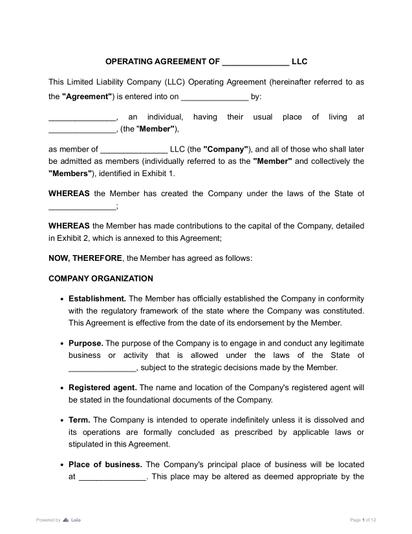
While gathering documents for opening a business bank account — such as articles of incorporation or an operating agreement — it’s also important to consider what type of account you’re actually opening.
Most first-time founders focus only on paperwork, but the account type you choose will directly affect how you manage money every day. That’s why it is important to understand the main types of business bank accounts and how to choose between them in practice.
Business Checking Account
This is your starting point. It’s the main account you’ll use for daily operations: receiving payments, paying expenses, subscriptions, taxes, and salaries. If you’re opening your first account, this is the one you need.Business Savings Account
This account is for money you shouldn’t spend immediately. Many founders use it to set aside taxes or keep a financial buffer. You don’t have to open it on day one, but once money starts coming in, it becomes very useful. Without it, it’s easy to treat all available funds as usable, which can create problems later.Multi-Currency Account
If you work with international clients or plan to expand globally, this becomes important. Instead of constantly converting money and losing on exchange rates, you can hold and manage different currencies. For local businesses, it’s optional — but for cross-border operations, it quickly becomes necessary.Digital (Online-Only) Business Account
These are often the easiest options for first-time founders. They’re fast to open, simple to use, and often approved within a day. This shift isn’t random — 85% of small businesses want better integration between online banking and accounting tools, which digital banks are designed to provide. However, if you expect to need loans, handle cash, or rely on in-person support, a traditional bank may be a better long-term choice.

If you’re a solo entrepreneur, opening a business bank account is not strictly required; you can operate with a personal account, especially at the very beginning. However, it’s still recommended for clarity and easier financial management.
If you are opening a bank account for an LLC, partnership, or corporation, the situation changes: you are expected to keep business and personal finances separate. Understanding the requirements to open a business bank account can help you set things up properly from the start.
How Do I Open a Business Bank Account?

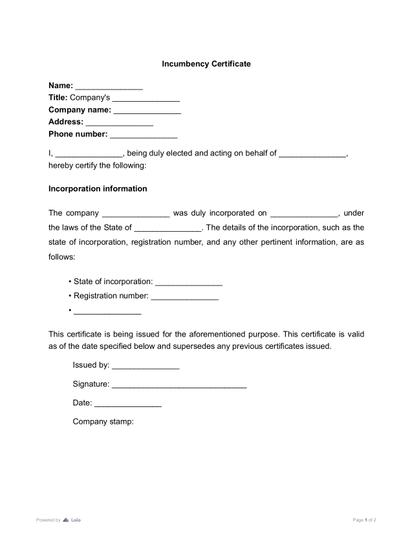
When opening a business bank account, banks may request proof that the individuals representing the company have the authority to act on its behalf. A certificate of incumbency can help verify the identities and positions of company officers, directors, or other authorized representatives, making it easier for financial institutions to confirm who is authorized to open and manage the account and helping streamline the account-opening process.
Select the right bank
It’s tempting to go with the bank you already use personally, but business needs are different. What matters here is not familiarity, but how well the bank supports your operations.
Some banks offer lower monthly fees but limit the number of transactions. Others provide better digital tools or integrations with accounting software, which can save significant time later.
Here is the list of things to check when choosing a bank, especially if you’re figuring out how to start a business bank account:
- 1
Monthly fees and hidden charges – look beyond the headline price and check what you’ll actually pay as you use the account. Review the bank’s fee schedule for real costs like maintenance fees, transaction fees, and transfers.
- 2
Transaction limits – some accounts cap the number of free transfers or payments per month. Check the account terms to see what’s included and what costs extra
- 3
Minimum balance requirements – falling below this can trigger extra fees. This is usually listed in the account details or terms section.
- 4
Online banking quality – how easy it is to manage payments, track transactions, and access your account. Test it through demos, screenshots, or user reviews.
- 5
Integration with accounting tools – direct sync with software can save hours of manual work. Check the bank’s integrations or features page.
- 6
Payment features – cards, wire transfers, international payments, and merchant services. Review what’s included on the features page, not just the overview.
- 7
Customer support – availability, speed, and whether you can get help when something goes wrong. Check support hours and, if possible, try contacting them.
- 8
Access to additional services – loans, credit lines, or business support as you grow. Explore the bank’s business services section, not just the account page.
Also, make sure the bank is legitimate and insured. You can check this using the BankFind tool from the Federal Deposit Insurance Corporation.
Gather required documentation
Banks need to confirm two things before opening an account: that your business legally exists and that you’re allowed to act on its behalf. Start with your Employer Identification Number (EIN) — this is the tax ID you get when you register your business with the Internal Revenue Service (or the equivalent if you’re outside the U.S.).
Then prepare your formation documents. If you don’t have them ready, you can find lawyer-reviewed templates that you can customize yourself on contract management platforms, which makes it easier to prepare everything correctly before applying.
The documents you need depend on your business structure:
Articles of Organization – used for LLCs; confirms that your business is officially registered with the state. You can also provide an operating agreement that outlines the ownership structure and who is authorized to open and manage the account.
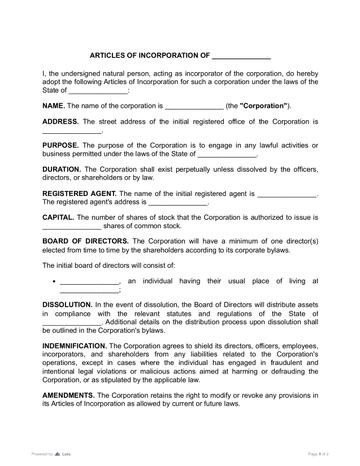
Articles of Incorporation – required for corporations; shows that the company legally exists as a separate entity.
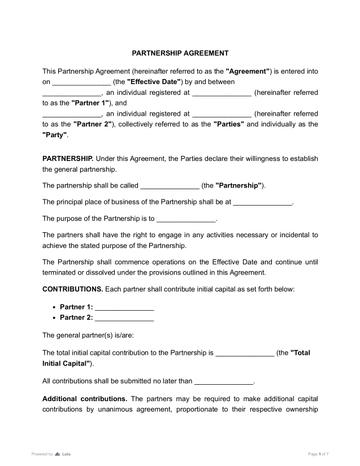
Partnership Agreement – outlines who the partners are and how decisions (including financial ones) are made.
Business License – proves that your business is allowed to operate in your industry or location (if required).
- Articles of Incorporation
 3969 downloads
 - Partnership Agreement
 4437 downloads
You’ll also need personal identification (passport or driver’s license) for all owners or anyone who will have access to the account.
Banks check that your business is real and that the right people are in control. If documents are missing, inconsistent, or unclear, your application may be delayed or rejected — so it’s worth preparing everything in advance. To avoid this, review your documents and focus on key clauses like ownership and authority to make sure they clearly show who controls the business. You can also use an AI summary tool to quickly check whether everything is consistent and actually proves who has the right to manage the account.
Prepare company information
In addition to documents, you’ll need to clearly describe your business. This usually includes your registered address, the type of activities you conduct, and an estimate of your expected revenue. While this may seem simple, it plays an important role in how the bank evaluates your application.
You don’t need to prepare a separate document for this — most banks collect this information directly through the application form (online or in-branch).
How do banks ask for this information?
Major banks like Chase, Bank of America, and Wells Fargo usually include this as part of the application process.
You’ll be asked to fill in:
- Business address – your registered or operating location.
- Business activity – what your company actually does.
- Industry/category – selected from predefined options.
- Expected monthly or annual revenue – an estimate.
- Source of funds – how your business will receive money.
This is part of standard KYC (Know Your Customer) and compliance checks.
Submit the application
After everything is prepared, you can submit your application.
Depending on the bank, this can be done entirely online or may require an in-person visit. Digital banks often offer faster approval, sometimes within the same day. Traditional banks may take longer and request additional verification steps.
It’s normal for the bank to ask follow-up questions during this stage. This doesn’t mean something is wrong — it’s part of their standard process. Approval timelines can vary from a few hours to several days.
Business Bank Accounts vs. Merchant Accounts
A common point of confusion for first-time founders when figuring out how to make a business bank account is the difference between a business bank account and a merchant account.
A business bank account is where your company’s money is stored and managed. It handles incoming transfers, outgoing payments, and overall cash flow.
A merchant account is a payment-processing tool. It doesn’t store your money long-term; it only handles card payments. When a customer pays by card, the money first goes through the merchant account and then gets deposited into your business checking account.
A merchant account is what allows your business to accept card payments. To get one, you typically apply through a bank or a payment provider like Stripe, Square, or PayPal, provide basic details about your business and expected transactions, and go through a short approval process.
You need a merchant account if you plan to accept credit or debit cards — for example, in an online store, service business, or physical shop. If you only receive payments via bank transfers or invoices, you can operate without it, but most businesses eventually set one up to make payments easier for customers.
Business information
- Business name (exactly as registered);
- Business address;
- Description of your business activity;
- Expected revenue or transaction volume.
Tax identification
- EIN (Employer Identification Number) from the Internal Revenue Service;
- Or SSN (for sole proprietors, if allowed by the bank).
Business formation documents (depending on structure)
- Articles of Organization or Operating Agreement (for LLCs);
- Articles of Incorporation (for corporations);
- Partnership Agreement (if applicable).
Licenses (if required)
- Business license or permits (depends on your industry and location).
Personal identification
- Government-issued ID (passport or driver’s license);
- For all owners or authorized signatories.
More guides
September 1
7 min read
How to Provide Proof of Employment: Documents and Steps

July 26
12 min read
How to Read a Profit and Loss Statement

July 26
9 min read
Borrowing Money from Family and Friends for Your Business in 2026: How to Do It Right

July 20
9 min read
Financial Documents Checklist for Small Businesses: 2026 Guide

July 25
10 min read
Grant vs. Loan: What's the Difference?
July 25
12 min read
How to Register a Company in the US: What No One Tells You in 2026

One home for your
agreements
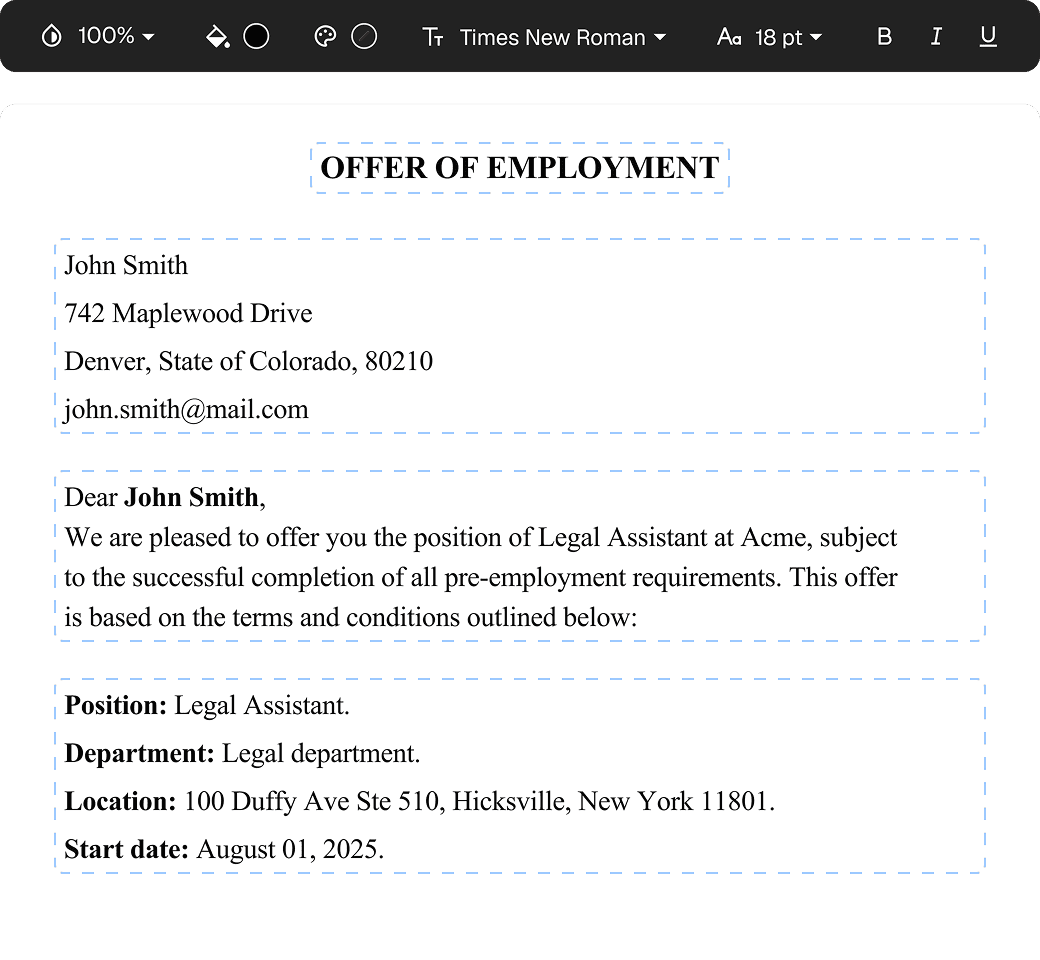
Edit PDFs seamlessly
Tweak agreements before signing or sending for signatures. Update details, add or remove clauses, adjust formatting, and redline changes instantly.
eSign legally and securely
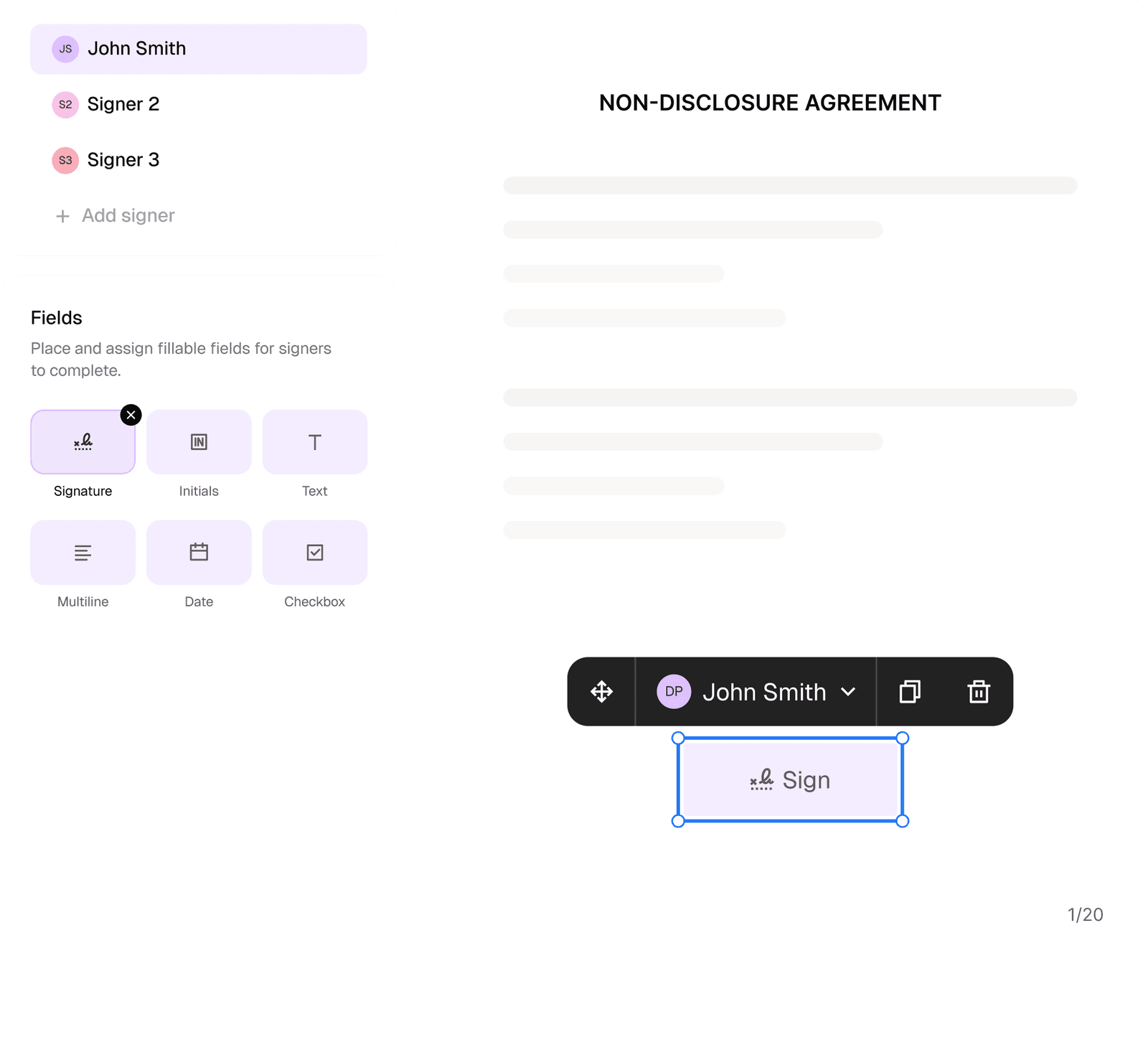
Sign documents and collect legally binding signatures. Invite up to ten people to sign in any order, track the progress, and send reminders.
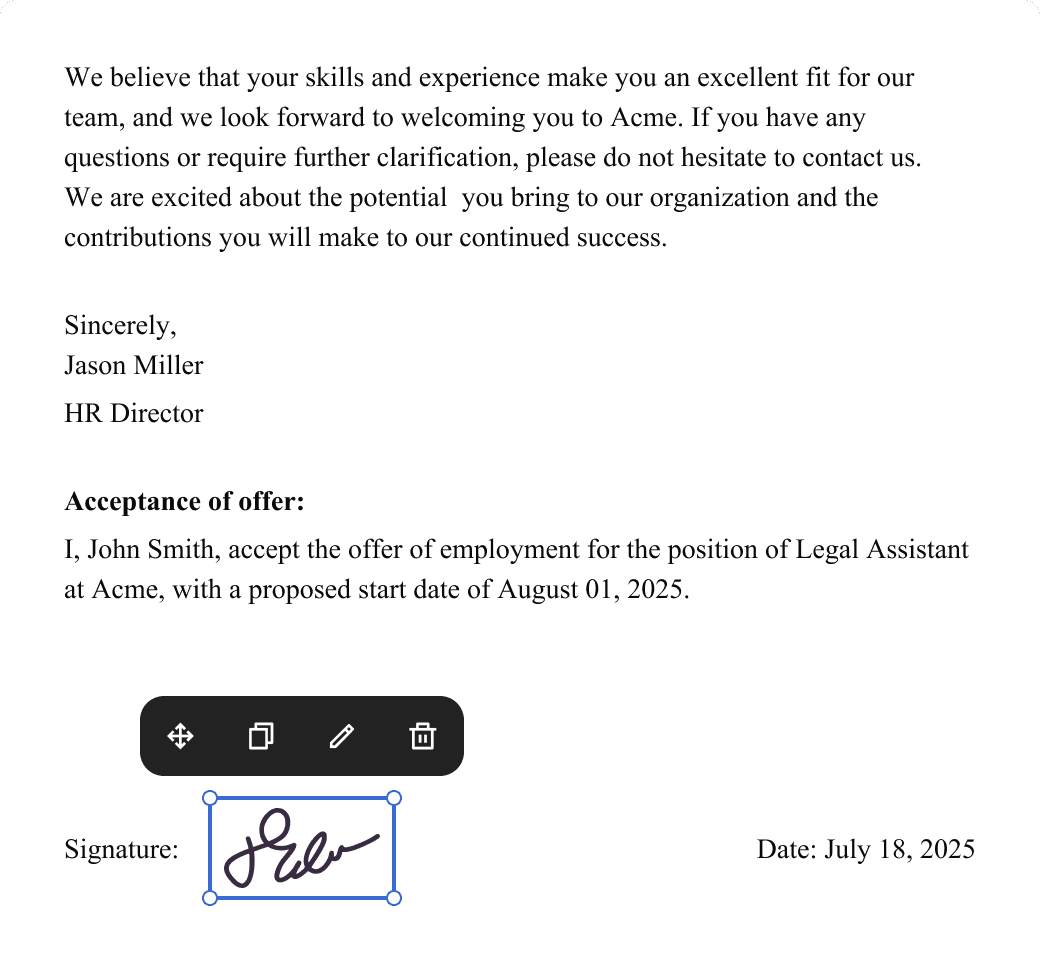
Request legally binding signatures
Invite up to ten people to sign your document in any order. Get a finalized, audit-ready copy without chasing signatures.
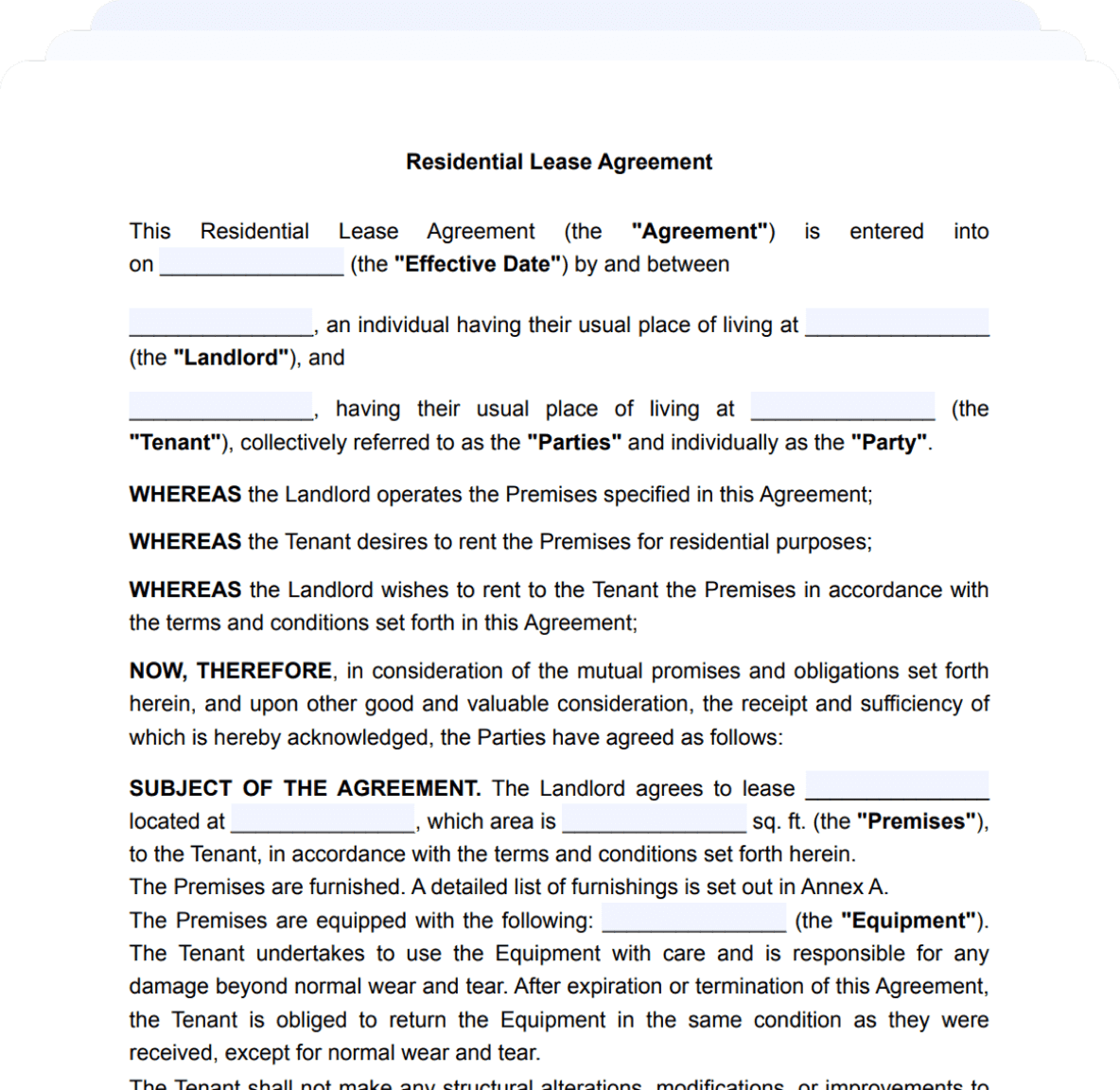
Skip the drafting.
Choose from 2,500+ templates
Browse templatesChoose a template
Fill in details
Sign and download