Updated September 10, 2026
12 min read
Photography Copyright: How to Protect Your Work from Unauthorized Use
Photography Copyright: How to Protect Your Work from Unauthorized Use
- What Rights You Automatically Have as a Photographer
- Why Registration Matters Even Though Copyright Is Automatic
- Use Contracts That Clearly Define How Clients Can Use Your Photos
- The difference between ownership and licensing
- Protect Your Images Before Publishing Them Online
- Prevent Unauthorized Commercial Use by Clients and Brands
- Monitor Where Your Photos Appear Online
- What to Do If Someone Uses Your Photo Without Permission
Content
Unfortunately, unauthorized image use is something most photographers encounter sooner or later. For example, your client may post an image outside the agreed scope, or a brand you worked with before uses a photo after a campaign ends. That’s why many professionals eventually ask how photographers protect their images before misuse affects their income or reputation.
The encouraging part is that U.S. law already gives photographers strong ownership rights from the moment an image is created. What often causes problems is not the absence of protection, but uncertainty about how to apply those rights in real projects with clients, agencies, and publishers.
Below, we explain what protection you already have and what steps you need to take to enforce that protection in real life.
What Rights You Automatically Have as a Photographer
Under photography copyright law, the photographer who creates an original image automatically owns the copyright to that photograph. This ownership begins the moment the shutter is pressed and doesn’t depend on publication, watermarking, or registration.
Many clients assume paying for a session means they now own the images but it’s simply not the case in most situations. Unless a written agreement transfers copyright, the photographer keeps it and decides how the image can be used.
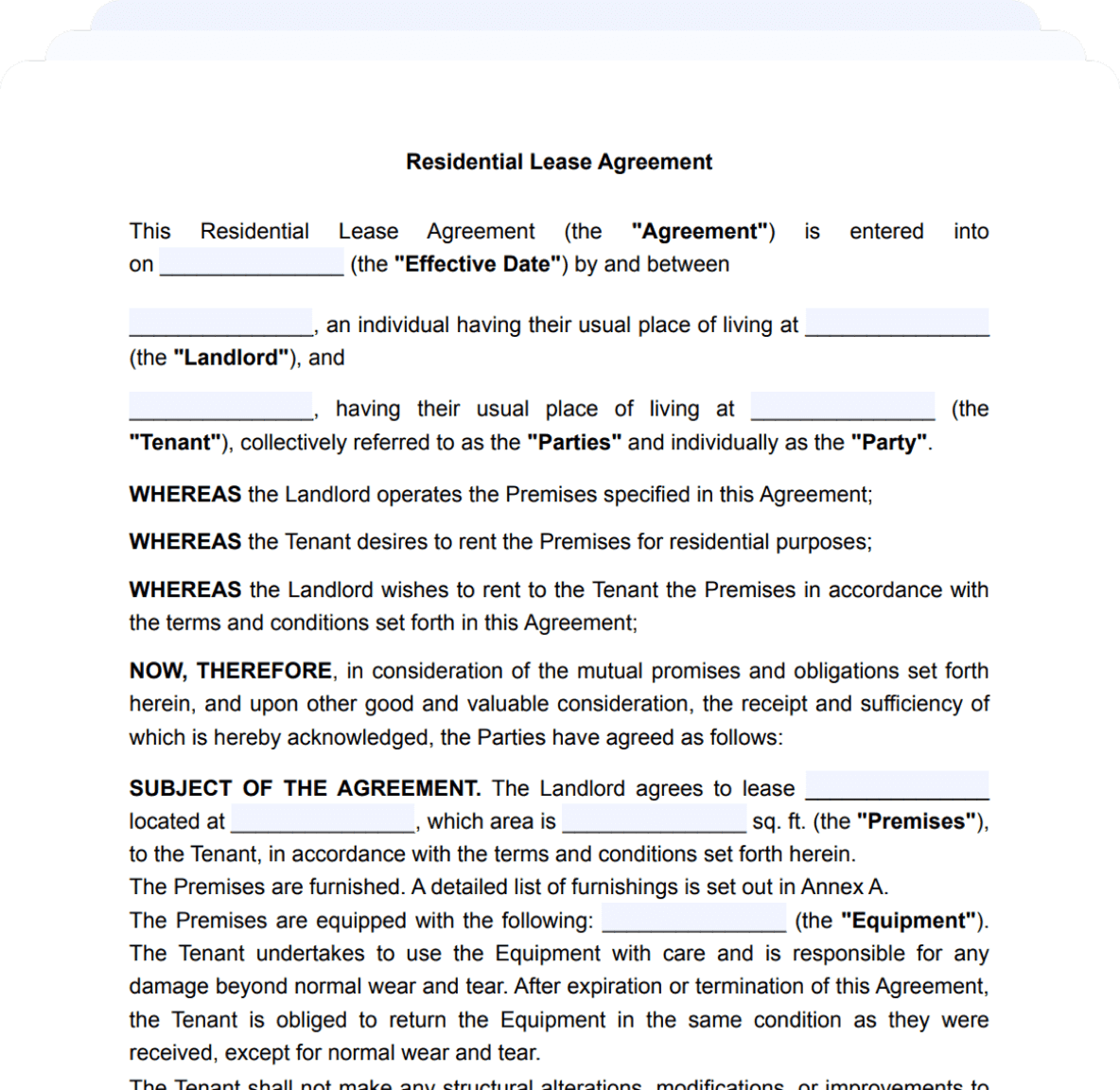
A clear service contract is very important here. If you are a less-experienced photographer, we offer a comprehensive Photography Contract Template that can be easily adjusted and edited online as you discuss the project with your client.
What copyright allows you to control
Copyright determines how your images can be copied, shared, modified, and used commercially. These controls protect both your creative authority and your ability to earn from your work.
Reproduction. Only you can authorize copies of your photo. This includes printing it, uploading it to another platform, storing it in a company archive, or adding it to a digital collection.
Distribution. You control whether others can pass your image along to partners, vendors, or affiliated companies. Without permission, a client cannot legally share your photo with outside collaborators or marketing teams.
Licensing. Licensing allows someone to use your image under conditions that you define while you remain the copyright owner.
Editing and derivative works. Your permission is required before someone crops your photo, applies filters, changes colors, adds graphics, or combines it with other visual material. These adjustments can affect how your work represents your style, so controlling edits protects both authorship and reputation.
Commercial use. Businesses must obtain permission before using your image in marketing, product packaging, or sponsored posts. Even small design placements may count as commercial use if they support a company’s services or brand identity.
Display rights. You decide where your photo may appear publicly. Posting an image on social media does not automatically allow others to reuse it elsewhere.
Fair use sometimes allows limited use of a photo without permission when the image supports commentary, reporting, education, or criticism. However, most business-related uses do not qualify, which is why unauthorized marketing reuse often remains a copyright issue.
Why Registration Matters Even Though Copyright Is Automatic
Although automatic copyright gives you ownership, registration makes that ownership easier to enforce. If someone uses your image without permission, registration allows you to bring a claim in court and seek statutory damages and attorney fees in many cases.
Registration also creates an official public record showing when you claimed authorship.
Ownership questions can also arise in situations involving work made for hire, when a client or employer, not the photographer, owns the copyright in commissioned work. Registering images early helps confirm whether rights stayed with you or transferred under a written agreement.
When to register your photos
Many photography businesses delay registration because they assume it is only necessary after misuse happens. However, filing before publication offers the strongest protection. If that is not possible, registering within three months after publication helps preserve eligibility for statutory damages.
Batch registration can make the process more manageable for active photographers. You can register groups of unpublished images together, and many published photos can also be filed as collections when they meet eligibility rules.
When photography becomes a career, setting a simple monthly or quarterly registration routine may help keep your recent work protected.
How to register photos as a working photographer
Registration is completed through the U.S. Copyright Office online system. The process involves selecting the correct application type, uploading image files, and paying a filing fee ($45 to $65 with electronic filing).
Separate unpublished work from images already released publicly, since each category follows different rules. Grouping images by shoot or project often makes registration faster and more cost-effective. Many photographers register recent shoots in batches instead of filing individual applications.
Keep original RAW files and export histories alongside your submissions to support authorship if a dispute arises later.
Use Contracts That Clearly Define How Clients Can Use Your Photos
A written agreement sets expectations before files are delivered and clarifies who owns the copyright of a photograph after the shoot is finished. In most cases, ownership stays with the photographer unless the contract clearly transfers it.
Clear terms support your position if misuse happens later and make your photography copyright easier to enforce in practice.
What every photography agreement should include
A photography agreement should explain exactly how the client can use your images and what remains under your control.
Ownership clause. State that you retain copyright unless there is a written transfer. This prevents confusion about whether payment includes ownership.
Licensing scope. Describe where and how the images may or may not appear. Mention websites, social media, print materials, or advertising campaigns to prevent images from being reused in new contexts without permission.
Duration of use. Some licenses last a few months, while others allow ongoing use. Time limits make it easier to charge for extended usage later.
Geographic limits. Explain whether the license applies locally, nationally, or internationally. This is especially important for commercial campaigns that may expand beyond the original audience.
Commercial vs editorial rights. Clarify whether images may promote products or services, or only support informational content such as articles or reports.
Modification permissions. State whether cropping, retouching, overlays, or graphic additions are allowed to protect how your work appears in public.
Credit requirements. Explain when attribution is required and how it should be displayed.
Exclusivity terms. If the client requests exclusive use, define how long that exclusivity lasts and what restrictions apply to your future licensing options.
When you need a separate licensing agreement
Some projects involve broader distribution than a standard photography agreement can cover. In those cases, a separate license helps define usage more precisely.
Brand campaigns. Advertising projects often include multiple placements across print, digital, and social platforms. A licensing agreement can define campaign length, territory, and extension fees.
Stock licensing. Stock use usually allows images to appear in multiple publications or marketing materials. Agreements clarify resale permissions and whether the license is exclusive or shared.
Influencer shoots. Influencers often repost images across several channels and partner collaborations. A license can limit where the content appears and whether third-party brands may reuse it.
Event photography resale. Event vendors sometimes request permission to use images for their own promotion. A licensing agreement ensures each party receives clearly defined rights.
Editorial syndication. Media outlets may distribute images through partner publications or archives. With a separate agreement, you can control how widely the images travel and whether future reuse requires additional approval.
Structured licenses and contracts help manage expectations and maintain control over how your work circulates after delivery. They also support a consistent workflow for photographers learning how to copyright your photos and protect usage rights across different types of assignments.
When unsure how to structure a proper licensing agreement, downloadable templates come in handy. Just fill them out, adjust to your needs and use our eSign tool to quickly finalize and sign the document with your client.
The difference between ownership and licensing

Ownership means full control transfers to another party. Once ownership changes, the photographer no longer controls future use.
Licensing gives permission without transferring copyright. The photographer keeps authority over how the image is reused later.
A license can be exclusive or nonexclusive. Exclusive licenses limit the photographer from licensing the same image elsewhere during the agreed period. Nonexclusive licenses allow multiple clients to use the same work under different agreements.
Whenever you’re dealing with work or legal documentation, it’s very important for you to understand every clause clearly. To help you with that, our AI Contract Review tool can help you summarize and pinpoint specific issues or red flags that might not be so obvious.
Protect Your Images Before Publishing Them Online
Sharing your work online helps people discover your photography, but it also makes copying very easy. A few simple technical steps can make a big difference if someone later reuses your images without permission. These steps support photographer copyright and make it easier to prove authorship if questions come up.
When combined with good contracts and registration, they create a stronger record of ownership. Copyright registration strengthens enforcement against unauthorized use, especially when you already documented your images properly before publishing them.
Add metadata that proves ownership
Metadata is information stored inside an image file that identifies you as the creator. It can include your name, copyright notice, website, email address, and licensing terms. Metadata also travels with the file when it is downloaded or shared correctly. Agencies, publishers, and search tools often rely on it to identify authors.
Most editing programs allow you to create a reusable metadata template. Once set up, it can be applied automatically during export.
Learning to add metadata early is one of the simplest habits to build when you figure out how to copyright photos online in your everyday workflow.
Use watermarks
Watermarks make it harder for others to reuse your images and help viewers connect the photo with your name.
They work best on previews shared in portfolios, galleries, and social platforms. For higher-value commercial work, stronger watermark placement may be appropriate before final delivery.
Control file resolution
High-resolution files are easy to reuse in print campaigns, advertisements, and large-format layouts. For portfolios and online galleries, smaller export sizes usually provide enough visual quality without giving others a file suitable for commercial reuse.
Prevent Unauthorized Commercial Use by Clients and Brands
Explain usage limits clearly at the beginning of the project. Clients are far less likely to reuse images incorrectly when expectations are written and discussed early. Sending a short license summary with final files also helps remind them what is included and what requires additional permission.
Tiered pricing can also support this process. When clients understand that expanded use means expanded licensing, they are more likely to request approval before extending a campaign. Some gallery platforms also allow restricted downloads based on license terms.
Even if all of the points discussed above are taken care of, misuse can still happen. When it does, you can sometimes resolve smaller disputes through the Copyright Claims Board, which provides a lower-cost path for addressing image misuse without filing a full federal lawsuit.
Monitor Where Your Photos Appear Online
Images often move beyond their original context once they appear on websites, social platforms, or client pages. Checking where your work shows up can help you respond early, but how can you do that?
Reverse image search tools make this process practical. Upload a file or paste an image link to see where copies appear online. Running these checks every few months is usually enough for most portfolios. For campaign work or widely shared images, more frequent checks may be worthwhile.
You can also spot some legitimate licensing opportunities. Sometimes companies reuse images simply because they could not identify the photographer. A short message can turn an uncredited use into a paid agreement. That’s why, any agreement you have with a client must be as exhaustive as possible.
Even after you understand how to copyright an image, visibility tracking supports enforcement and helps you stay aware of how your work circulates.
What to Do If Someone Uses Your Photo Without Permission
Finding unauthorized use can feel frustrating, but a structured response usually works best.
- 1
Confirm whether it’s actually infringement. Review your license terms, emails, and agreements with the client. Some uses may also qualify as fair use, especially in commentary, reporting, or educational contexts.
- 2
Gather evidence immediately. Take screenshots showing the image in use and save URLs, dates, and page titles. Keep copies of your original files and export versions.
- 3
Send a professional licensing demand. You can contact the user and explain that the image is being used without permission. Identify yourself as the photographer and describe the licensing terms that apply. You can then request removal or propose a retroactive licensing fee depending on your goals.
After you learn how to copyright images, you can feel more secure addressing misuse because you already have documentation supporting your ownership.
Send a DMCA takedown notice when necessary
When an image appears online without permission, the Digital Millennium Copyright Act provides a clear removal path through platform takedown requests. Unauthorized online use can trigger a DMCA takedown notice, which asks the website host or service provider to remove the content.
A typical notice includes your contact information, identification of the original image, the location of the unauthorized copy, and a statement confirming your good faith belief that the use is not permitted. Many platforms respond within a few days once they receive a complete request.
This does not replace legal enforcement, but it often stops ongoing misuse while you decide whether further action is necessary.
More guides
September 1
7 min read
How to Provide Proof of Employment: Documents and Steps
September 10
14 min read
How to Protect Your Small Business from Lawsuits
October 16
7 min read
What Is OCR (Optical Character Recognition)? How It Works & AI Uses
October 8
8 min read
How to Start a Videography Business: 8 Essential Steps
October 15
How to Start a Staffing Agency: Licensing, Pricing, and Cash Flow
August 5
8 min read
What to Do When Client Refuses to Pay
One home for your
agreements
Edit PDFs seamlessly
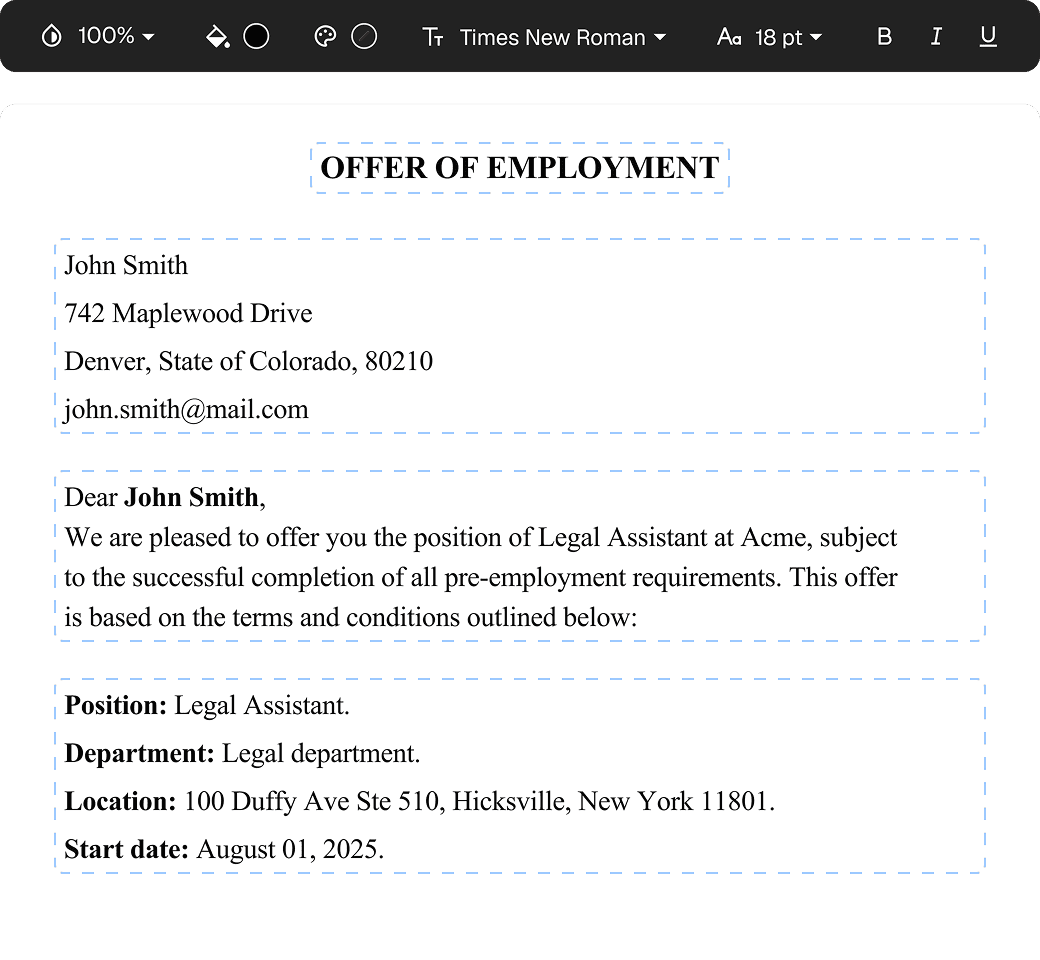
Tweak agreements before signing or sending for signatures. Update details, add or remove clauses, adjust formatting, and redline changes instantly.
eSign legally and securely
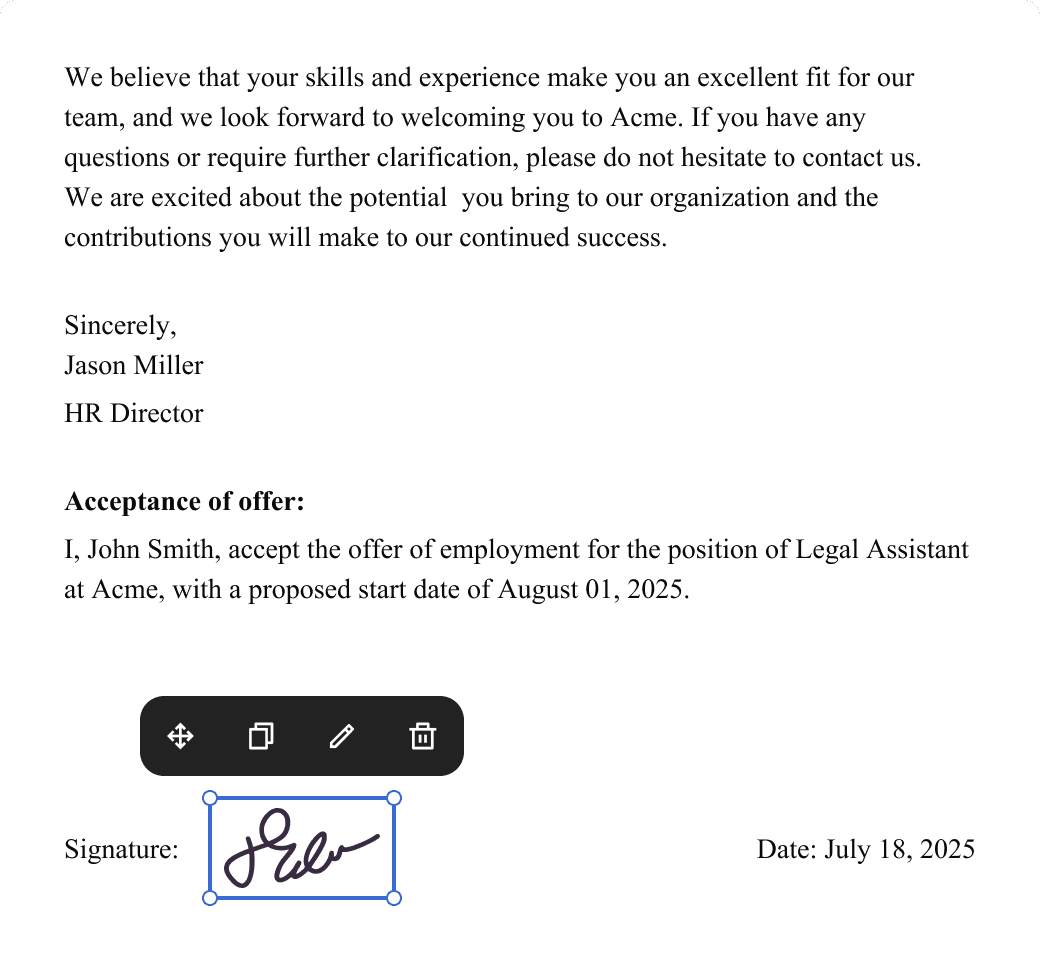
Sign documents and collect legally binding signatures. Invite up to ten people to sign in any order, track the progress, and send reminders.
Request legally binding signatures
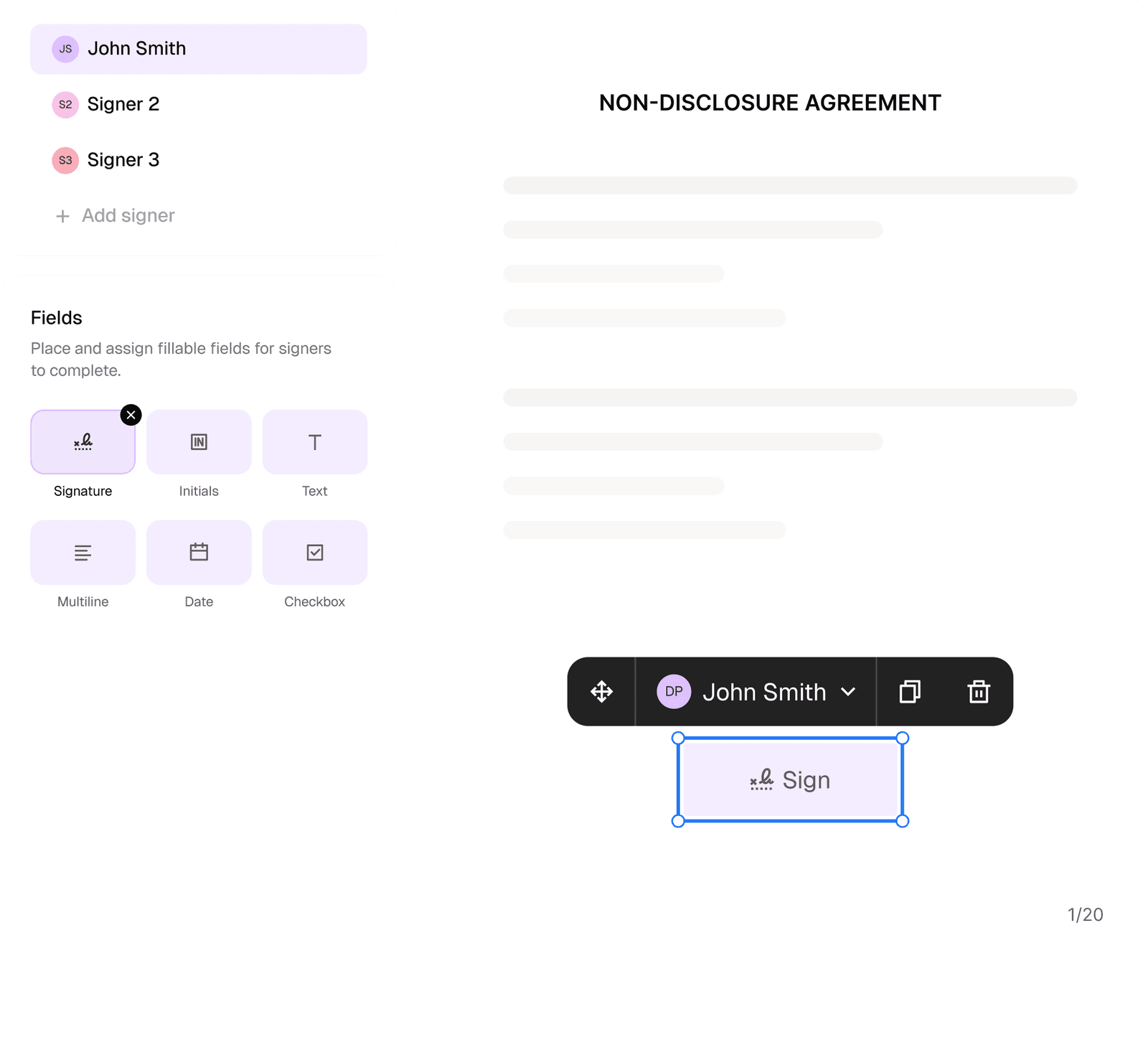
Invite up to ten people to sign your document in any order. Get a finalized, audit-ready copy without chasing signatures.
Skip the drafting.
Choose from 2,500+ templates
Browse templatesChoose a template
Fill in details
Sign and download