Find any clause in an old scan
Ctrl+F finally finds what you need. Search a recognized scan for a party name, date, or that indemnity clause, and land right on it.
Make your scans searchable, copyable, and ready for AI review with Loio's legal OCR. Create fully editable copies to tweak and reuse, breathing new life into your scans.
Select a scanned PDF under 10 MB.
Trusted by 130,000+ users · Since 2018 · GDPR & CCPA · AES-256
of which $1,200,000 shall be held in escrow for 18 months following the Closing Date.
Seller shall indemnify and hold harmless Buyer from any Losses arising out of
The aggregate indemnification obligations shall not exceed the Escrow Amount.
For a period of five (5) years after the Closing Date, Seller shall not engage in any Competing Business within fifty (50) miles of any Business location.
Ctrl+F finally finds what you need. Search a recognized scan for a party name, date, or that indemnity clause, and land right on it.
Select a paragraph, copy it, and paste it into your email or memo. No more retyping a clause and hoping you got everything right.
Hit the AI summary button, and Loio recognizes the text along the way, helping you grasp the key terms and flag risks at a glance.
Loio adds an invisible text layer to your PDF. Same pages, same stamps, same signatures: nothing shifted, nothing re-rendered.
Need to rework the terms or add a clause? Create a fully editable copy of your agreement reconstructed as a text document. The original stays intact.
Legal OCR turns a scanned page into text you can search, copy, analyze, and edit. Here's what changes when you OCR legal documents with Loio instead of a typical online converter.
Make any contract usable. OCR legal documents even if they were scanned years ago.
A client emails a scanned lease and wants comments by morning. Recognize the text, search for the renewal terms, copy the clause you're quoting, and get an AI summary to frame your notes.
Wondering what your old supplier agreement says about termination? Just open the scan, recognize the text, and search it. Create an editable copy for a new client, send it out for signing, and leave the signed original exactly as it was.
A counterparty sends a scan, and your workflow stumbles over it? With Loio, one click makes it searchable and summarizable, and the editable version sits next to the original, right in your dashboard.
Retyping a ten-page agreement is nobody's favorite afternoon. Copy text straight from the scan, or instantly create an editable copy instead of rebuilding a whole document.
How to make a scanned PDF searchable and editable
Three steps, inside the document you already have open.
Step 1. Upload your scan
Upload and open a scanned PDF in Loio. If there's no text layer, Loio spots it and offers the fix immediately.
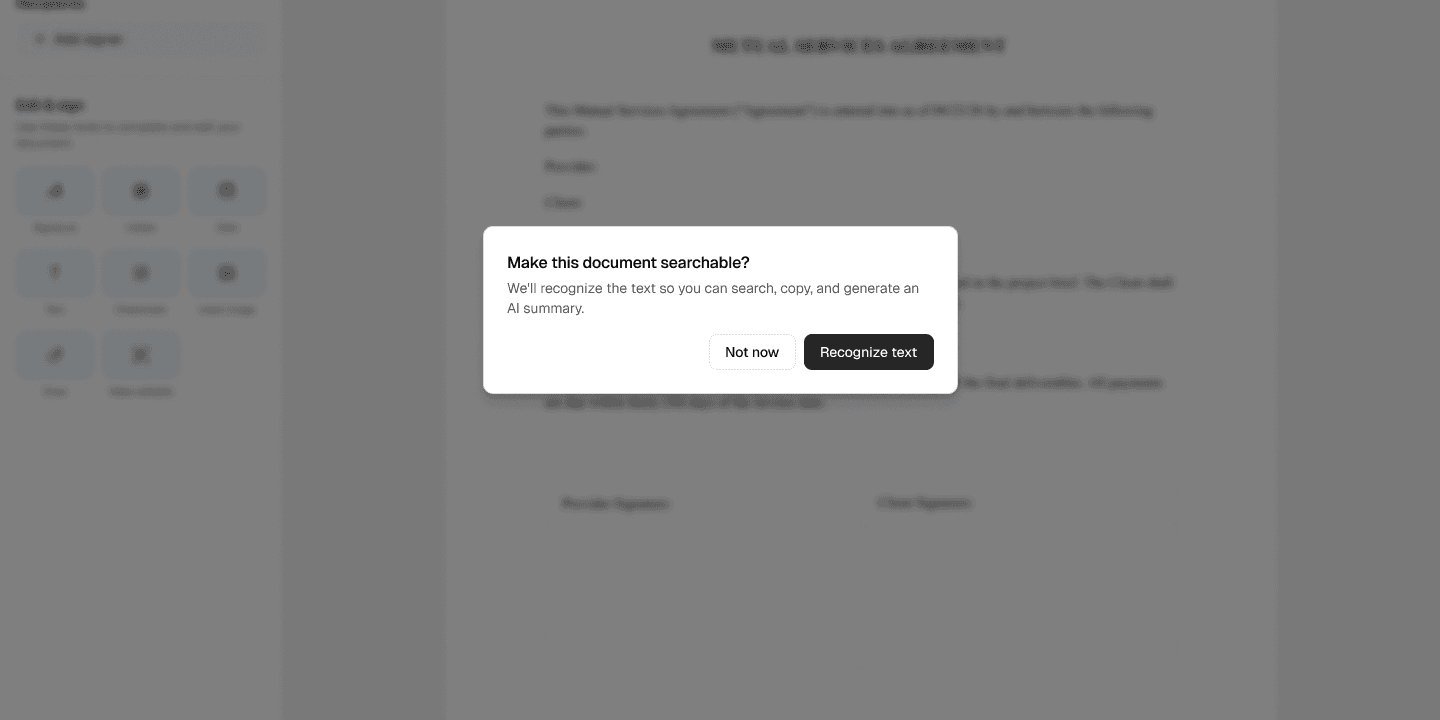
Step 2. Run OCR in one click
Launch text recognition and wait a moment. When OCR is done, the document will have text you can finally work with.
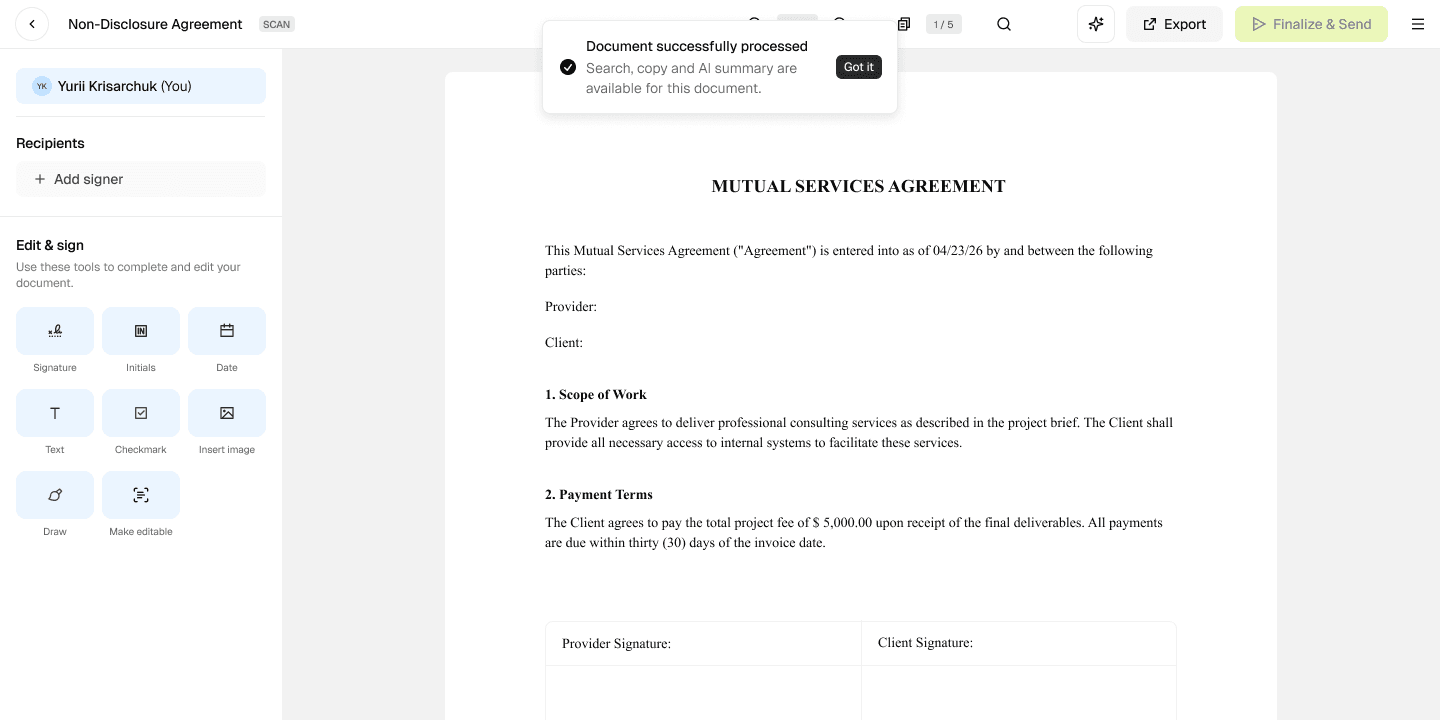
Step 3. Search, summarize, or edit
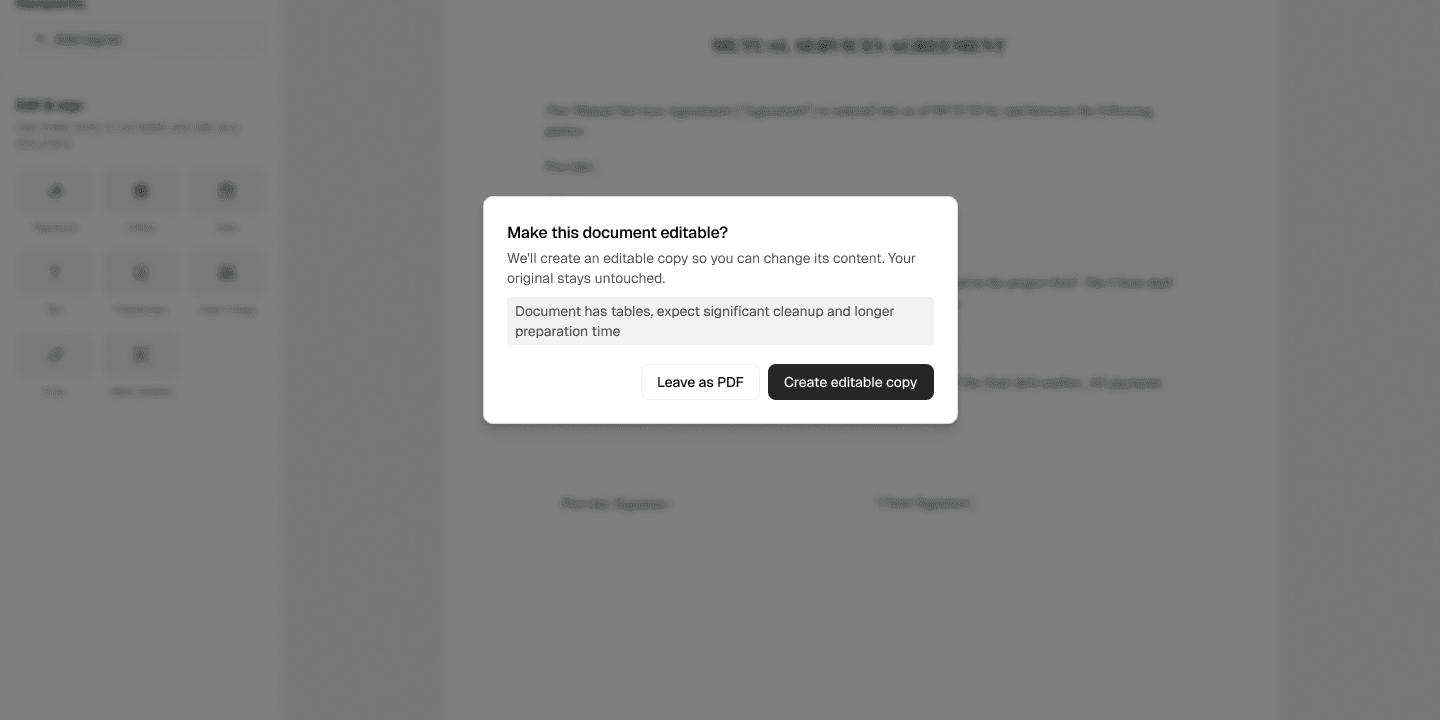
You can now use Ctrl+F or summarize the document with AI. To change the text inside, click Edit content. Loio recreates the document in its Contract Editor while keeping the original safe.
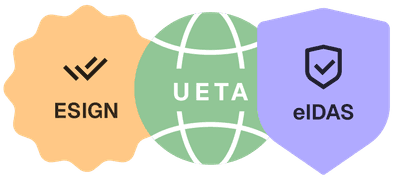
Loio follows global laws for eSignature compliance and data protection.

Hackernoon
Instead of drafting agreements from scratch, Loio’s interview system guides users through a step-by-step process, allowing users to generate fully customized documents tailored to their needs.
”

Kyiv Post
Loio Sign offers a digital equivalent of handwritten signatures, ensuring they are fully legitimate and legally binding.
”

AP News
Loio remains a valuable resource for everyday users and legal professionals.
”
Legal OCR software recognizes the text in scanned legal documents, so contracts that are really just pictures of pages become searchable and copyable. In Loio, it's built into your document workflow: when you open a PDF with no text layer, Loio offers to recognize it. After that, text search, copying, and AI summary work on the scan. Plus, you can create an editable copy in our Contract Editor or edit the PDF directly for quick fixes.
Whether a scanned copy carries legal weight depends on the type of document and the jurisdiction. OCR doesn't make a document legally binding or void. It only makes the scan usable without altering it. Please note that an editable copy reconstructed from a signed scan with Loio's help is not legally binding by default. It doesn't bear legal weight until you sign it with an eSignature and execute it again.
No, we do not use any of your private information to train AI models. Your contracts stay yours at all times. Everything Loio's AI processes is kept confidential on AWS servers and is never shared with third parties.
Most contract work starts with finding something: a renewal date, a liability cap, a change-of-control clause. In a scanned agreement, that information is locked inside an image. OCR unlocks it, so scanned contracts can join the rest of the contract lifecycle. Teams use it to search past agreements during negotiations, track obligations and deadlines, pull key terms for audits and due diligence, and run AI tools that only work on text.
Recognition keeps your formatting and layout unchanged, with just a text layer added underneath. An editable copy works differently. Loio recreates the document in its Contract Editor instead of editing the scan, so complex tables and multi-column layouts may need manual fixing. If the result isn't useful, just delete the copy; the original stays untouched.
Once a scan has a text layer, Loio's AI reads it like any other contract. You get an overview, red flags such as hidden risks and liabilities, and the key dates, clauses, and financial terms. You don't even need to run OCR first: request a summary of a scan, and Loio recognizes the text as part of the process, then gets straight to the review.
It depends on the tool, so check where your files go and how they're protected. In Loio, recognition happens on secure AWS servers, inside the same account where your contracts already live, not in a separate converter. Documents are encrypted in transit and at rest. Content processed by Loio's AI stays confidential and isn't shared with third parties.
A converter rebuilds your PDF as a new file, and the original formatting is often lost. Loio's legal OCR works inside your contract workflow: it leaves the scan looking exactly as it did, adds a searchable text layer, and keeps the original in version history. When you need to edit, you get a separate, linked copy in the Contract Editor, so the document you signed and the one you're editing never get mixed up.
Loio recognizes typed text in scanned PDFs. Handwriting isn't recognized, so margin notes and handwritten entries stay as images. Loio's OCR works one document at a time, so there's no bulk processing. The language is detected automatically. You also can't edit the recognized text layer itself. To change the wording, create an editable copy in the Contract Editor.
Finally, you can work with scans just like with regular PDFs, only better.