Updated July 26, 2026
9 min read
How to Become a Virtual Assistant: Role, Skills, and Legal Setup

How to Become a Virtual Assistant: Role, Skills, and Legal Setup
Content
Today’s business environment is light-years away from what it was a decade ago. Ever since companies have allowed flexible work options and more people have started their own businesses, the need for virtual assistants has surged. A virtual assistant is a professional who provides remote administrative support for businesses and business owners. In 2026, the global virtual assistant market is expected to reach more than $10 billion, and some research suggests it may skyrocket to almost to $24 billion by 2030.
All these perks that office-bound jobs don’t provide, however, come with a caveat. Because virtual assistants manage scheduling, email, and business operations, they are often given access to sensitive financial data, private passwords, and proprietary client lists. Plus, you’ll be managing your own hours and communication, which is why viewing it as a quick side hustle isn’t realistic. In this guide, we explain how to become a virtual assistant, what documents you will need, and what tools can help you launch your career.
Consider Your Focus Area
The first step to becoming a virtual assistant is actually understanding what you can do. Of course, becoming a virtual assistant requires relevant digital, organizational, and client service skills, but this career is flexible enough to work across different niches.
Most of the time, VAs offer their help in:
Executive assistance and calendar management. You handle complex scheduling, triage overflowing inboxes, and manage high-level executive support tasks that keep a business leader sane.
Travel and lifestyle coordination. Some VAs actually help entrepreneurs book travel, manage personal itineraries, and handle concierge-style tasks, which allows a busy entrepreneur to focus on their work.
Making creative content. Some businesses like hiring VAs as their brand voice. If you have a way with words, you can support businesses through blog writing, copywriting for sales pages, or newsletter creation.
Digital marketing. Modern VAs can provide digital marketing services, such as managing email campaigns, driving social media engagement, and even basic graphic tools for simple designs.
Project management and business systems. This niche focuses on business operations support. VAs might create SOPs (standard operating procedures) and handle team workflows.
Establish Your Legal Identity
Virtual assistants should decide their legal entity based on the type of work they plan to do. Don’t skip this step — if you don’t figure things out, the IRS can have a lot of questions for you. Even if you’re still learning how to register a company in the U.S., registering as an LLC is still relatively easy.
A regular employee. Some companies hire VAs as full-time or part-time staff. If you’re a W-2 worker, you have a boss, a set schedule, and your employer handles your taxes and benefits. It’s a good alternative if you want to keep more regular hours and not juggle multiple projects.
The sole proprietor. A sole proprietorship is one of the easiest business structures for a VA. This is the default setting if you just start taking clients under your own name, and it doesn’t require too much investment if you’re still exploring. However, it doesn’t separate your personal and business assets, so if a client sues you, your personal savings and assets are on the line.
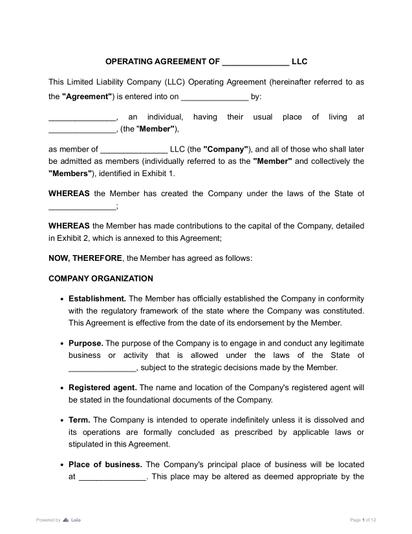
The Limited Liability Company (LLC). If you’re considering a career as a VA and working with multiple clients, this is the best choice. Even if you are a company of one, an LLC gives you instant credibility with high-paying clients who prefer B2B (business-to-business) relationships over hiring a random freelancer. While a sole proprietorship doesn’t require you to sign an agreement, an LLC Operating Agreement allows you to clarify roles, members (if you plan to have a partner), and procedures. If you are struggling with understanding your paperwork, you can always use an AI document summary to look for red flags.
Meet Virtual Assistant Requirements
VAs don’t need a formal proof of their skills; most of the knowledge required of a typical VA doesn’t require licensing. A virtual assistant manages scheduling, email, and business operations, but once you touch specific regulated industries, you might need extra credentials:
Bookkeeping and financial services
Legal & medical support (particularly HIPAA for medical data)
Real estate
Security and privacy (understanding NDA vs. Confidentiality Agreement, etc.)
General business licenses
Now that you know what a virtual assistant does and what you can offer, check in with your local state to make sure that you can safely run your business from your home in the field you’ve chosen.
Prepare Your Paperwork in Advance
As tempting as it might be to rely on an informal agreement, a person starting a VA career should ensure they have all the documents in order.
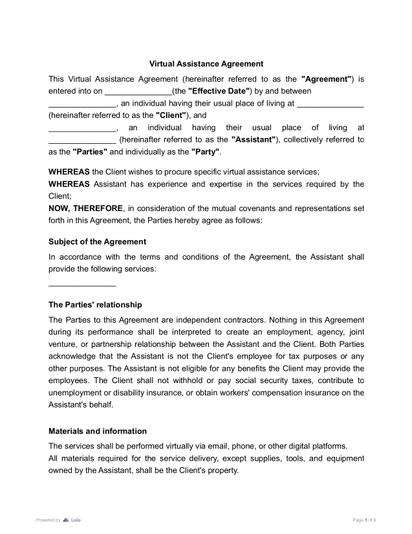
Prepare your contract
Having a written contract protects both you and your client: they can’t demand more of you unless you agree to it, and they also have proof that you’re committed to providing them with a high-quality job. When signing your Virtual Assistant Contract, you clarify your duties, an hourly rate, and confidentiality specifics. Because you will also be working remotely, your contract should clarify the nature of communication. Using the eSigning tools will make the agreement process faster than via traditional means.
Get ready with an NDA
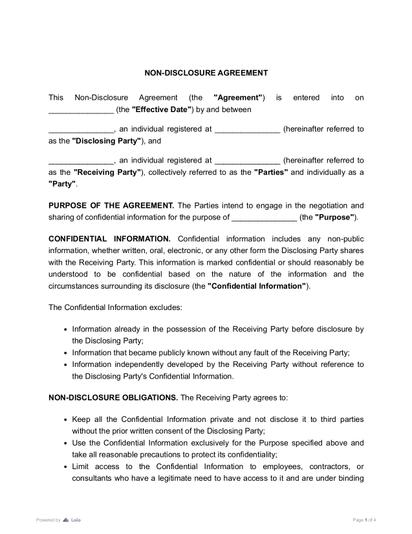
As a VA, you’ll most likely be handling client relationships and business operations. You won’t get far with your clients if you don’t sign a non-disclosure agreement (NDA) — you need to have an NDA form prepared and ready for your potential employers. Edit your PDF to adjust to each specific client. Provide it before gaining access to the clients’ CRM/internal project management tools or requesting specific data.
Organize Your Tax Forms
In most cases, you’ll need to understand tax payment rules for independent contractors as a VA. Your tax obligations change depending on whether you are an employee, a freelancer, or part of a partnership.
Form 1040. This one’s a standard that you always file if you are a US resident taxpayer. This doesn’t change regardless of whether you’re a business owner or a full-time employee in one company.
IRS W9 Form. File it if you are an independent contractor/freelancer. You provide this form to your clients during onboarding. It gives your client the tax ID (or SSN) they need to issue you a 1099-NEC at the end of the year.
1040 Schedule C. This one’s for a sole proprietor or a single-member LLC and is used to calculate your net profit or loss. It allows you to list your business expenses to reduce your taxable income.
Schedule SE. If you are self-employed and your total net earnings are $400 or more during the tax year, you’ll need it. You’re essentially doing it instead of your employer, who would have withheld Social Security and Medicare taxes on their own, so you must calculate and pay them yourself.
Form 1065. If you’re not working alone and have a partner (for example, you’re in a multi-member LLC), file Form 1065.
Schedule K-1. After the business files Form 1065, you will be filing Schedule K-1. This form tells the IRS exactly what your specific share of the profits (or losses) was, which you then report on your personal Form 1040.
- Form 1040
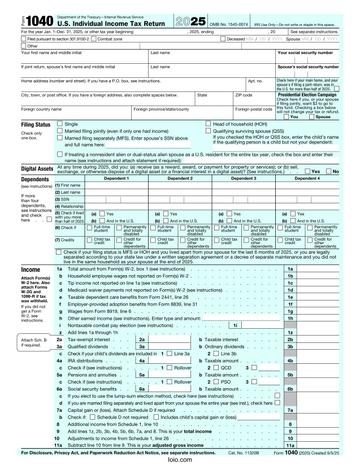 5333 downloads
 - Form 1040-C
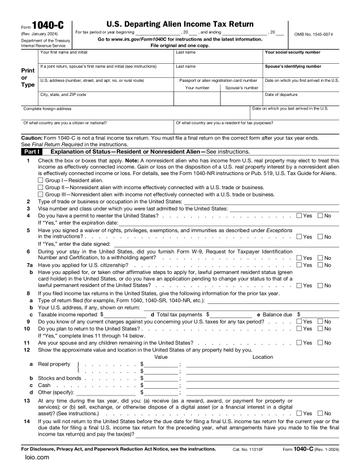 5083 downloads
Virtual Assistant Salary
Information about how much every virtual assistant might earn varies. ZipRecruiter, Glassdoor, and Indeed report average base yearly salaries of $50,749, $53,000, and $77,192, respectively. However, this doesn’t mean you can’t earn much more than that: some companies pay their VAs as much as $247,000 per year.
These numbers don’t reflect many task-based rates, which vary by complexity and the uniqueness of your skills. If you’re a freelancer, your rates will be significantly lower because you will be competing with other newbies. The more experience you get, the higher rates you can demand.
Virtual Assistant Jobs for Beginners
If you don’t have a narrow skill set you want to offer, a more general focus and skills applicable across most business settings are also a great start. After having a few clients and learning more, you can branch out based on what you prefer.
Data entry and research. This is one of the easiest entry points. You’ll be organizing spreadsheets, verifying lead lists, or doing market research for a client’s next project. While seemingly easy, it appeals to many clients who don’t have time to manage their own data.
Inbox & calendar management. This job will require you to handle travel arrangements, schedule, and sort emails into priority folders.
Social media assistance. A lot of entrepreneurs don’t have time to manage their social media, particularly to respond to comments or schedule pre-written posts.
Customer support. Many brands hire VAs to manage live chats or respond to support tickets. Nonetheless, it can span into other fields if you practice enough.
Places to Find Virtual Assistant Jobs
Finding jobs as a new virtual assistant can seem overwhelming, but, just as with salary requirements, it depends on whether you intend to work full-time, part-time, or project-based.
ZipRecruiter. Many VAs praise this platform for its ability to find solid matches for them.
Smith.ai. While the platform is hiring virtual receptionists rather than VAs, many experienced VAs call it a good starting point for learning relevant skills.
FlexJobs. It has plenty of remote admin jobs and regularly provides more opportunities.
Jobspresso. Aside from looking into this platform to find remote virtual assistant jobs, you can also expand your opportunities by adjusting your search keywords. Sometimes, the job simply has a different title, such as marketing assistant.
Remote Rocketship. According to many users’ experiences, this website catches openings that other platforms don’t.
Social media. Facebook has different VA groups where you can put yourself out there. Reddit has multiple subreddits, such as r/RemoteJobs or r/VirtualAssistant. Aside from creating posts, try simply communicating: even leaving a comment in a relevant thread can get you more attention than you’d expect.
Your Virtual Assistant Tool List

Is It Really Worth It?
The demand for virtual assistants isn’t going away. Businesses will always need professionals who know how to handle the core of their processes. Despite potential competition in the initial stage, you can quickly build your client base and create a job arrangement that works for you.
More guides
September 15
7 min read
Contract Risk Management: How to Do It Properly

September 15
10 min read
Who Can Sign a Contract on Behalf of a Company?

September 15
What Is Contract Redlining?

September 1
7 min read
How to Provide Proof of Employment: Documents and Steps

September 9
Booth Rent vs. Commission: Earn More and Worry Less

October 15
How to Start a Staffing Agency: Licensing, Pricing, and Cash Flow

One home for your
agreements
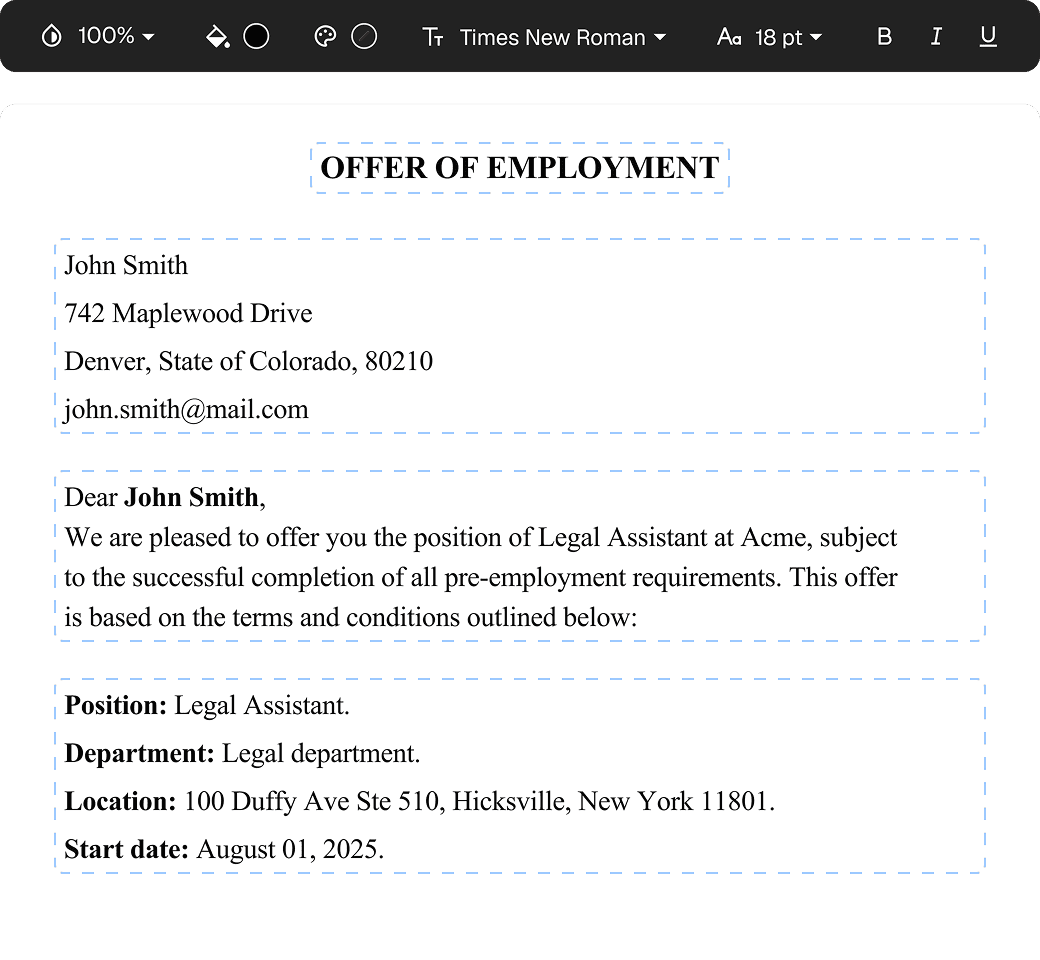
Edit PDFs seamlessly
Tweak agreements before signing or sending for signatures. Update details, add or remove clauses, adjust formatting, and redline changes instantly.
eSign legally and securely
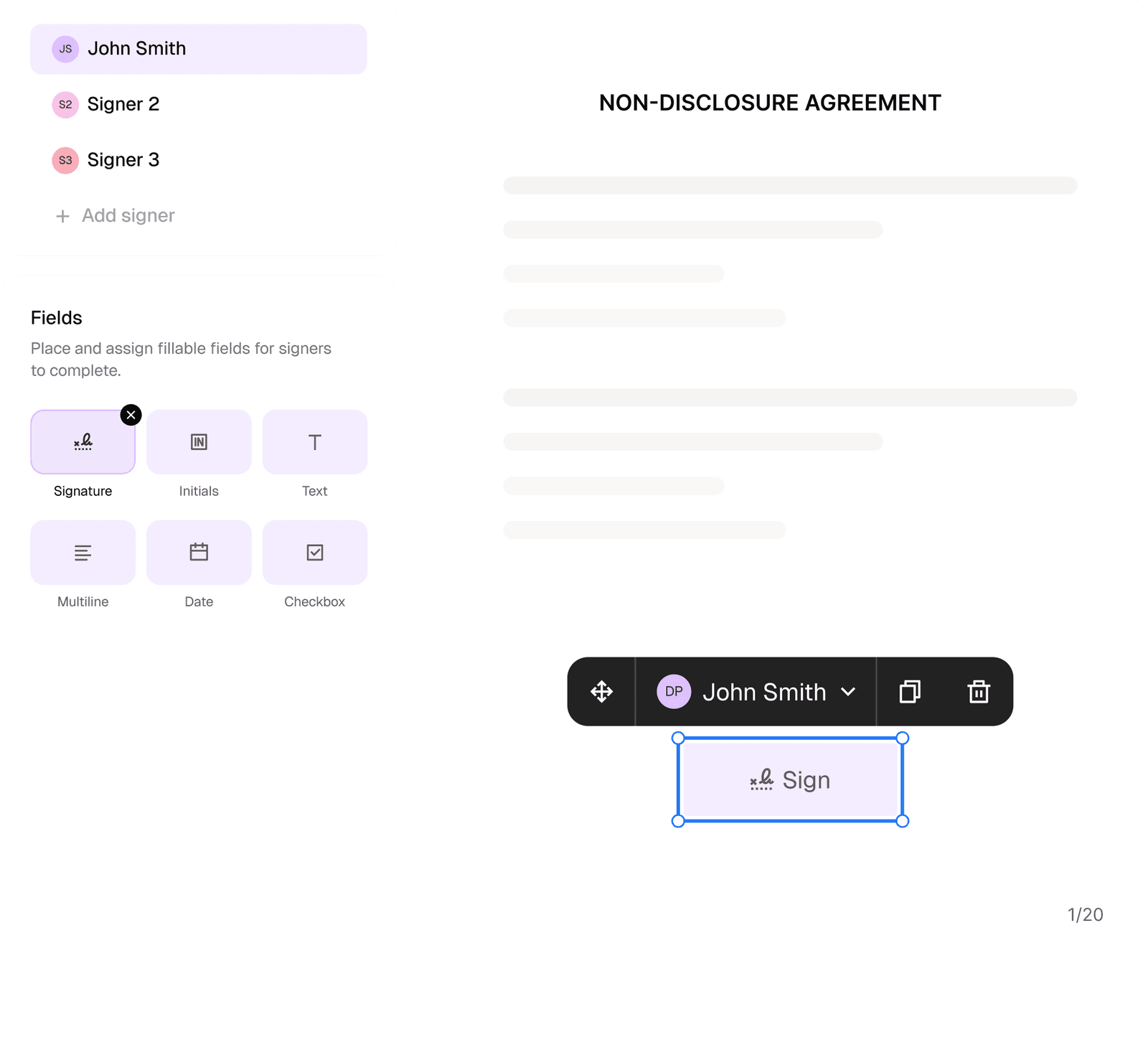
Sign documents and collect legally binding signatures. Invite up to ten people to sign in any order, track the progress, and send reminders.
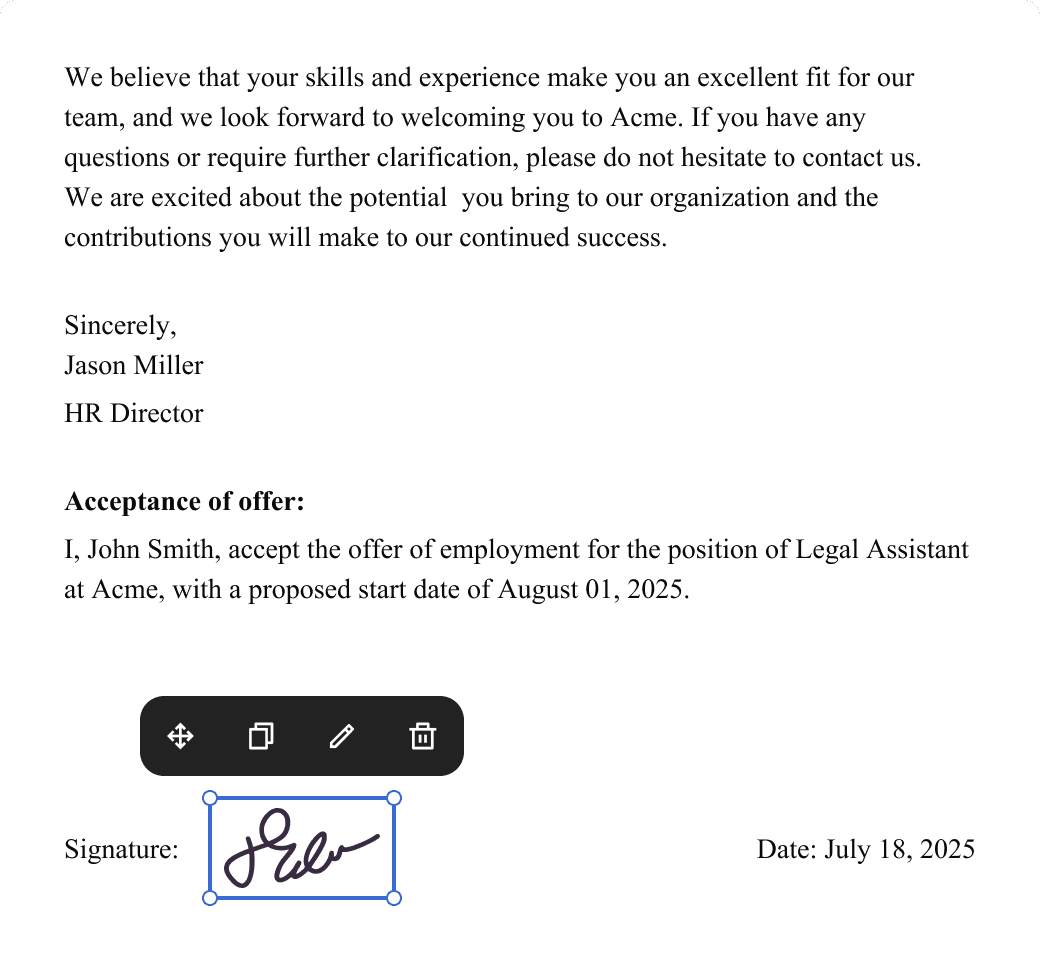
Request legally binding signatures
Invite up to ten people to sign your document in any order. Get a finalized, audit-ready copy without chasing signatures.
Skip the drafting.
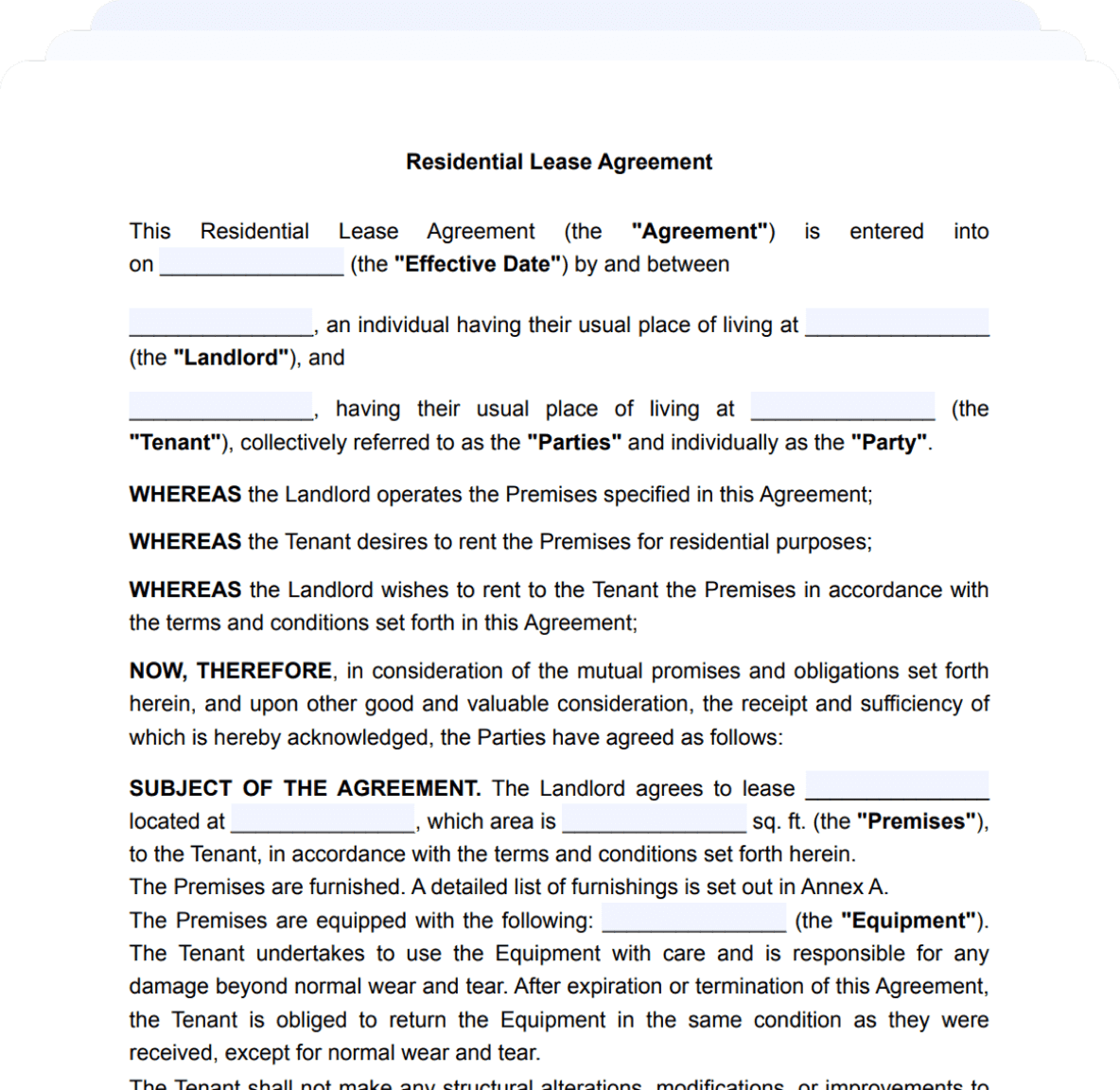
Choose from 2,500+ templates
Browse templatesChoose a template
Fill in details
Sign and download