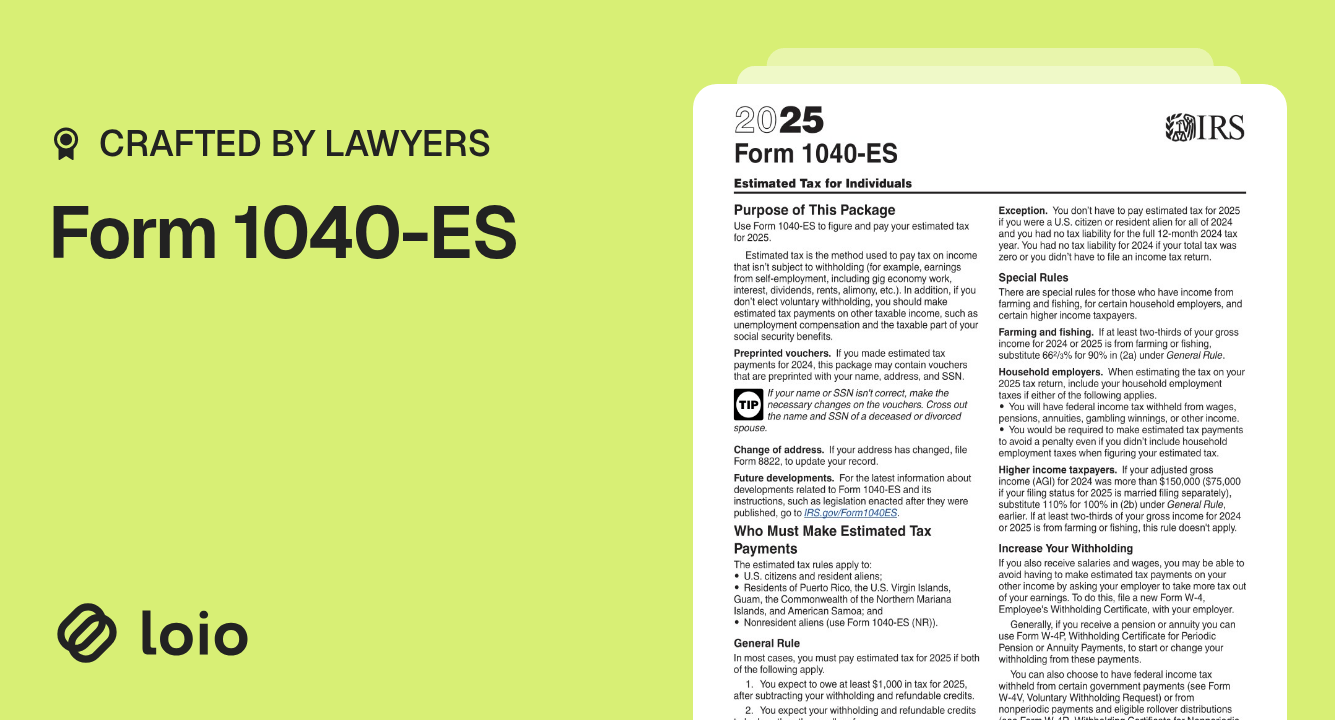
Form 1040-ES is a quarterly tax form between a taxpayer and the IRS used to calculate and pay estimated taxes. It is used by self-employed individuals or those without withholding to avoid penalties at year-end.
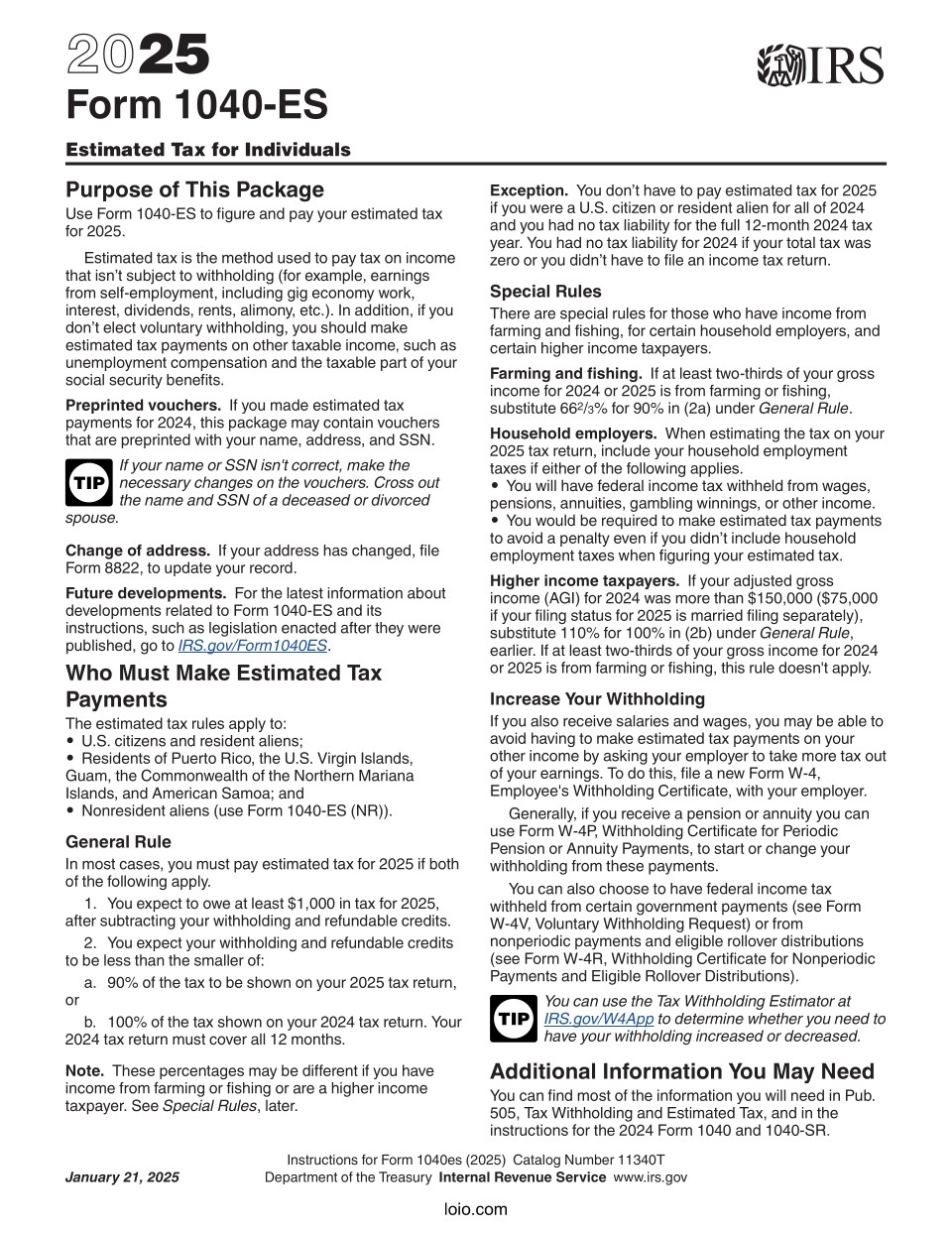
Form 1040 ES helps you figure out and pay estimated taxes. You use it when your income doesn't have taxes taken out automatically. This form lets you plan and pay taxes beforehand if you earn such income.
Use the form 1040-ES form when you get income that isn't taxed. This helps you pay estimated taxes every three months. Doing this can prevent a big tax bill in April. It also prevents you from penalties for not paying enough yearly taxes.
Download the 1040-ES PDF. Visit the IRS website or Loio to access and download the form.
Calculate Your Estimated Taxes. Use the worksheet in the IRS form 1040 ES to assess your owed amount. This step involves estimating your annual income, deductions, and credits.
Fill Out the Vouchers. Complete these forms with your payment amounts.
Submit Payments. Follow the 1040 ES forms instructions to mail your vouchers or pay electronically. PDF filling tool on Loio can streamline this process, eliminating common user errors.
By correctly understanding and utilizing estimated tax payment voucher, taxpayers can manage their financial year with confidence and clarity. Loio enables us to facilitate a smoother experience through PDF tools for filling out forms effortlessly.