Analyze contract terms with instant AI summaries
Let AI summarize complex legal documents to extract key insights and catch red flags.
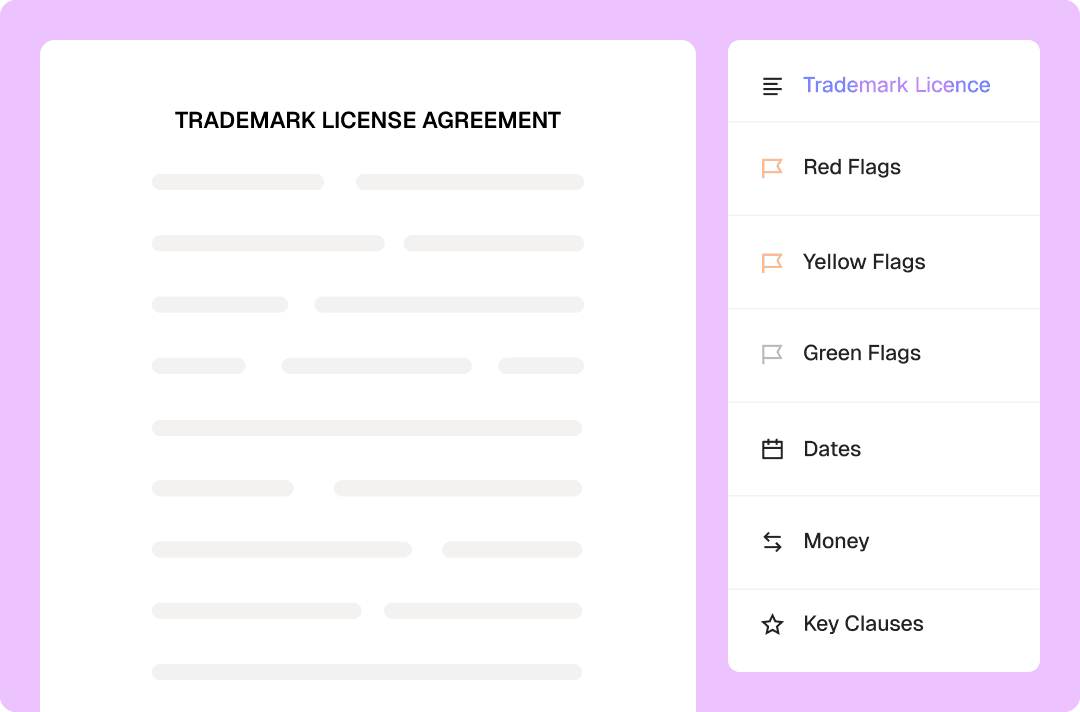
Analyze contract terms with instant AI summaries
Content
Why Loio for AI-powered contract reviews?
Reviewing contracts used to mean squinting at endless PDF pages and hoping you didn't miss a hidden "gotcha" clause. With Loio, it’s the AI that does the heavy lifting. Instead of burning hours on manual read-throughs, you get an instant, high-level breakdown that tells you exactly what you’re signing or sending for signatures. Using Loio’s AI summaries for contract risk analysis gives you the "CliffsNotes" for every agreement:
Instant document overview: Get a snapshot of the contract’s purpose, scope, and parties involved.
Automatic red flag detection: The AI helps you identify risky clauses or unfavorable language that need your immediate attention.
Duration & key dates: Never miss a renewal or expiration with a clear timeline of the contract’s lifecycle.
Financial figures: Every dollar amount, payment schedule, and penalty fee is pulled into a neat summary for quick budgeting and auditing.
Key clause roundup: A list of the most critical terms and provisions lets you verify the "meat" of the deal in seconds.
How to check contracts before signing with Loio?
- 1.
Create a Loio account and choose your plan: Free, Plus, or Pro.
AI summaries are available across all Loio plans. However, the Free plan only includes 1 AI summary per month.
- 2.
Upload an agreement or contract to Loio, then open it in the editor.
- 3.
Click the Summarize button in the editor’s top panel.
- 4.
In just a few seconds, AI provides a comprehensive breakdown of your document, so you can quickly review and grasp the key points.
- 5.
Pay special attention to red and yellow flags in each summary before you sign. They signal about different levels of risk that could expose you to liability or loss of rights.
- 6.
After reviewing, instantly sign a document or send it for signatures. If changes are required, the editor lets you add, modify, or delete text in a PDF within the same tab.


Get agreements done from start to finish
Instant document reviews for every team
Client contract review: Quickly summarize client agreements to identify key terms and concerns
Due diligence: Summarize large volumes of contracts during M&A transactions and investigations
Clause analysis: Identify non-standard liability, indemnification, and termination provisions
Settlement review: Extract key terms from settlement agreements and release documents
Explore the all-in-one contract workspace
More cases
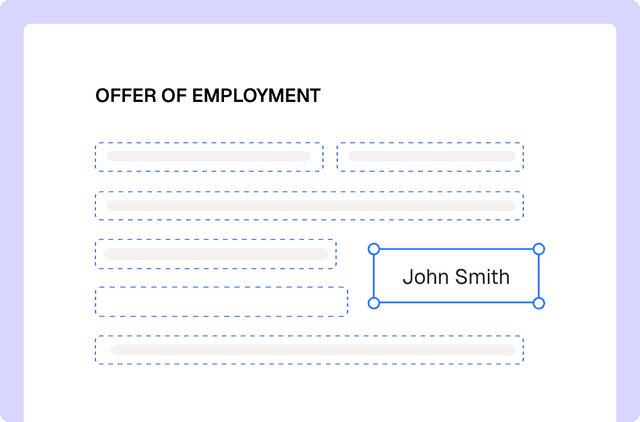
PDF editing
Edit documents and redline changes with Loio’s PDF tools
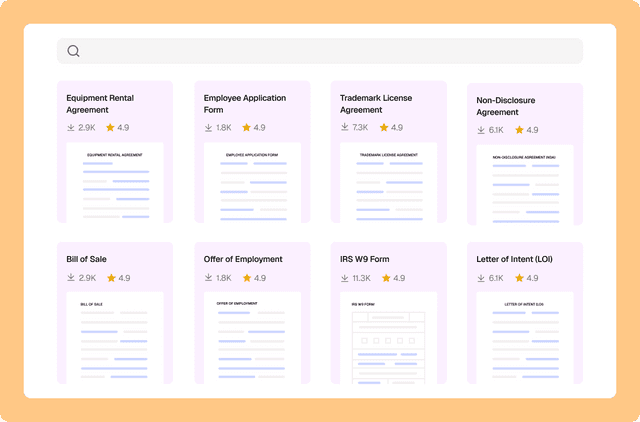
Document management
Drafting a contract with a library of 2,500+ legal templates
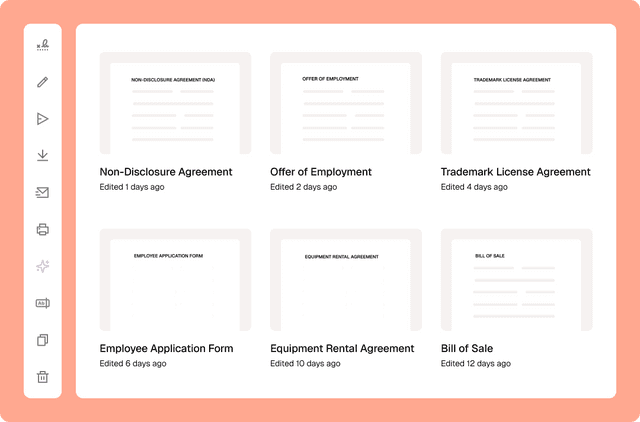
Document management
Сentralized contract management with Loio’s all-in-one workspace
PDF editing
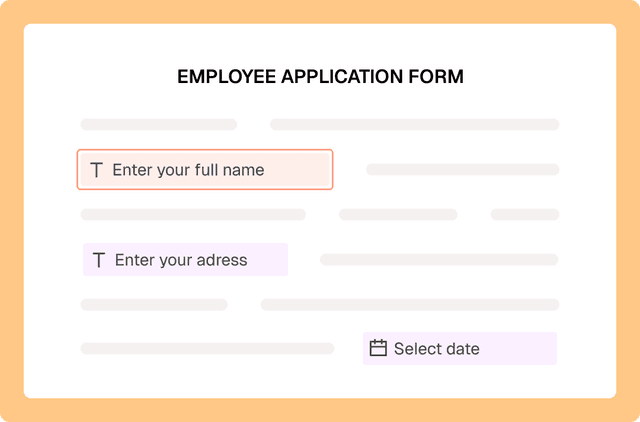
Fill out PDF forms online with Loio’s editor
PDF editing
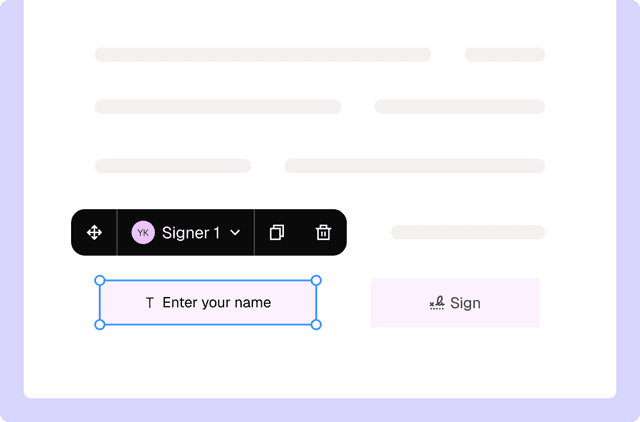
Turn PDFs into interactive forms to collect data and signatures
PDF editing
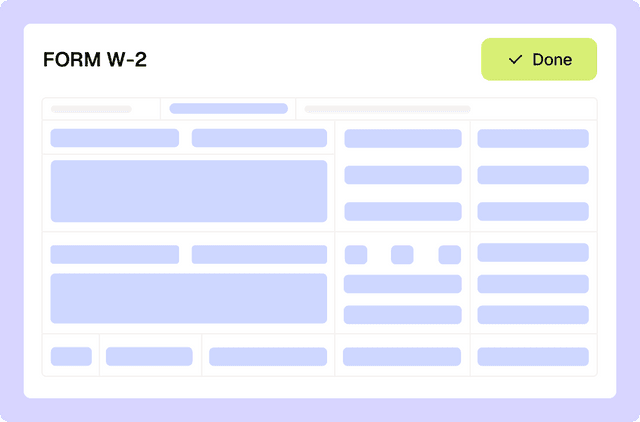
Filling out tax forms with Loio's editor