Drafting a contract with a library of 2,500+ legal templates
Transform contract preparation from a manual "lawyer-only" task into a swift, guided workflow.
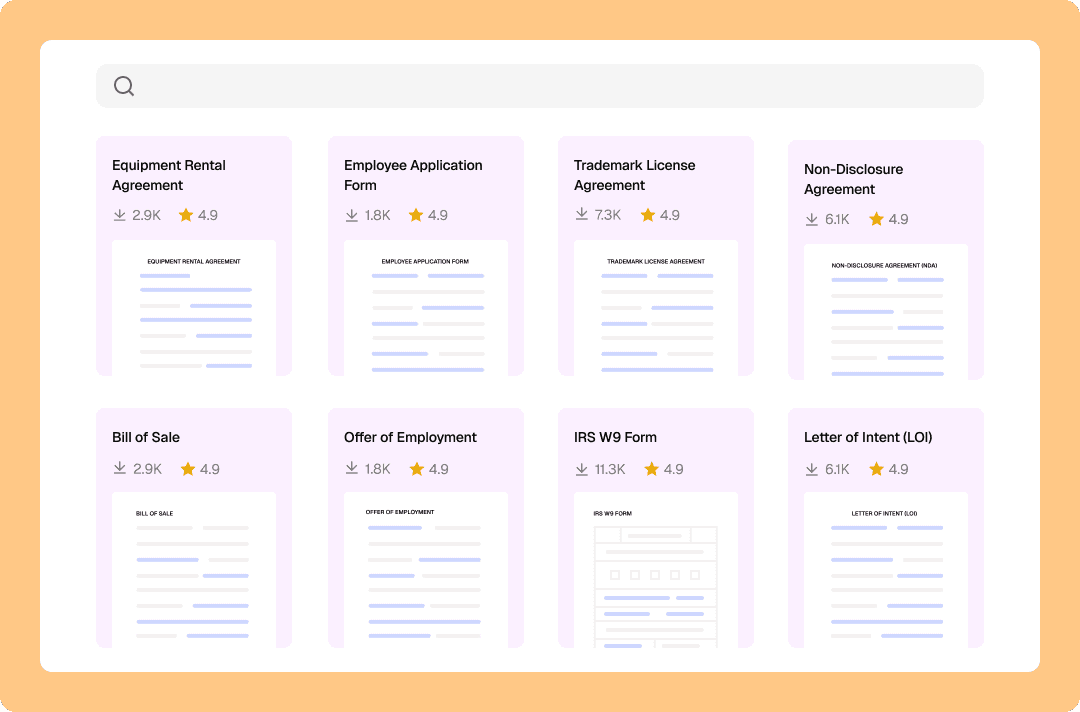
Drafting a contract with a library of 2,500+ legal templates
Content
Why Loio for drafting documents?
Agreement drafting is a time-consuming and error-prone task. For business owners, freelancers, and individuals, it can cost hundreds or thousands of dollars in legal fees. For lawyers, the price is countless billable hours. The pressure to produce accurate, legally sound documents can be overwhelming. Loio lets you skip this stressful process and move on straight to the next step—signing. With Loio, you can:
Draft agreements in minutes instead of hours with a library of over 2,500 templates created and regularly updated by legal professionals.
Customize templates based on your use case or industry.
Correctly fill out your template by answering a few quick questions while Loio guides you through the document.
Review and tweak a completed template in an intuitive PDF editor.
Download, print, sign, or send a document for signatures directly from your Loio workspace.
How to draft a contract with Loio?
- 1.
Create your Loio account and choose your plan: Free, Plus, or Pro.
The Free plan includes 200+ basic templates, Plus offers 1,500+ premium templates, and Pro unlocks the entire library of 2,500+ templates.
- 2.
In your Loio workspace, go to the Templates tab and use the search bar to find the document you need. You can also browse by category or use one of the recommended or popular templates.
Every template has a label indicating its tier: Free, Plus, or Pro. If a template is not included in your plan, you can purchase it separately for a one-time fee.
- 3.
Most templates are customizable. This means you can choose from multiple variations of the same document based on your situation. For example, you can get an independent contractor agreement for different jobs like software development, trucking, HVAC, and others.
- 4.
After you’ve picked the right template, Loio helps you complete it correctly with your details. Simply reply to the series of questions while Loio guides you through the document.
- 5.
When you’re done, Loio prepares a PDF for you, fully personalized and ready to go in minutes—no need to spend hours drafting a contract from scratch.
- 6.
Your documents are securely stored in your Loio workspace, so you can review, edit, sign, or export them anytime.
If your contract or agreements needs to be countersigned, send it without leaving Loio’s editor. Just add recipients, assign fields for them to complete, and send.


Get agreements done from start to finish
Are Loio eSignatures secure and legal?
Loio ensures your agreements are legally binding and secure, so you can sign confidently.
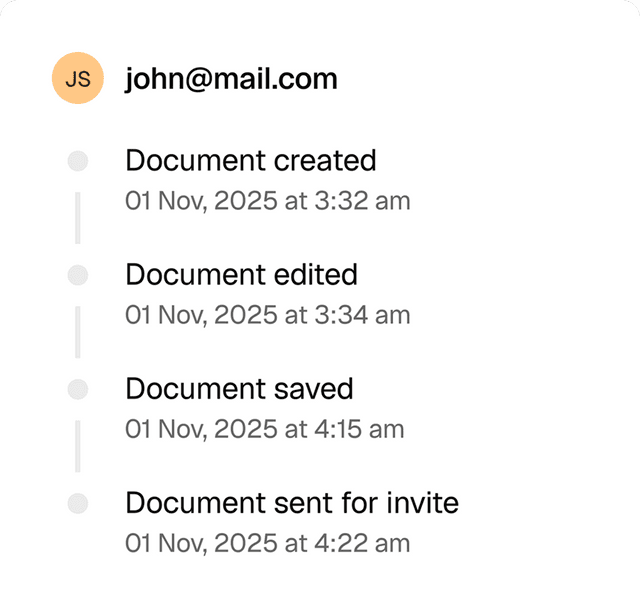
Full audit trails
View a history of all document changes with time-stamped actions and IP addresses.
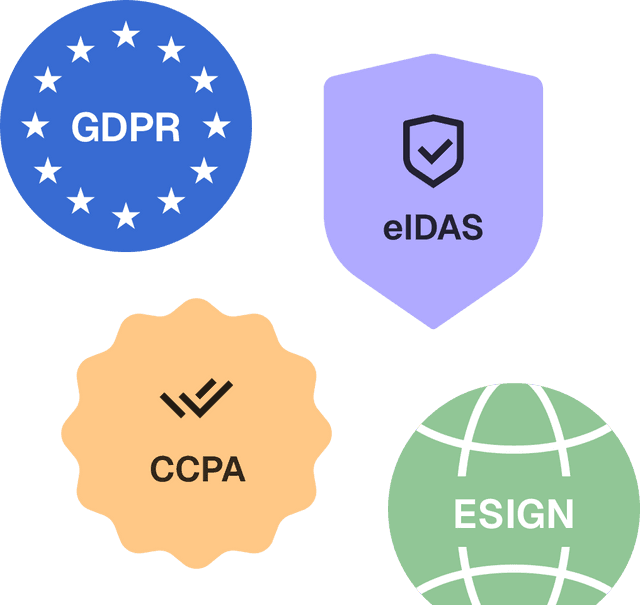
Global compliance
Loio follows global laws for eSignature compliance and data protection.
Secure storage
Keep documents safe within Loio’s encrypted environment.

Draft agreements with Loio’s professional templates
LLC Operating Agreement
Partnership Agreement
Business Purchase Agreement
Business Bill of Sale
Independent Contractor Agreement
Consulting Agreement Template
Professional Services Agreement
Letter of Intent (LOI)
Explore the all-in-one contract workspace
More cases
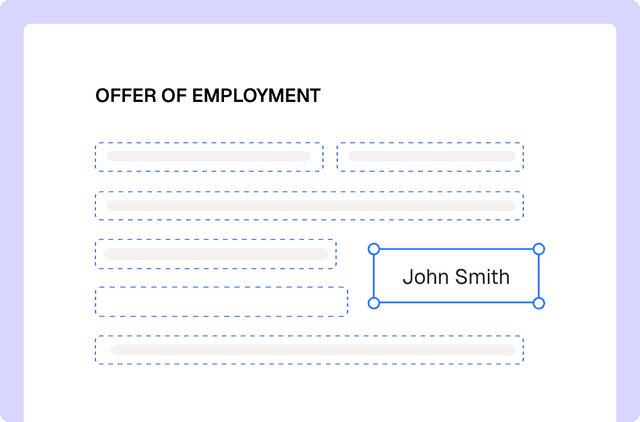
PDF editing
Edit documents and redline changes with Loio’s PDF tools
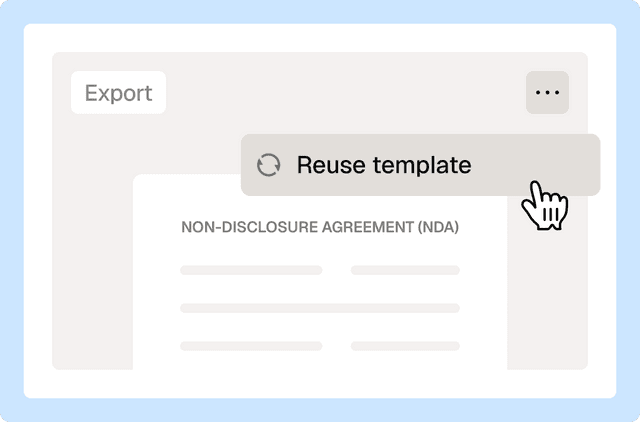
Document management
Reuse a contract to speed up your deal
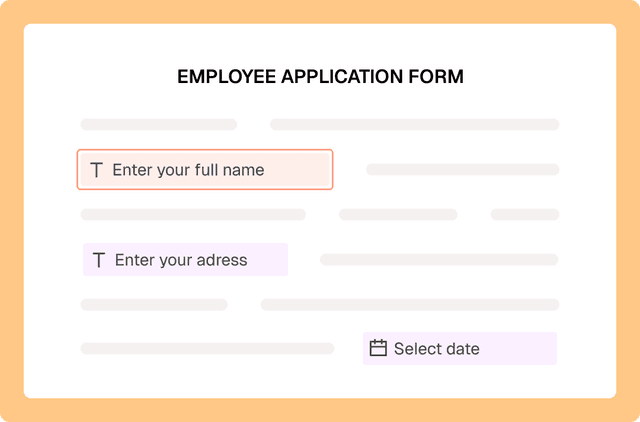
PDF editing
Fill out PDF forms online with Loio’s editor
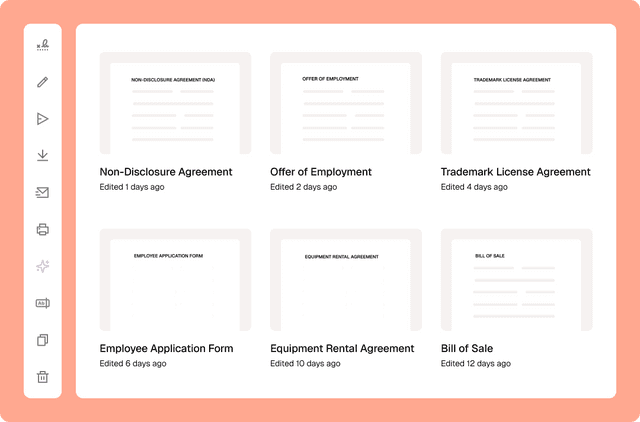
Document management
Сentralized contract management with Loio’s all-in-one workspace
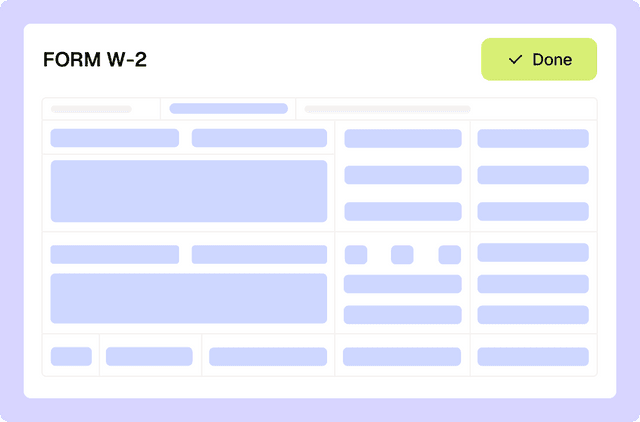
PDF editing
Filling out tax forms with Loio's editor
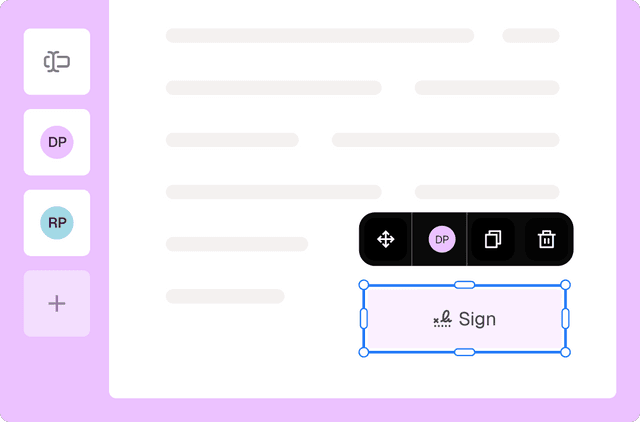
eSignature
Collect signatures from multiple parties
Loio is for your entire
agreement process
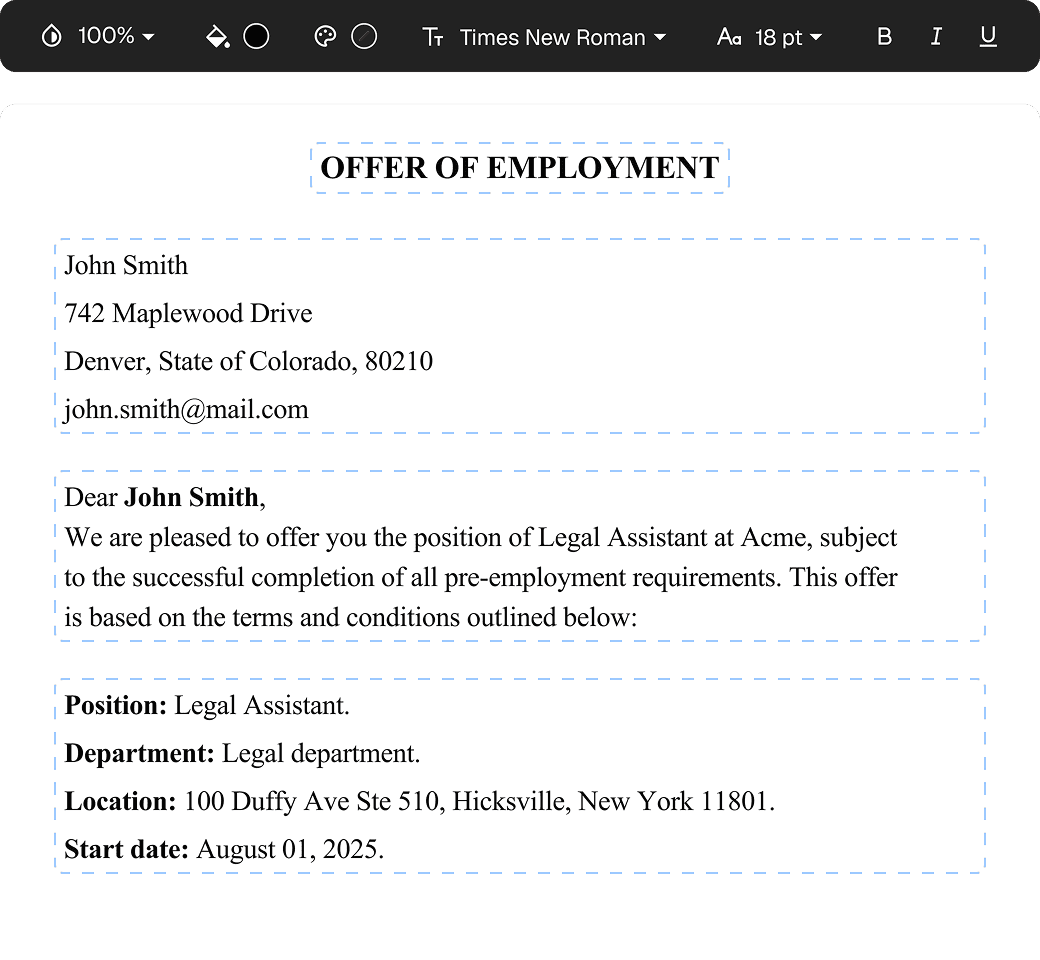
Edit PDFs seamlessly
Tweak agreements before signing or sending for signatures. Update details, add or remove clauses, adjust formatting, and redline changes instantly.
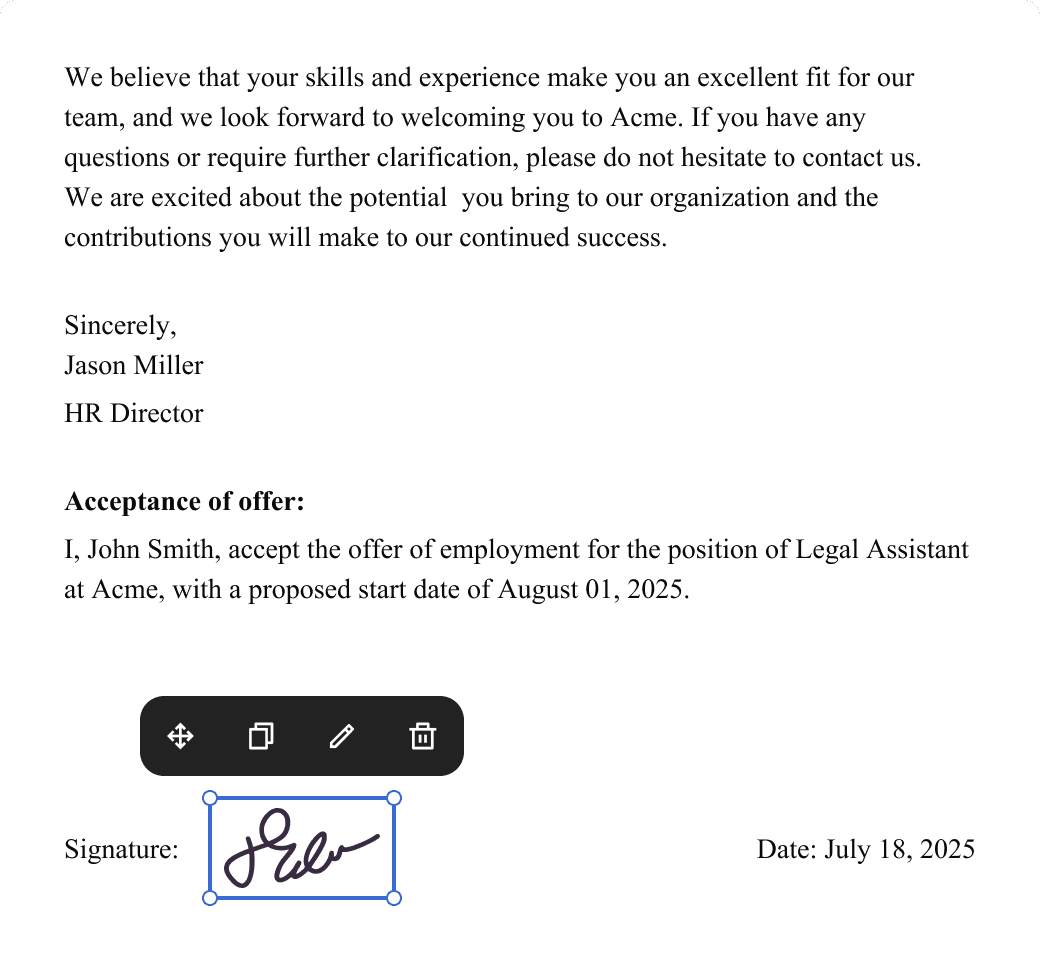
eSign legally and securely
Sign documents and collect legally binding signatures. Invite up to ten people to sign in any order, track the progress, and send reminders.
Summarize with AI
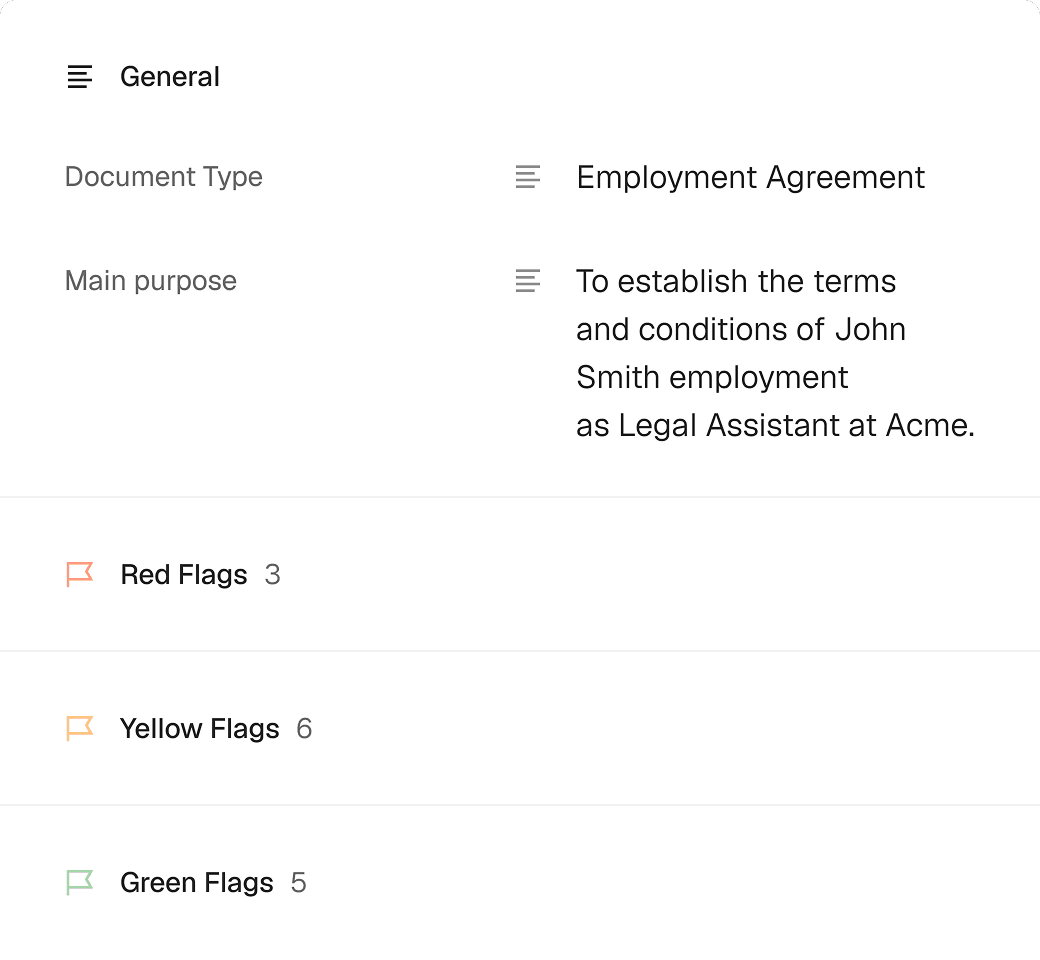
Instantly understand complex legal documents to sign with confidence. View key insights, dates, amounts, and potential legal risks.