Edit documents and redline changes with Loio’s PDF tools
Edit PDFs on the fly with intuitive online tools that live inside your contract workspace.
Edit documents and redline changes with Loio’s PDF tools
Content
Why Loio for editing PDFs online?
Editing PDFs can be tricky. A simple change in a contract may turn into a battle with a broken layout, uncooperative fonts, and clunky software. Meanwhile, all you should be focused on is closing a deal. Loio gives you the tools to edit PDFs seamlessly right where you draft, sign, and send your agreements.
Quickly edit PDF contracts before signing or sending for signatures.
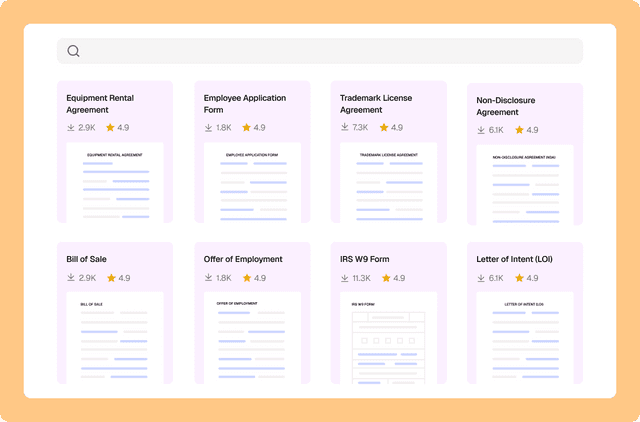
Upload your own files to edit, or choose from 2,500+ professionally crafted templates.
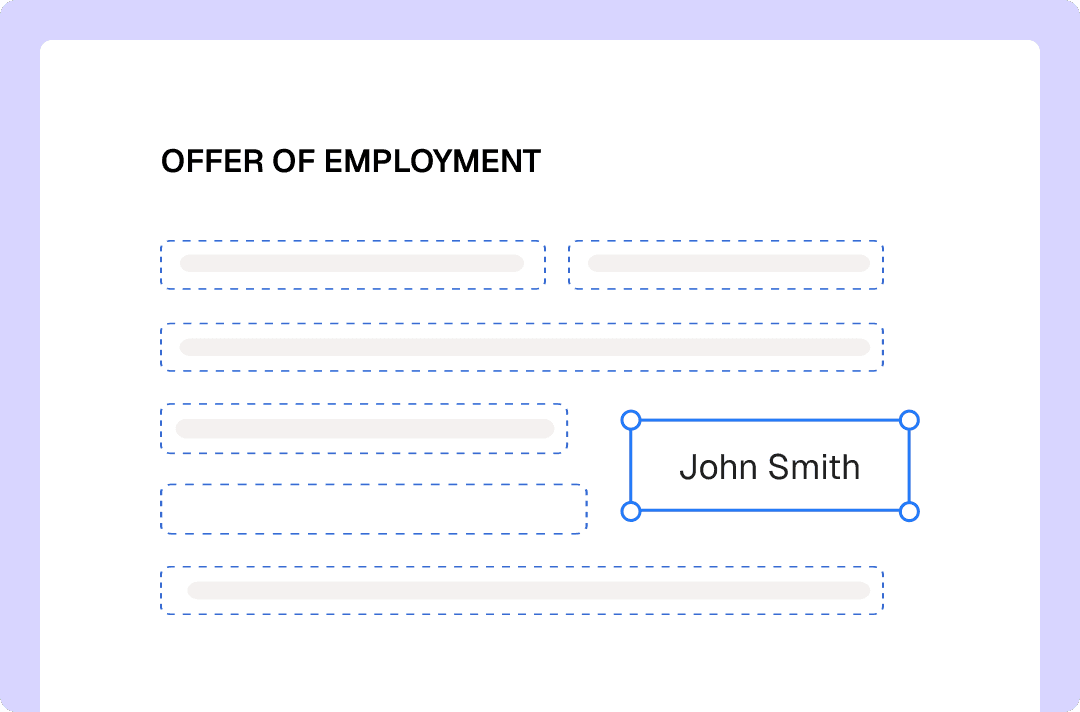
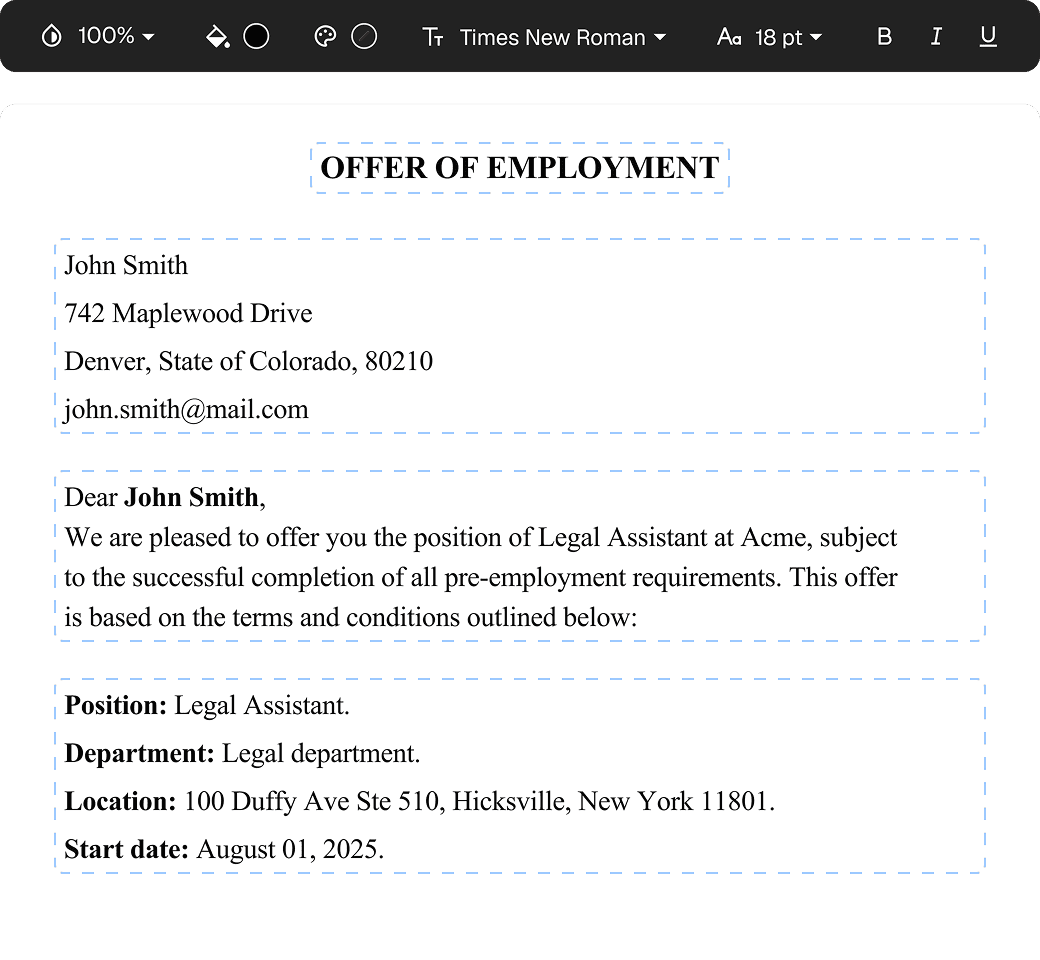
Add text in PDFs, change, or remove content.
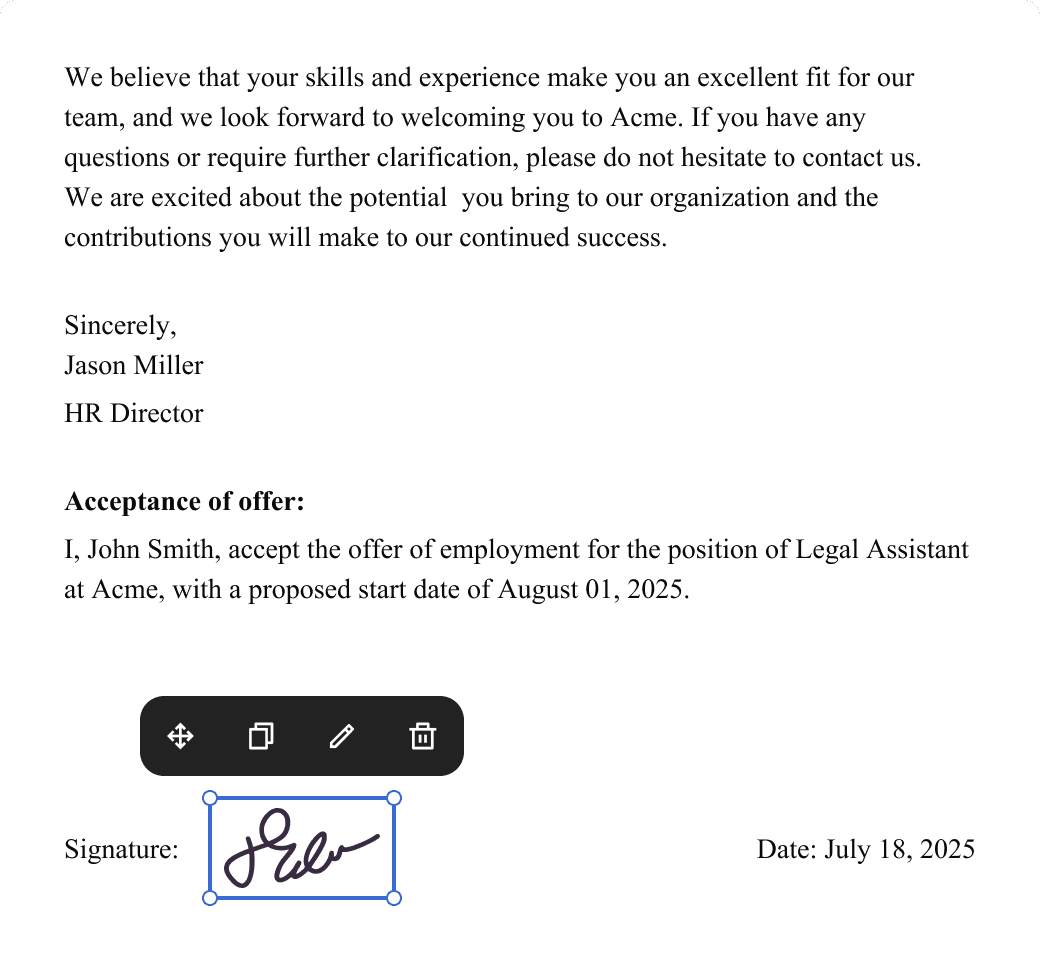
Insert images, checkmarks, dates, signatures, and initials.
Redline changes: draw directly on PDFs, highlight, strikeout, and underline text instantly.
Turn static PDFs into fillable forms.
Track changes in PDFs.
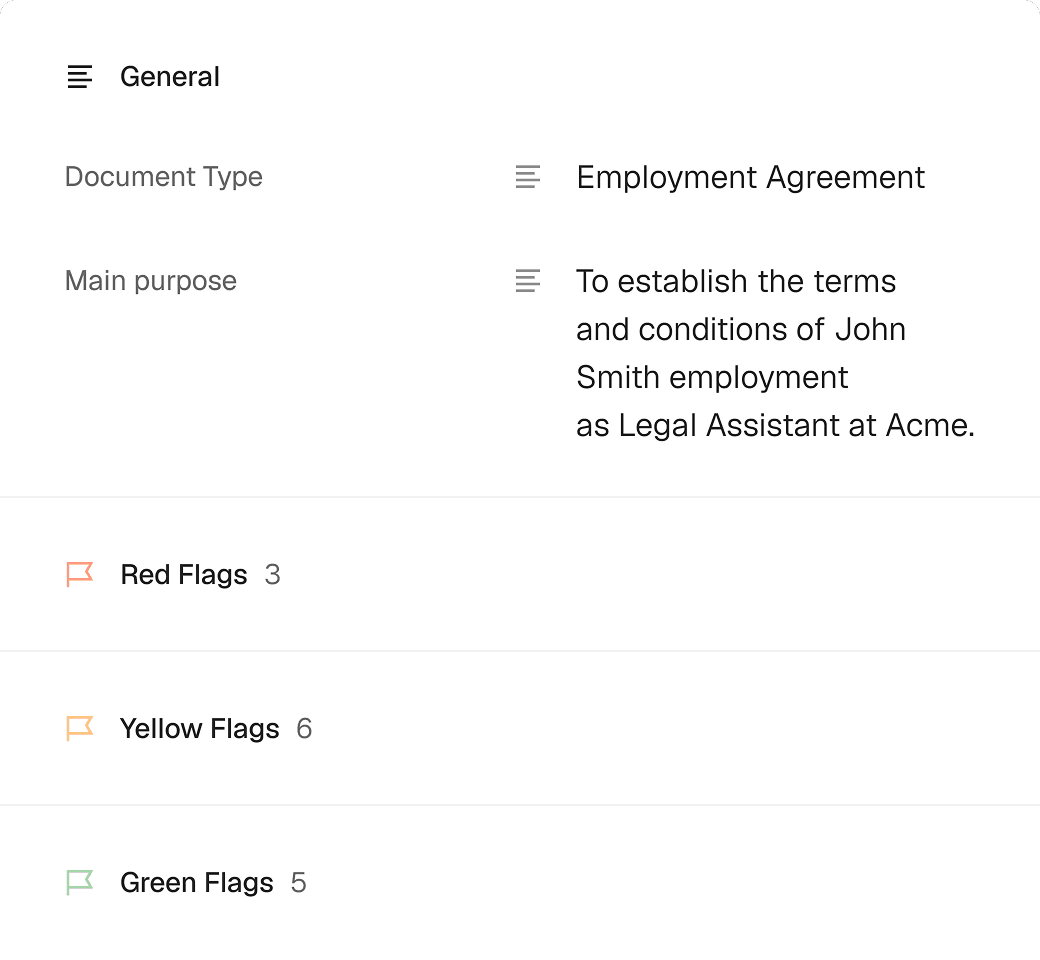
Summarize and review PDF contracts with AI to spot what needs to be changed quickly.
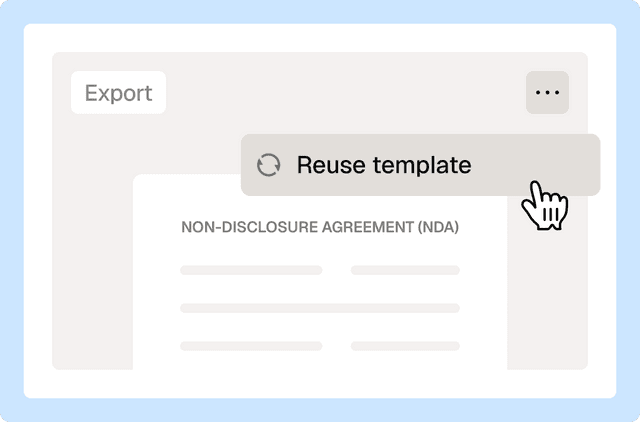
Keep your PDF agreements secure, organized, and ready for quick updates or reuse.
How to edit and redline a PDF with Loio?
- 1.
Create your Loio account and choose your plan: Plus or Pro.
PDF editing is not available in the Free plan, but you can try it for free by starting your 7-day trial.
- 2.
Upload and open your PDF in the editor.
- 3.
Use the left-hand toolbar to add elements like text, dates, images, freehand drawings, and highlights.
- 4.
To remove or change text in a PDF, select Edit Content and modify the corresponding content blocks.
- 5.
Move content blocks around and adjust text formatting to ensure the correct layout.
- 6.
Click Done to export the edited document or Request signatures to send it for signing.

How Loio helps you handle your daily PDF tasks
Although the PDF format is designed to keep content and its layout fixed, the need to edit PDFs is constant, especially during the agreement and contract negotiation processes. Loio helps professionals handle PDFs without converting them to Word and breaking the formatting. The typical tasks you can simplify with Loio include:
Updating agreement templates: Quickly refresh and customize clauses and terms—no need to go back to the text doc.
Correcting typos: Fix a misspelled name or an incorrect date on a contract without converting it to editable format and risking to break the layout. If the contract is a scanned copy with no selectable text, make it searchable first — otherwise there's no text layer to correct.
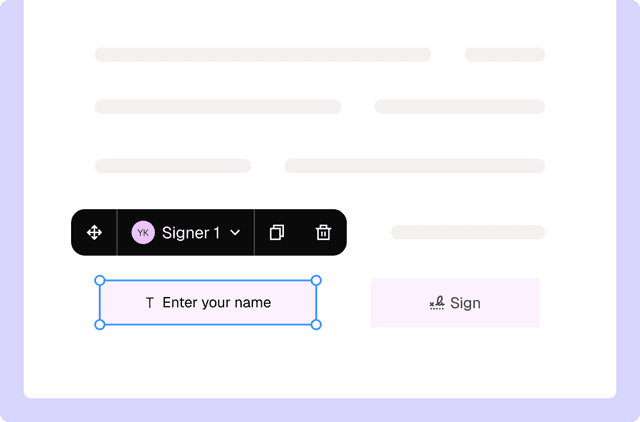
Making documents easy to complete: Place interactive input fields on contracts and application forms so stakeholders can insert their data and signatures.
Annotating: Use highlighting and drawing tools to leave feedback or mark up agreements during reviews.
Update visuals: Replace product photos, add QR codes, or swap out outdated logos.

Get agreements done from start to finish
More cases
Document management
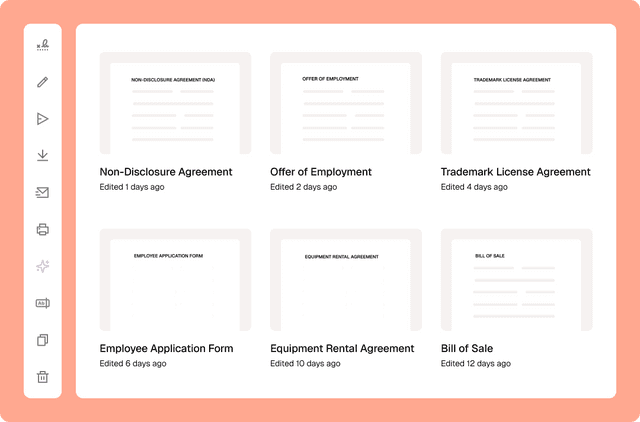
Drafting a contract with a library of 2,500+ legal templates
Document management
Reuse a contract to speed up your deal
Document management
Сentralized contract management with Loio’s all-in-one workspace
PDF editing
Turn PDFs into interactive forms to collect data and signatures
PDF editing
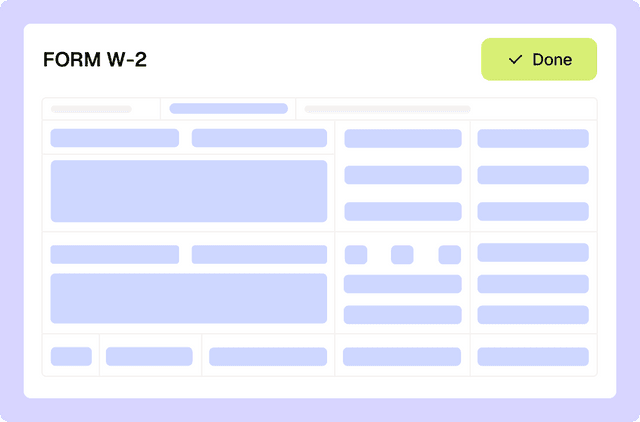
Filling out tax forms with Loio's editor
eSignature
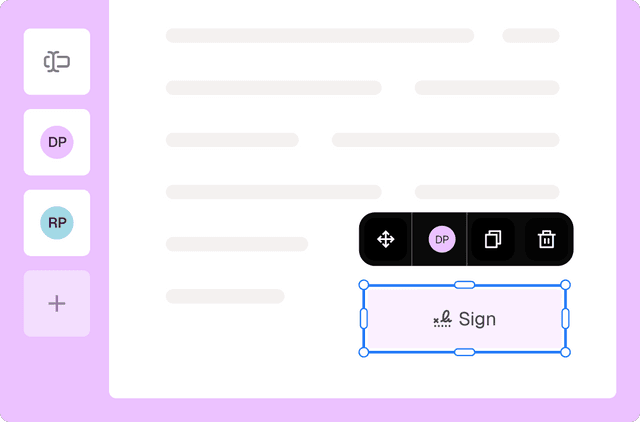
Collect signatures from multiple parties
Loio is for your entire
agreement process
Edit PDFs seamlessly
Tweak agreements before signing or sending for signatures. Update details, add or remove clauses, adjust formatting, and redline changes instantly.
eSign legally and securely
Sign documents and collect legally binding signatures. Invite up to ten people to sign in any order, track the progress, and send reminders.
Summarize with AI
Instantly understand complex legal documents to sign with confidence. View key insights, dates, amounts, and potential legal risks.