Filling out tax forms with Loio's editor
Find, complete, sign, and store your tax forms in one secure workspace.
Filling out tax forms with Loio's editor
Content
Why Loio for tax prep?
Preparing taxes is a stressful, time-consuming, and error-prone task. With changing regulations and the sheer volume of paperwork, it’s easy to feel overwhelmed. But when it comes to filling out tax forms, Loio lets you complete the paperwork with speed and precision while keeping your personal financial data secure. You can:
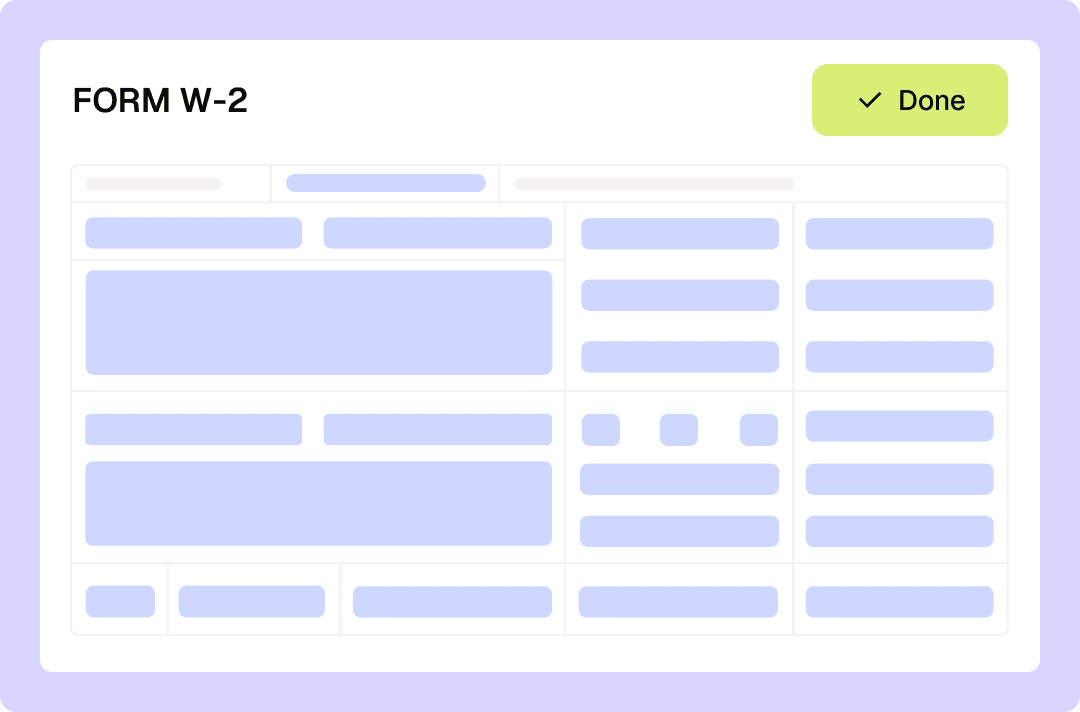
Find essential IRS fillable forms (like W-2, W-4, W-9, 1040, and others) in Loio’s template library, so you don’t have to hunt them online.
Fill out and eSign tax return forms electronically right in your browser—no need for a stand-alone PDF solution and eSign app.
If you are a business owner or accountant, you can send forms (like Service Agreements or W-4s) to employees and clients. Loio allows you to collect data and signatures securely without unreliable email attachments.
Eliminate stress during peak tax season by keeping all your forms, agreements, and tax-related paperwork in one cloud-based hub.
How to fill out tax forms with Loio?
- 1.
Create your Loio account and choose your plan: Free, Plus, or Pro.
- 2.
Upload a tax form or find one in Loio’s library (use the Templates tab in your dashboard).
- 3.
Open a form in Loio’s editor and start typing in the blank fields to complete the document. For checkboxes, click to put a checkmark.
- 4.
To approve IRS forms with your electronic signature, select My edits > Signature. Draw, type, or upload an image of your signature, then instantly place it on a tax form.
If you need to securely send a form to another person to fill out, switch to "For signers" mode, assign fields to a specific recipient, and send it in one click.
- 5.
All your tax documents are neatly organized in your safe Loio workspace, so you can review and export them anytime without searching through folders across devices.


Get agreements done from start to finish
Are Loio eSignatures secure and legal?
Loio ensures your agreements are legally binding and secure, so you can sign confidently.
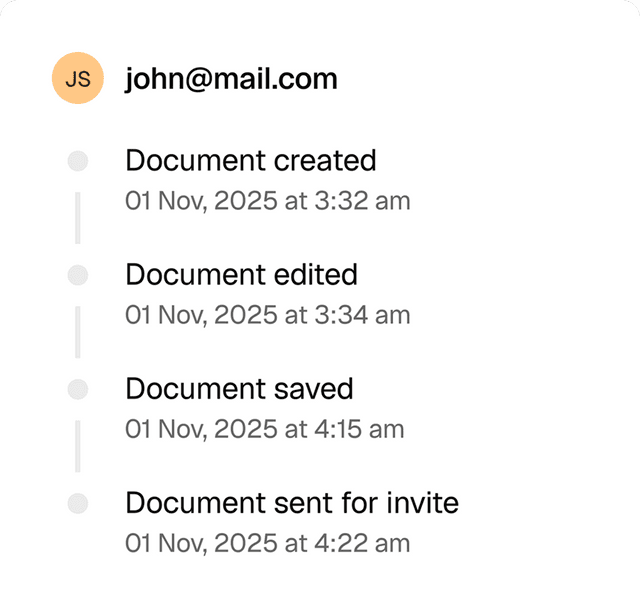
Full audit trails
View a history of all document changes with time-stamped actions and IP addresses.
Global compliance
Loio follows global laws for eSignature compliance and data protection.

Secure storage
Keep documents safe within Loio’s encrypted environment.

Speedy tax prep for every team
W-9 collection: Send W-9 forms to contractors and consultants for payment processing
Form 2848: Prepare and file power of attorney forms for client tax representation
Form 8821: Complete tax information authorization forms for client matter access
1099-NEC: Prepare and distribute forms for contract attorneys and legal service providers
W-4 forms: Process employee withholding certificates for legal staff
Explore the all-in-one contract workspace
More cases
PDF editing
Edit documents and redline changes with Loio’s PDF tools
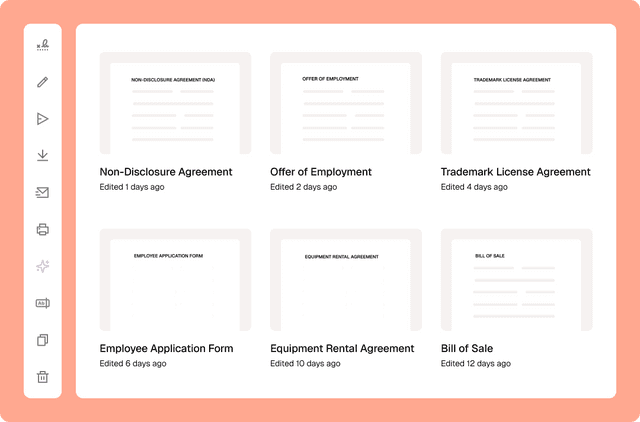
Document management
Сentralized contract management with Loio’s all-in-one workspace
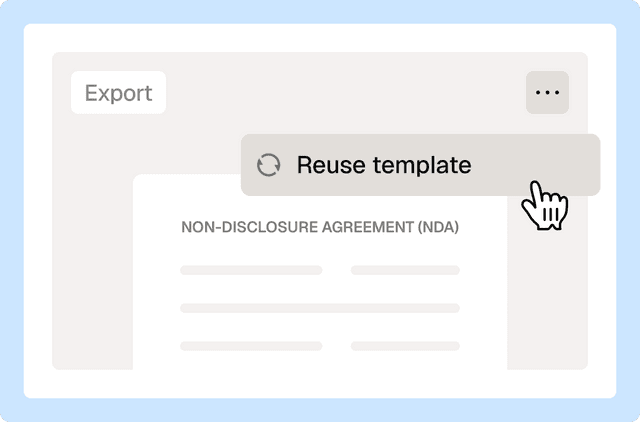
Document management
Reuse a contract to speed up your deal
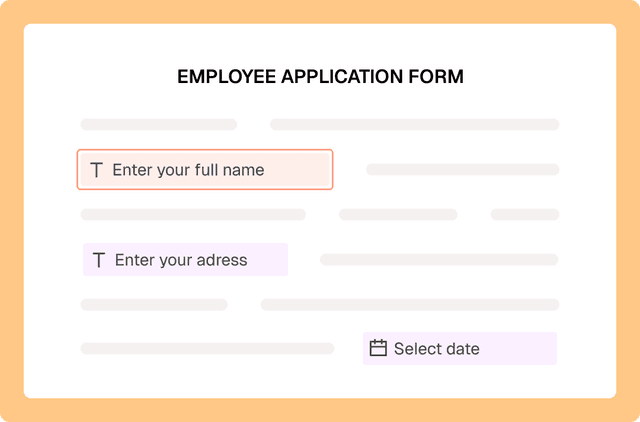
PDF editing
Fill out PDF forms online with Loio’s editor
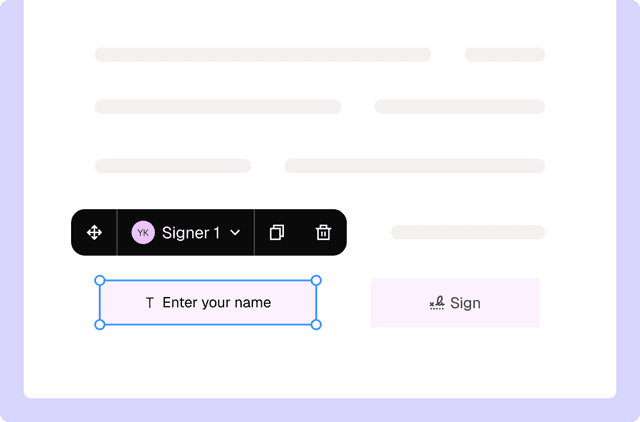
PDF editing
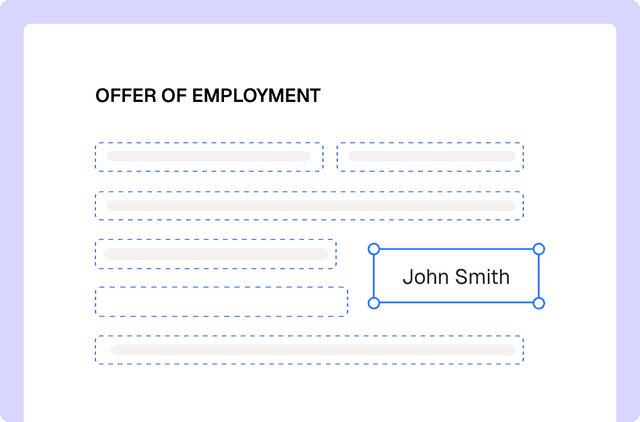
Turn PDFs into interactive forms to collect data and signatures
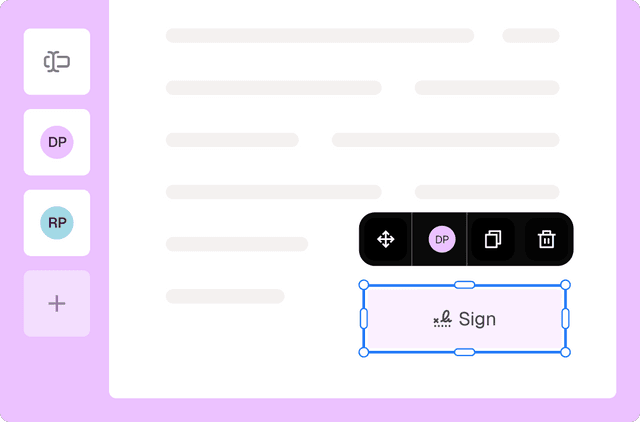
eSignature
Collect signatures from multiple parties
Loio is for your entire
agreement process
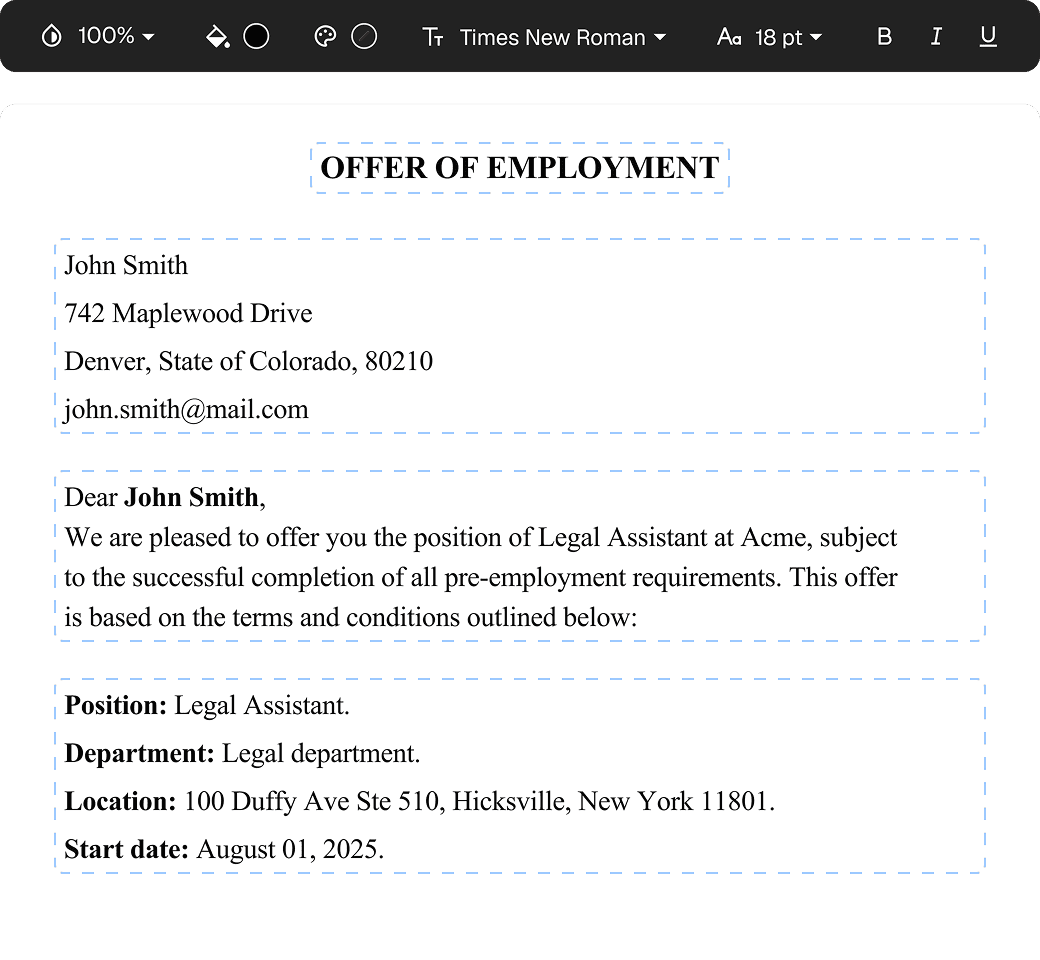
Edit PDFs seamlessly
Tweak agreements before signing or sending for signatures. Update details, add or remove clauses, adjust formatting, and redline changes instantly.
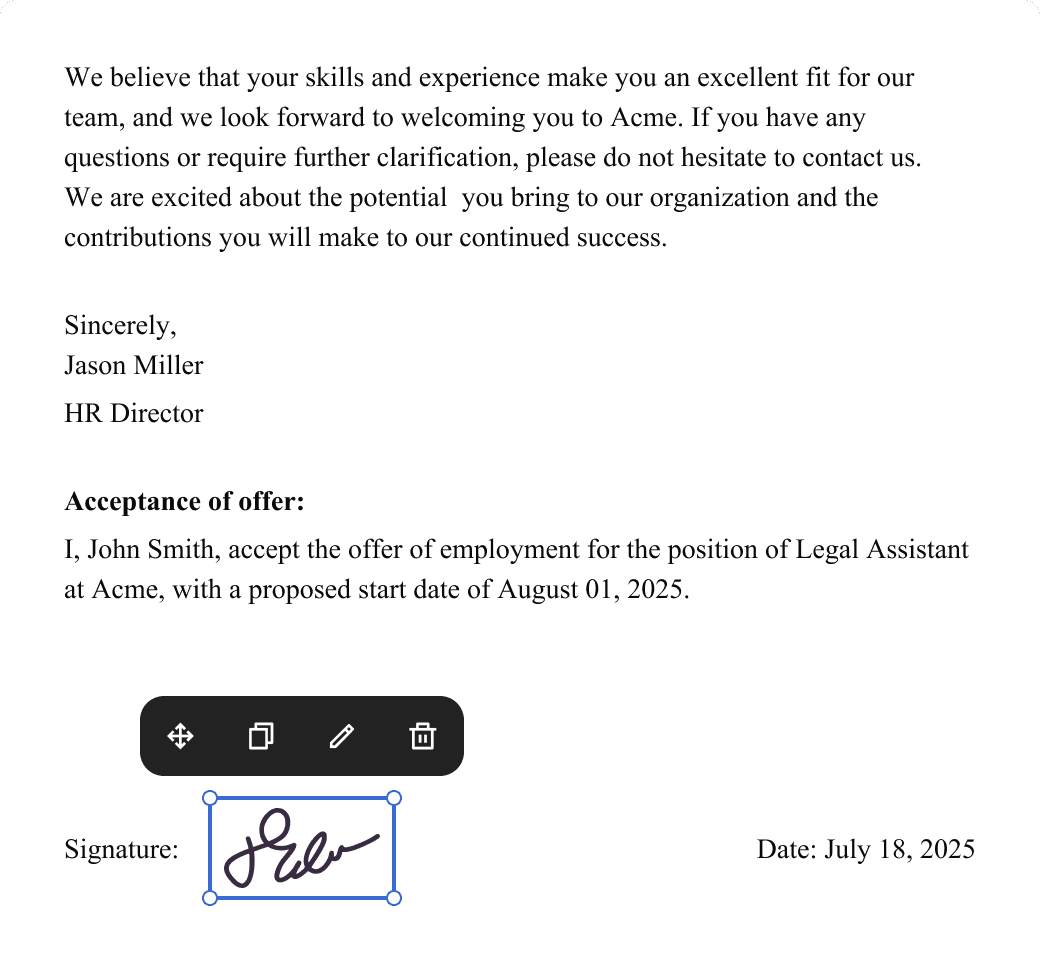
eSign legally and securely
Sign documents and collect legally binding signatures. Invite up to ten people to sign in any order, track the progress, and send reminders.
Summarize with AI
Instantly understand complex legal documents to sign with confidence. View key insights, dates, amounts, and potential legal risks.