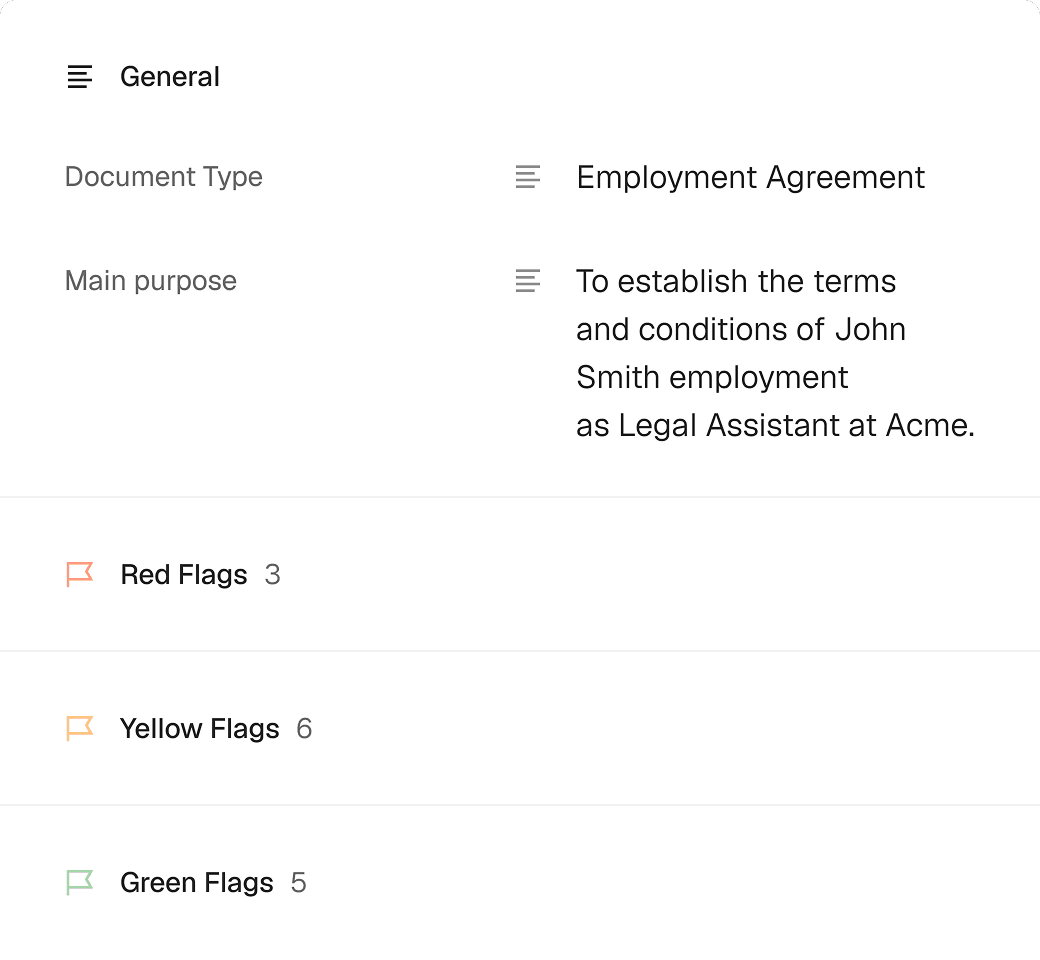
Turn PDFs into interactive forms to collect data and signatures
Turn static PDFs into fillable forms you can instantly send to fill out and sign.
Turn PDFs into interactive forms to collect data and signatures
Content
Why Loio for creating fillable PDF forms?
PDF forms are the backbone of digital administration, allowing you to collect structured information while maintaining the exact visual layout of a document. However, creating and managing these forms can be time-consuming. Loio offers an intuitive editor that lets you swiftly turn a PDF into an interactive form for data or signature collection. You can:
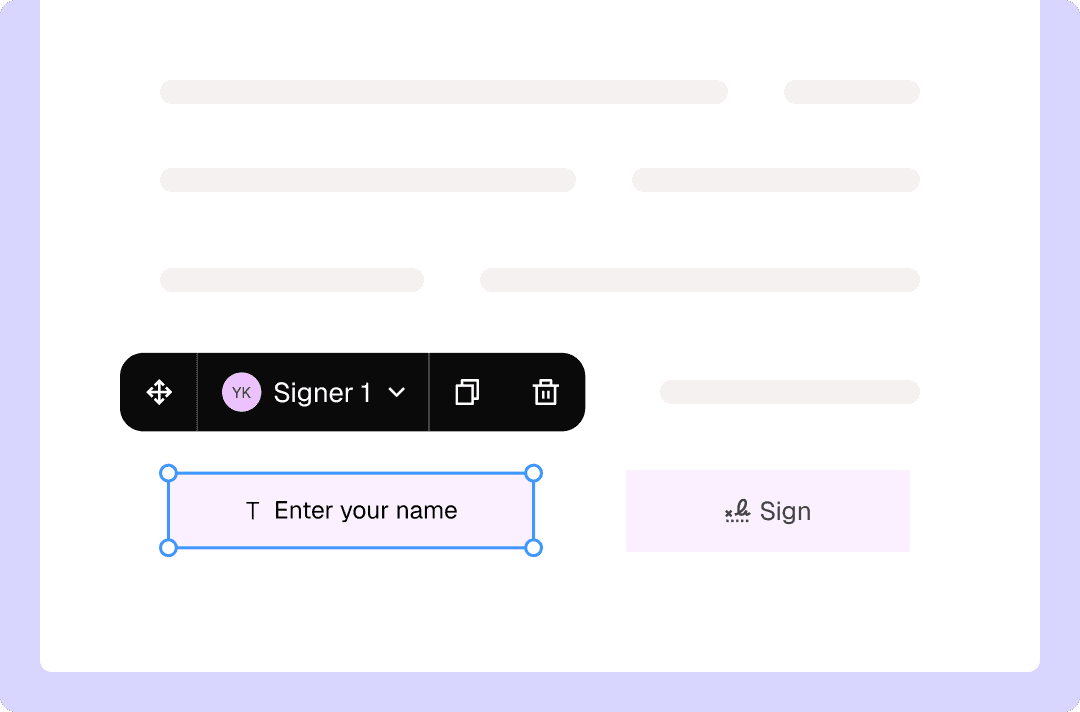
Add input fields to PDFs: insert checkboxes and fields for text, signatures, initials, and dates.
Adjust field size and placement right on the page.
Assign fields to specific users to ensure everyone completes the right boxes.
Edit existing text and layout directly within a PDF to tweak your forms on the fly.
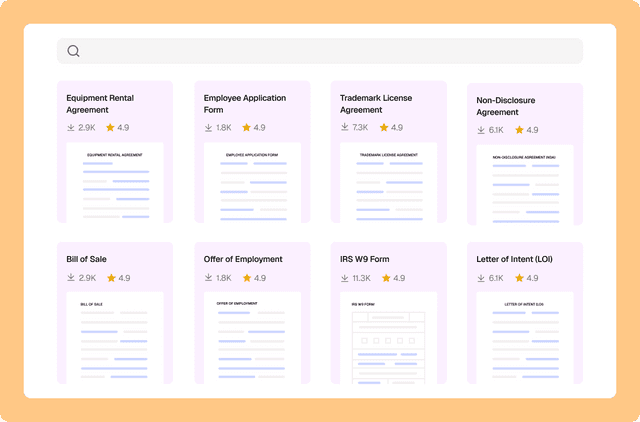
Instead of building a form from scratch, pick one of Loio’s 2,500+ templates.
Send a PDF form for completion directly from the editor—no switching apps.
How to build PDF forms online with Loio?
- 1.
Create your Loio account and choose your plan: Free, Plus, or Pro.
- 2.
Upload and open your PDF in the editor. If you're starting from a scanned paper form, make it searchable first so the text stays accessible even after you add fillable fields.
Alternatively, find a suitable Loio template. Our templates already contain fields, so you don’t have to add them manually as explained in the next steps.
- 3.
Switch to the For signers tab to access various types of fillable fields: Signature, Initials, Text, Multiline, Date, and Checkbox.
Fillable fields are interactive boxes for users to input data or signatures.
- 4.
Place fields anywhere on your document and tweak their size as needed.
- 5.
If you need multiple people to complete your document, add more signers via the lefthand toolbar.
If you select any field on a document, you can quickly re-assign it to another person.
- 6.
Once you're done, click Send to share your form and let anyone fill it out securely online.
You can switch back to "My edits" at any time to modify the content of your PDF. From there, you can also export your form via the "Done" button.


Get agreements done from start to finish
PDF data collection tool for every document task
Contract templates: Design fillable agreement templates to collect signatures via PDF forms
Intake forms: Build client questionnaires with checkboxes and text fields
Disclosure forms: Design standardized conflict check and confidentiality forms
Matter checklists: Build case management forms with checkboxes and date fields
Explore the all-in-one contract workspace
More cases
PDF editing
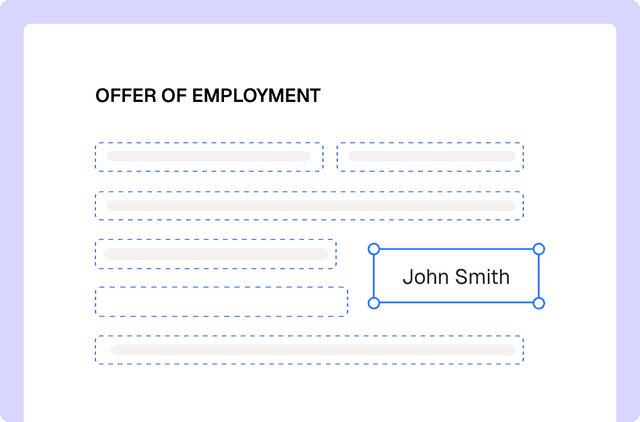
Edit documents and redline changes with Loio’s PDF tools
Document management
Drafting a contract with a library of 2,500+ legal templates
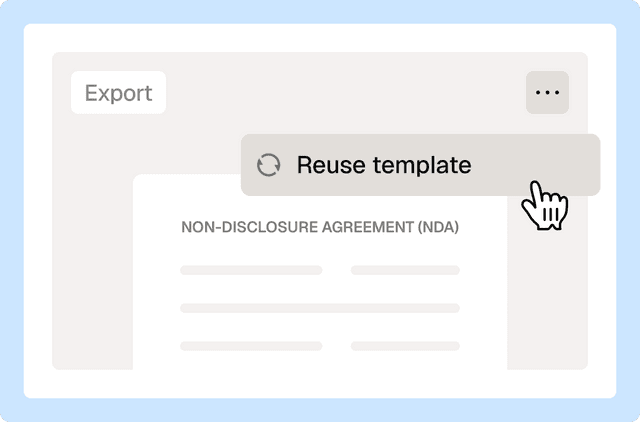
Document management
Reuse a contract to speed up your deal
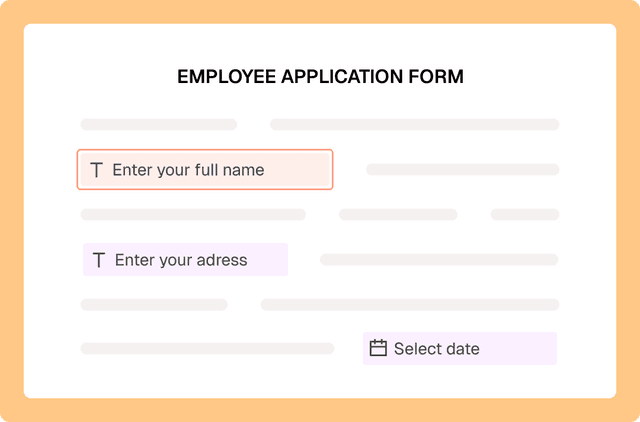
PDF editing
Fill out PDF forms online with Loio’s editor
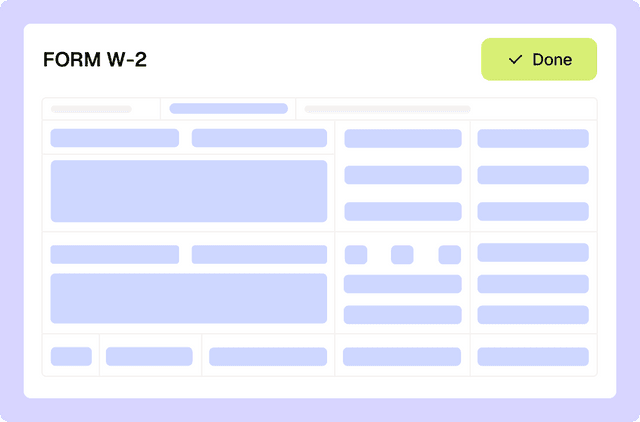
PDF editing
Filling out tax forms with Loio's editor
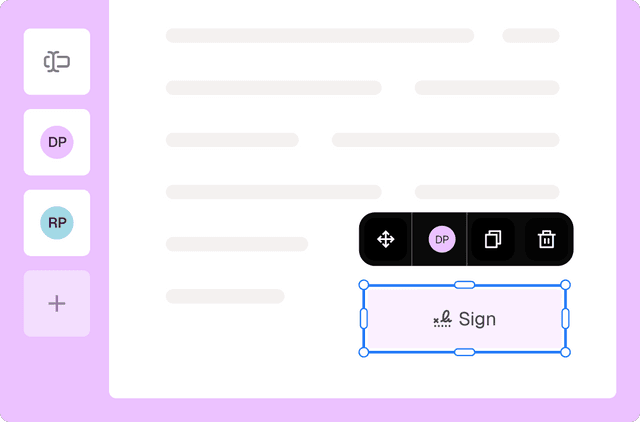
eSignature
Collect signatures from multiple parties
Loio is for your entire
agreement process
Edit PDFs seamlessly
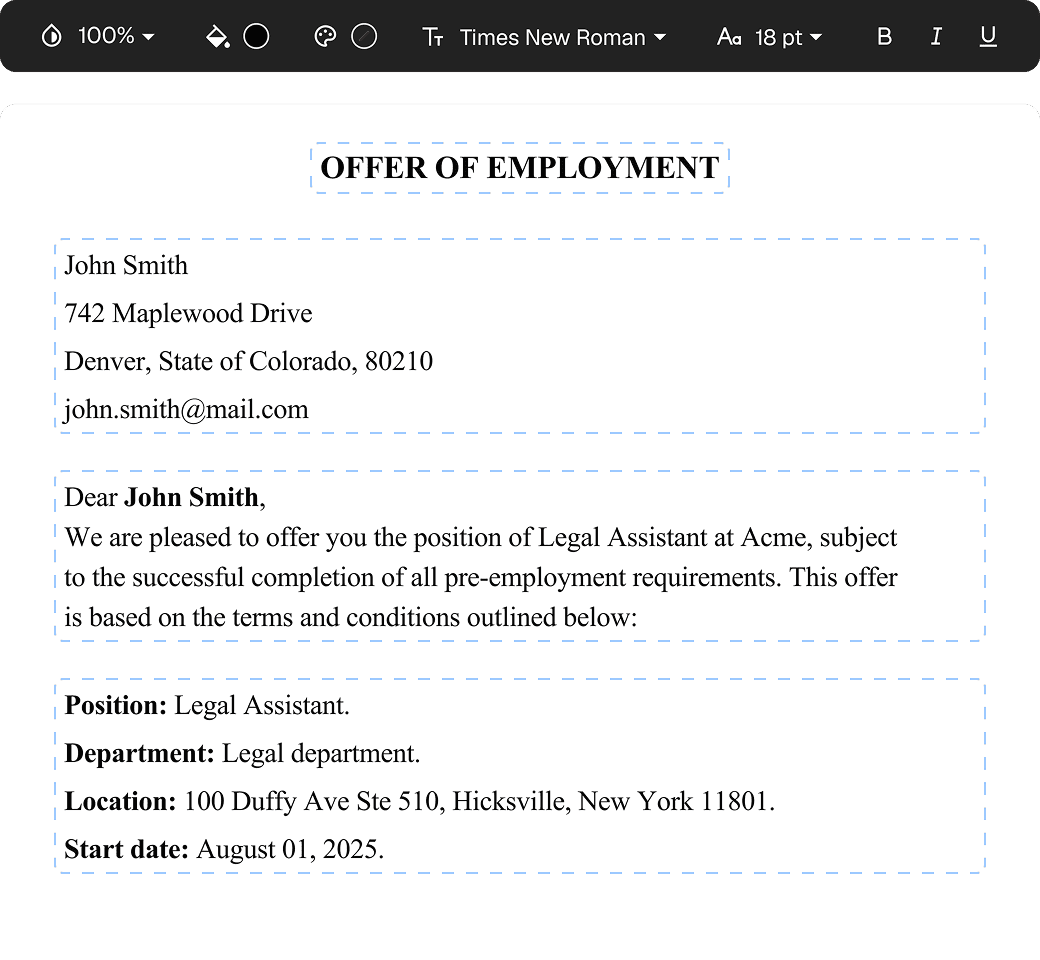
Tweak agreements before signing or sending for signatures. Update details, add or remove clauses, adjust formatting, and redline changes instantly.
eSign legally and securely
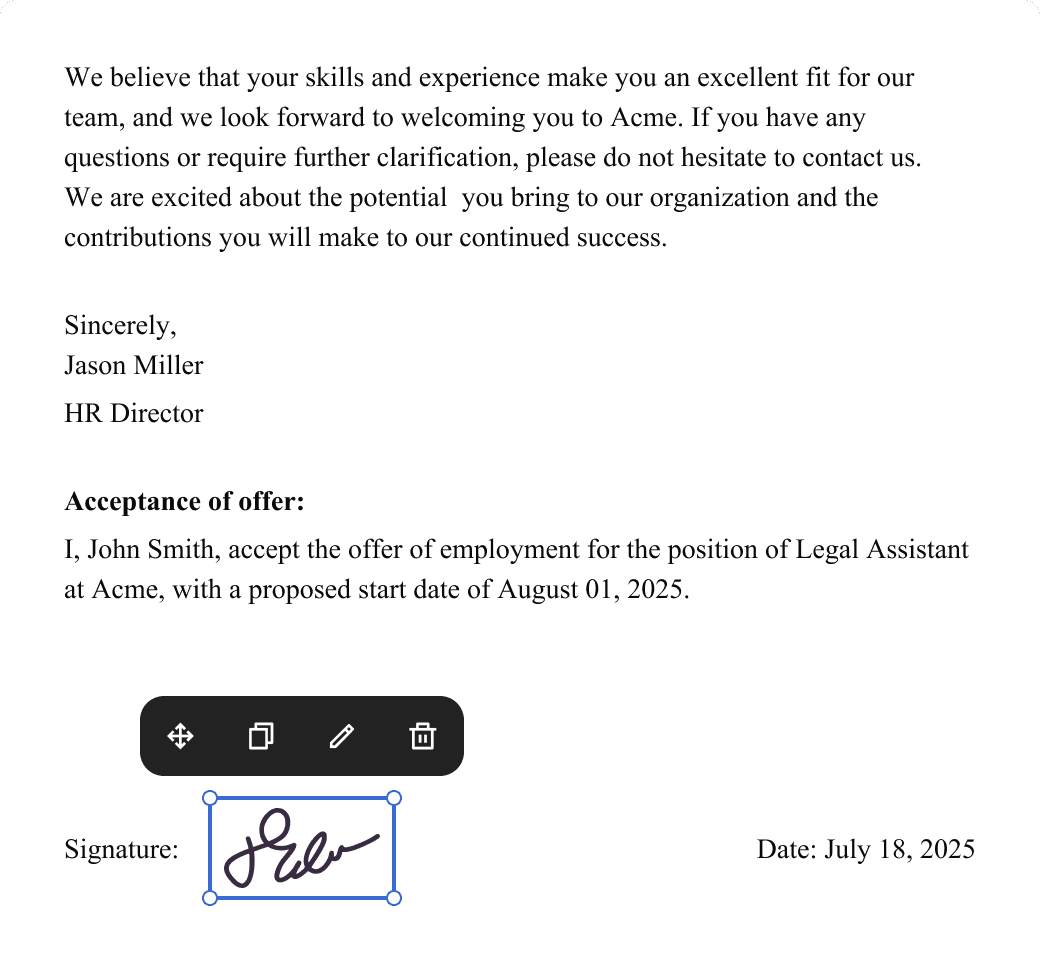
Sign documents and collect legally binding signatures. Invite up to ten people to sign in any order, track the progress, and send reminders.
Summarize with AI
Instantly understand complex legal documents to sign with confidence. View key insights, dates, amounts, and potential legal risks.