Reuse a contract to speed up your deal
Stop re-uploading and setting up documents repeatedly. Reuse any existing file and send it for signatures in seconds.
Reuse a contract to speed up your deal
Content
How Loio speeds up document prep
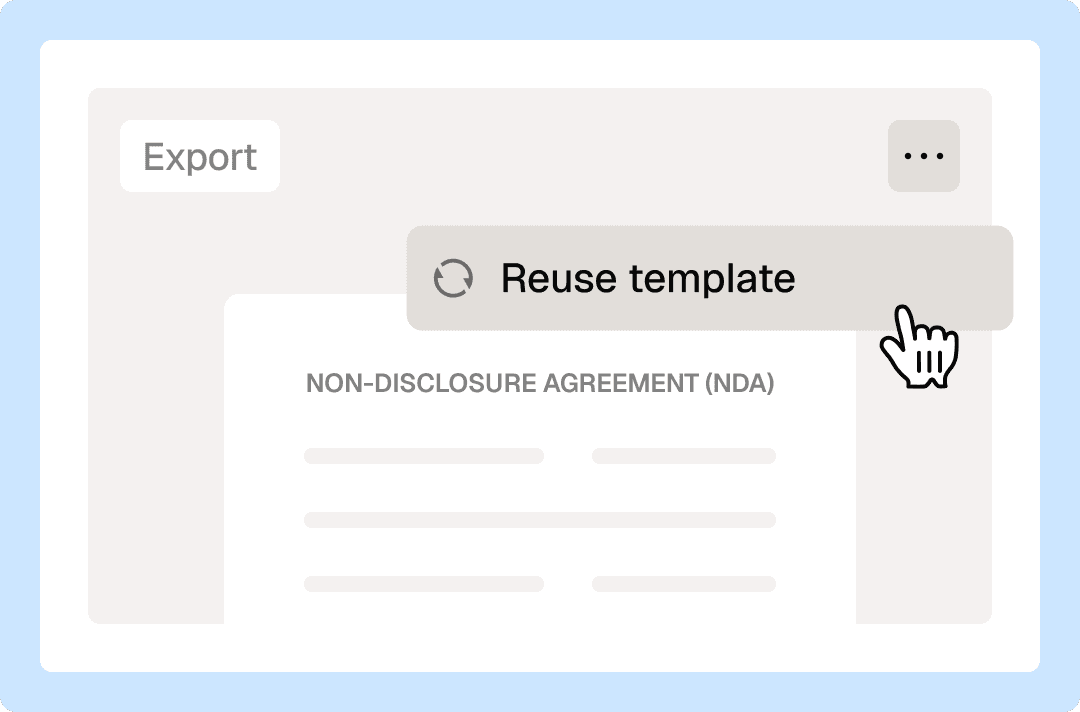
Reusable templates are more than just a shortcut; they ensure consistency and accuracy in professional agreement workflows. Using a document "blueprint" instead of starting from scratch every time allows you to save hours of work, minimize errors, and reduce legal risks. With Loio, you always know how to use the same contract and customize it quickly for similar deals.
Reuse documents in your workspace to create new signature requests quickly.
Fill out blank fields with personalized details, like names and dates, before sending.
Create a fillable PDF once by quickly dropping fields onto a document, and reuse it forever.
No need to distinguish between general docs and templates—all your documents are reusable whenever you need them.
Signed documents are stored in a dedicated folder of your workspace, so there’s no confusion between completed and blank documents.
Your signature requests can also serve as templates. Just one click, and you get a fresh copy stripped of signatures and previous inputs—ready to send again.
How to reuse a contract in Loio?
- 1.
Create your Loio account, then upload a document or start with a template from the library.
- 2.
Open a document in Loio’s editor and switch to For signers mode. Place fields on your PDF to turn it into a fillable template. You only need to do it once.
Fillable fields are interactive boxes for recipients and you to input data or signatures.
- 3.
If you intend to send a contract to multiple people, assign fields to each signer.
- 4.
When your document is ready, send it for signatures or save it as a draft.
- 5.
Once sent or saved, your document becomes a template you can reuse anytime to send for signatures. Find it in the Documents tab inside your workspace.
- 6.
Simply open the document you need, fill it out with the right details, add recipients, and send. You can also create a copy if you want to keep the source file intact.
- 7.
Alternatively, go to Signatures and reuse any sent document from there by clicking Use again.
When you reuse a document you sent before, Loio creates a blank copy, so you don’t have to worry about losing or breaking the executed file.


Get agreements done from start to finish
Are Loio eSignatures secure and legal?
Loio ensures your agreements are legally binding and secure, so you can sign confidently.
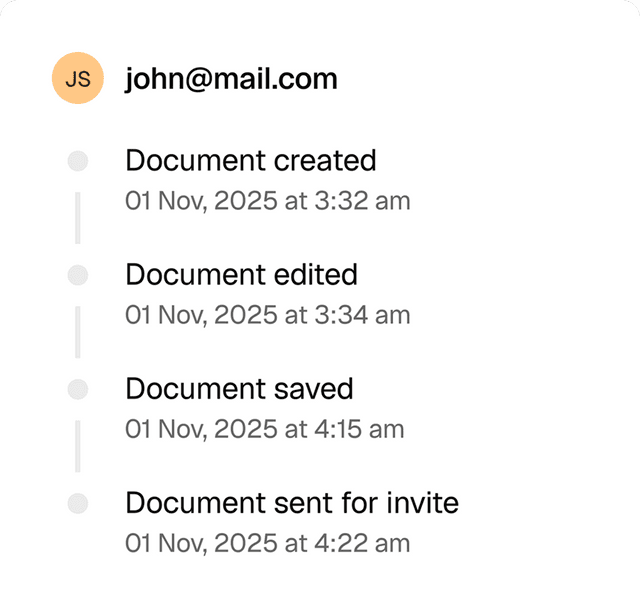
Full audit trails
View a history of all document changes with time-stamped actions and IP addresses.
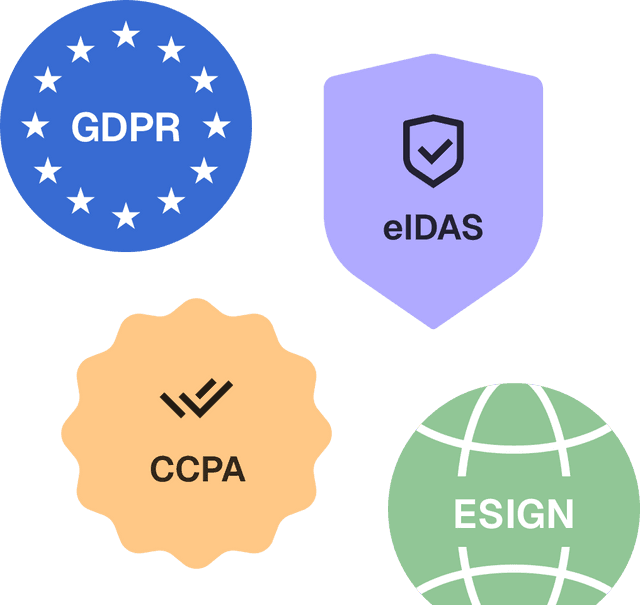
Global compliance
Loio follows global laws for eSignature compliance and data protection.
Secure storage
Keep documents safe within Loio’s encrypted environment.

Accelerate your deals with reusable templates
Standard сontracts: Save executed agreements as templates for repeat clients and matters
Pleading templates: Reuse filed motions and briefs for similar cases and jurisdictions
Client intake packets: Convert onboarding documents into reusable new matter templates
Closing checklists: Reuse transaction documents for recurring deals
Explore the all-in-one contract workspace
More cases
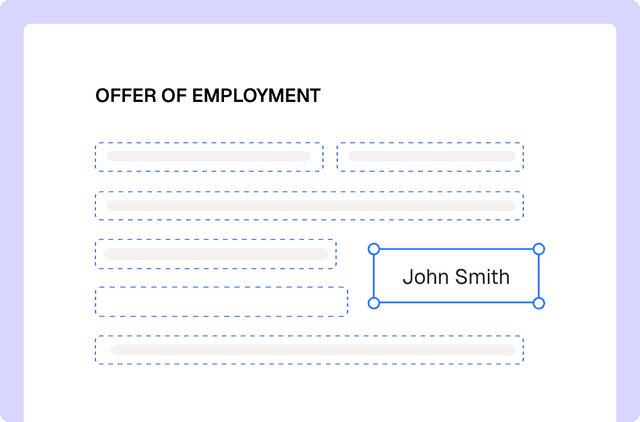
PDF editing
Edit documents and redline changes with Loio’s PDF tools
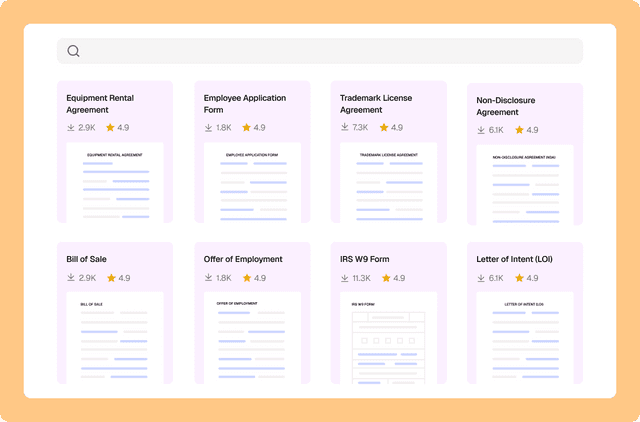
Document management
Drafting a contract with a library of 2,500+ legal templates
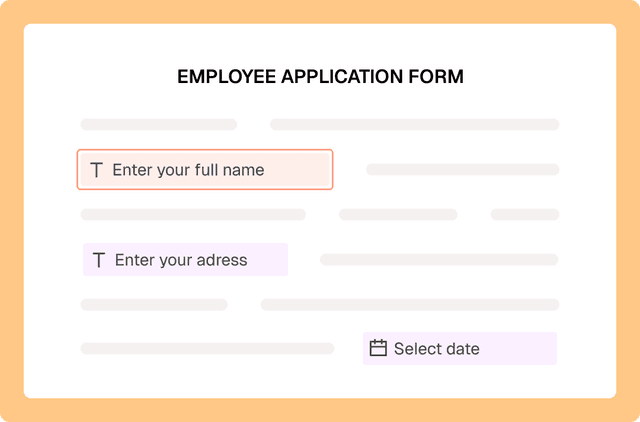
PDF editing
Fill out PDF forms online with Loio’s editor
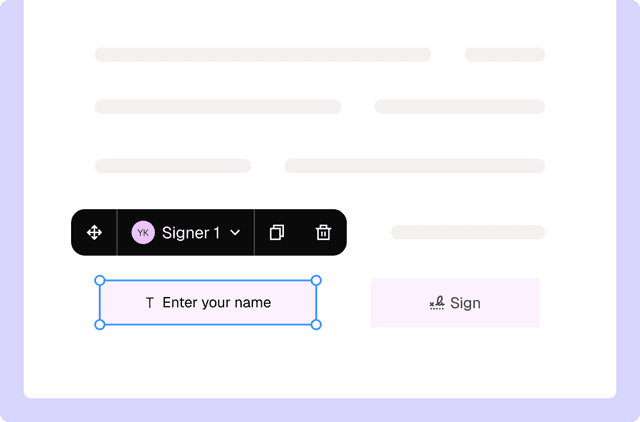
PDF editing
Turn PDFs into interactive forms to collect data and signatures
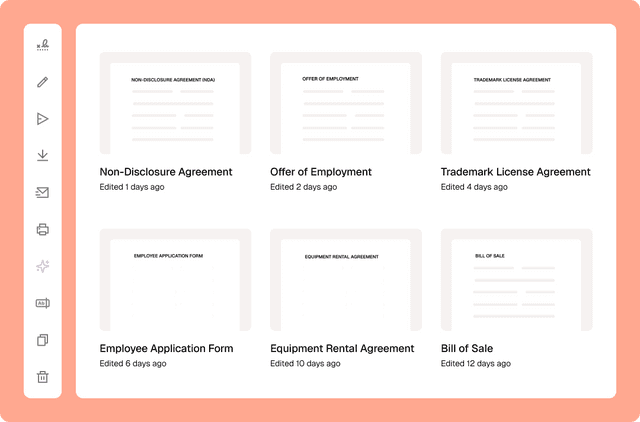
Document management
Сentralized contract management with Loio’s all-in-one workspace
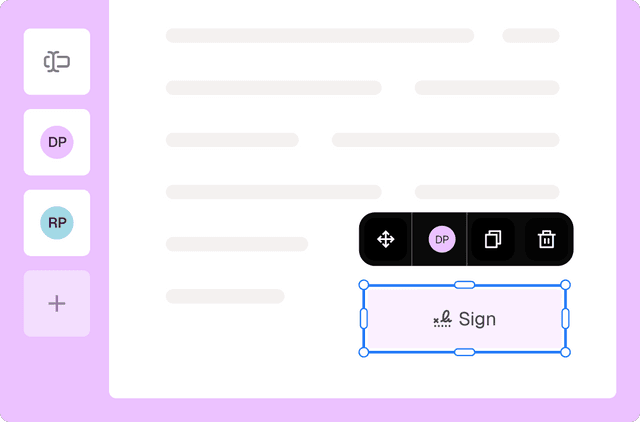
eSignature
Collect signatures from multiple parties
Loio is for your entire
agreement process
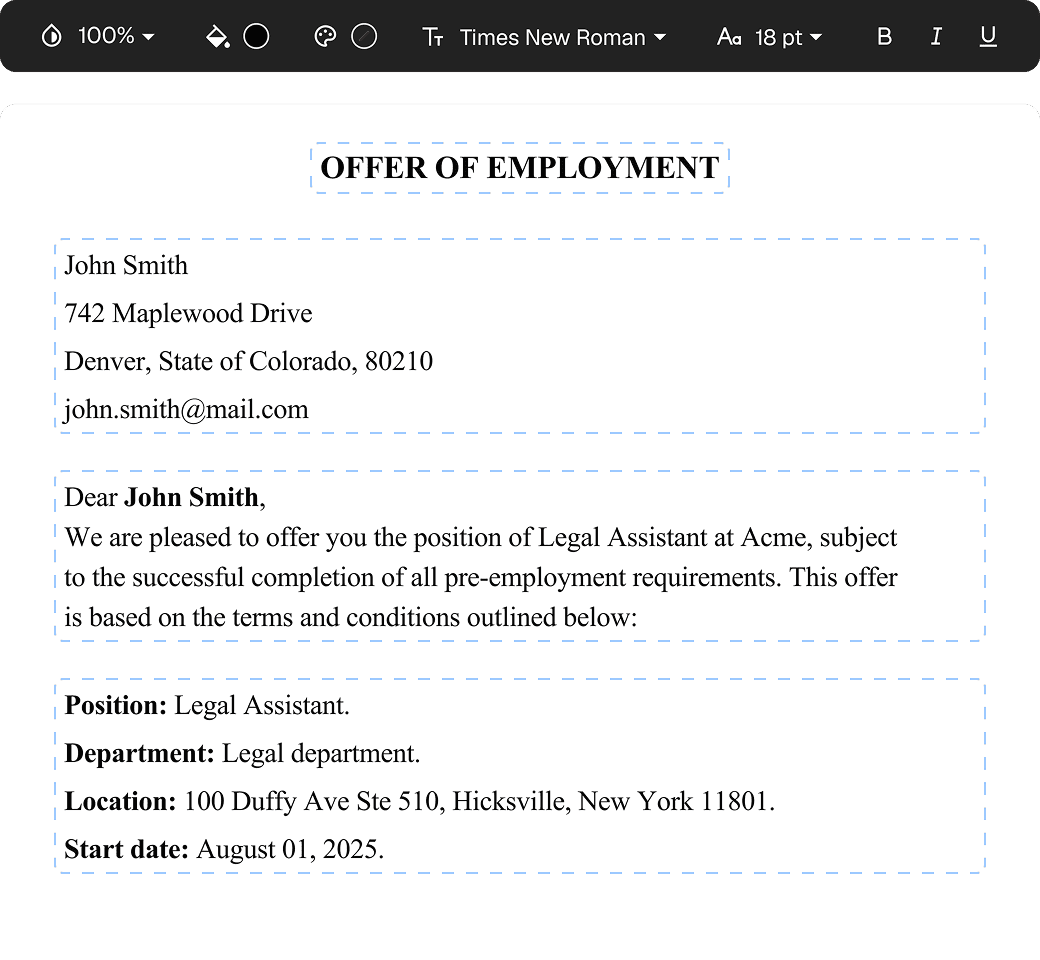
Edit PDFs seamlessly
Tweak agreements before signing or sending for signatures. Update details, add or remove clauses, adjust formatting, and redline changes instantly.
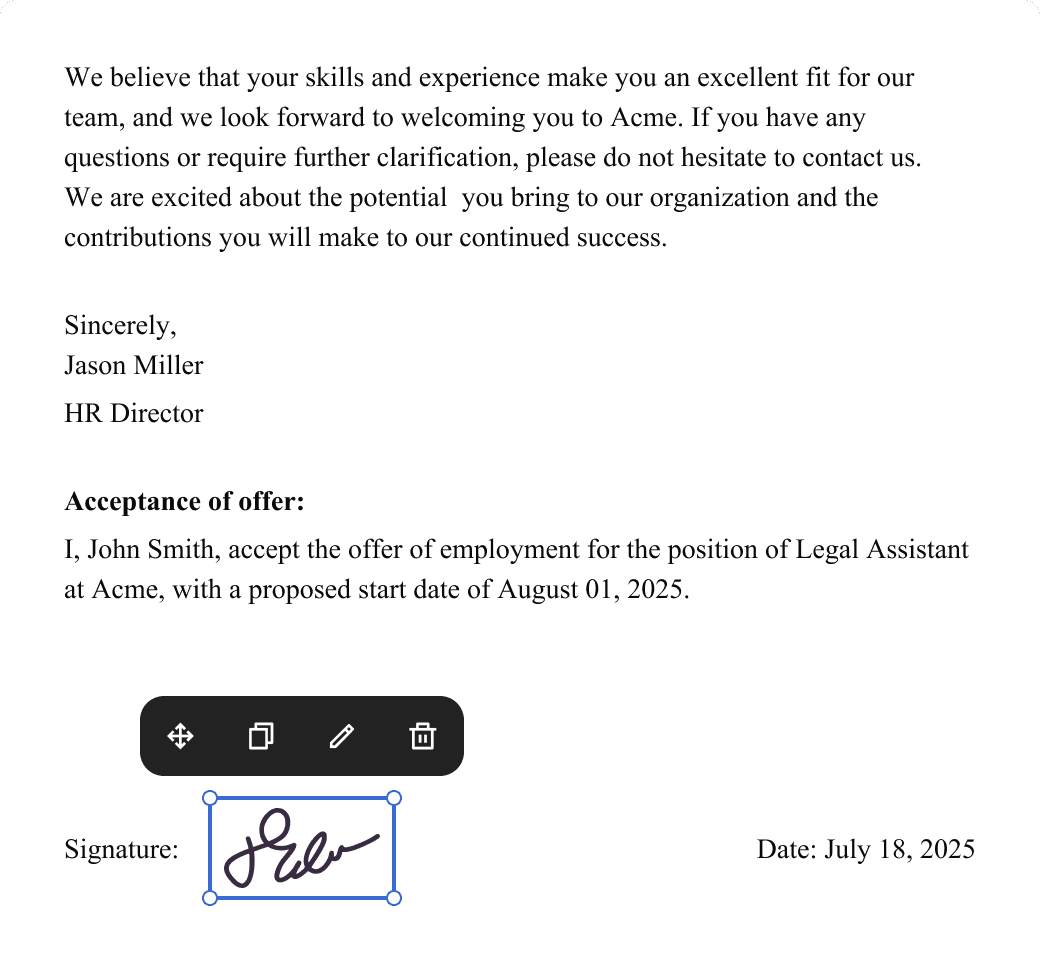
eSign legally and securely
Sign documents and collect legally binding signatures. Invite up to ten people to sign in any order, track the progress, and send reminders.
Summarize with AI
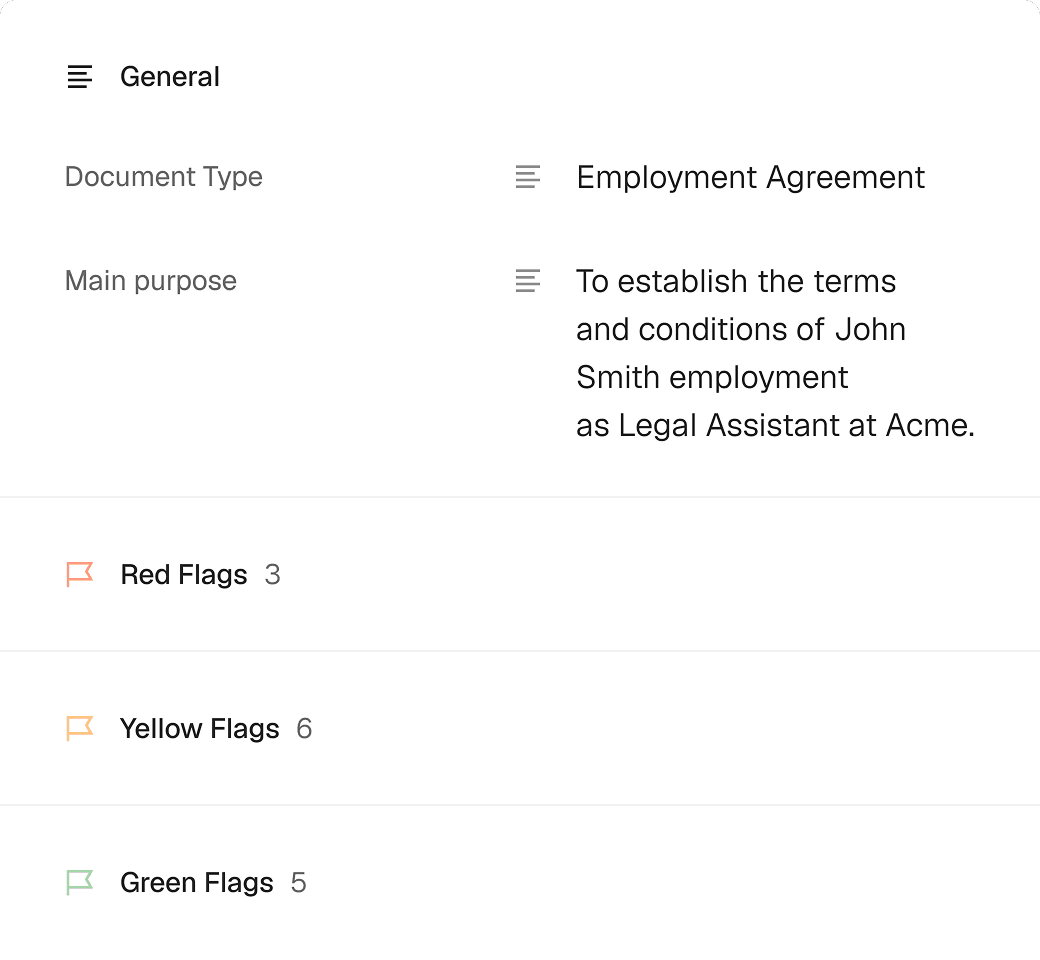
Instantly understand complex legal documents to sign with confidence. View key insights, dates, amounts, and potential legal risks.