Сentralized contract management with Loio’s all-in-one workspace
Draft, edit, execute, track, and store documents securely without juggling multiple tools.
Сentralized contract management with Loio’s all-in-one workspace
Content
Why Loio for centralized contract management?
Managing contracts across multiple tools often results in lost files, version confusion, and missed deadlines. Loio is an all-in-one contract management solution that eliminates this chaos by bringing your entire contract lifecycle into one secure workspace—from creation to signature to storage. Instead of switching between editors, email clients, and eSignature tools, you can do everything in Loio:
Create & edit
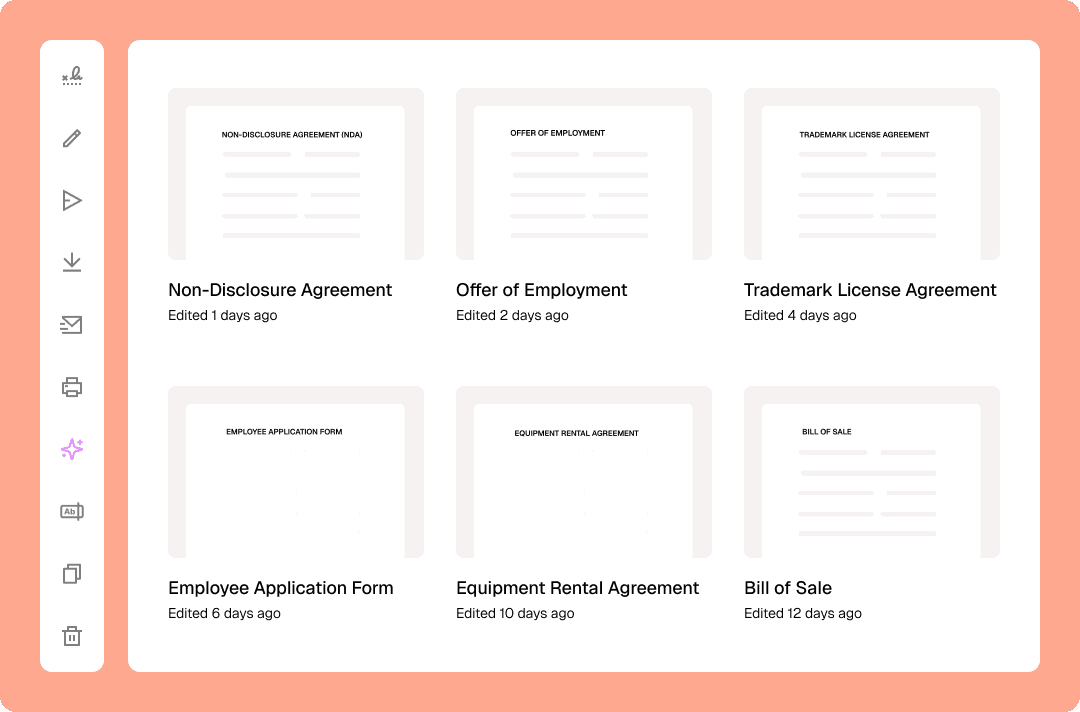
Draft contracts quickly using 2,500+ lawyer-vetted legal templates
Edit PDF agreements without converting or switching to clunky desktop software
Execute & track
Sign or send agreements for legally binding eSignatures to up to 10 recipients—right from the editor
Monitor document status from your workspace and send instant reminders when deals stall
Store & analyze
Save any document as a reusable template in your personal contract repository
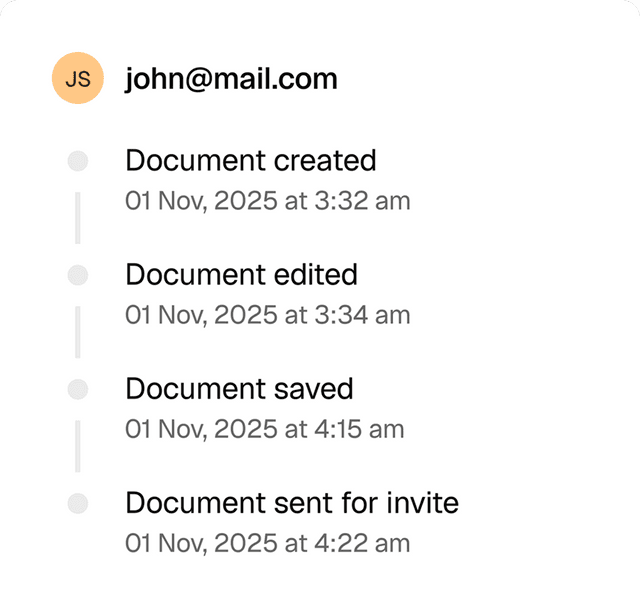
Keep a detailed audit track of every contract to prove its validity anytime
Organize documents in secure cloud storage and access them from anywhere
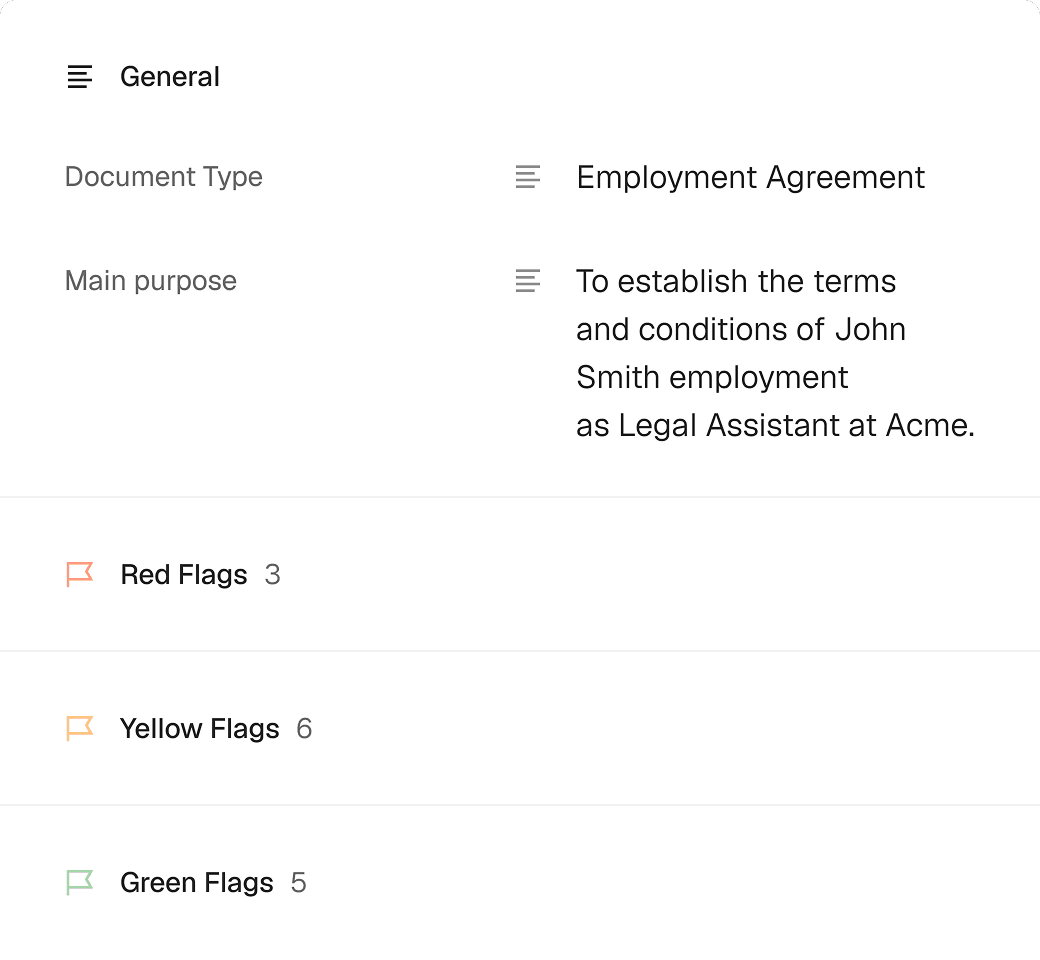
Use AI to summarize contracts, break down key clauses, and identify potential risks
How to manage contracts with Loio?
- 1.
Create your Loio account and choose your plan: Plus or Pro.
Both plans include all Loio features, empowering comprehensive contract lifecycle management. Start your free 7-day trial to see how our tools work together.
- 2.
Upload a document or start with a template from the library.
Most templates offer multiple versions, so you can pick one that matches your use case. Loio guides you through each template to ensure accurate completion.
- 3.
Open a document in the editor to fill in details, make quick changes, or add your own signature.
- 4.
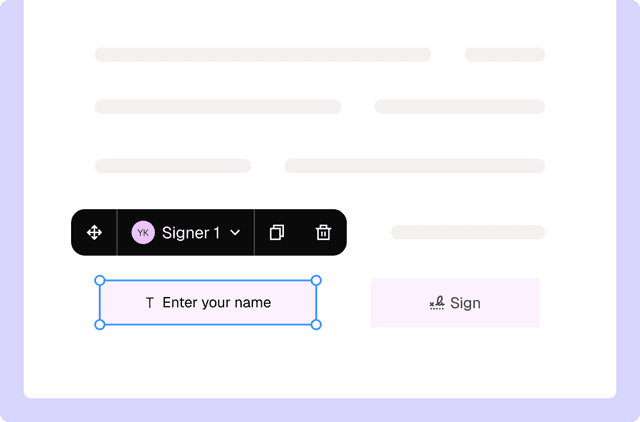
Switch to For signers mode to insert fields and assign them to recipients. Fields are interactive boxes that allow signers to input data or signatures.
- 5.
Enter the recipients’ email addresses and send your document out for signatures. Track the progress in the Signatures section of your workspace.
- 6.
After everyone has signed, you will receive a notification. The signed contract along with its audit trail will be stored in your workspace, so you can access and export it anytime.
- 7.
Every document you upload or send is available as a reusable template for your future deals. You can quickly create a fresh copy ready to be signed by the next recipient.


Get agreements done from start to finish
Are Loio eSignatures secure and legal?
Loio ensures your agreements are legally binding and secure, so you can sign confidently.
Full audit trails
View a history of all document changes with time-stamped actions and IP addresses.
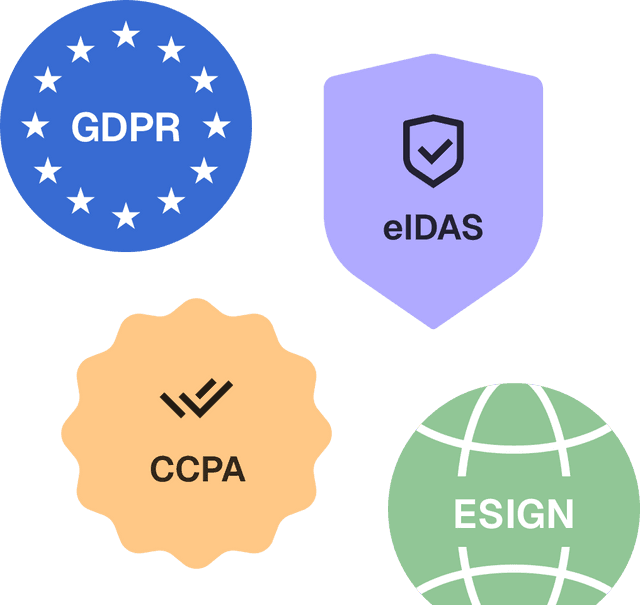
Global compliance
Loio follows global laws for eSignature compliance and data protection.
Secure storage
Keep documents safe within Loio’s encrypted environment.
Explore the all-in-one contract workspace
More cases
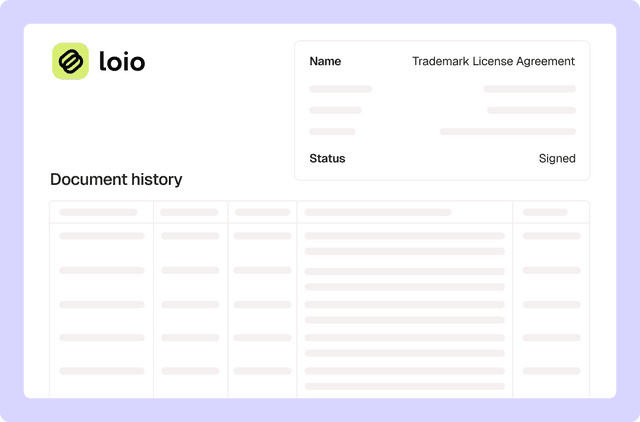
eSignature
Get legal proof of signing for every document
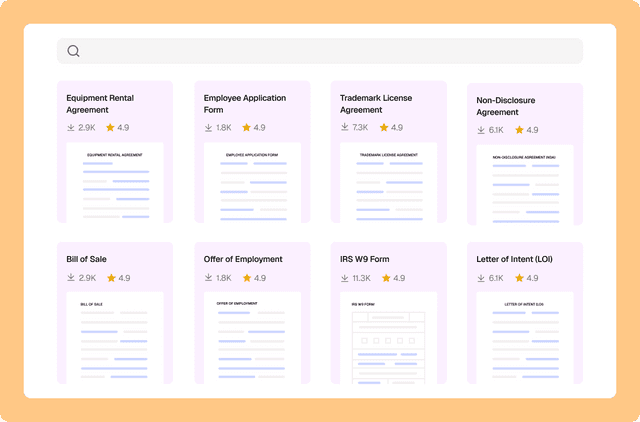
Document management
Drafting a contract with a library of 2,500+ legal templates

eSignature
Keep contracts moving with signature tracking and reminders
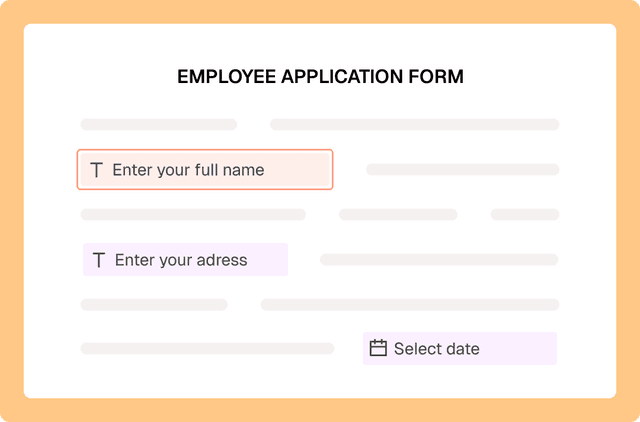
PDF editing
Fill out PDF forms online with Loio’s editor
PDF editing
Turn PDFs into interactive forms to collect data and signatures
PDF editing
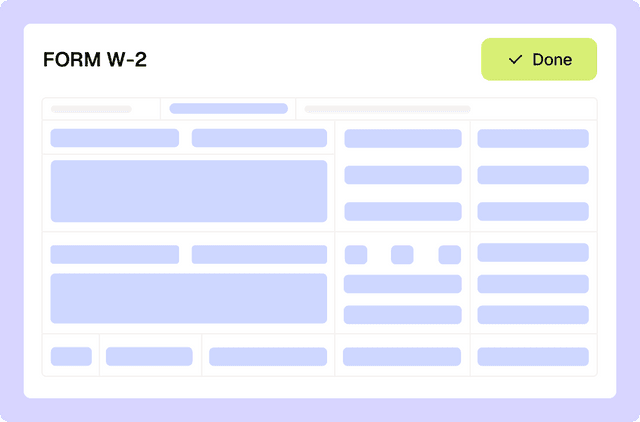
Filling out tax forms with Loio's editor
Loio is for your entire
agreement process
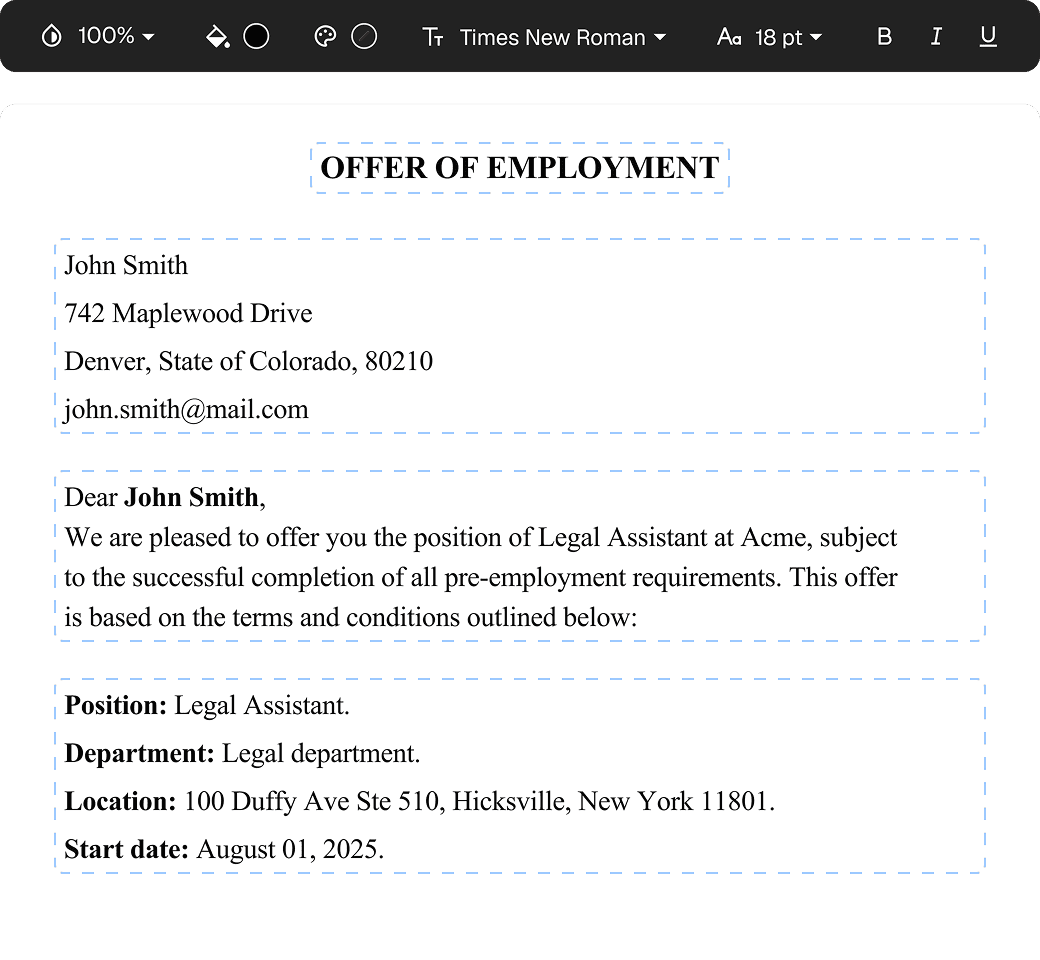
Edit PDFs seamlessly
Tweak agreements before signing or sending for signatures. Update details, add or remove clauses, adjust formatting, and redline changes instantly.
eSign legally and securely
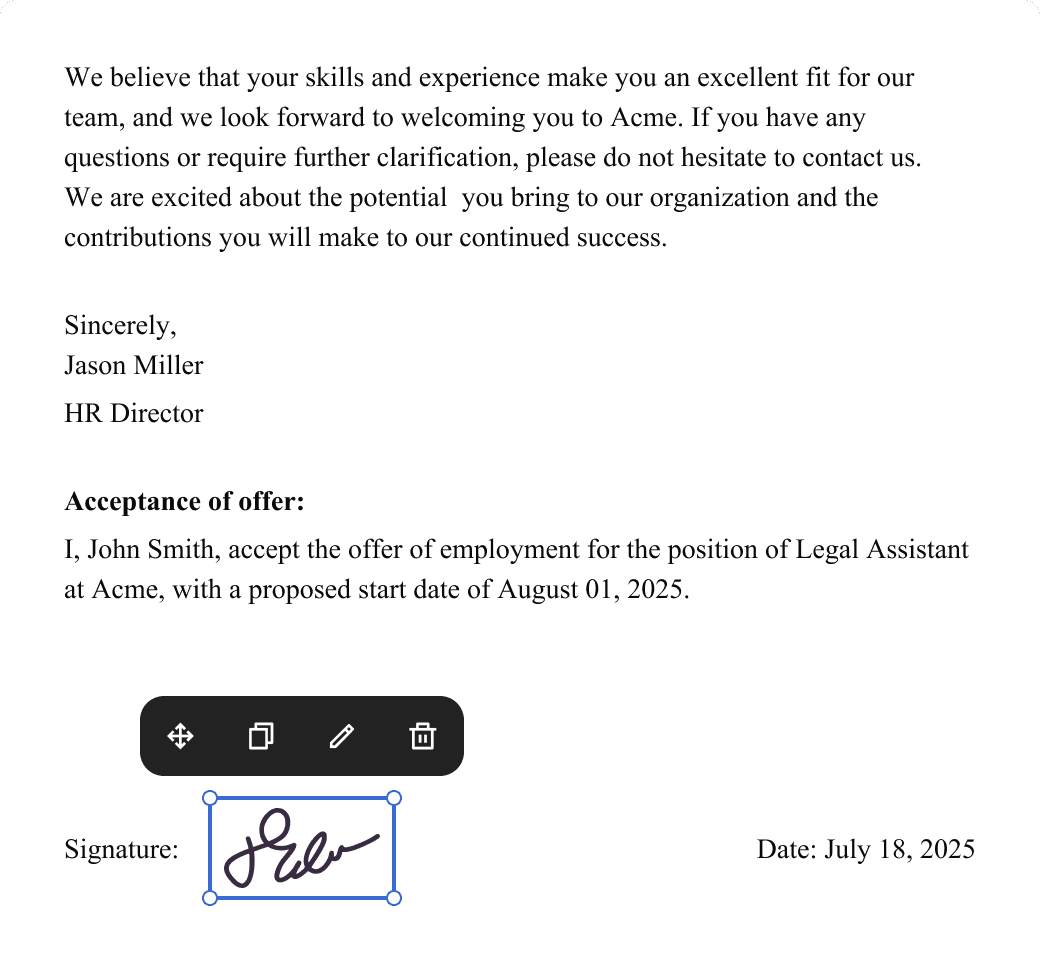
Sign documents and collect legally binding signatures. Invite up to ten people to sign in any order, track the progress, and send reminders.
Summarize with AI
Instantly understand complex legal documents to sign with confidence. View key insights, dates, amounts, and potential legal risks.