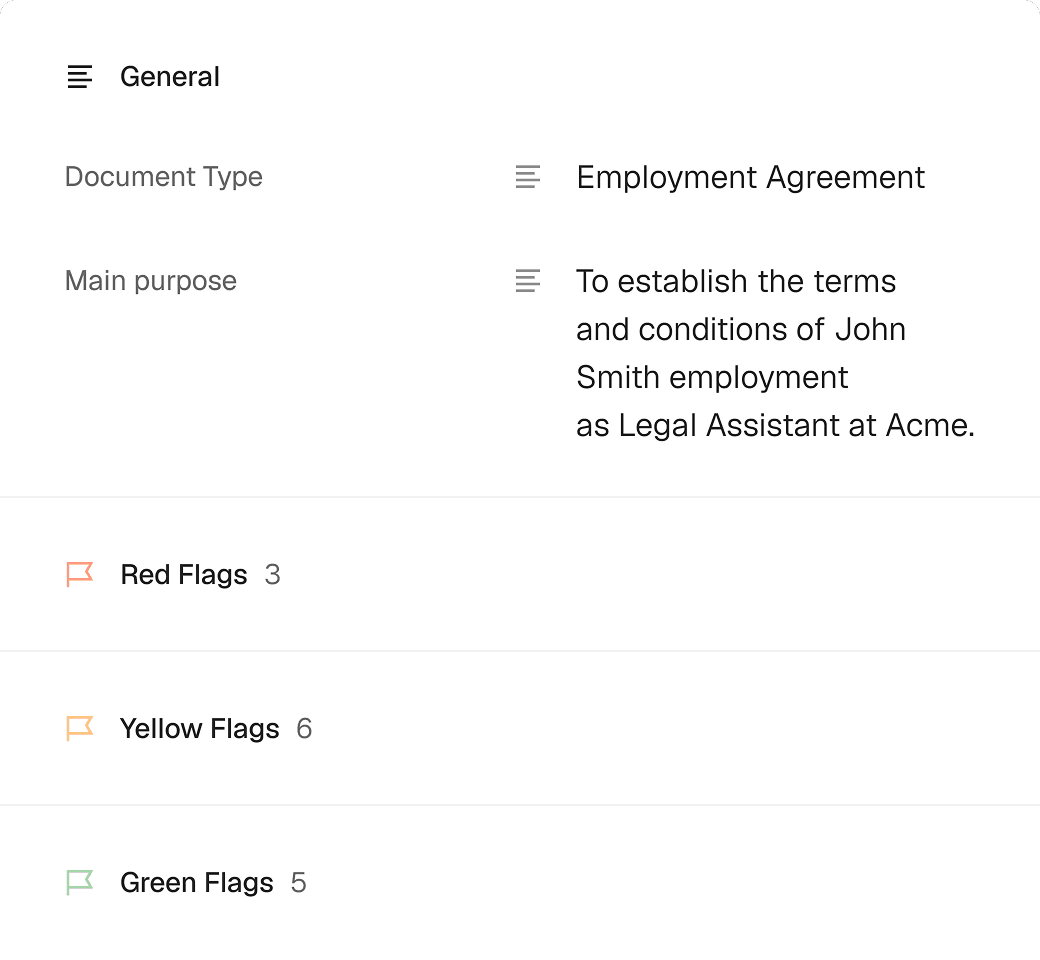
Get legal proof of signing for every document
Retrieve a complete signing history accounting for every document change and signature.
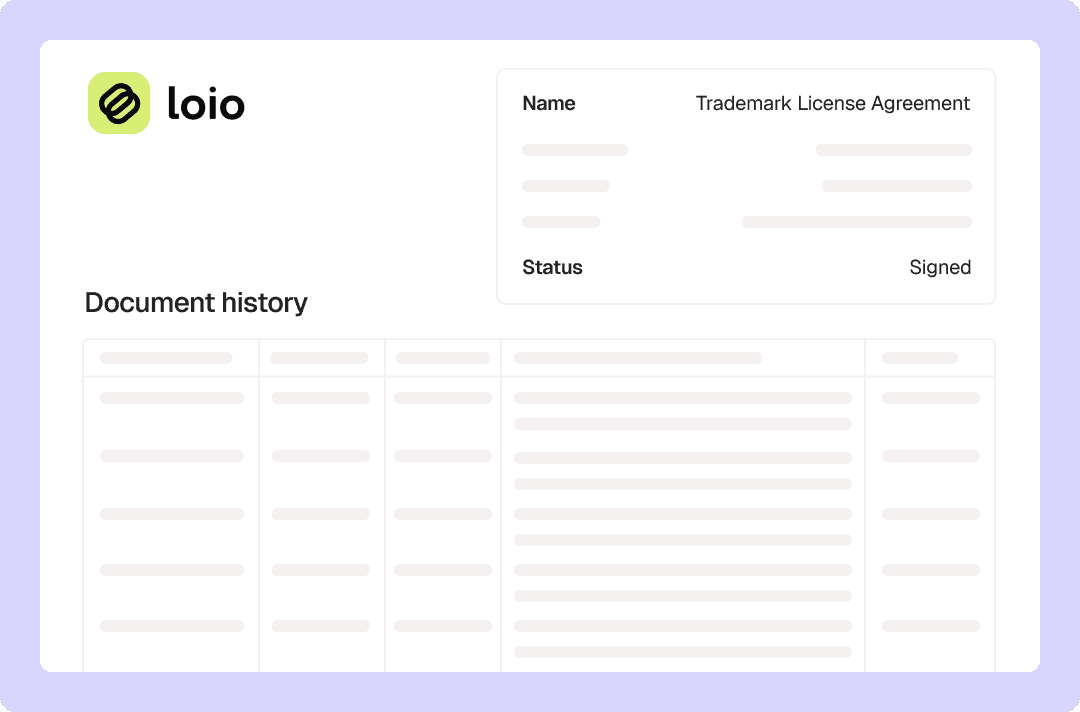
Get legal proof of signing for every document
Content
Why trust Loio for secure and legal eSigning?
Loio combines global eSignature compliance with enterprise-grade security to ensure your digital agreements are legally binding and protected. By meeting the core criteria for intent, consent, and record retention, Loio ensures your eSignatures carry the same legal weight as traditional ink. Central to this compliance is Loio’s verifiable eSignature audit trail, which captures every detail of the signing process and acts as legal proof in the court of law. Here's how we keep your documents secure and legally sound:
Global compliance: Loio adheres to ESIGN and eIDAS standards, ensuring all signatures are legally defensible across the US, EU, and beyond.
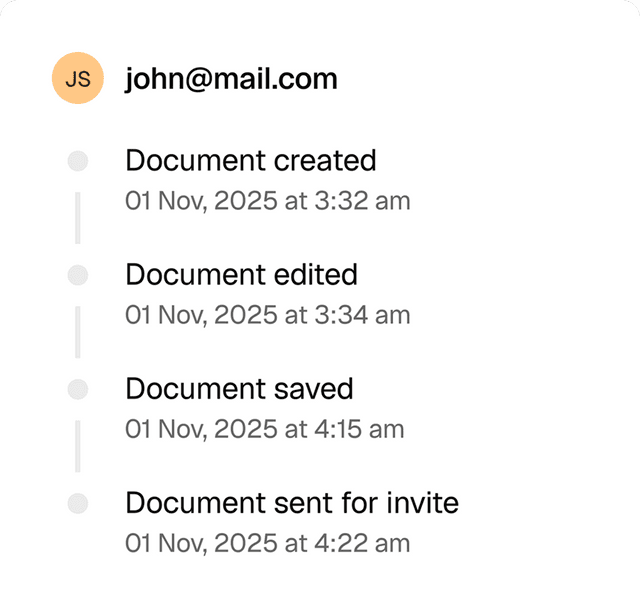
Signature verification with audit trails: Under ESIGN and eIDAS, every document includes a secure log capturing the signer’s name, email, IP address, and precise timestamps for when the file was opened, viewed, and signed.
Fortified infrastructure: All data is processed on AWS servers meeting ISO 27001 and SOC 2 Type II standards for maximum physical and cloud security.
Multi-layered encryption: Your documents are protected both at rest and in transit using industry-standard AES-256 encryption.
Privacy & data hygiene: We are GDPR and CCPA ready, with strict data retention policies. Deleted documents are permanently wiped from our systems after 30 days.
Note: To ensure long-term signature validity, signed documents and their audit trails are stored permanently.
How to verify an electronic signature with Loio’s audit trail?
- 1.
Go to the Signatures section of your workspace and find the specific document you signed or sent via Loio.
- 2.
Hover over a signature request card and click View details.
- 3.
In the Details tab, you can review general information about your document, its current status, and the signing progress.
- 4.
Switch to the History tab to view a complete log of document changes, email addresses, timestamps, and IP addresses.
- 5.
To save a copy of the document bundled with its audit trail, click Export and select Download with history.

When do you need an audit trail?
Disputing repudiation
If a client or partner claims they didn't authorize an agreement, an audit trail provides data that links the action to their device and location (email and IP address, OS, browser, etc.).Proving document integrity
In legal disputes, an audit trail proves that the version of the contract being presented hasn't been tampered with or edited since the final signature was applied.Compliance audits
For industries like real estate, finance, or healthcare, regulators often require proof of a "closed-loop" process. The audit trail serves as an automated report for internal or external auditors.Tracking workflow bottlenecks
On a daily operational level, seeing exactly when a recipient opened or viewed a document helps you understand if a deal has stalled or if a reminder is needed.Meeting strict multi-party requirements
In complex deals with multiple stakeholders, an audit trail creates a chronological map of who signed and in what order, ensuring the "Association" requirement of eIDAS is fully met.

Get agreements done from start to finish
Are Loio eSignatures secure and legal?
Loio ensures your agreements are legally binding and secure, so you can sign confidently.
Full audit trails
View a history of all document changes with time-stamped actions and IP addresses.
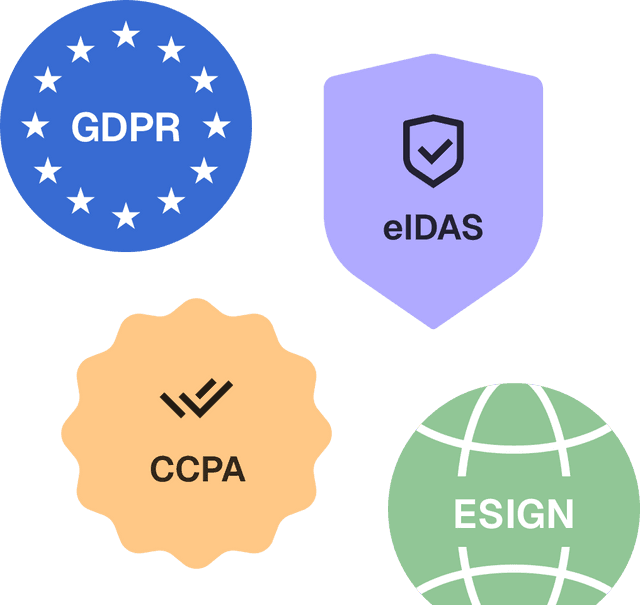
Global compliance
Loio follows global laws for eSignature compliance and data protection.
Secure storage
Keep documents safe within Loio’s encrypted environment.
Explore the all-in-one contract workspace
More cases
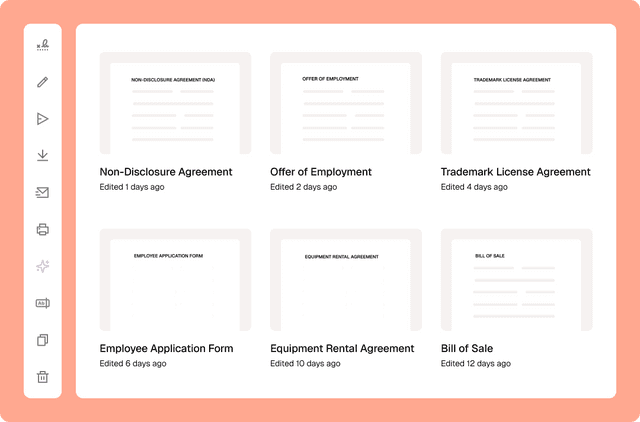
Document management
Сentralized contract management with Loio’s all-in-one workspace
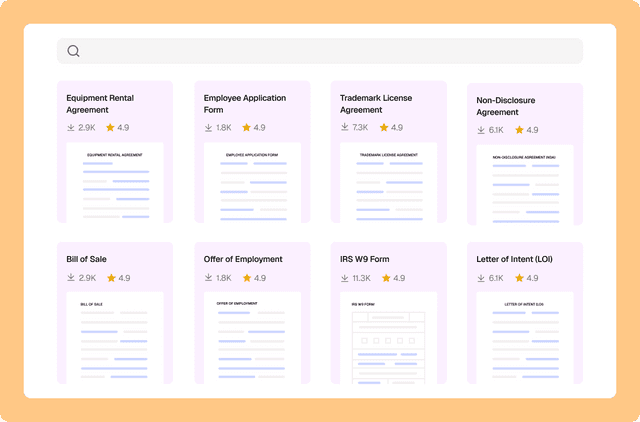
Document management
Drafting a contract with a library of 2,500+ legal templates
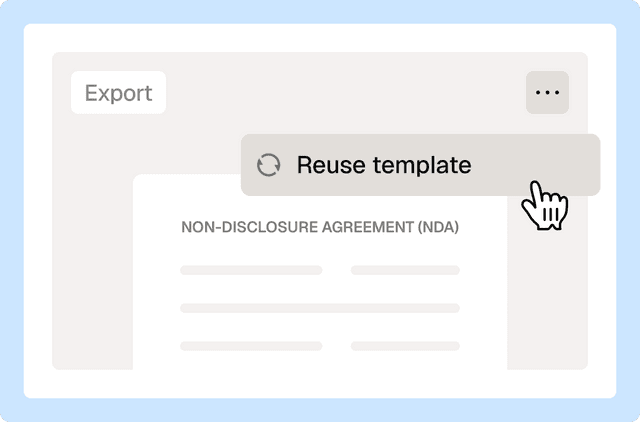
Document management
Reuse a contract to speed up your deal
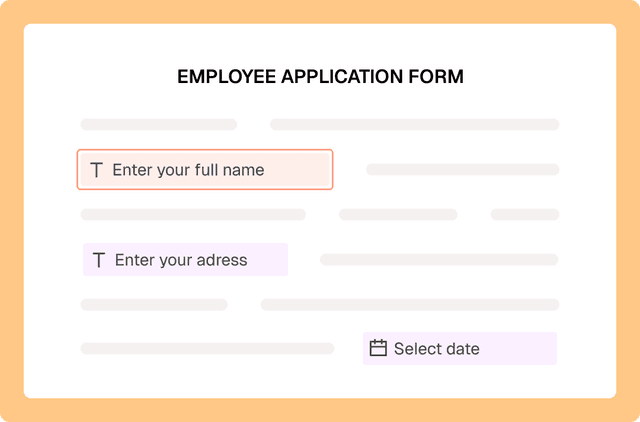
PDF editing
Fill out PDF forms online with Loio’s editor
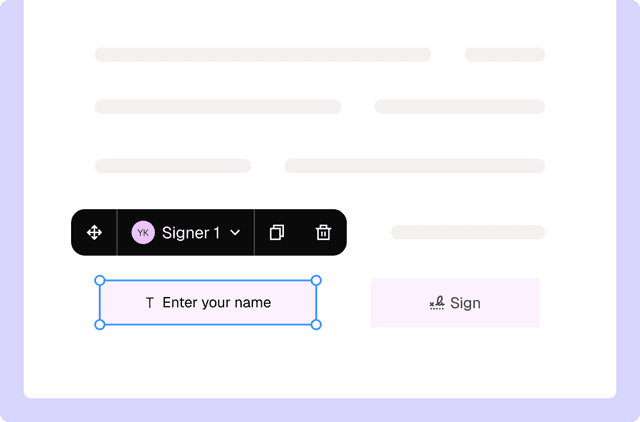
PDF editing
Turn PDFs into interactive forms to collect data and signatures
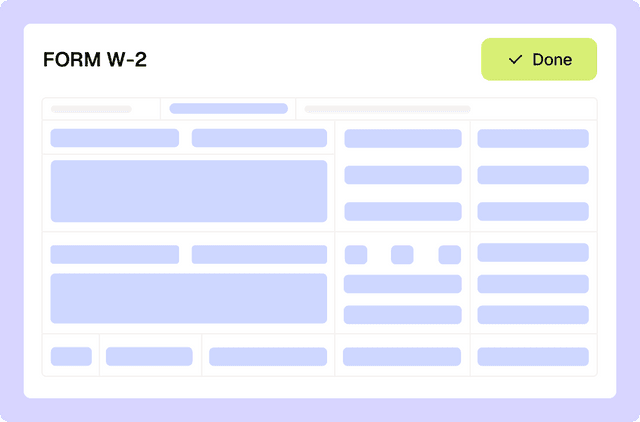
PDF editing
Filling out tax forms with Loio's editor
Loio is for your entire
agreement process
Edit PDFs seamlessly
Tweak agreements before signing or sending for signatures. Update details, add or remove clauses, adjust formatting, and redline changes instantly.
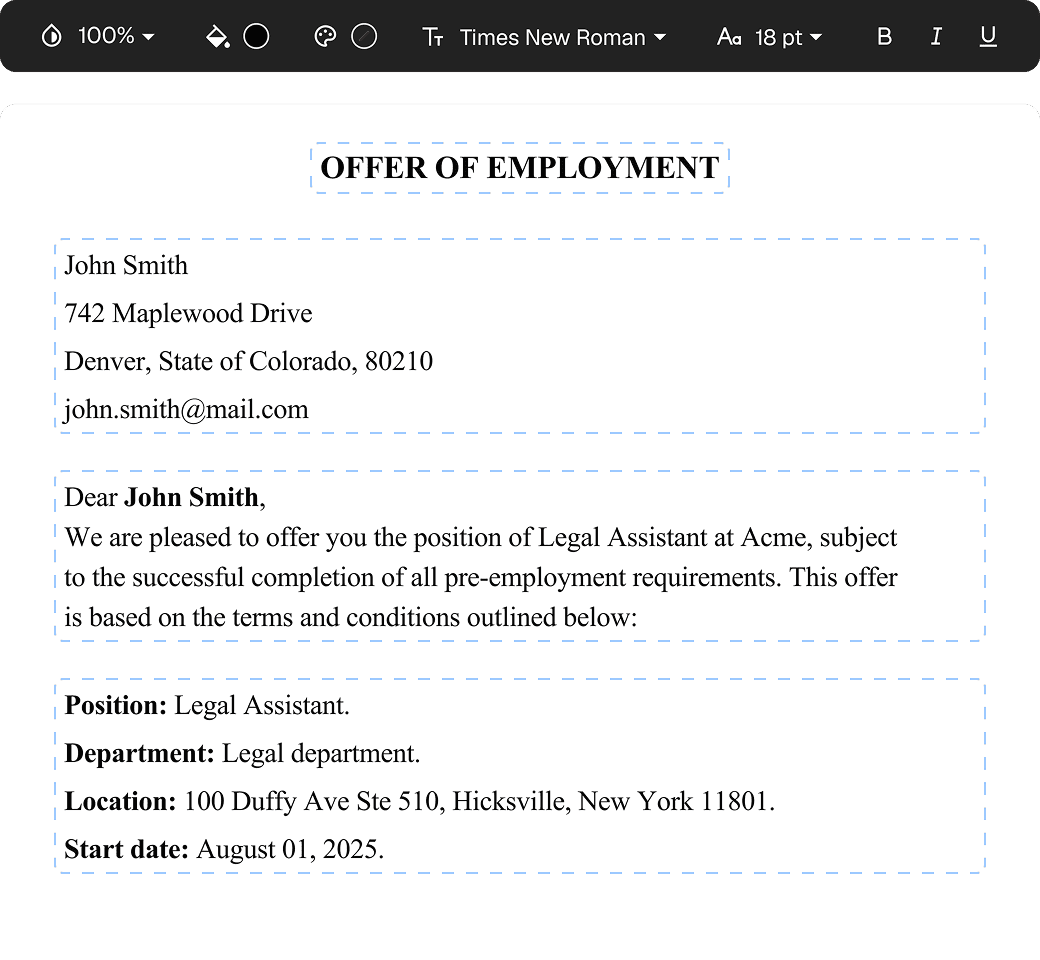
eSign legally and securely
Sign documents and collect legally binding signatures. Invite up to ten people to sign in any order, track the progress, and send reminders.
Summarize with AI
Instantly understand complex legal documents to sign with confidence. View key insights, dates, amounts, and potential legal risks.