Collect signatures from multiple parties
Request legally binding signatures and receive executed, audit-ready agreements without chasing people down.
Collect signatures from multiple parties
Content
Why Loio for signature collection?
Moving to electronic signatures is often about speed and security, but as many professionals find out, signing is just the tail end of a much longer, often messy document lifecycle. Loio is an all-in-one contract management platform that simplifies the journey from a blank page to a signed deal, letting you:
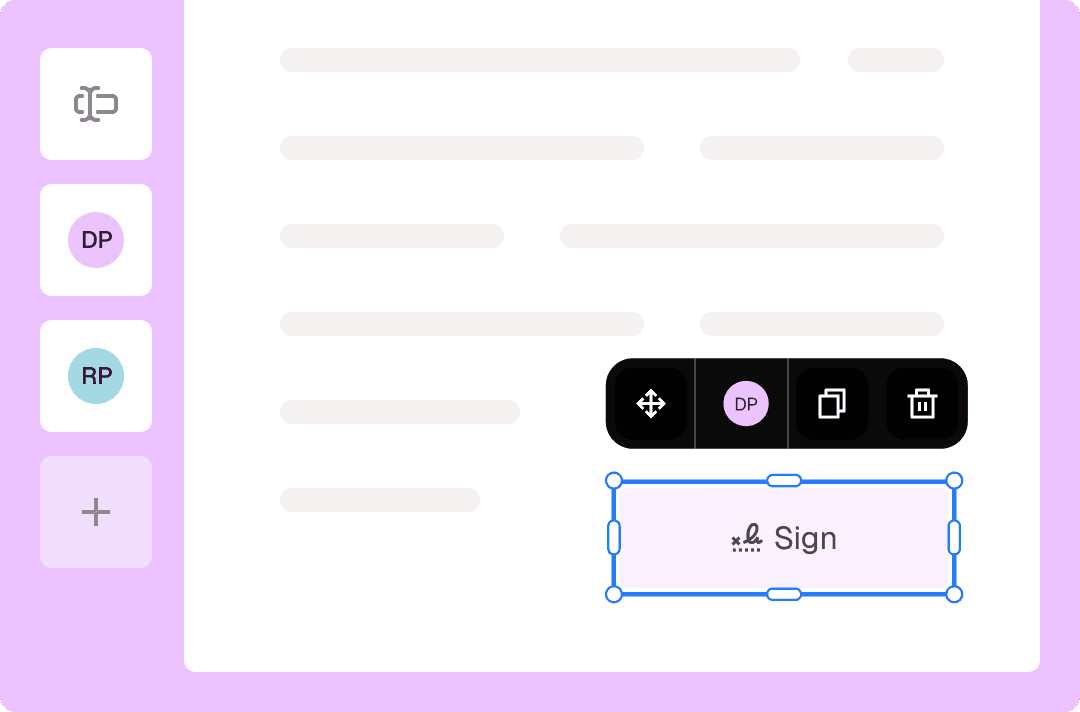
Prepare agreements for signing by adding fields for recipients to complete.
Edit PDF contracts before sending.
Get multiple signatures on one document and handle agreements with up to 10 signers.
Manage multi-step, multi-party signing processes, ensuring everyone signs in the correct order.
Track the signing progress with instant status alerts.
Keep contracts on track by sending reminders—no awkward follow-ups needed.
Reuse existing signature requests as snapshots for new envelopes.
Tap into a library of 2,500+ curated templates to skip drafting and jump straight to collecting signatures.
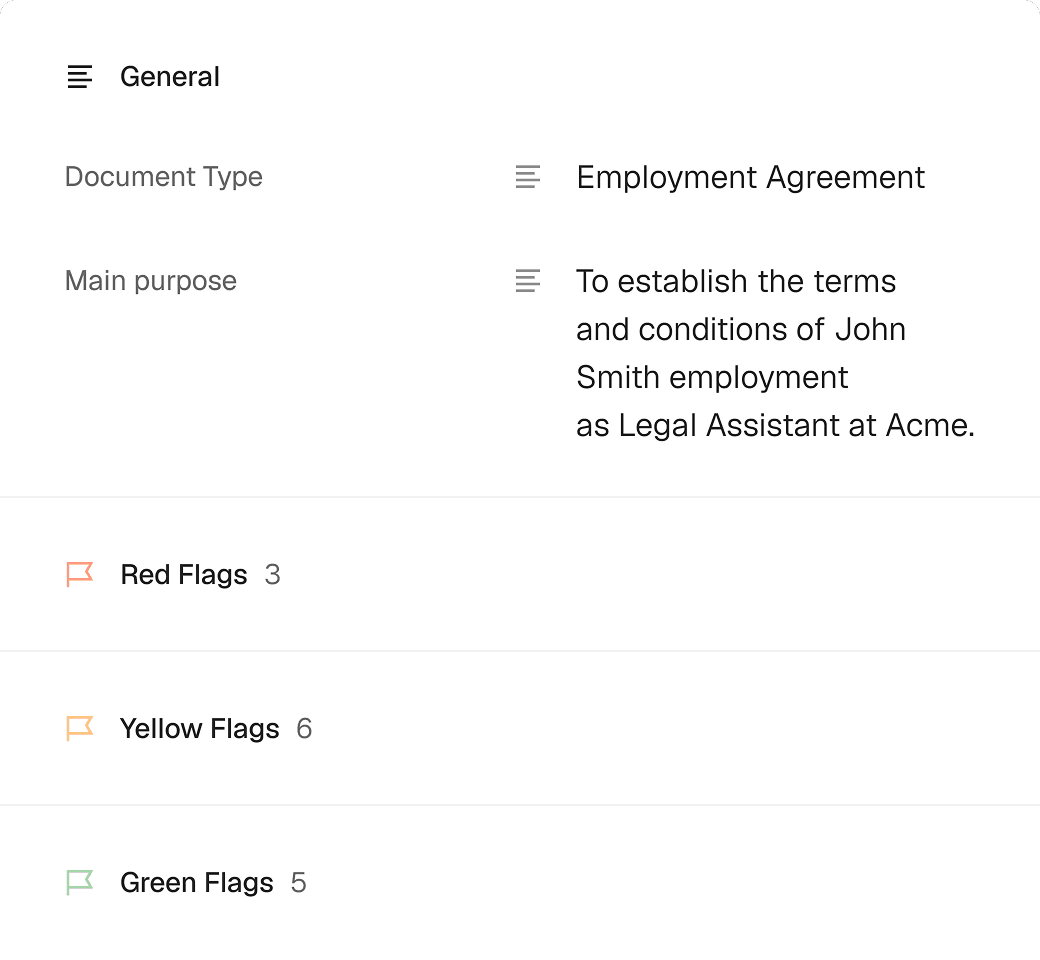
Instantly summarize any contract with AI for a concise overview of key terms, dates, prices, and "red flags" to ensure you haven’t missed anything.
How to request signatures from multiple people with Loio?
- 1.
Create your Loio account and choose your plan: Plus or Pro.
Signature requests are only available in paid plans. Try sending a document for free by starting your 7-day trial.
- 2.
Upload and open a document in Loio’s editor, or start with a template from the library.
Selecting a template triggers a quick interview where Loio guides you through the document, completing the necessary details based on your answers.
- 3.
Switch to the For signers tab to insert and assign fillable fields.
Fillable fields are interactive boxes for signers to input data or signatures.
- 4.
Add up to 10 signers and place fields for each of them to complete. To re-assign a field, just click it and select another signer.
- 5.
When your document is ready, hit Send. Enter the recipients’ names and email addresses, set the signing order, and confirm sending.
- 6.
The recipients will find your signature request in their inbox. They can sign it online from any device with just a few clicks. After everyone has signed, you will receive a notification.
You can check the signing progress from the "Signatures" tab of your Loio workspace and send an instant reminder if the process stalls.


Get agreements done from start to finish
Are Loio eSignatures secure and legal?
Loio ensures your agreements are legally binding and secure, so you can sign confidently.
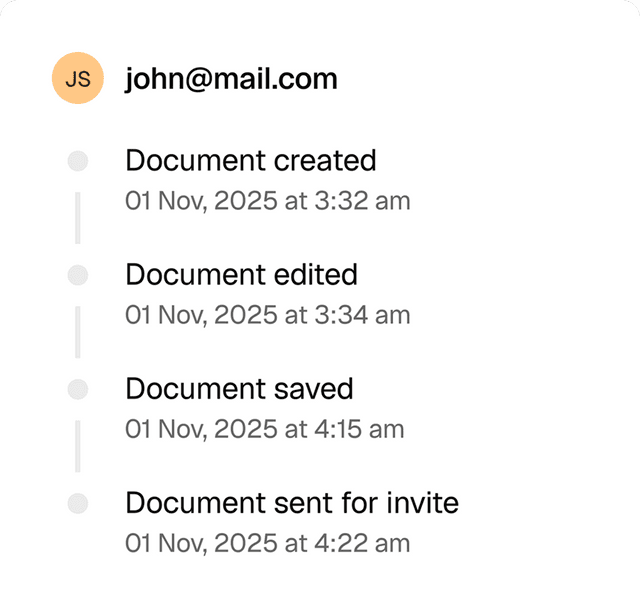
Full audit trails
View a history of all document changes with time-stamped actions and IP addresses.
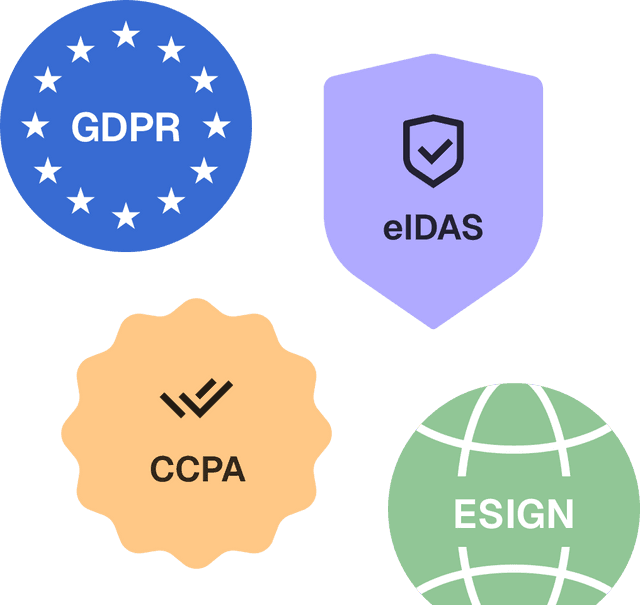
Global compliance
Loio follows global laws for eSignature compliance and data protection.
Secure storage
Keep documents safe within Loio’s encrypted environment.

Multi-signer document workflows for every team
Contract execution: Collect signatures from multiple parties on agreements and amendments
Settlement agreements: Route documents to plaintiffs, defendants, and counsel for approval
Partnership formations: Gather signatures from all founding partners and stakeholders
Power of attorney: Obtain signatures from grantors, agents, and witnesses
Explore the all-in-one contract workspace
More cases
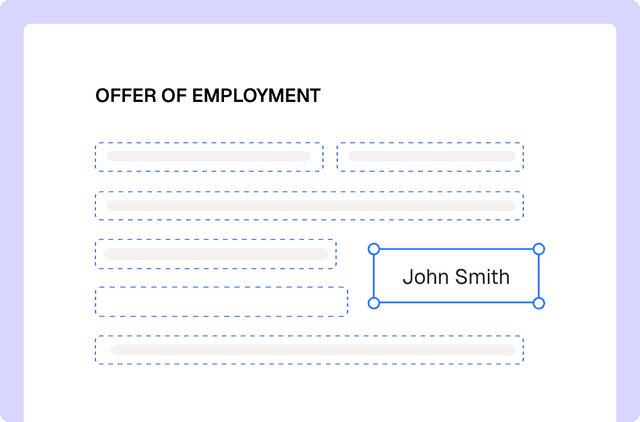
PDF editing
Edit documents and redline changes with Loio’s PDF tools
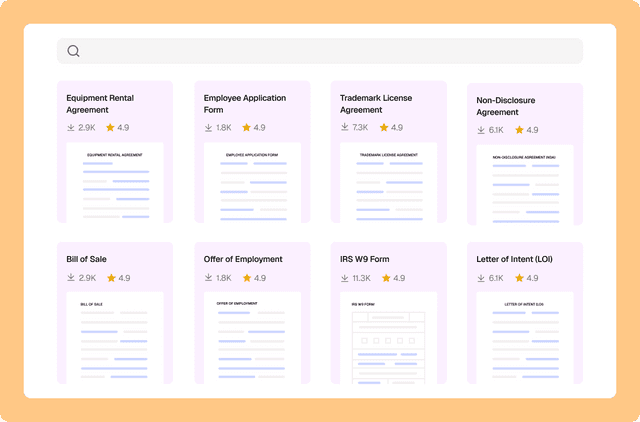
Document management
Drafting a contract with a library of 2,500+ legal templates
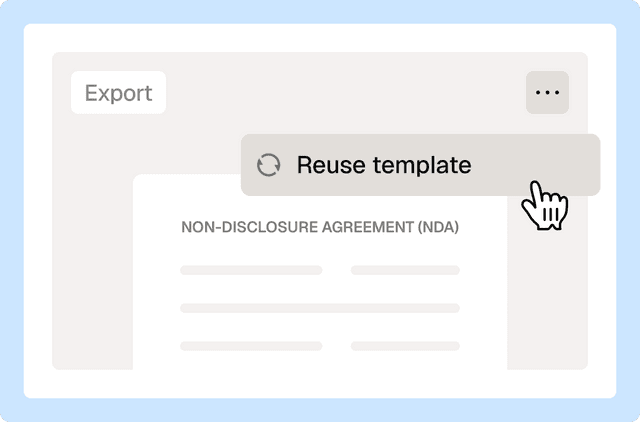
Document management
Reuse a contract to speed up your deal
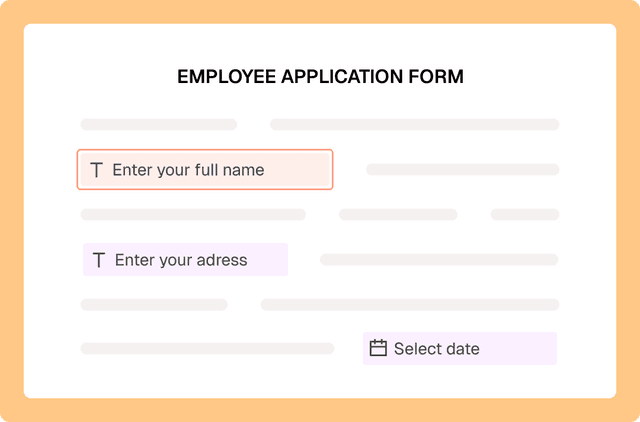
PDF editing
Fill out PDF forms online with Loio’s editor
PDF editing
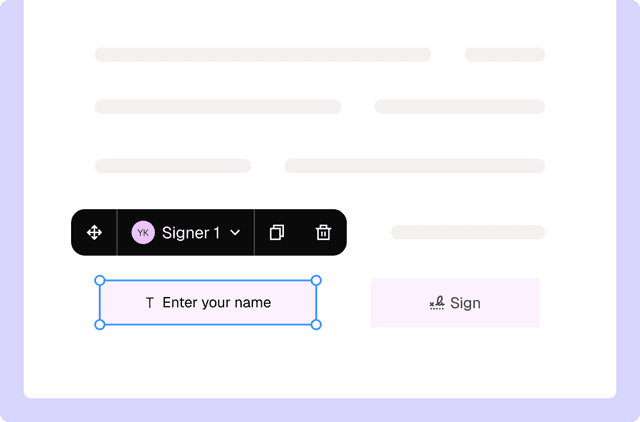
Turn PDFs into interactive forms to collect data and signatures
PDF editing
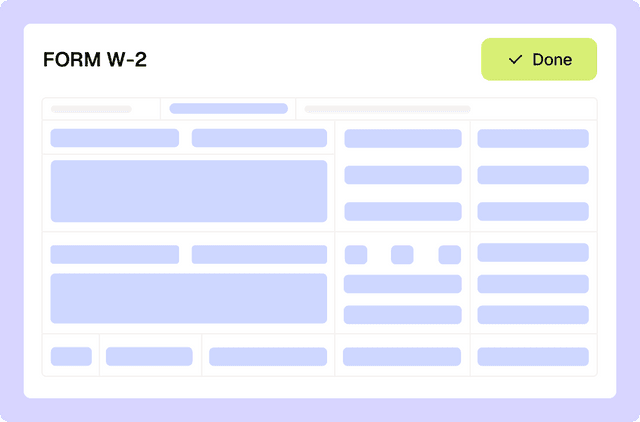
Filling out tax forms with Loio's editor
Loio is for your entire
agreement process
Edit PDFs seamlessly
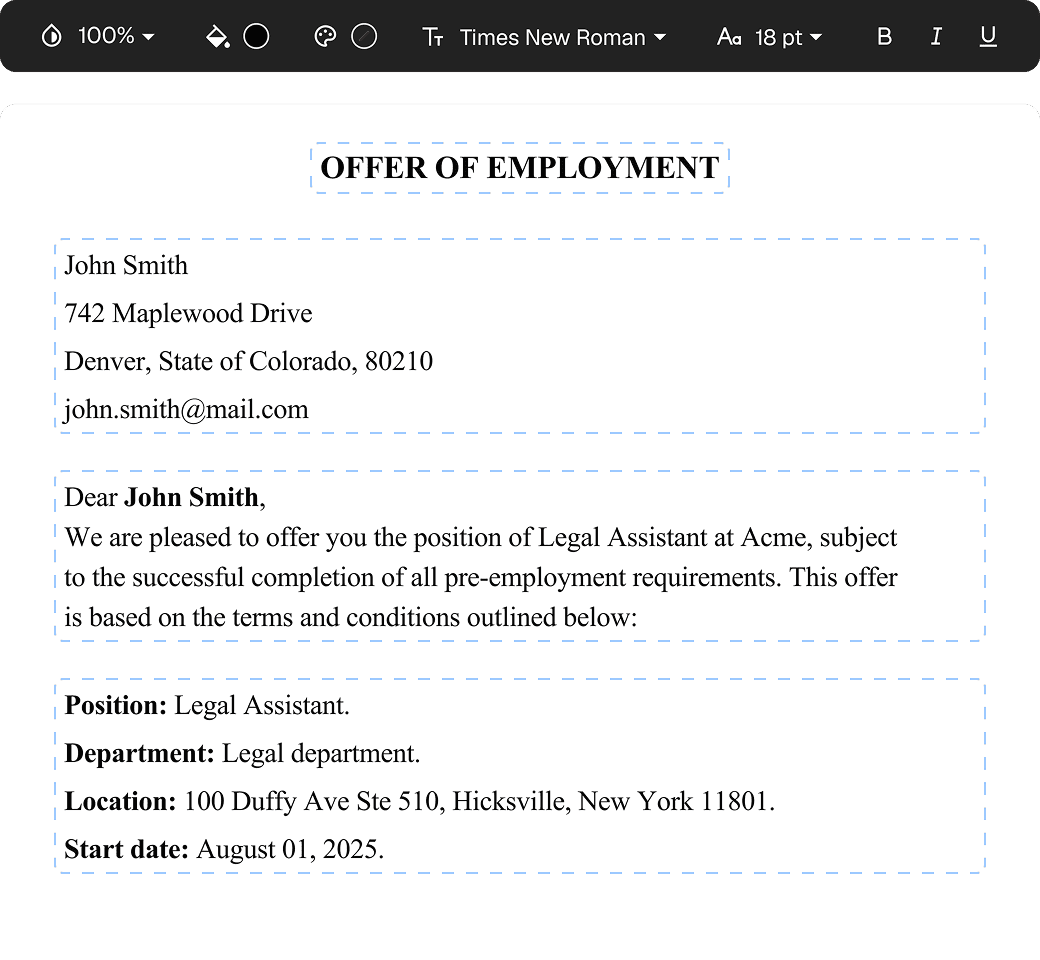
Tweak agreements before signing or sending for signatures. Update details, add or remove clauses, adjust formatting, and redline changes instantly.
eSign legally and securely
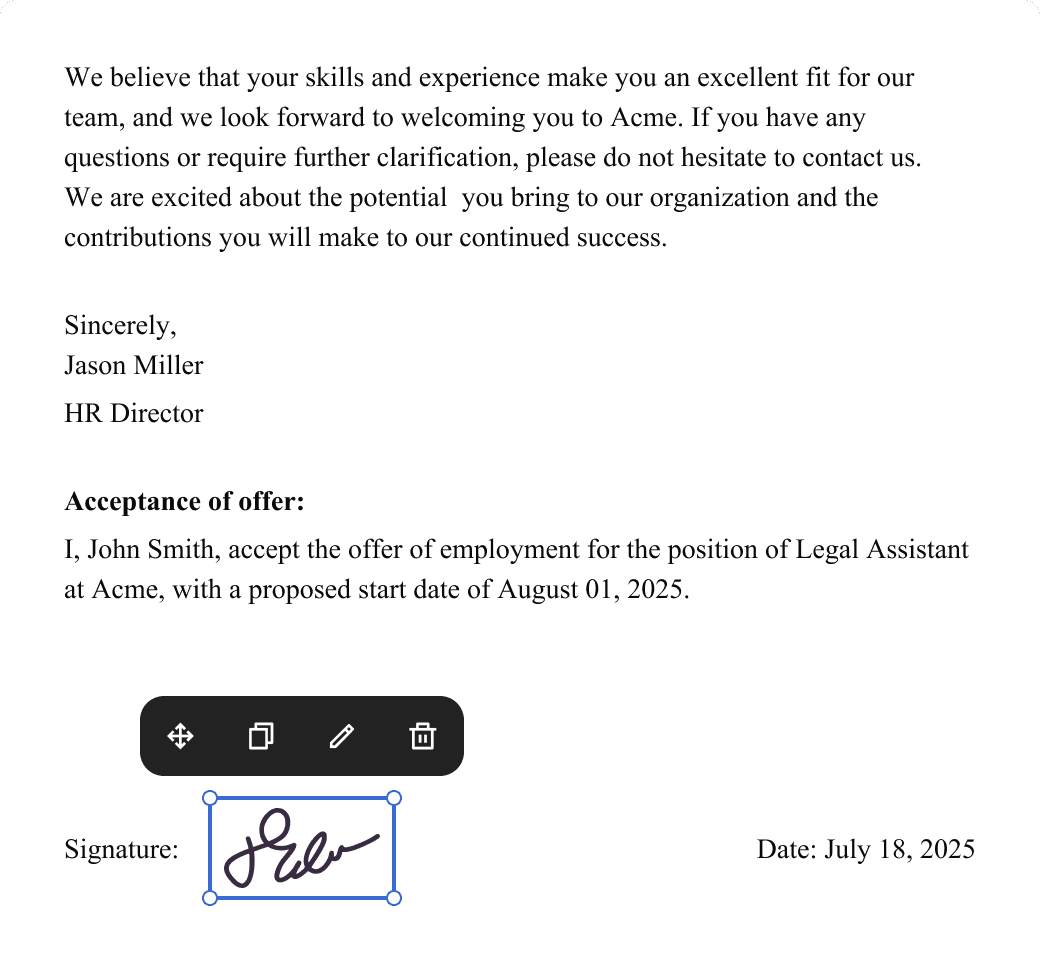
Sign documents and collect legally binding signatures. Invite up to ten people to sign in any order, track the progress, and send reminders.
Summarize with AI
Instantly understand complex legal documents to sign with confidence. View key insights, dates, amounts, and potential legal risks.