Free template
Free AI Policy Template

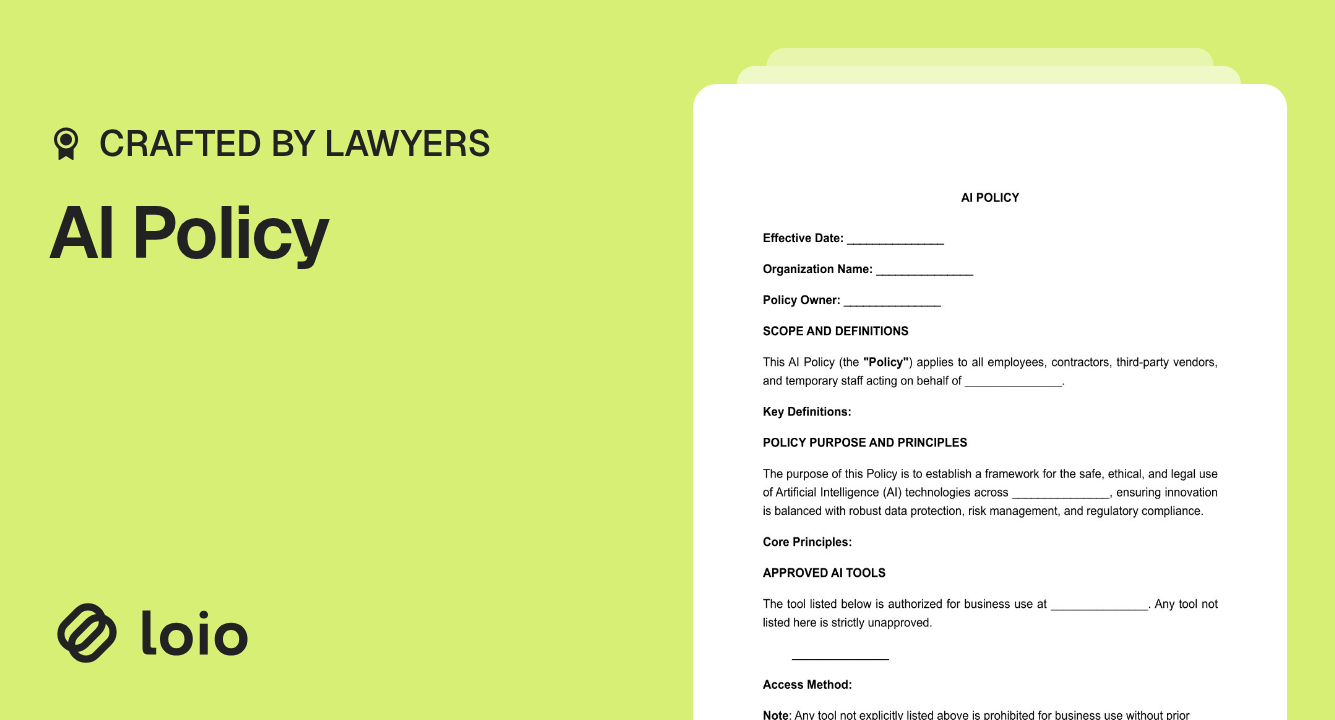
Use this document to set practical rules for how employees, contractors, and other authorized users work with AI. You can define approved tools, permitted and prohibited tasks, data restrictions, human-review requirements, incident reporting, and responsibility for maintaining the policy.
The template is designed mainly for organizations that use ready-made AI services in everyday work rather than develop AI models themselves. You can start completing your artificial intelligence policy template now or review the sections below first.
Is This AI Policy Template Right for Your Company?
Copy section linkAn AI policy is useful when several people use artificial intelligence for company work and need consistent rules. The need depends more on how AI is used than on the company's industry.
For example, a software company may use AI to write code, a marketing agency to prepare client content, and a staffing agency to summarize resumes or draft interview questions. Each organization handles different information and risks, but all may need to decide which tools are allowed, what employees can upload, and when someone must review an AI-generated result.
A self-employed professional can also use the template to organize AI use in client work. However, the document becomes more useful as more employees, contractors, clients, or internal processes are affected.
When you may need an AI policy
Consider implementing an AI policy in these situations:
A client asks how your company controls the use of AI before signing or renewing a contract.
Employees already use AI tools, but each person follows their own rules.
The company plans to introduce a new AI tool or AI-supported workflow.
Someone uploads confidential or personal information to an AI service, revealing a gap in existing procedures.
Management, HR, legal, compliance, or IT/security asks for company-wide AI rules.
These are practical reasons, not a list of situations in which the law necessarily requires a written AI policy.
Internal and external AI use
Inside the company, an AI policy can address how employees and contractors use AI for drafting, coding, translation, meeting summaries, research, data organization, customer-support drafts, and similar work.
External use needs additional attention when AI affects clients, customers, applicants, or other people. For example, a recruiter may use AI to draft interview questions with relatively little risk, while an AI system that ranks applicants or conducts autonomous interviews may require additional controls or legally required procedures.
For staffing companies in particular, the policy can provide general rules for tools, resume handling, report review, and employee responsibilities. More specialized candidate-evaluation processes may need additional procedures. See Loio's guide on how to start a staffing agency for broader operational considerations.
When this template may not be enough
This template can work as a general workplace policy, but some AI uses need more than one internal document.
For example, it may be a foundation with additional procedures if the company uses AI to evaluate candidates, make significant employment recommendations, process highly regulated information, or interact autonomously with customers. A company developing its own AI models may also need technical governance that goes beyond this workplace policy.
If your main concern is technical cybersecurity controls around AI infrastructure rather than employee AI use, a specialized AI security policy template or separate security standards may be more appropriate.
The important distinction is whether the template fits the use as written, provides a foundation that needs additional controls, or addresses a different problem from the one you need to solve.
What Rules Can You Set in an AI Policy?
Copy section linkThe template lets an organization turn general ideas such as “use AI responsibly” into specific workplace rules.
You can identify approved AI tools and, where appropriate, tools that are explicitly forbidden. For each tool, the company can consider how employees access it — for example, through an enterprise account, browser interface, extension, or API integration.
The policy can also distinguish permitted and prohibited tasks. Permitted activities may include drafting, brainstorming, translation, research, documentation, or code support. Higher-risk uses can be restricted or require additional review.
Data rules are especially important. The policy can specify whether employees may submit public, confidential, personal, client, or proprietary information to a particular tool. The FTC has noted that users of AI services may disclose internal documents, confidential business information, and even their own customers' data, making it important to understand how an AI provider handles submitted information.
For more on handling information shared with technology providers, see A Guide to Sharing Sensitive Security Data with Vendors.
The template also lets the organization address:
- human review of AI-generated work;
- disclosure of AI assistance;
- intellectual property and licensing;
- third-party AI vendors;
- incident reporting and escalation;
- policy ownership and review.
AI-generated work may require additional intellectual-property review. The U.S. Copyright Office has concluded that generative-AI output can receive copyright protection where sufficient human authorship exists, but merely providing prompts generally does not make the user the author of the resulting expressive material.
The template also lets you reference legal frameworks and requirements such as the GDPR, CCPA, HIPAA, U.S. equal employment opportunity requirements, or the EU AI Act, as they apply to your organization and AI use.
For broader protection of company materials, see How to Protect Intellectual Property and Confidential Data.
What is an example of an AI policy rule?
A practical rule should tell an employee what is allowed and where the limit is.
For example:
An employee may use an approved AI tool to prepare a first draft of client material, but may not upload restricted client information and must review the output before sending it externally.
This is more useful than simply saying “AI may be used for drafting.” It identifies the tool requirement, the data restriction, and the human-review step.
When comparing AI policy examples, look for this level of specificity. The rules should turn common workplace situations into clear actions rather than rely only on broad principles.
How the Guided Interview Helps You Choose AI Rules
Copy section linkThe guided interview turns an AI usage policy template into a series of practical decisions rather than asking you to draft rules from scratch.
It first collects the basic details of the policy, including the effective date, organization name, policy owner, definitions, and core principles. You then identify the AI tools your organization allows, how employees may access them, and whether any tools should be explicitly prohibited.
The interview also asks how AI may be used in specific situations. For example, you can decide whether AI-assisted drafting is permitted for external publication without human review, whether meeting summaries may include confidential client discussions, or whether AI-generated hiring content may be used for candidate evaluation.
You can also specify:
- which AI uses are prohibited;
- what data-handling standard applies;
- which privacy and employment-related frameworks should be referenced;
- what AI-assisted work requires disclosure or internal logging;
- what requirements apply to AI vendors;
- what counts as an AI incident and how it should be reported;
- who reviews incidents and who must be notified after a confirmed data exposure;
- how often the policy should be reviewed.
How an answer can change the policy
For example, suppose your team uses AI to summarize meetings. The interview first lets you include meeting summarization as a permitted use. It then asks whether that permission should also cover recorded meetings involving external clients or confidential discussions.
This makes the completed document more specific than a generic sample AI policy, because the rules reflect the tools, tasks, and restrictions you select during the interview.
Your answer helps define the boundary of that rule in the completed policy: the activity may be generally allowed while a higher-risk version of the same activity is restricted.
This is also why it helps you prepare your current tools, workflows, data types, and responsible people before starting the interview.
How to Create an AI Policy
Copy section linkYou do not need to map every possible future AI use before creating a policy. Start with what the company actually does today.
List the AI tools currently in use
Include officially purchased tools as well as AI features built into existing software. Ask employees or department managers whether teams are also using personal accounts, browser extensions, or other unapproved services.
Identify the tasks performed with AI
Write down the real workflows: drafting text, reviewing code, translating documents, summarizing meetings, working with resumes, preparing client reports, or responding to customers.
The same AI tool may need different rules depending on the task.
Identify the data involved
For each use, ask what information goes into the system.
A simple distinction is usually enough:
- public or non-sensitive information;
- internal or confidential business information;
- personal, client, or otherwise restricted information.
Do not invent complicated data tiers unless your company already uses them.
Decide where human review is required
Ask what the AI produces and what happens next.
An AI-generated brainstorming list is different from a candidate ranking, financial recommendation, production code change, or message automatically sent to a customer. Decide which outputs employees may use routinely and which require review or approval.
Choose permitted and prohibited uses
Turn the findings above into rules employees can follow.
For example, the company might permit AI-assisted drafting but prohibit entering confidential client information into an unapproved service. It might allow AI to suggest customer responses while prohibiting automated sending without review.
Assign responsibility
Decide who can approve new tools, grant exceptions, receive incident reports, and update the policy.
Depending on the organization, those roles may sit with management, IT/security, HR, legal/compliance, or the owner of the affected business process.
Decide when AI use should be disclosed
Consider whether employees need to disclose AI assistance internally, to clients, or to other affected people.
Disclosure is not universally required for every AI-assisted task. The answer can depend on the company's commitments, the context, and applicable law.
If personal information is collected or processed and consent is an appropriate legal basis, a separate Data Collection Consent Form may also be relevant.
Who Should Review and Approve the AI Policy?
Copy section linkThere is no universal rule that an internal AI policy must be signed by two specific people. The approval process should reflect the organization and the systems the policy covers.
A manager or process owner may prepare the first version, while HR, IT/security, legal/compliance, or senior management reviews the parts relevant to their responsibilities. If AI affects several departments, multi-role approval can help make sure the policy is practical enough to implement.
Real organizations use different approval models:
- Velindre University NHS Trust's 2026 AI Governance Policy identifies a document author, an executive sponsor, and a separate approving committee.
- Consortium Trust's 2026 AI Policy uses an even more explicit sign-off process: the policy is electronically signed by the CEO and a representative of the Audit and Risk Board.
- NUST's 2025 Artificial Intelligence Policy uses a three-stage approval process: review by the ICT Senate Committee, approval by the Senate, and ratification by the University Council.
These examples show different governance approaches; they do not mean that every AI policy must have multiple signatures or approvals.
The Loio template itself allows the company to identify a Policy Owner, responsible teams and escalation contacts, a review period, and leadership adoption. For a smaller business, some of these responsibilities may belong to the same person.
How to Introduce an AI Policy in Your Company
Copy section linkCreating the document is only the first step. The organization also needs to make the rules usable.
- Finalize and approve the policy. Confirm the tools, restrictions, responsible roles, and effective date before rollout.
- Assign a policy owner. Give one person or team responsibility for questions, exceptions, incidents, and updates.
- Explain the policy to employees. Focus on what changes in their work: which tools they can use, what they cannot upload, and what must be reviewed.
- Address contractors separately. If contractors use company or client information, make sure the policy works alongside their contractual obligations. An Independent Contractor Agreement can address contractual duties that an internal policy alone may not create.
- Notify clients or candidates when appropriate. Communication may be needed when AI materially affects them, when the company has promised disclosure, or when applicable law requires a separate notice.
- Set an incident-reporting route. Employees should know where to report accidental disclosure, use of an unapproved tool, problematic AI output, or another AI-related incident.
- Review the policy periodically. Revisit it when the company introduces materially different AI tools or workflows, experiences a significant incident, or faces new legal or contractual requirements.
AI training can be incorporated into the broader HR documentation and onboarding process. See Essential HR Documents for Every Business for related documentation practices.
An AI Policy Does Not Replace Other Legal Requirements
Copy section linkAn internal AI policy tells people inside an organization what rules they should follow. It does not automatically replace a contract, legally required notice, consent, security procedure, or other compliance step.
For example, a client may ask to see the company's AI policy but also require AI-related promises in an NDA, services agreement, data processing agreement, or other contract. Similarly, an internal rule about recruitment AI does not replace a candidate notice when the law separately requires one.
Employment AI is a useful example:
- California's employment regulations clarify that automated-decision systems can violate state anti-discrimination rules and have been effective since October 1, 2025.
- Illinois law, effective January 1, 2026, expressly addresses discriminatory AI use in recruitment, hiring, promotion, discipline, discharge, and other employment matters and requires notice in covered circumstances.
- New York City's Local Law 144 separately regulates certain automated employment decision tools. Covered employers and employment agencies may need a recent bias audit, publication of specified audit information, and required notices before using the tool.
These examples show why a general AI policy can be a foundation without being the only document or procedure an organization needs.
Organizations can also use the NIST AI Risk Management Framework as a reference when developing broader AI governance. The NIST AI RMF is voluntary, not a mandatory federal AI policy standard, and NIST notes that version 1.0 is currently being revised.
NIST also publishes a Generative AI Profile with additional risk-management guidance for generative systems.
Additional requirements may apply when AI is used for employment decisions, biometric processing, sensitive personal data, regulated professional services, or other high-impact uses.
Selecting a legal framework in the template does not determine whether that law applies or make your organization compliant with it. Applicability and compliance depend on the organization, the data and people involved, the AI use case, and how the relevant requirements are implemented in practice.
Why You Can Trust This Template
Copy section linkThis template is designed for use in the United States. It is developed and reviewed by qualified U.S. legal professionals and regularly updated to reflect relevant changes in U.S. law. Our review considers current statutes and regulations, official government guidance, and relevant case law where applicable.
Because legal requirements and individual circumstances vary, you may need to adjust certain provisions to fit your situation. Use Loio’s Edit PDF tool to revise or add terms before using the document, and check the laws that apply in your jurisdiction.
Related Documents
Also Read