Updated July 21, 2026
7 min read
Common App Document Requirements: Complete Checklist

Common App Document Requirements: Complete Checklist
Content
Applying to college through the Common App makes the process simpler — but it also means you’ll need to gather several important documents in advance. From transcripts to letters of recommendation, each file plays a role in presenting your academic history and personal story.
We will break down what documents the Common App requires, why they matter, and how to prepare them efficiently.
What Is the Common Application?
The Common Application (Common App) is an online platform that allows students to apply to several colleges and universities at once using a single form.
Instead of filling out separate applications for each school, you can complete one main application and send it to all participating institutions — over 1,000 colleges in the U.S. and abroad.
You’ll create an account, fill out your personal and academic information, upload required documents, and select the schools you want to apply to.
How Does the Common App Work?
Here’s how the Common App process works:
- Create an account on commonapp.org.
- Add your schools — search and select colleges that accept the Common App.
- Complete the main application, including your profile, education, and activities.
- Write your Common App essay, which goes to all schools (some may have additional prompts).
- Upload required documents, such as transcripts and recommendation letters.
- Submit and pay application fees, then track your status through your dashboard.
The Common App saves time by centralizing your materials while still letting you personalize each submission.
Common App Requirements
While each college may have specific requests, here are the core documents most schools require through the Common App:
- High school transcript;
- Standardized test scores (if required by the school);
- Common App essay;
- Letters of recommendation;
- School report and counselor recommendation;
- Application fee or fee waiver form.
Double-check the specific Common App requirements for each college in your list — some may ask for portfolios, writing supplements, or additional essays.
Does the Common App Require Letters of Recommendation?
Yes — most colleges using the Common App require at least one letter of recommendation, though the number and type can vary.
How many recommendation letters for the Common App?
- 1 counselor recommendation
- 1–2 teacher recommendations
Some colleges may also allow additional letters from mentors, coaches, or employers. Always check each school’s “Recommenders and FERPA” section within your Common App dashboard to see what’s required.
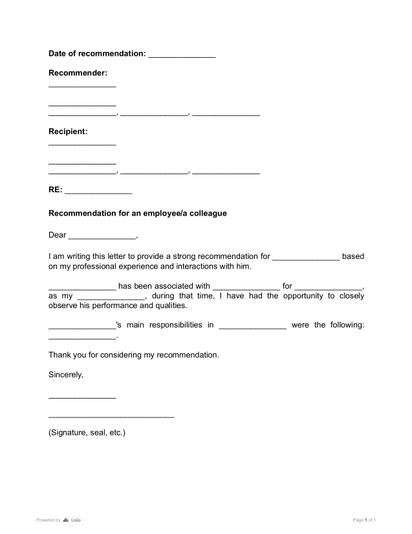
You can make the process easier for recommenders by sharing the academic reference letter — it ensures the letter follows a clear, professional structure.
How to Apply to Colleges Through the Common App
Follow these simple steps to apply through the Common App:
- Set up your account early in your senior year.
- Research deadlines — early action, early decision, or regular admission.
- Gather all materials — transcripts, essays, recommendation letters, and test scores.
- Write and edit your personal essay.
- Ask your recommenders early (at least a month before the deadline).
- Review and submit your application carefully before the deadline.
The Common App makes college applications more manageable, but understanding each school’s document requirements is key. Start early, stay organized, and communicate clearly with your teachers and counselor.
More guides
September 15
The Difference Between First, Second, and Third-Degree Murders
September 4
Living Will vs Last Will: What’s the Difference?

August 31
4 min read
Living Will vs Power of Attorney: Understand What You Need

September 13
11 min read
How to Hire a Nanny in 2026: The Full Legal Process Explained

July 24
5 min read
Do You Need a Counselor Recommendation Letter for College?

July 22
6 min read
How to Get Strong Letters of Recommendation for College

One home for your
agreements
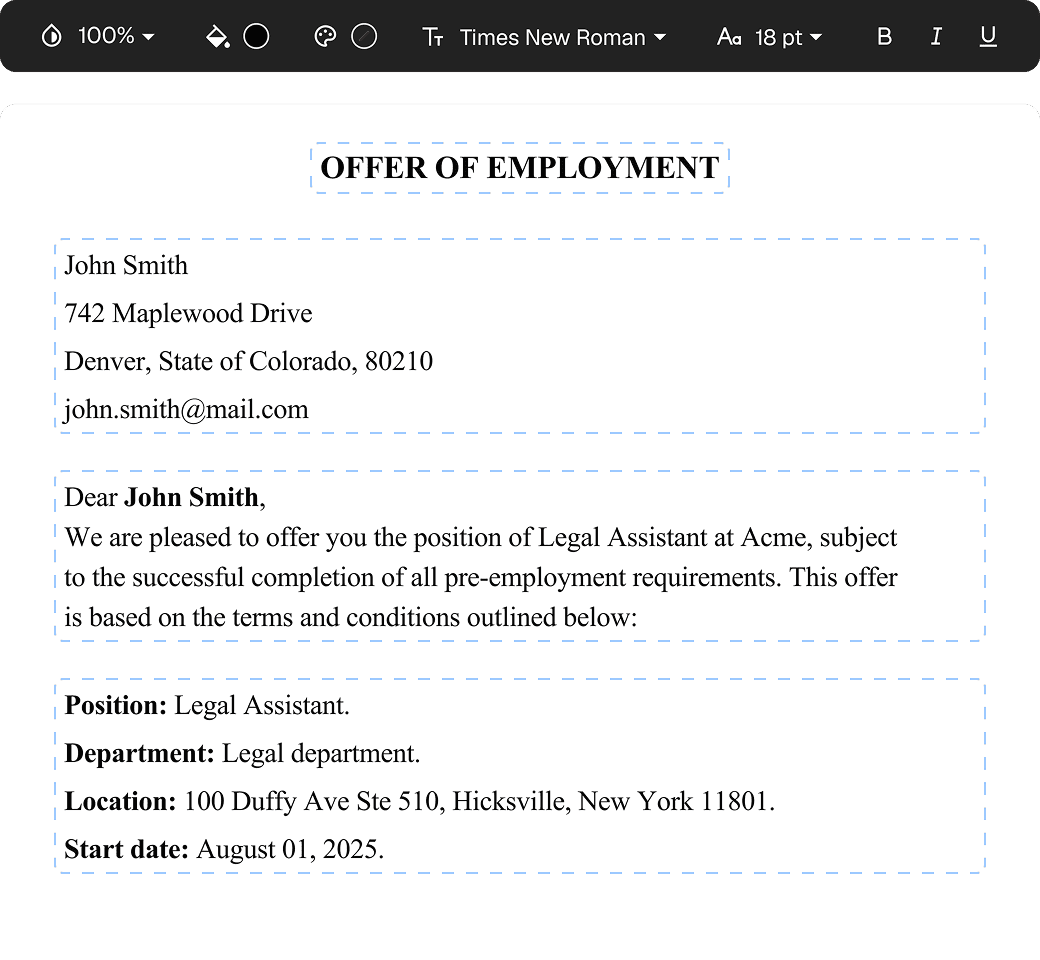
Edit PDFs seamlessly
Tweak agreements before signing or sending for signatures. Update details, add or remove clauses, adjust formatting, and redline changes instantly.
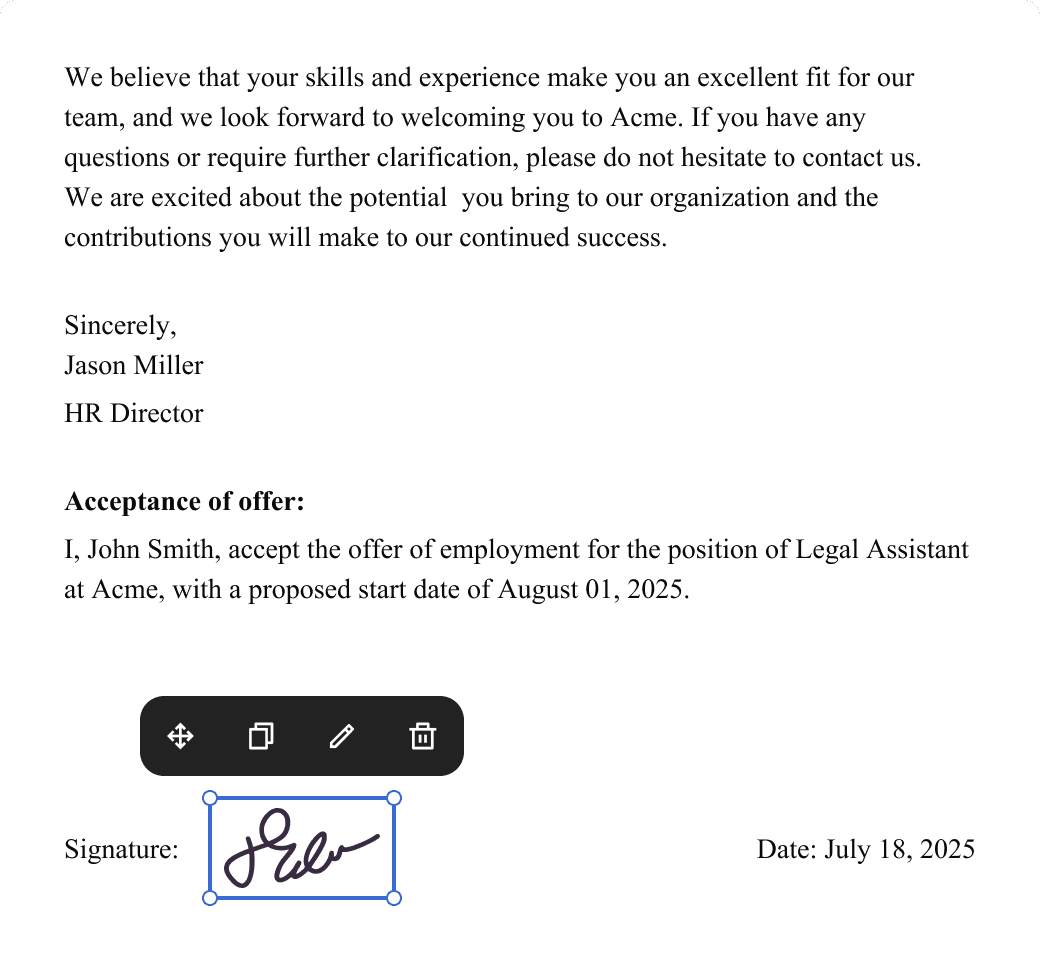
eSign legally and securely
Sign documents and collect legally binding signatures. Invite up to ten people to sign in any order, track the progress, and send reminders.
Request legally binding signatures
Invite up to ten people to sign your document in any order. Get a finalized, audit-ready copy without chasing signatures.
Skip the drafting.
Choose from 2,500+ templates
Browse templatesChoose a template
Fill in details
Sign and download