AI contract redlining software scans documents automatically, flagging risky clauses.
Unlike basic tools, AI platforms analyze contracts first and highlight issues before human editing begins.
Poor contract management costs businesses nearly 9% of annual revenue, making early AI-powered risk detection extremely valuable.
The best redlining platforms combine risk detection, version control, real-time collaboration, and built-in eSignature within one workspace.
AI contract software accelerates repetitive review tasks but never replaces qualified legal judgment on high-stakes contract decisions.
Link copied!
AI Contract Redlining Software: Accelerate Document Review
Redlining a contract rarely takes long because the problems are hard to find. It takes a long time because someone has to read every clause, compare it with the last version, catch what changed, and repeat the same redlining process for the next agreement, and the one after that. For legal and business in-house teams juggling dozens of contracts a month, that manual pass eats hours that could go toward actual contract negotiations, relationship-building, and strategic decisions. The risk of version confusion only increases as contract volume grows.
Fortunately, AI contract redlining software can speed up the entire contracting process. Instead of combing through documents line by line, a modern contract redlining software platform scans the full text, checks contract language against defined terms, flags risky or unusual wording, surfaces buried obligations, highlights missing standard clauses, and shows you exactly where to focus before the markup even starts.
In this guide, we will take a closer look at what AI contract software does, how it differs from traditional redline programs, and what separates the best contract redlining software from a gimmick.
Link copied!
What Is AI Contract Redlining Software?
Redlining started as a paper habit when a person marked up a printed contract in red ink so everyone could see what changed. Digital versions moved that habit into Word’s Track Changes on Word documents or a PDF comment thread, but the core idea stayed the same. Someone makes proposed edits, the other side reacts, and the document passes back and forth through the negotiation process until both parties are on the same page and agree on the final wording.
Contract redlining software handles the parts of that process that do not need a human eye. Instead of manually scrolling through a 50-page services agreement, you upload your own contracts and let the software do a first-pass markup.
A cutting-edge AI redlining tool can:
1
Compare versions of the current draft against a prior version or a standard template and highlight what moved.
2
Run automated clause detection to flag clauses that look risky, non-standard, or missing altogether, e.g., an indemnification clause with no cap.
3
Summarize the source document in plain language so you know what you are dealing with before you start marking it up.
This is different from basic redline software that only tracks changes after you make them. Modern redlining software works earlier in the process, pointing out what needs attention before you open the document for editing. That approach is truly helpful because most of the time spent on contract manual review goes into finding the issues, not fixing them.
Link copied!
AI Contract Redlining vs. Traditional Redline Software
Track Changes in Microsoft Word, part of the wider Microsoft Office suite, is probably the most well-known redline software that has been around for a long time. It is free, user-friendly, and prized for its native tracked changes and tight Word integration. The tool is fine for a short agreement between two parties who trust each other, but you have to put up with structural limitations. It only records what you type without analyzing whether a clause is standard, risky, or missing entirely.
Traditional workflows usually look like this. A person opens the document, reads every clause manually, compares it against memory or an old contract, marks changes, then emails the file for the next round. Each round adds a day or more, especially once 3 or 4 stakeholders need to weigh in, and proofreading fatigue sets in long before the clauses that matter get a close look. A dependable contract redline software platform shortens that cycle by handling the first pass automatically.
AI contract software changes the order of operations. The AI review tool reads the whole document first and produces a summary of risks, dates, and obligations, adding deal context before a human opens the editor. That means the reviewer’s time goes toward decisions, not reading the information and looking for possible issues.
Traditional redlining software vs AI contract redlining software
First pass
Manual read-through
Automated risk summary
Speed
Hours per contract
Minutes per contract
Consistency
Varies by reviewer
Same checks every time
Version tracking
Manual file naming
Built-in version history
Best for
One-off, low-risk documents
Repeated, higher-volume review
Even if you fully rely on advanced AI tools for automated risk detection, you still need human judgment. Redlining software is only as good as the person deciding what to accept, so it works best as one stage in a broader legal review workflow, not a replacement for it. The main benefit of AI solutions is that people can concentrate on clauses that carry true risk, not the boilerplate paragraphs that rarely change.
Link copied!
How Loio’s AI Contract Software Transforms Your Workflow
Loio brings AI-assisted review and editing into a single browser-based workspace for a streamlined workflow. So, you do not have to use one app to read contracts, another to redline them, and a third to collect signatures, switching between separate CLM platforms along the way.
Automated risk detection before you edit
Before you touch a clause, take advantage of Loio’s AI contract review tool – one of the key features of the platform. It reads the document and gives you a plain-language overview of the involved parties, key details, financial terms, dates, etc. With a detailed review at hand, it is easier to spot the clauses most likely to cause a problem later, like unlimited liability, a short auto-renewal cancellation window, or a missing confidentiality carve-out.
That matters because most contract risk hides in several clauses, not the whole document. Across the legal market, weak contract lifecycle management is a recurring problem. According to World Commerce & Contracting, poor contract management costs the average business almost 9% of annual revenue, often through missed obligations nobody caught in time. So, detecting a risky clause before signing an agreement is much cheaper than catching it after.
Once you know where the risk sits, you can move straight into editing with a target instead of reading the whole document cold, and shape a clearer negotiation strategy before the first round goes out. That’s the core reason to establish a well-built AI contract redlining workflow, because review time goes toward decisions, not discovery.
Hallucination-free AI analysis
“Hallucination” is the term for an AI system inventing a fact that is not in the source material, which is a real risk when a model summarizes dense legal documents. According to a Stanford RegLab and Institute for Human-Centered AI study of over 200,000 legal queries across several LLMs, hallucination rates fluctuated from 69% to 88% depending on the task. That’s not a small margin of error for a document you’re about to sign.
Loio’s AI tools work differently. Instead of asking an open-ended model to recall legal knowledge from memory, they read and analyze the specific document you upload and ground every flag, date, and clause summary in that document’s actual text. The AI does not assume what a typical NDA usually says. It reports true data right from your NDA.
Still, no AI tool, no matter how powerful it is, should be the last word on a contract. Treat the flagged items as a starting point. Open the clause the AI points to, read it yourself, and make the call. For anything with real legal weight, loop in a qualified attorney before you sign. Loio is not a law firm and does not provide legal advice, but it can make the document itself easier to understand before that conversation happens.
Fits established teams' workflows
Loio runs entirely in the browser, so there is nothing to install before you start redlining a contract. You can upload a PDF, choose from a library of 2,500+ lawyer-vetted templates, or bring in a draft from wherever your team already stores files, then review, annotate, and eSign documents online in the same tab.
If you need to collect signatures from the other side, Loio handles that, too. A built-in request flow keeps a time-stamped, audit-ready record of every sign-off, so the final execution copy always comes with a clear audit trail.
Bank-grade security for legal teams
Contracts carry sensitive terms, including pricing, liability caps, personal data, and sometimes trade secrets. Any legal redline software you use must treat that seriously.
Loio encrypts documents both at rest and in transit and processes everything on secure AWS infrastructure, layering on security controls around who can open or export a file. The platform complies with GDPR and CCPA, so personal data is handled under recognized privacy frameworks. When you move from redlining to signing, Loio’s eSignature process follows the ESIGN Act and eIDAS simple electronic signature (SES) rules, the US and EU frameworks that give electronic signatures legal validity and prevent them from being rejected just because they're electronic.
Still, you also share responsibilities. Before you upload your own documents with confidential content to any AI tool, ask two questions:
Does the vendor use your documents to train its models?
Who can access the data once it is uploaded?
A trustworthy AI contract redlining vendor should have clear, published answers to both, not something you only learn after you sign up.
Link copied!
Core Features of the Best AI Redlining Tools
When you search for the best redline software on the market, the advertising pages tend to be long and persuasive. Still, it is better to look past them and check whether the platform corresponds to your needs. Here is a quick checklist of what a good redlining tool should offer.
Risk and clause detection that explains why a term is flagged against your standard positions;
Comment threads and suggested edits that flag proposed language clearly, so reviewers can propose changes without overwriting the original;
Upload support for multiple documents and the formats you use regularly;
Version control and history, so you can track document versions to see exactly what changed between drafts;
In-line editing that preserves formatting from the source file;
Real-time collaboration with role-based permissions, letting reviewers, editors, and approvers work on the same document;
Built-in eSignature, so a redlined contract moves straight to execution;
Clear data protection practices, including encryption and compliance with recognized privacy laws.
Loio covers each of these inside a single workspace. Pick from over 2,500 lawyer-approved templates or upload your own agreement, invite reviewers with different permission levels, track every suggested change, and finish with a legally binding signature without switching tabs.
Link copied!
Moving from AI Redlines to Execution
A redline is only useful if it leads somewhere. Once your team has accepted changes and the document reflects everyone’s final position, the next step is getting signatures without starting a new email thread or re-uploading the file to a different app.
A reasonable workflow usually includes the following steps:
1
Resolve the open redlines against your approved negotiation positions and confirm both parties are working from the same final draft.
2
Route the document for internal approval, following your negotiation playbook, if your policy requires sign-off above a certain value or risk level.
3
Send it out for signature, with reminders set so the process does not stall waiting on one signer.
4
Store the signed copy somewhere your team can find it again in 6+ months.
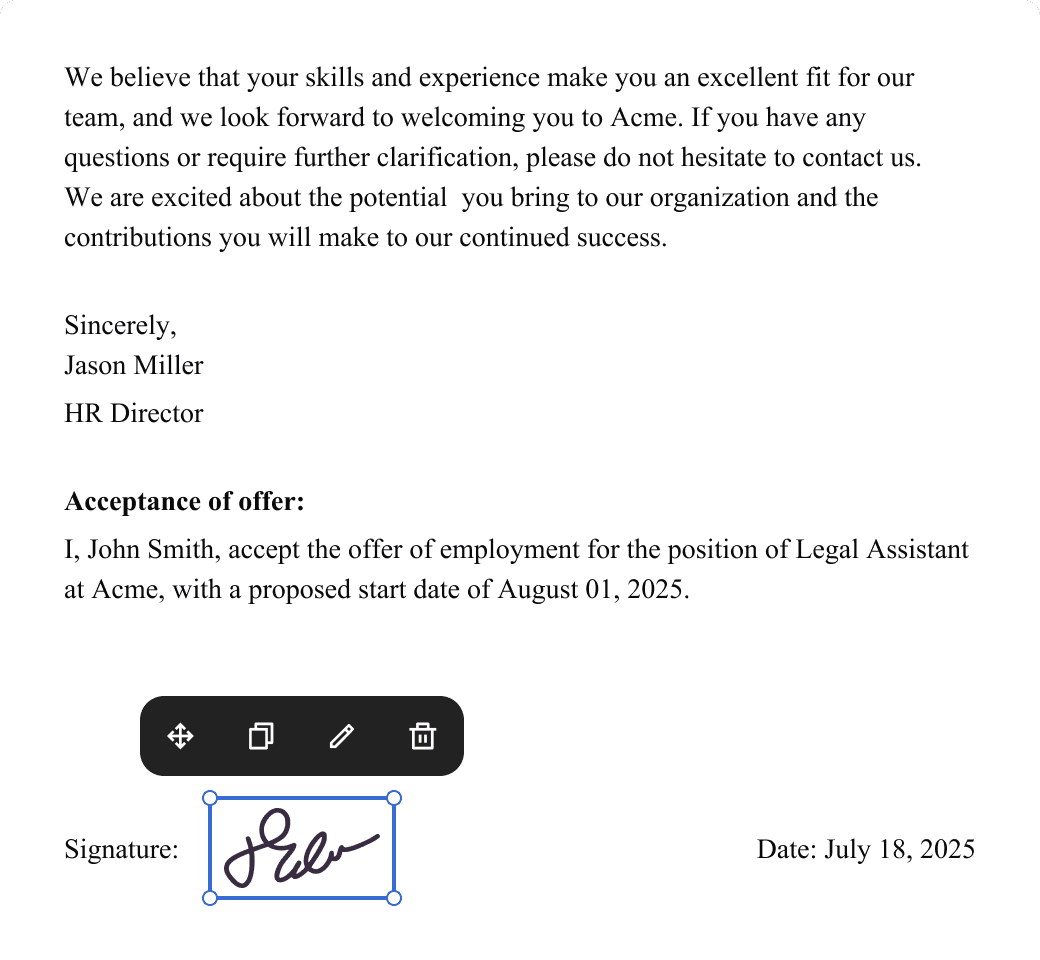
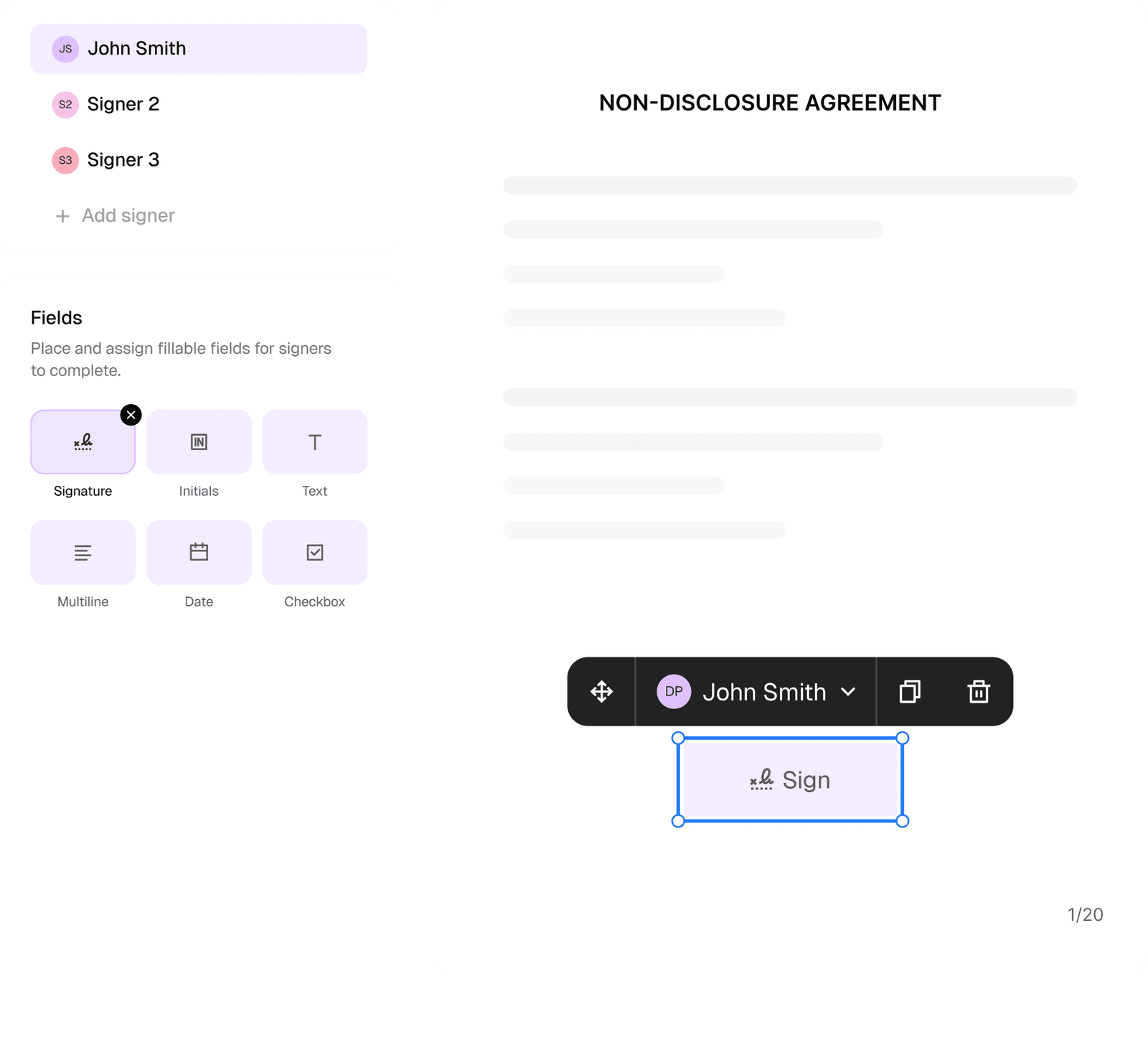
Loio keeps that handoff inside the same workspace. After you finish editing, send the document straight to eSign, invite up to 10 signers in a set order, and track who has opened, viewed, or completed their signature. Every action gets a timestamp, so the final document comes with a verifiable audit trail
Link copied!
Frequently Asked Questions
What is AI contract redlining?
AI contract redlining is the use of AI tools to review a contract as part of broader contract lifecycle management (CLM). Such tools flag risky or unusual clauses and suggest or track changes before and during editing. Unlike plain Track Changes, which only records what a human types, AI contract redlining platforms read the document first and highlight what needs human attention. Thus, reviewers spend their time on decisions instead of searching for problems line by line.
How does AI contract software differ from standard redlining tools?
Standard redlining tools like Word's Track Changes or a basic PDF comparison show you what changed between two versions, nothing more. AI contract software analyzes the document itself, identifying parties, key dates, financial terms, and risky clauses, before a human starts editing. The AI acts as a first-pass reviewer, while a person has a final say.
Is AI contract redlining secure for confidential documents?
It depends on the vendor. Look for encryption, clear access controls, a documented audit trail, and compliance with regulations like GDPR or CCPA. Besides, always read the vendor's privacy policy before uploading anything confidential.
Does AI redline software integrate with Microsoft Word?
Some redline software is built as a Microsoft Word add-in with native tracked change support, while others work directly with PDF documents instead and skip the installation process entirely.
Both approaches can fit into a legal team's workflow. Check a tool's current feature list before you commit, since format and integration support changes as products evolve.
Can ChatGPT or public AI models securely redline a contract?
General-purpose AI chat tools were not built for confidential legal work. Free or standard consumer plans may use what you upload to improve their models unless you opt out. Besides, they typically lack the access controls, audit trails, or compliance certifications dedicated contract tools provide. Always study the data policy of the platform you are going to use before pasting in a confidential draft.
How much time can legal teams save with an AI redlining tool?
The time saved depends on contract volume and complexity, but the pattern is consistent. Review time decreases if you use AI tools to handle the first pass. Instead of reading an entire contract page by page, reviewers get a document with risky clauses, key dates, and financial terms already flagged.
Does AI contract review software replace human lawyers?
No. AI contract review software speeds up the repetitive parts of contract review, like spotting missing clauses or inconsistent terms. Still, it does not replace legal judgment on what a clause should say or whether a deal is worth doing. You always need a certified lawyer for that.
Can you sign a digitally redlined contract?
Yes. Once redlines are resolved and both sides agree on the final language, the document can be signed. It is helpful to keep redlining and signing tools within one platform. This way, the signed copy matches the version everyone agreed to.