Updated October 14, 2026
8 min read
Electronic Signature vs Digital Signature: What Is Best for You?
Electronic Signature vs Digital Signature: What Is Best for You?
- Electronic Signature vs Digital Signature: Quick Comparison
- What Is an Electronic Signature?
- What Is a Digital Signature?
- Digital vs Electronic Signature: Key Differences That Matter
- When Should You Use an Electronic Signature?
- When Should You Use a Digital Signature?
- Are Electronic Signatures Legally Valid Under the ESIGN Act?
- Digital Signature vs Electronic Signature Software: How to Choose
- Electronic Signature vs Digital Signature: The Practical Choice
Content
People often use “electronic signature” and “digital signature” as if they mean the same thing. In everyday speech, that is understandable. Both help people sign documents without printing, mailing, scanning, or meeting in person.
But in legal and security workflows, the electronic signature vs. digital signature distinction matters. An electronic signature usually shows that a person intended to sign an electronic record. A digital signature is a more technical method that uses cryptography to link signed data to a specific private key and detect later changes. Any assurance about who controlled that key depends on how the key or certificate was issued and verified.
Here is the practical answer: use an electronic signature for most everyday agreements; consider a digital signature when you need cryptographic proof tied to a signing key and tamper evidence. If signer identity matters, also evaluate the identity-proofing and certificate-issuance process.
If your team signs contracts online, sends agreements to clients, or collects approvals remotely, Loio lets you use an electronic signature online and keep the signing process clear from upload to completion. Loio eSign provides an electronic-signing workflow; it is not the certificate-based PKI digital-signature method described later in this guide.
Electronic Signature vs Digital Signature: Quick Comparison
The easiest way to understand digital vs electronic signature is to separate intent from technical verification.
An electronic signature answers: Did this person agree to sign this document electronically?
A digital signature answers: Was this data signed with the corresponding private key, and has it changed since signing? Any assurance about who controlled that key depends on the identity-proofing and certificate-issuance process.

In short, a digital signature can form part of an electronic-signing process when a person uses it with intent to sign a record. The same cryptographic technique is also used outside legal signing, including for software, messages, and machine-generated records.
If you are also choosing between online signing and paper signing, our guide on Wet Signature vs Electronic Signature will help you find the right solution.
What Is an Electronic Signature?
An electronic signature is a broad category. It can be a typed name, a drawn signature, a scanned signature image, a checkbox, a button click, or another electronic process that shows a person’s intent to sign.
Under the ESIGN Act, an electronic signature is an electronic sound, symbol, or process attached to or logically associated with a contract or other record and adopted by a person with intent to sign it. The Act also generally provides that a signature, contract, or other record cannot be denied legal effect solely because it is electronic. Other legal requirements for the transaction still apply.
Imagine a small design agency sends a client a service agreement. The client opens the file, reviews the scope, types their name, confirms consent, and completes the signing process. The system records the time, signer action, and document status. That is a typical electronic signature workflow.
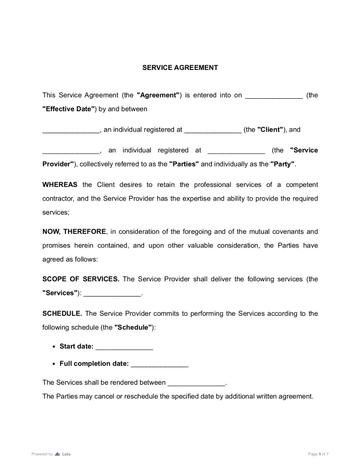
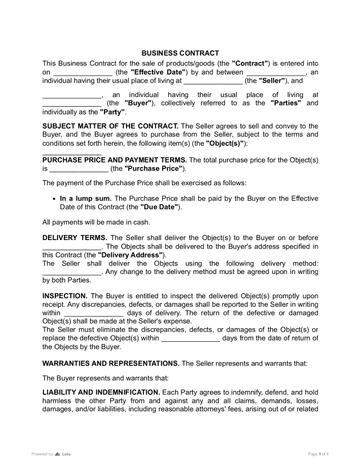
An electronic signature works well for many routine business documents. A company can use a service contract template to define scope, payment, deadlines, and responsibilities before sending the agreement for signature. For sales workflows, a business contract template can help the parties document what is being sold, when payment is due, and what each side must do.
- Service Contract
 4327 downloads
 - Business Contract
 3942 downloads
To explore more deeply how electronic signatures work, read our guide Are Electronic Signatures Legally Binding?
What Is a Digital Signature?
A digital signature is more specific. It is a cryptographic method that can show that signed data was produced using the private key corresponding to a public key and whether the data changed afterward. It does not, by itself, prove which human controlled that private key.
A digital signature uses public key infrastructure, often called PKI. NIST’s definition of a public key for digital signatures explains that the public key is used to verify a digital signature created with the corresponding private key.
This provides strong evidence of key-based authenticity and document integrity. If a certificate is used, the level of identity assurance depends on how the certificate authority verified the signer before issuing it and how securely the private key was protected afterward.
NIST explains that digital signatures provide authenticity protection, integrity protection, and non-repudiation, but not confidentiality protection.
That last point is important. A digital signature does not automatically hide the document’s contents. It proves authenticity and integrity. Encryption is a separate security layer.
Digital signature vs digital certificate
A digital signature and a digital certificate are connected, but they are not the same.
A digital signature is the cryptographic result attached to a document or record. It helps prove that the file was signed with a private key and has not been changed since signing.
A digital certificate helps bind a public key to an identified person, organization, or device. How strongly that certificate supports a human identity claim depends on the certificate authority’s identity-verification and issuance process.
Think of it this way: the certificate provides information linking an identity to a public key, while the digital signature proves that the corresponding private key was used and helps reveal later changes to the signed data.
A digital signature may be useful when a specific law, recipient, system, or internal policy requires certificate-based signing or verifiable cryptographic integrity.
For example, a procurement manager signs an important vendor approval. Months later, someone questions whether the payment terms were changed after signing. With a digital signature, the system can show whether the document still matches the version that was originally signed.
That is the real value of digital signatures: they make document changes visible.
Digital vs Electronic Signature: Key Differences That Matter
The difference between esignature and digital signature is not just technical. It affects how much proof you have if a document is questioned later.
An electronic signature focuses on signer intent. A digital signature adds a stronger layer of technical trust.
Example of digital signature and electronic signature
An electronic signature example is a client signing a marketing services agreement through an online signing tool. The business needs a clear record that the client agreed to the scope, price, and deadline.
A digital signature example is a regulated company signing a technical compliance document that must remain unchanged for years. The company may need documented identity assurance and cryptographic evidence showing whether the signed record was later changed.
Both workflows are valid. They simply solve different problems.
The e signature vs digital signature decision should start with one question: What would happen if someone later challenged the signer’s identity or claimed the document was changed?
If the answer is “we just need a clear agreement and an audit trail,” an electronic signature is often enough. If the answer is “we need strong technical proof,” a digital signature may be the better choice.
When Should You Use an Electronic Signature?
Use an electronic signature when speed, convenience, and clear consent matter more than advanced cryptographic proof.
This covers many everyday business documents: service agreements, NDAs, sales contracts, purchase agreements, HR forms, independent contractor agreements, vendor paperwork, internal approvals, and client onboarding documents.
For example, a software consultant may need a client to approve project terms before work begins. The parties know each other, the agreement is not heavily regulated, and the main goal is to avoid delays. In this case, an electronic signature keeps the process simple and documented.
Before sending a document, the parties can also edit a PDF before signing if they need to fix names, dates, pricing, or small formatting issues. This is useful when the document is already approved in substance but still needs a clean final version. After editing, every party should review and sign the same final version.
When Should You Use a Digital Signature?
Consider a digital signature when a workflow requires verifiable cryptographic integrity, a certificate-based signing process, or technical verification across systems. If signer identity matters, assess the certificate issuer’s identity-proofing process and the controls used to protect the private key.
For sensitive or regulated records, do not choose a signing method based on the industry label alone. Check the applicable law, recipient or system requirements, identity-verification rules, witnessing or notarization requirements, and record-retention requirements first. A digital signature may support verifiable document integrity, but it is only one part of the overall signing workflow.
Digital signatures can also support verifiable integrity over time when suitable certificate-status, trusted-timestamp, and record-retention practices are maintained.
Imagine a company signing a long-term supplier agreement for critical equipment. The contract includes payment milestones, warranties, delivery obligations, and penalties. If a dispute appears 18 months later, the company may need to show not only that the document was signed, but also that the signed version was not altered. That is where a digital signature can be valuable.
A digital signature is also useful when several systems must trust the same document. For example, one department signs it, another archives it, and a third party later verifies it. PKI and digital certificates help make that verification more reliable.
For higher-risk money arrangements, a loan agreement template can help the parties write down repayment terms, interest, deadlines, and default rules before deciding what signing method gives enough protection.
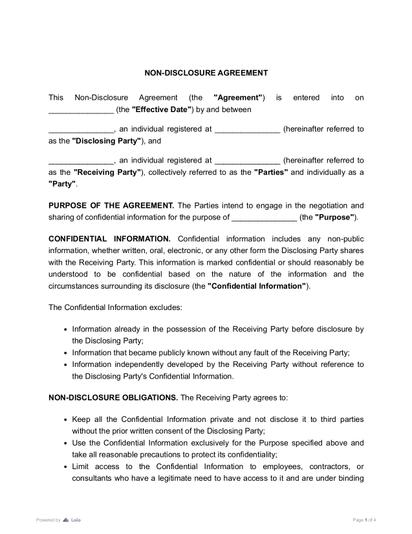
Many documents that contain sensitive information do not require the complexity of a digital signature, but they do require clear legal terms and a reliable signing process. A well-drafted non-disclosure agreement helps define what information is confidential, how it may be used, and what happens if it is disclosed without permission.
Are Electronic Signatures Legally Valid Under the ESIGN Act?
In the United States, electronic signatures are generally valid under the Electronic Signatures in Global and National Commerce Act, known as the ESIGN Act. However, “generally valid” does not mean “valid for everything.” The ESIGN Act has exceptions. For example, it does not apply to certain records related to wills, codicils, testamentary trusts, adoption, divorce, and some other family law matters.
These exclusions mean that the ESIGN Act does not establish validity rules for those records; they do not create a nationwide ban on electronic versions. Whether and how such records may be executed electronically depends on separate applicable state law.
Thus, electronic signatures are widely accepted for many business and consumer transactions, but some documents may require special rules, notarization, witnesses, paper records, or a different signing process. You can find more information on this topic in our guide Are Electronic Signatures Legally Binding?
Digital Signature vs Electronic Signature Software: How to Choose
When comparing digital signature vs. electronic signature software, do not start with features. Start with the document.
A simple framework works well:
Low-risk, routine, fast-moving document?
Use an electronic signature.
Does a law, recipient, system, or policy require certificate-based signing or verifiable cryptographic integrity?
Consider a digital signature or another workflow that meets those specific requirements.
Unclear risk level?
Add stronger identity checks, use a reliable signing platform, and keep a complete audit trail.
Before signing, teams should also review the document itself. If the problem is not the signature but unclear wording, missing obligations, or risky terms, signing faster will not solve it. In that case, tools like AI contract review can help users review contract language before the agreement moves to signature.
How to create a digital signature
The exact steps depend on the software and certificate provider, but the usual process looks like this:
- Choose a platform that supports digital signatures;
- Follow the provider’s identity and certificate-issuance process, if required;
- Obtain or use the appropriate digital certificate and protect the private key;
- Sign the document using the private key;
- Let recipients verify the signature using the corresponding public key and certificate information;
- Store the signed file together with the relevant certificate, timestamp, and verification records.
For many businesses, this is more than they need for everyday agreements. That is why the digital signature vs electronic signature choice should be practical, not theoretical.
If the document is a standard service agreement or internal approval, a clear electronic signature workflow may be enough. If the document will be used across institutions, regulators, or long-term archives, digital signature controls may be worth the added complexity.
If the document includes sensitive personal, financial, or business data, Loio’s data protection and digital security resources can also support the decision.
When the document is ready, businesses can request electronic signatures from other parties instead of sending files back and forth by email.
Electronic Signature vs Digital Signature: The Practical Choice
The best signing method is the one that matches the document’s risk.
For most everyday contracts, an electronic signature is fast, convenient, and legally useful. It shows intent to sign and helps the parties keep a record of the signing process.
When a workflow requires stronger cryptographic evidence, a digital signature can help show that a particular private key was used and whether the signed data was later changed. If the identity of the human signer also needs to be established, that assurance depends on the certificate-issuance, identity-proofing, and key-protection process.
So, when comparing esignature vs digital signature, do not ask which one is “better” in general. Ask which one is better for this document, this signer, and this risk level.
If you need to sign routine agreements online, Loio eSign can help you move from document review to signed record without printing, scanning, or chasing signatures manually.
More guides
September 15
10 min read
Who Can Sign a Contract on Behalf of a Company?
September 15
What Is Contract Redlining?
September 15
What Are the Stages of the Contract Management Lifecycle?
September 14
12 min read
How to Review a Contract: Rules and Checklist
September 12
9 min read
Wet Signature vs Electronic Signature: Key Differences and When to Use Each
September 1
7 min read
How to Provide Proof of Employment: Documents and Steps
One home for your
agreements
Edit PDFs seamlessly
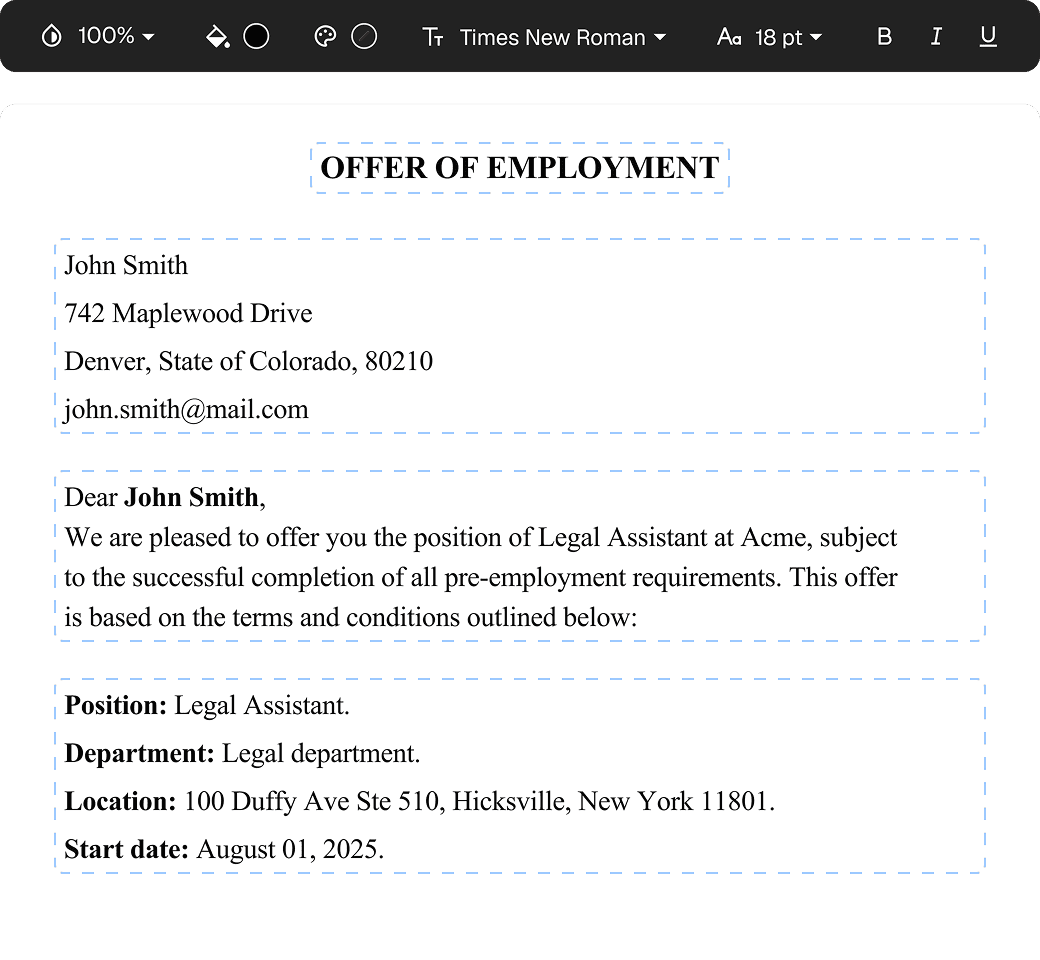
Tweak agreements before signing or sending for signatures. Update details, add or remove clauses, adjust formatting, and redline changes instantly.
eSign legally and securely
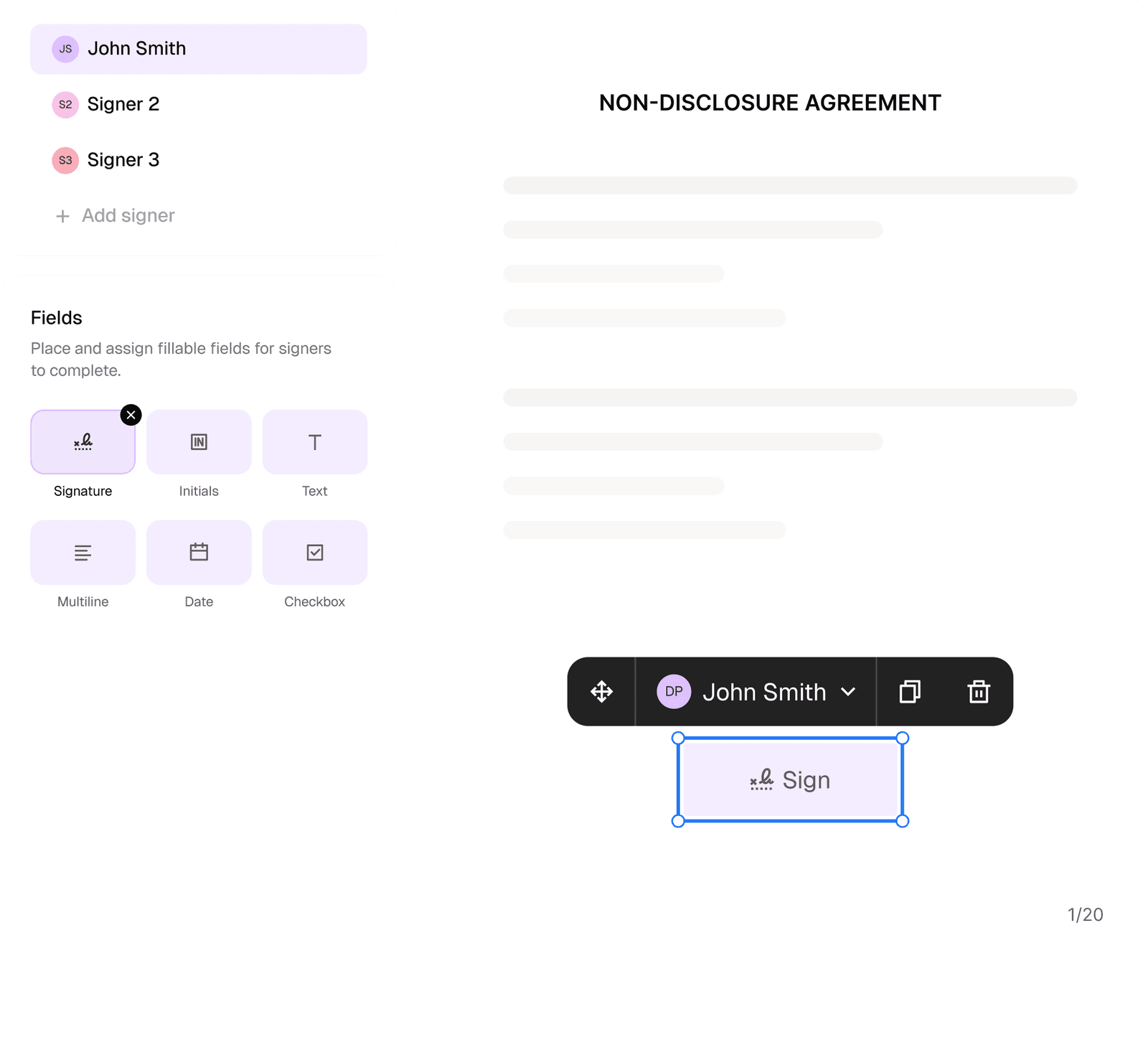
Sign documents and collect legally binding signatures. Invite up to ten people to sign in any order, track the progress, and send reminders.
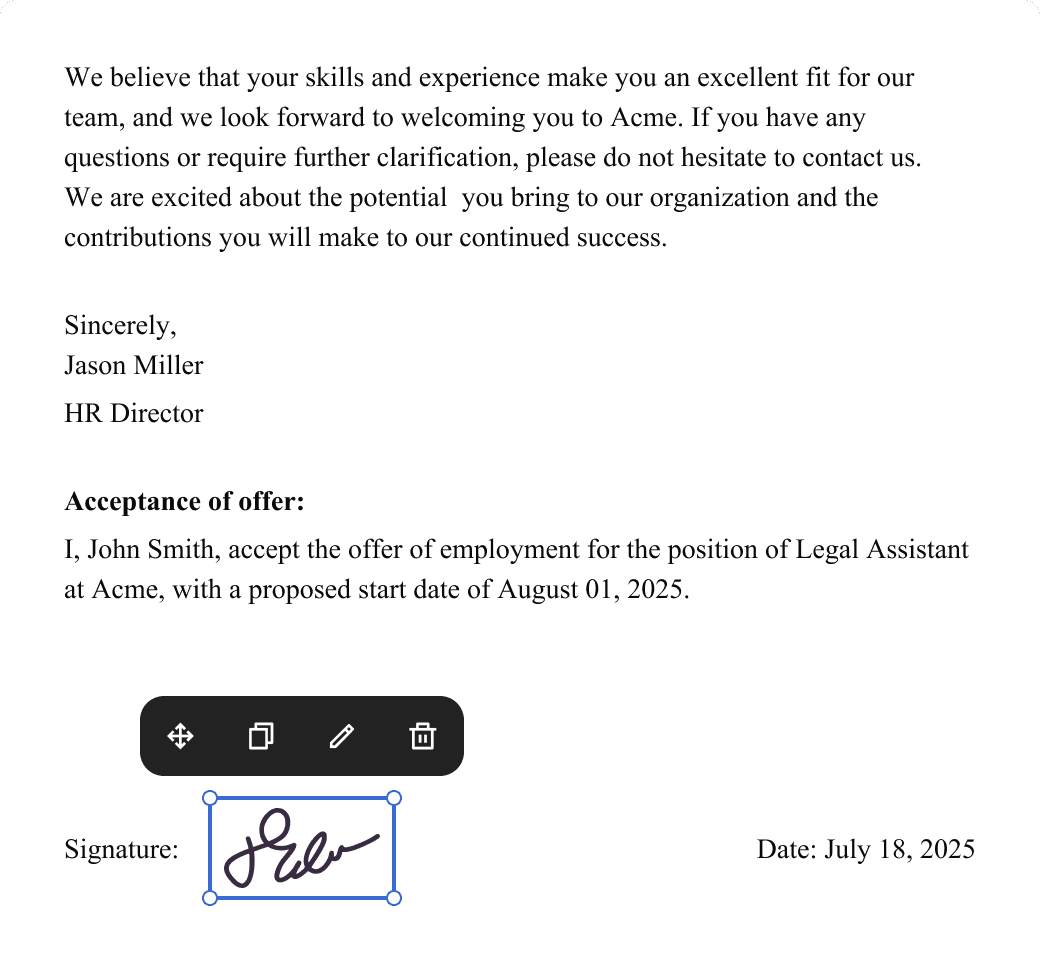
Request legally binding signatures
Invite up to ten people to sign your document in any order. Get a finalized, audit-ready copy without chasing signatures.
Skip the drafting.
Choose from 2,500+ templates
Browse templatesChoose a template
Fill in details
Sign and download