Updated September 14, 2026
12 min read
How to Review a Contract: Rules and Checklist

How to Review a Contract: Rules and Checklist
- How to Review a Contract: Rules and Checklist
- What Contract Review Means Before Signing
- How to Review a Contract in 7 Steps
- What to Look for in a Contract: Key Clauses, Rules, and Red Flags
- Commercial Contract Review Checklist
- Reviewing Contracts With AI: What It Can and Cannot Do
- Contract Review Checklist Before Signing
- What to Do After Reviewing a Contract
- Final Takeaway
Content
How to Review a Contract: Rules and Checklist
If you are looking for a contract review checklist, contract review guidelines, or a simple explanation of how to review a contract, you are probably trying to answer one practical question: “What can go wrong if I sign this as it is?”
That is the right question to ask. A contract can look routine and still include a payment trap, an auto-renewal clause, a broad liability obligation, missing deliverables, unclear deadlines, or a dispute resolution term that makes future conflict harder to manage. Whether you are reviewing contracts for a service deal, vendor relationship, commercial lease, independent contractor project, or sales agreement, the goal is the same: understand what you promise, what the other side promises, and what happens if something goes wrong.
This guide explains what to look for in a contract, how to run a legal review of contracts without missing key risks, and how to create a repeatable contract-review process. You can also use it as a commercial contract review checklist before sending the document to a lawyer, manager, client, or business partner.
Before you start reading clause by clause, it helps to get a fast overview of the document. Loio’s AI summary tool can summarize the contract, identify key dates, show financial terms, and flag risky clauses so you know where to focus your manual review.
What Contract Review Means Before Signing
Contract review means checking whether a written agreement is clear, complete, enforceable, and aligned with the deal you actually agreed to. It is both a legal and a business task.
A good review answers 3 questions:
What am I agreeing to?
This includes duties, deadlines, deliverables, payment terms, confidentiality, insurance, and legal liability.
What happens if something goes wrong?
This includes termination, dispute resolution, arbitration, indemnity, late payment, breach, and damages.
Can I prove and manage this later?
This includes signatures, attachments, approval records, renewal dates, and the final signed version.
A marketing agency may agree to “monthly campaign support.” That sounds simple. But does the contract say how many campaigns, how many revisions, who approves the work, and when payment is due? If not, the agency and client may both feel they are right later.
A contract review checklist helps prevent that kind of dispute before it starts.
How to Review a Contract in 7 Steps
- 1
Start with the business deal
Before reviewing contract language, write down the deal in plain English. Who is doing what? What is being paid? When does the work start and end? What would make the deal successful?
This step sounds basic, but it catches many problems. If the contract says “consulting services” while the proposal promised a full software implementation, the document does not match the business deal.
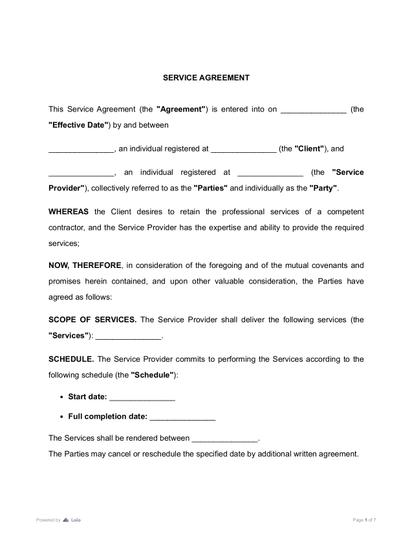
For service-based projects, it is often safer to use a clear written agreement from the start. A Service Contract Template can help structure scope, payment, deadlines, responsibilities, and termination terms before the parties start negotiating small details.
- 2
Verify the parties and signing authority
Check the legal names of all parties. A company name, individual name, trade name, and LLC name are not always the same thing.
Also check who signs. The person signing should have authority to bind the company. If the signer has no authority, the contract may create confusion or enforcement issues later.
Basic contract law usually requires elements such as mutual assent, consideration, capacity, and lawful purpose.
- 3
Compare the contract against earlier discussions
Review the contract against emails, proposals, quotes, order forms, statements of work, and meeting notes. Look for missing promises.
This is where many people discover the gap between “what we discussed” and “what the contract says.”
A quick check:
- Does the contract include the agreed price?
- Does it match the agreed deadline?
- Does it include promised deliverables?
- Does it mention discounts, deposits, or milestones?
- Does it include all attachments and exhibits?
Do not assume an important informal promise will be enforceable or will override the written agreement. Put all material negotiated terms into the contract itself or into attachments the contract clearly incorporates.
- 4
Review obligations, payment, and deadlines
This is the practical core of reviewing contracts. You need to know who must do what, by when, and under what conditions.
Look for vague phrases like “as needed,” “reasonable support,” “timely delivery,” or “standard services.” These phrases may be acceptable in some situations, but they often need more detail.
A strong contract review checklist should include:
- Scope of work;
- Deliverables;
- Payment amount;
- Payment due date;
- Late fees;
- Taxes and expenses;
- Acceptance process;
- Revision limits;
- Delivery method;
- Start and end dates.
For larger companies, this part may become a contract management review checklist. The review should not only ask, “Is this clause okay?” It should also ask, “Can our team track and perform this obligation later?”
- 5
Flag liability, insurance, and indemnity risks
Liability clauses decide who pays when something goes wrong. They may cover damages, third-party claims, lost data, unpaid invoices, property damage, personal injury, or breach of confidentiality.
Indemnification deserves separate attention. It often shifts responsibility for specific claims, losses, or third-party demands, and it may require one party to reimburse losses, assume the legal defense, or both. Check what triggers the indemnity, whether it covers first-party or third-party claims, whose conduct is covered, and whether the duty to defend starts before liability is finally determined.
Pay close attention to these terms:
- Limitation of liability;
- Indemnification;
- Warranties;
- Disclaimers;
- Insurance requirements;
- Exclusions from liability caps;
- Consequential damages;
- Data security obligations.
A liability cap may look protective until you notice that indemnity, confidentiality, fraud, or payment obligations are excluded from the cap. That means your exposure may still be much higher than expected.
Insurance clauses also matter in commercial contract review. If the contract requires general liability, professional liability, cyber insurance, or workers’ compensation coverage, check whether your business actually has that coverage before signing.
- 6
Review termination, renewal, and dispute terms
Termination clauses answer one key question: “How do we get out if this no longer works?”
Check whether either party can terminate for convenience, whether notice is required, and whether fees apply. Also check auto-renewal language. A one-year agreement may quietly renew for another year unless one party gives notice 30, 60, or 90 days before the end date.
Dispute resolution terms also deserve careful review. Arbitration can affect where, how, and by whom a dispute is decided. For U.S. contracts, the Federal Arbitration Act is often relevant when arbitration clauses are included. State arbitration law may also matter depending on the transaction, the parties, and the contract terms, so do not review arbitration language under the FAA alone.
- 7
Create review notes before redlining
Do not redline immediately if you do not understand the full risk picture. First, make notes.
Use three labels:
Must fix: Terms you cannot accept.
Clarify: Terms that are vague or incomplete.
Business decision: Terms that may be acceptable if the price or deal value justifies the risk.
This keeps the review organized. It also helps a lawyer, manager, or business owner understand what matters most.
What to Look for in a Contract: Key Clauses, Rules, and Red Flags
This section combines the legal rules and practical red flags you should check before signing.
Parties, purpose, and contract type
Start with the identity of the parties and the type of deal. A contract for goods is not reviewed the same way as a service agreement, lease, licensing deal, or contractor agreement.
State enactments of UCC Article 2 generally govern transactions in goods. Mixed goods-and-services contracts may or may not fall under Article 2 depending on the jurisdiction and the transaction’s predominant character. Cornell Legal Information Institute’s publication of UCC Article 2 is a helpful reference when reviewing sales-related terms.
Red flags:
- Wrong legal name;
- Missing address or entity type;
- Unclear role of each party;
- Missing effective date;
- Contract type does not match the deal.
Check the Legal Rules That Apply to the Deal
A commercially reasonable clause is not always legally valid. Depending on the contract type and jurisdiction, the law may require a written agreement, specific signatures, mandatory disclosures, notices, licenses, cancellation rights, or particular wording.
Some rules may also limit what the parties can waive. For example, certain consumer, employment, lease, data, government-contracting, or regulated-service rules may restrict penalties, liability exclusions, restrictive covenants, or waiver language.
Before assessing enforceability, identify the governing jurisdiction and the subject matter of the deal. Contracts involving goods, employment, consumers, leases, personal data, intellectual property, government entities, or regulated services may need a more detailed legal review. If those rules materially affect the deal, use the checklist as a first pass and get legal advice before signing.
Scope, deliverables, and acceptance
The scope should be specific enough that both sides know when the work is complete. If a contract says “provide business consulting,” the parties may later disagree about what that includes.
Better wording explains deliverables, milestones, deadlines, review rounds, and acceptance criteria.
For example, a software contractor may promise to “build a dashboard.” The client may expect analytics, exports, admin controls, and training. The contractor may expect only a basic interface. A clear scope prevents that mismatch.
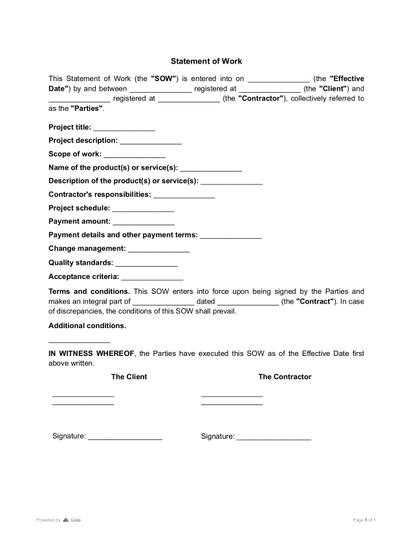
If work will be completed in stages, a Statement of Work Template can support more detailed project terms, including milestones, deliverables, timelines, and acceptance criteria.
Payment terms and financial risk
Payment clauses should answer:
- How much is paid?
- When is payment due?
- What triggers payment?
- Are deposits refundable?
- Who pays taxes or expenses?
- What happens if payment is late?
- Can the buyer withhold payment?
One common red flag is payment tied to vague approval. For example, “payment is due after client satisfaction” may create problems because satisfaction is subjective.
Use objective triggers where possible: delivery date, signed acceptance, completed milestone, invoice date, or receipt of goods.
Liability, indemnity, and warranties
This is one of the most important parts of legal review of contracts. It decides how much risk your business carries.
Liability caps are often tied to a fixed amount, available insurance coverage, or fees paid or payable under the contract. Whether a cap is reasonable depends on the deal’s value, foreseeable harm, available insurance, bargaining power, and what is excluded from the cap. But some contracts create unlimited liability for broad categories of claims.
Watch for phrases like:
- “Any and all claims”;
- “Indirect, incidental, and consequential damages”;
- “Defend, indemnify, and hold harmless”;
- “Sole responsibility”;
- “Without limitation.”
These phrases are not always wrong, but they should be understood before signing.
Confidentiality, data, and intellectual property
Confidentiality clauses explain what information must be protected, how it can be used, and how long the duty lasts.
Check whether the clause covers only true confidential information or nearly everything shared between the parties. Also check common exclusions, such as information already known, publicly available, independently developed, or received from a third party.
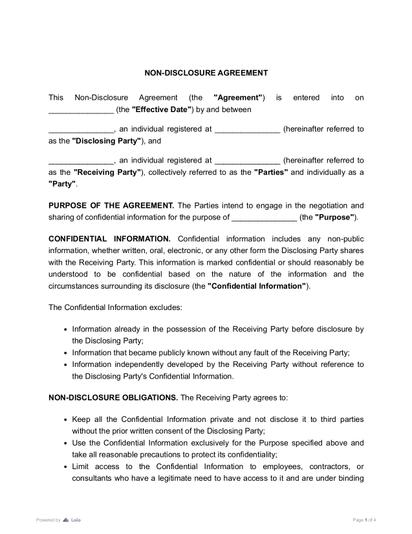
If the deal involves sensitive information, customer data, trade secrets, or business strategy, it may be safer to use a dedicated confidentiality document. A Non-Disclosure Agreement Template can help define confidential information, permitted use, exclusions, and duration more clearly.
If either party processes personal or regulated data, do not rely on confidentiality language alone. Check permitted uses, security standards, incident-notification duties, deletion or return requirements, subcontractor handling, audit rights, cross-border transfers, and whether a separate data-processing agreement is required.
For deeper context, Loio’s guide on NDA vs. confidentiality agreement explains when a separate NDA may be more suitable than a short confidentiality clause inside a larger contract.
IP clauses also matter. Do not assume that paying for creative work automatically transfers copyright. The contract should distinguish ownership from a license, state which rights are assigned, explain when transfer happens, and say whether the creator keeps any rights. Copyright transfers generally require a signed writing, and “work made for hire” applies only in defined circumstances.
Termination, renewal, and survival
Termination terms explain when the contract ends. Survival clauses explain which duties continue after the contract ends.
Check whether confidentiality, payment, dispute resolution, indemnity, and IP obligations survive termination. These obligations commonly survive when continued operation is necessary or expressly negotiated. Check each provision’s purpose and duration instead of assuming every obligation should survive indefinitely.
Red flags:
- No clear end date;
- Long auto-renewal period;
- No right to terminate for breach;
- High termination fees;
- Duties that survive forever without reason;
- Notice period that is easy to miss.
Assignment, Notices, Amendments, and Attachments
Also check the boilerplate clauses that control how the contract works in practice. Assignment and change-of-control clauses decide whether a party can transfer the agreement to another company. Subcontracting language explains whether work can be passed to someone else. Amendment clauses say how changes must be approved.
Notice clauses matter too. They explain where official notices must be sent and whether email is enough. Force majeure clauses may excuse delay or nonperformance during events outside a party’s control.
Finally, check the order of precedence. If the main agreement, statement of work, purchase order, exhibit, or policy conflict, the contract should say which document controls. Entire-agreement, waiver, and severability clauses also affect how the contract is interpreted later.
After review, teams should also track renewal and termination dates. Loio’s guide on how to ensure contract compliance is useful for turning signed terms into reminders, responsibilities, and internal controls.
Governing law, venue, and arbitration
These clauses decide which law applies and where disputes are handled.
A small vendor in one state may not want to accept litigation in another state unless the deal is worth the cost. Arbitration can affect the forum, procedure, discovery, appeal rights, jury availability, and cost of resolving a dispute.
Signatures, attachments, and final version control
A contract is not ready to sign if attachments are missing or versions are mixed.
Check:
- Are all exhibits attached?
- Are referenced policies available?
- Is the final version clean?
- Are redlines resolved?
- Are dates consistent?
- Are signature blocks complete?
- Is electronic signing allowed?
If the document is in PDF and small edits are needed before signature, Loio’s PDF editing tool can help update the file before sending it for approval. Once the final version is ready, teams can also use Loio to request an electronic signature instead of printing, scanning, and emailing copies back and forth.
Electronic signatures are generally valid when the parties agree to that method and applicable law permits it; under the federal E-SIGN Act, electronic signatures generally cannot be denied legal effect only because they are electronic, but consent requirements and exceptions still apply.
Commercial Contract Review Checklist
A commercial contract review should focus on both legal risk and operational reality. A clause may be legally acceptable but still hard for your team to follow.
For example, a vendor agreement may require 24-hour support, monthly security reports, $2 million in insurance, and 60-day renewal notice. If no one tracks those duties, the business may breach the contract by accident.
Use this checklist for a practical review:

Reviewing Contracts With AI: What It Can and Cannot Do
AI can help summarize the contract, extract key dates, identify payment terms, flag clauses that may warrant closer review, and turn long language into plain English.
But AI should not be treated as a full replacement for legal judgment.
Use AI to answer:
- What type of contract is this?
- Who are the parties?
- What are the main obligations?
- What are the key dates?
- What payment terms appear in the contract?
- Which clauses may need review?
- What questions should I ask before signing?
Do not rely only on AI to decide whether a clause is enforceable, whether the contract complies with state-specific law, or whether a risk is acceptable for your business.
The best workflow is simple: AI summary first, human review second, lawyer review when the stakes are high.
Loio’s guide to contract management and legal review software gives more context on how legal tools can support review, approval, and contract management without removing human responsibility.
Contract Review Checklist Before Signing
Before signing, pause and run a final check.
Business terms
- The deal matches what was negotiated.
- The price, fees, taxes, and expenses are clear.
- Deliverables and deadlines are specific.
- Acceptance or approval rules are objective.
- Renewal and termination dates are easy to track.
Legal terms
- Parties are correctly named.
- The signer has authority.
- The contract satisfies any required writing, signature, disclosure, or notice rules.
- The parties hold any licenses or approvals required to perform the agreement.
- No clause attempts to waive rights that applicable law makes nonwaivable.
- Liability and indemnity terms are understood.
- Insurance requirements are realistic.
- Confidentiality and IP terms match the deal.
- Governing law, venue, and arbitration are acceptable.
- The contract does not include blank or conflicting terms.
Operational terms
- Your team can perform every duty.
- Someone owns each obligation internally.
- Renewal reminders are set.
- Signed copies will be stored.
- Attachments and exhibits are complete.
- The final version is ready for signature.
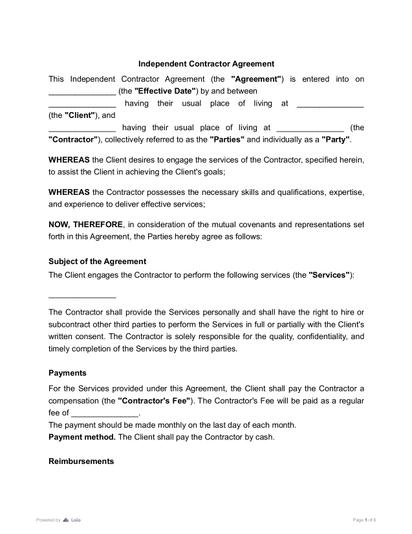
For contractor relationships, review status, payment, scope, ownership, and termination with extra care. Misaligned expectations often start with vague project language. An Independent Contractor Agreement Template can help define the relationship before work begins.
What to Do After Reviewing a Contract
Contract review does not end when you finish reading. The next step is to turn review findings into action.
If the issue is minor, add a comment or ask for clarification. If the issue changes the risk of the deal, redline the clause. If the issue affects price, scope, liability, or termination, discuss it before signing.
A useful review note might look like this:
Issue: The contract requires $2 million in cyber insurance.
Risk: Our current policy limit is lower.
Action: Confirm coverage or negotiate a lower requirement before signing.
This is clearer than saying, “Insurance clause seems bad.”
After signing, store the final contract and track key dates. Add renewal, termination, payment, reporting, and delivery obligations to your calendar or contract management system. If your business signs similar agreements often, update your internal playbook so the next review is faster.
A strong contract-review process improves future deals. Each reviewed contract teaches the team what to accept, what to negotiate, and what to avoid.
Final Takeaway
The best way to review a contract is to move from big picture to small details.
First, confirm the deal. Then check parties, authority, scope, payment, deadlines, liability, insurance, confidentiality, IP, termination, dispute resolution, and signatures. Use AI to speed up the first review pass, but use human judgment to decide what risks are acceptable.
A contract review checklist is not just a list of clauses. It is a safety system for business decisions.
More guides
September 15
10 min read
Who Can Sign a Contract on Behalf of a Company?

September 15
What Is Contract Redlining?
September 15
What Are the Stages of the Contract Management Lifecycle?
October 14
8 min read
Electronic Signature vs Digital Signature: What Is Best for You?

September 12
9 min read
Wet Signature vs Electronic Signature: Key Differences and When to Use Each

September 1
7 min read
How to Provide Proof of Employment: Documents and Steps

One home for your
agreements
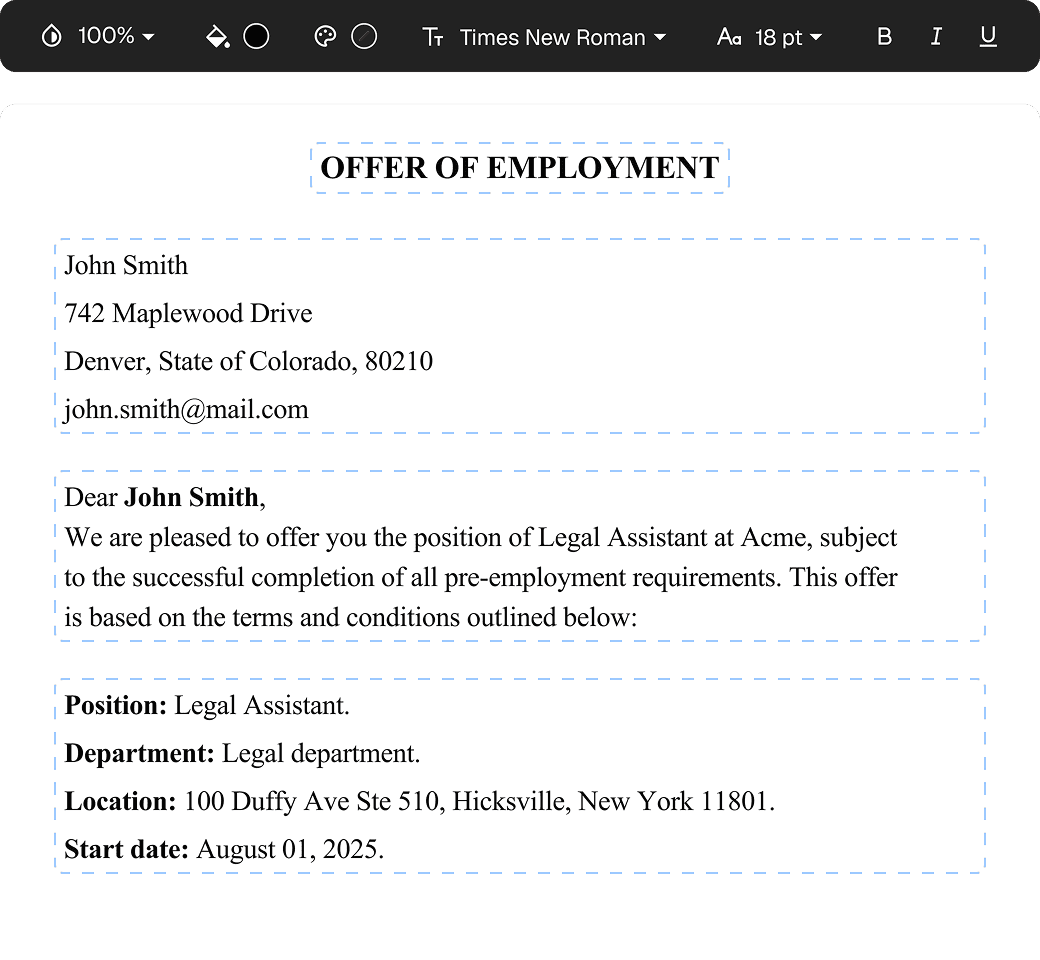
Edit PDFs seamlessly
Tweak agreements before signing or sending for signatures. Update details, add or remove clauses, adjust formatting, and redline changes instantly.
eSign legally and securely
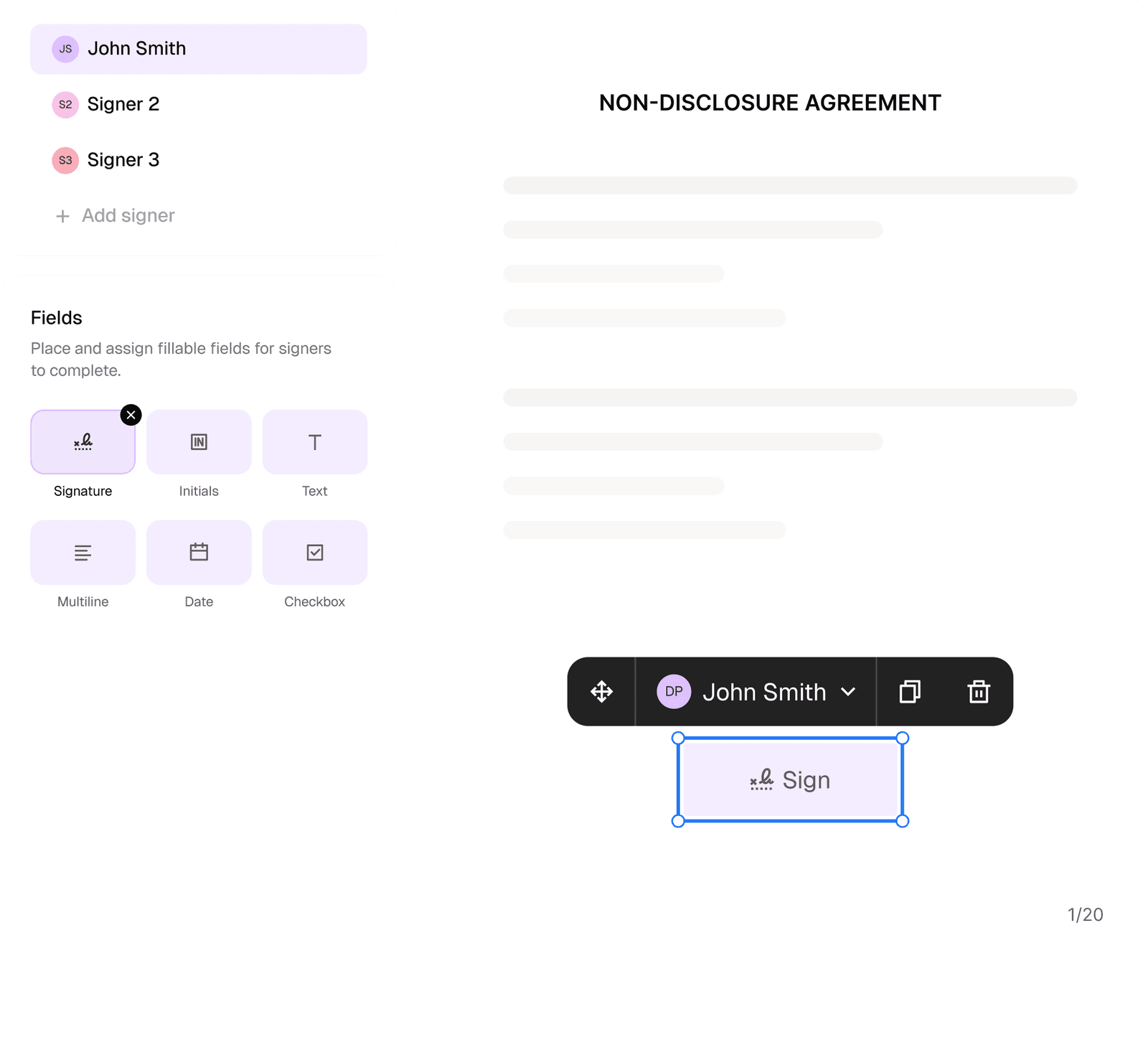
Sign documents and collect legally binding signatures. Invite up to ten people to sign in any order, track the progress, and send reminders.
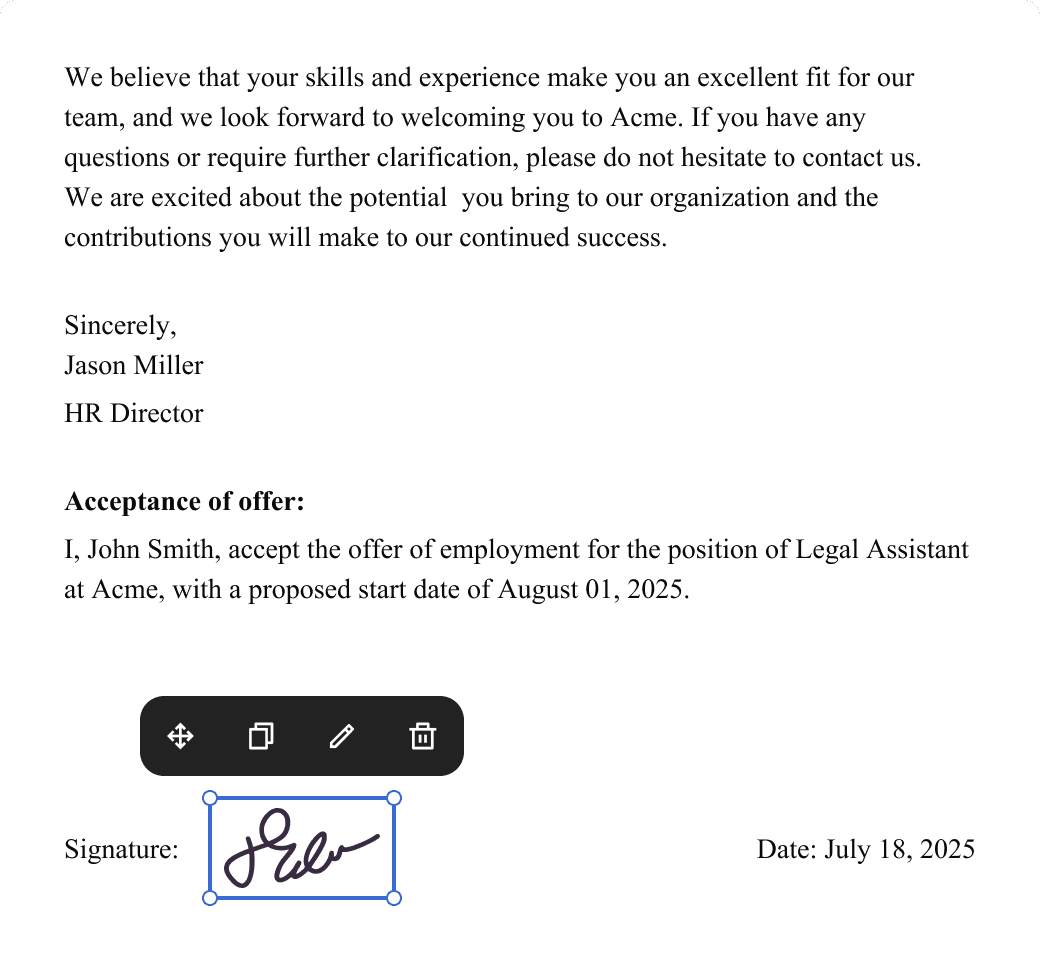
Request legally binding signatures
Invite up to ten people to sign your document in any order. Get a finalized, audit-ready copy without chasing signatures.
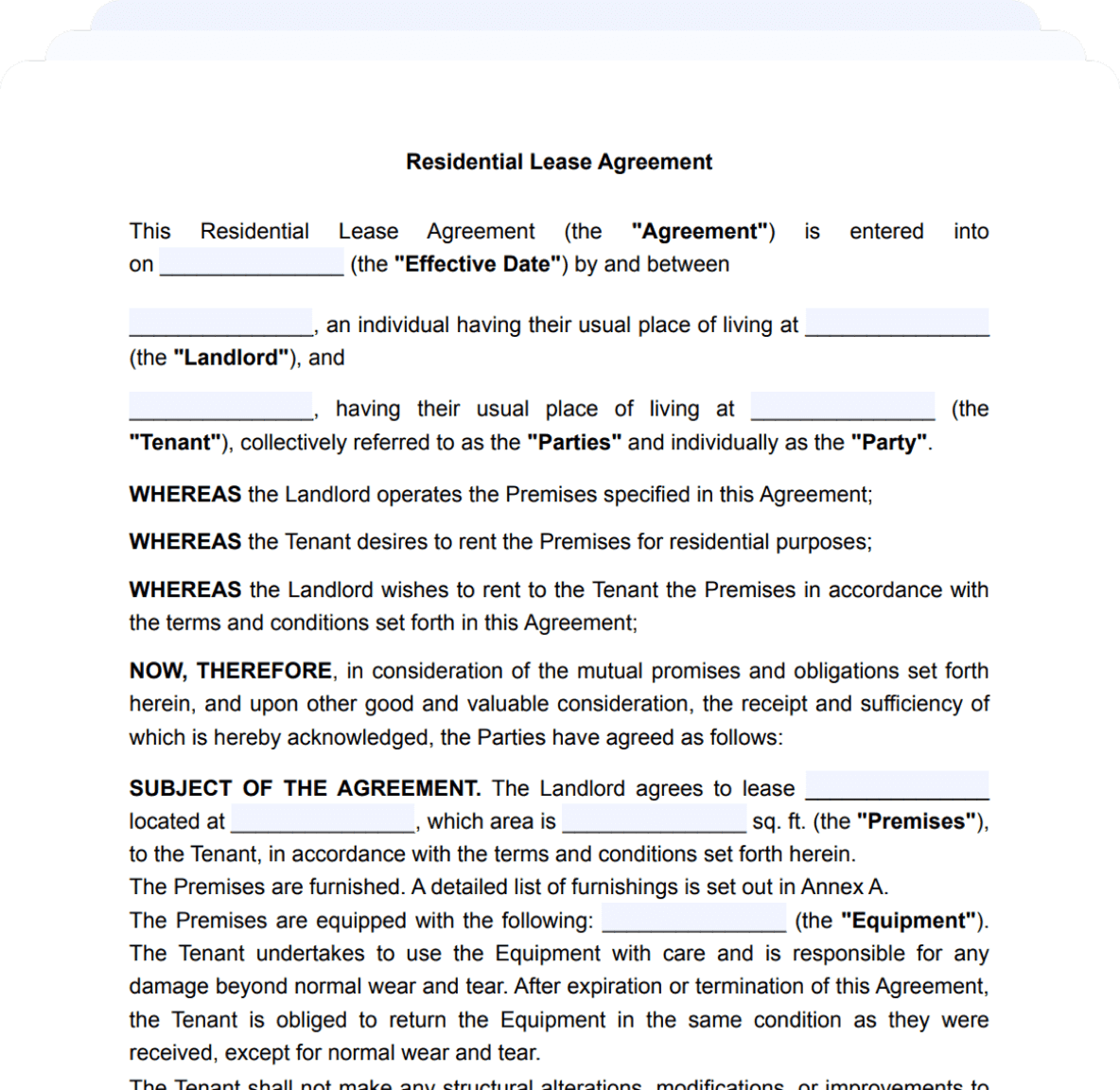
Skip the drafting.
Choose from 2,500+ templates
Browse templatesChoose a template
Fill in details
Sign and download