Updated September 12, 2026
9 min read
Wet Signature vs Electronic Signature: Key Differences and When to Use Each

Wet Signature vs Electronic Signature: Key Differences and When to Use Each
- Wet Signature vs Electronic Signature: Quick Comparison
- What Is a Wet Signature?
- What Is an Electronic Signature?
- Wet Signature vs Electronic Signature vs Digital Signature
- Are Wet Signatures and Electronic Signatures Legally Valid?
- Can a Wet Signature Be Electronic or Added to a PDF?
- When to Use a Wet Signature vs Electronic Signature
- How to Choose Between Wet and Electronic Signatures
Content
A contract arrives by email at 4:55 p.m. One signer prints it, writes their name in ink, scans the pages, and sends them back. Another opens the same document on a phone and signs in less than a minute. Both actions may show agreement, but they create different records and different evidence.
The central wet signature vs electronic signature difference is the medium. A wet signature is handwritten in ink on a physical document. An electronic signature is an electronic sound, symbol, or process that a person adopts with the intent to sign an electronic record. The electronic signature vs wet signature choice often comes down to recipient requirements, convenience, authentication, and how the signed record must be stored.
This guide explains the differences among wet, electronic, and digital signatures, including how scanned signatures and signatures added to PDFs should be classified.
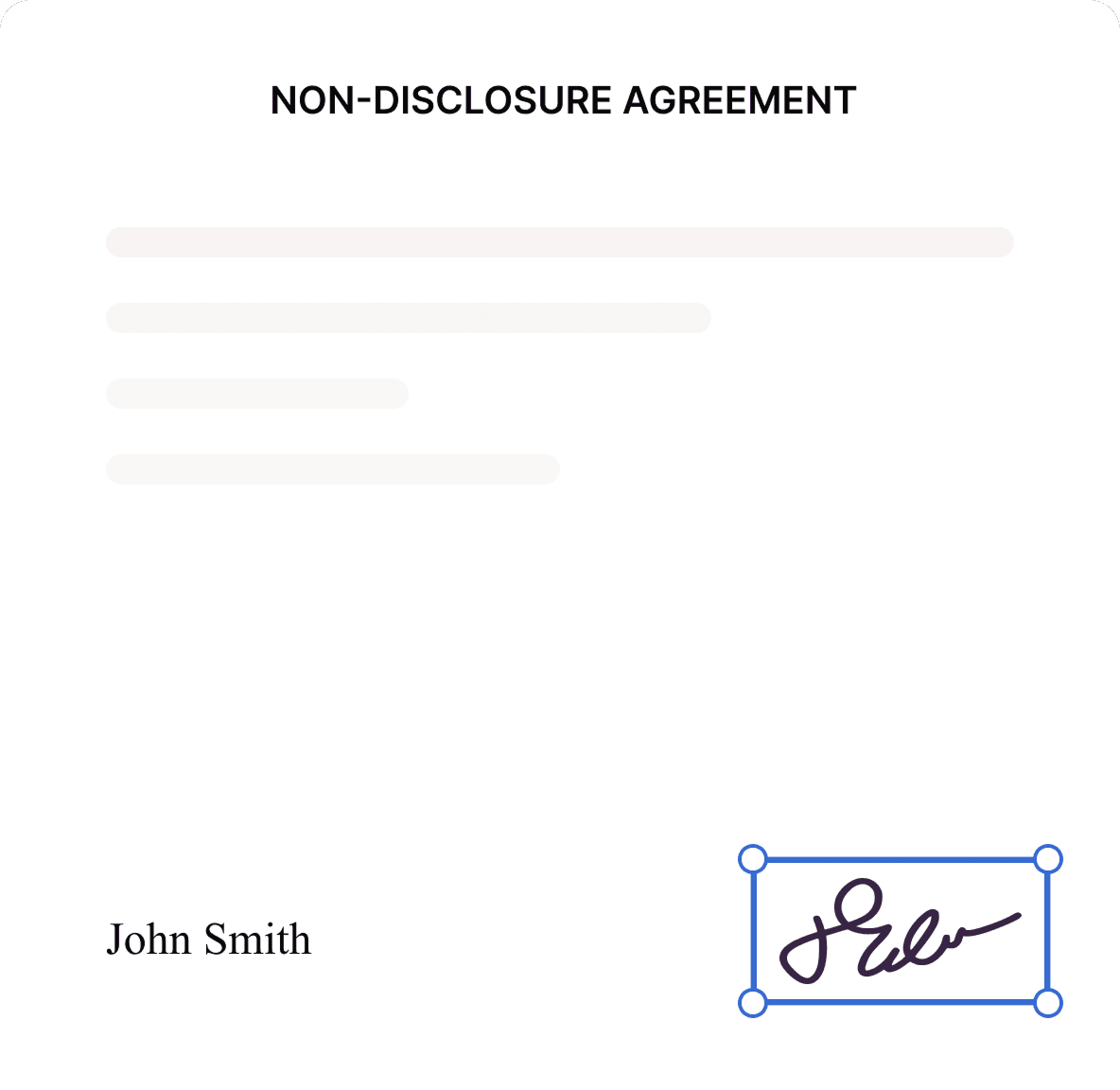
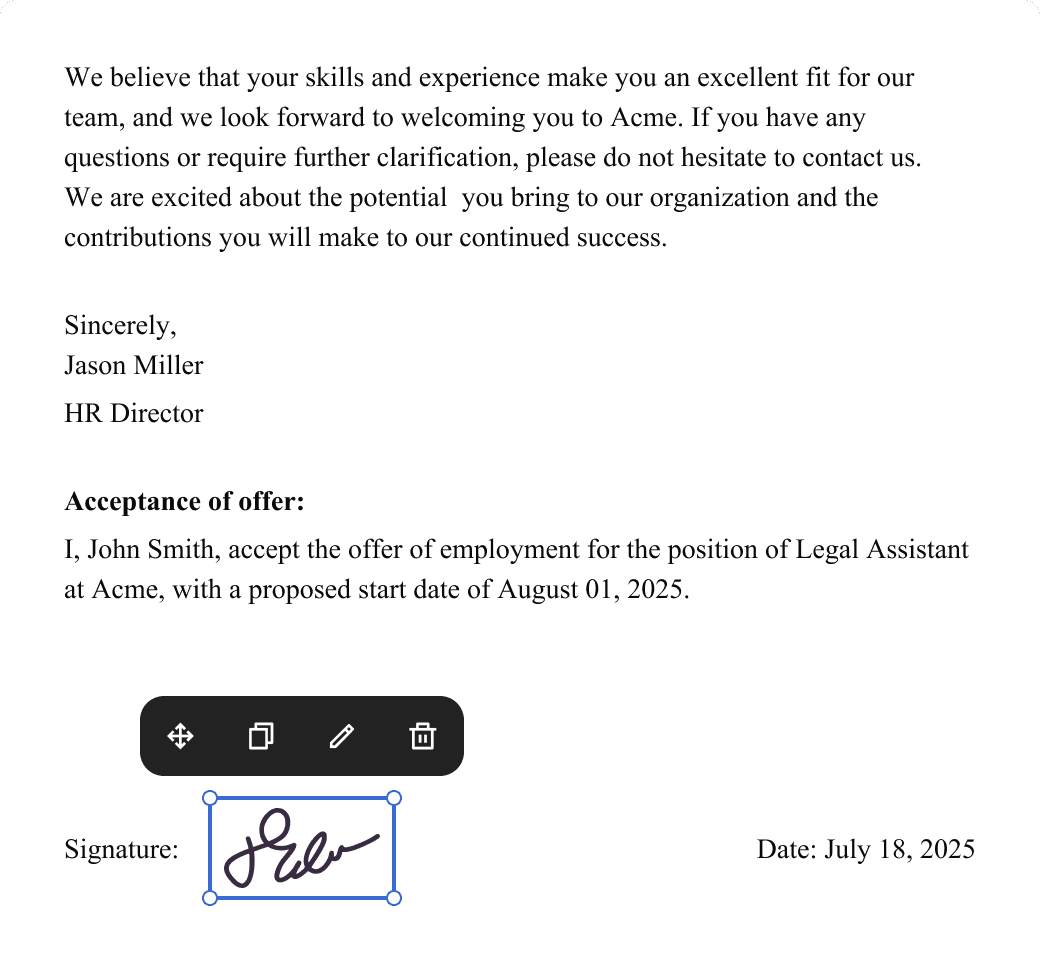
Loio eSign allows users to sign an electronic document by typing, drawing, or uploading a signature without printing and rescanning the file.
Wet Signature vs Electronic Signature: Quick Comparison
A wet signature and an electronic signature can serve the same basic purpose: showing that a person approved a document or intended to sign it. They are not the same signing method.

An electronic signature is not a wet signature. Both can indicate intent, but one is created electronically, and the other is physically applied to paper.
What Is a Wet Signature?
A wet signature, also called a wet-ink signature, is a handwritten name, mark, or symbol placed on a physical document with ink. Signing a printed service agreement with a pen is a simple wet signature example.
The phrase “wet signature” is appropriate and widely understood in business. “Wet” distinguishes fresh ink on paper from a typed name, pasted image, scan, or other electronic method. A person does not always need to write a full legal name. Initials, a mark, or a stylized signature may also show intent, depending on the document and surrounding facts.
An original signature vs wet signature comparison needs one more distinction. A wet signature describes how the signature was made. An “original” usually means the actual paper that carries that ink rather than a photocopy or scanned image.
Therefore, the paper in the signer’s hand may be an original wet-signed document, while the emailed PDF can be a copy of it.
What Is an Electronic Signature?
Under the federal definition, an electronic signature can be an electronic sound, symbol, or process attached to or logically associated with a record and adopted with intent to sign it. This broad definition can cover a typed name, a checked acceptance box, a click-to-sign action, a signature drawn on a screen, or an uploaded image. See the electronic signature definition under 15 U.S.C. § 7006 for more details.
The visible shape is only one part of the process. Context matters. A signing page may also record the signer’s email address, time of action, authentication steps, document version, and consent. These details may provide stronger evidence than a signature image copied into a PDF without any supporting record.
A signature drawn with a finger, stylus, or digital pen is sometimes called digital ink. Despite looking handwritten, digital ink is an electronic signature because it is created and stored electronically. It is not a wet signature, and it does not automatically become a cryptographic digital signature.
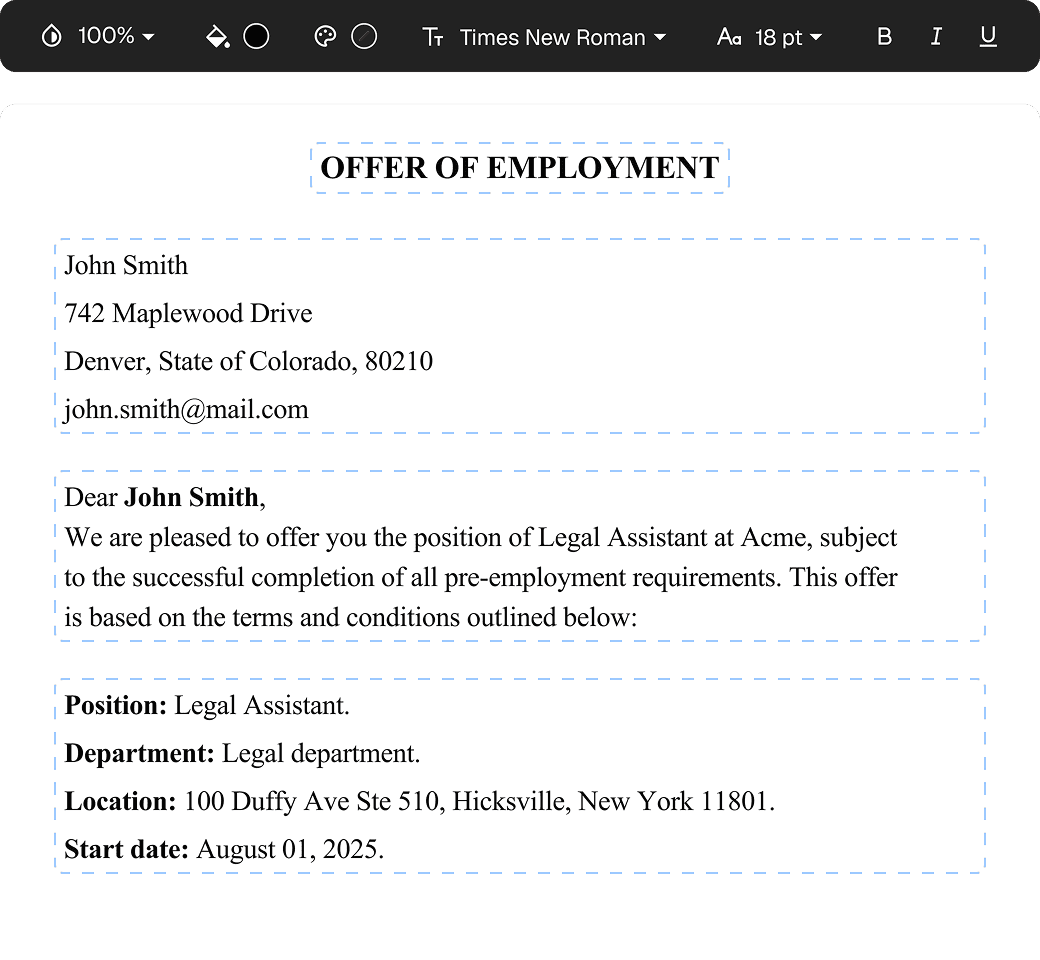
Before signing, users can edit a PDF online to correct text, add missing details, or prepare signature fields without creating another paper copy. Loio’s PDF editor also supports annotations and direct document updates.
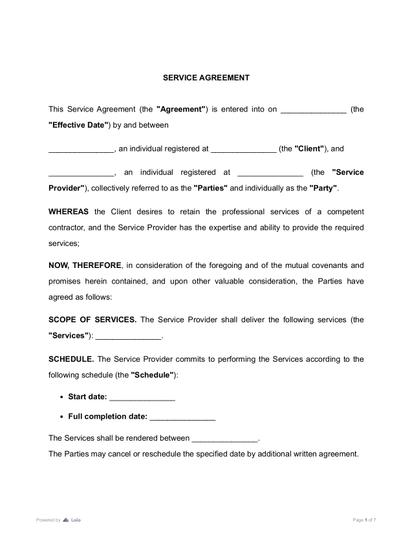
A service contract is a practical example. It sets the scope of work, compensation, deadlines, and responsibilities between a provider and client. The parties can complete the document and then choose the signing method accepted for their transaction.
Wet Signature vs Electronic Signature vs Digital Signature
“Electronic signature” and “digital signature” are related terms, but they are not exact synonyms. An electronic signature is a broad legal and practical category. A digital signature is a technical method that uses cryptographic keys and typically works with a certificate or supporting trust system.

The National Institute of Standards and Technology describes a digital signature as a cryptographic transformation that can support origin authentication, data integrity, and signer non-repudiation. When properly implemented, a digital signature can help verify that a private key was used and whether the signed data changed after signing. It does not, by itself, prove who physically controlled that key at the time.
A digital signature used by a person with the intent to sign a record can qualify as an electronic signature, but not every electronic signature uses digital-signature technology.
That is the key digital signature vs wet signature difference: one relies on cryptographic verification, while the other relies on a physical mark and supporting evidence.
Are Wet Signatures and Electronic Signatures Legally Valid?
In the United States, the Electronic Signatures in Global and National Commerce Act, or E-SIGN Act, generally provides that a signature, contract, or record cannot be denied legal effect solely because it is electronic. It also protects contracts from being rejected solely because an electronic signature or electronic record was used in their formation.
This rule also has exceptions. E-SIGN’s general validity rule does not apply to certain records, including wills, codicils, testamentary trusts, some family-law matters, official court documents, specified consumer notices, hazardous-materials documents, and parts of the UCC. State law or document-specific rules may still allow electronic execution in some areas, so the signing method should be checked for the exact document.
At the state level, the Uniform Electronic Transactions Act, or UETA, supports the legal equivalence of electronic and paper transactions when the parties agree to transact electronically.
Consumer transactions can require more than general agreement to sign electronically. If a law requires information to be provided to a consumer in writing, E-SIGN may require affirmative consent, disclosures about paper-copy rights, withdrawal of consent, and the hardware/software needed to access the record.
UETA has been adopted in 49 states. This figure shows how widely electronic-transaction rules have spread across the United States.
However, “legally recognized” does not mean “accepted everywhere.” The E-SIGN Act does not require every person to agree to use or accept electronic records or signatures. Other laws, agency rules, court procedures, filing instructions, or counterparty policies may still affect the method required for a particular document.
The Act also addresses record retention. When a contract or other record must be retained, the electronic version generally needs to reflect the information accurately, remain accessible, and be reproducible for later reference.
A signature alone also does not make a weak agreement enforceable. The parties still need matters such as agreement, capacity, lawful terms, and any formalities required for that transaction. The guide explaining what makes an electronic signature legally binding covers these broader contract requirements.
Can a Wet Signature Be Electronic or Added to a PDF?
No. A wet signature itself cannot be electronic because wet ink must be physically applied to paper. What can become electronic is a copy or image of that signature.
Consider four common situations:
- A person signs paper and scans the entire document. The PDF is an electronic copy of the wet-signed original; if the signer sends or adopts that scan with intent to sign the electronic record, the scan may also function as an electronic signature. It is still not the original wet-ink document.
- A person photographs a signature and pastes the image into a PDF. The result may function as an electronic signature if it was placed with intent to sign, but it is not a new wet signature.
- A person draws a signature directly on a touchscreen. This is digital ink and usually an electronic signature.
- A person applies a certificate-based cryptographic signature. This is a digital signature.
A scan does not turn wet ink into an “electronic wet signature”.
Terms such as “electronic wet signature” are often used informally, but they blur the difference between the physical original and its electronic image. A tool may generate or store an image that resembles handwriting. It cannot generate actual ink on an original paper document.
Can a wet signature be scanned and emailed? Usually, yes, as a practical method of sending a copy — provided the recipient accepts it.
To send a wet signature by email, sign the paper, scan all relevant pages clearly, save them as one PDF, and retain the original. Do not assume the emailed scan satisfies a requirement for an original document.
Form-specific rules illustrate the problem. For IRS documents, acceptance depends on the particular form, IRS guidance, and submission method. IRS guidance lists typed names, scanned signature images, stylus signatures, checkboxes, and third-party software signatures as acceptable methods only where permitted for the specific IRS document.
When to Use a Wet Signature vs Electronic Signature
The better method is the one that meets the transaction’s rules and creates appropriate evidence without adding needless friction.
When a wet signature is appropriate
Use a wet signature when:
- A statute, form, court, public office, lender, or recipient expressly requests an original ink signature;
- A paper original must be delivered, retained, recorded, witnessed, or notarized under the applicable process;
- The other party does not agree to electronic signing;
- A legacy system or cross-border transaction does not reliably accept electronic records.
A business owner may be comfortable signing routine vendor contracts online but discover that a particular filing office requires an original paper submission. The requirement comes from the recipient’s process, not from a universal rule that paper signatures are always stronger.
The same principle may apply to notarization. The E-SIGN Act can accommodate electronic notarization when the authorized person’s electronic signature and the required information are attached to or logically associated with the record. However, the applicable state law, notary rules, and receiving office procedures still matter.
When an electronic signature is appropriate
Electronic signing is often the practical choice for ordinary business agreements completed by people in different locations. Common examples include service contracts, NDAs, independent contractor agreements, employment documents, approvals, and proposals.
Suppose a designer in Oregon and a client in Florida agree on project terms. They can customize an Independent Contractor Agreement Template, review its scope and payment clauses, and sign without mailing paper across the country.
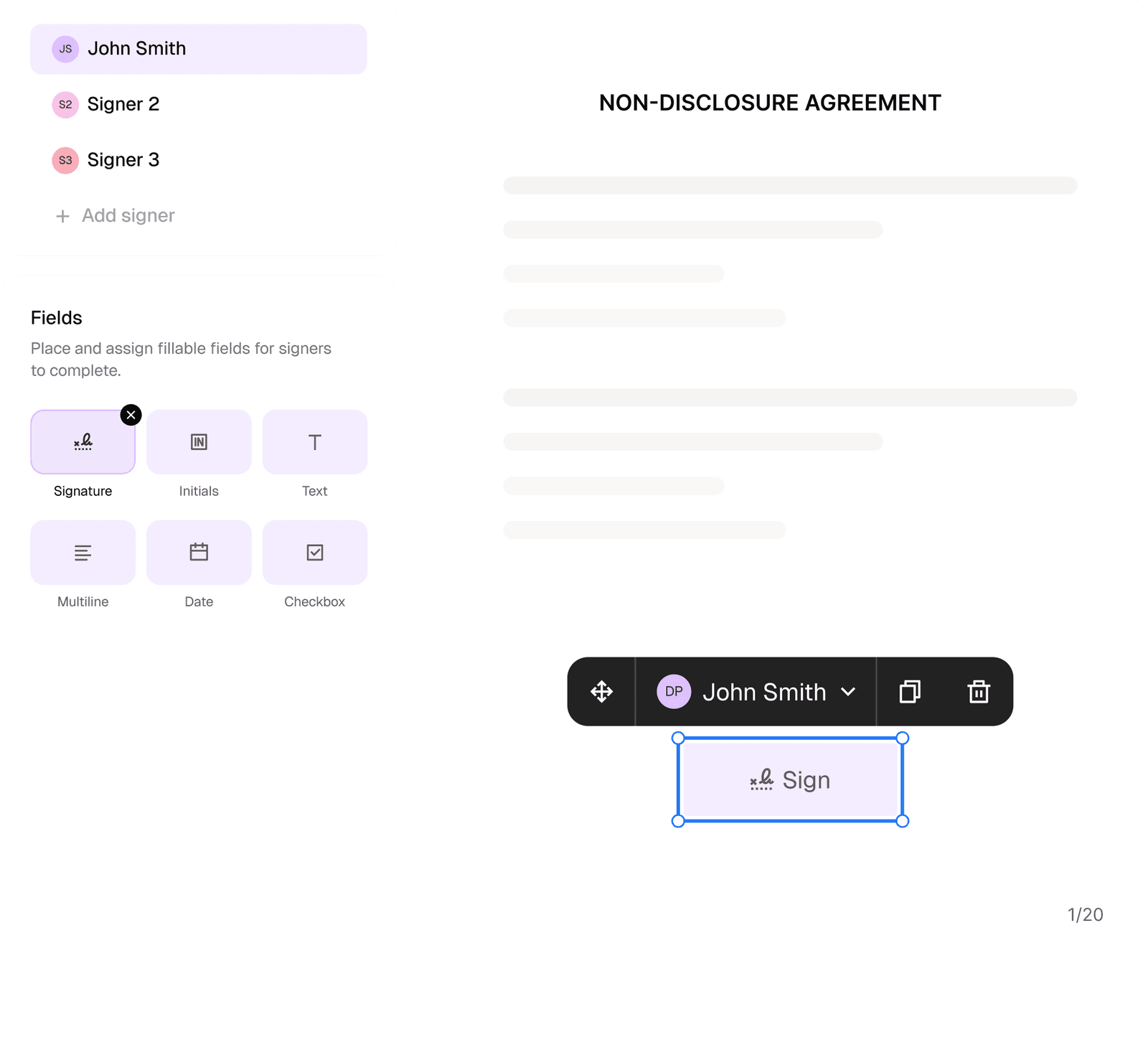
When several people must sign, businesses can request electronic signatures, set a signing order, monitor the document’s status, and retain a time-stamped history of activity in one workflow.
An NDA is another natural fit for remote signing because parties often need confidentiality terms in place before sharing business plans, source code, customer data, or financial information. A customizable NDA helps define the protected information and each party’s obligations before signatures are collected.
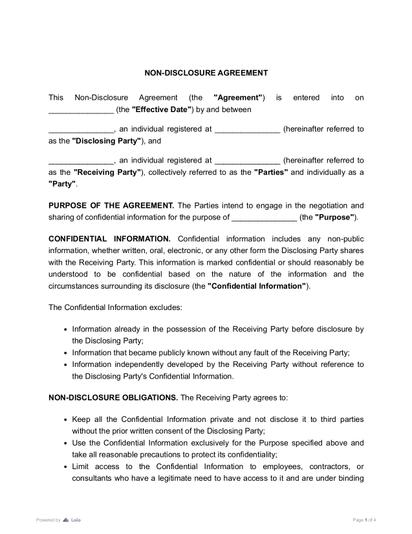
If the document protects confidential business information, it is also important to use the right agreement type. Loio’s guide on NDA vs. confidentiality agreement explains when each document is more appropriate before the parties sign.
How to Choose Between Wet and Electronic Signatures
Use this five-step check before deciding:
- Read the document instructions. Look for language requiring an original, witness, notary, specific platform, or particular submission method.
- Confirm acceptance. Ask the recipient whether an electronic signature or an emailed scan is acceptable. The E-SIGN Act recognizes electronic transactions but does not force every counterparty to accept them.
- Match the evidence to the risk. A low-value internal approval may need a simple click. A high-value or disputed transaction may justify stronger authentication, a detailed audit trail, or a digital signature.
- Protect the final version. Make sure the signature is associated with the exact document the parties approved. Retain a complete copy and avoid editing it after signing.
- Store the record properly. Keep the electronic record accessible and reproducible, or retain the paper original when required.
Review should happen before signature, not after. The guide on how to ensure contract compliance explains how approvals, responsibilities, and ongoing controls fit into the wider contract process.
For a dense agreement, an AI contract review can also surface key clauses, dates, financial terms, and potential risks before anyone signs.
The final wet signature vs electronic signature decision is rarely about choosing a universally superior mark. Electronic signatures are usually faster and easier for routine remote contracts. Wet signatures remain useful when a paper original is expressly requested or operationally necessary. Digital signatures add a technical layer when authentication and document integrity need stronger protection.
This article provides general information and is not a substitute for legal advice about a specific document or jurisdiction.
More guides
September 1
7 min read
How to Provide Proof of Employment: Documents and Steps

October 15
How to Start a Staffing Agency: Licensing, Pricing, and Cash Flow

July 22
Vendor vs Supplier: Key Differences and Which Agreement to Use

July 21
8 min read
Statement of Work vs Scope of Work: Differences and How They Work Together

September 10
14 min read
How to Protect Your Small Business from Lawsuits

September 15
10 min read
Who Can Sign a Contract on Behalf of a Company?

One home for your
agreements
Edit PDFs seamlessly
Tweak agreements before signing or sending for signatures. Update details, add or remove clauses, adjust formatting, and redline changes instantly.
eSign legally and securely
Sign documents and collect legally binding signatures. Invite up to ten people to sign in any order, track the progress, and send reminders.
Request legally binding signatures
Invite up to ten people to sign your document in any order. Get a finalized, audit-ready copy without chasing signatures.
Skip the drafting.
Choose from 2,500+ templates
Browse templatesChoose a template
Fill in details
Sign and download