Updated September 15, 2026
What Is Contract Redlining?
Sometimes, you spend hours preparing a contract, send it to the other party, and expect a signature, but instead, the document comes back covered with comments or crossed-out sentences. That can feel fairly intimidating if you've never dealt with a similar situation before, but it is a normal part of negotiating an agreement.
When hiring a contractor, signing a client agreement, or reviewing a vendor proposal, chances are you'll encounter a redlined contract sooner or later. Learning what contract redlining is can help you negotiate with more confidence and avoid agreeing to terms you didn't intend to accept.
This guide explains how redlining in contracts works, which clauses deserve the closest attention, and how to review proposed changes before signing a business contract in 2026.
What Contract Redlining Is and Isn't
If you've ever exchanged several drafts of the same agreement before signing, you've already done this, even if you never called it redlining. In simple terms, redlining a contract means the process of proposing changes to a contract while keeping edits visible. Instead of replacing the original wording, additions, deletions, and comments stay on the page so everyone involved can review them and decide whether to accept or reject each one.
The practice dates back to paper contracts marked up with red pens. Today, much of it happens digitally, through tracked changes or similar tools.
Many people ask what does it mean to redline a contract because they assume it signals a problem with the deal. However, a redlined document usually means the parties are actively working toward an agreement and want the final version to reflect what they discussed.
Redlining is not limited to lawyers or large companies, either. Freelancers also negotiate project timelines, small businesses may revise payment schedules, and landlords update lease terms before renewal. Almost anyone who signs contracts regularly will need to redline a contract at some point.
That said, redlining shouldn't turn into rewriting every sentence just because you can. Most negotiations focus on the clauses that affect money, responsibilities, deadlines, or legal obligations.
When people look up "what does redline mean in business?" they may see several pages claiming that redlining is illegal. Contract redlining should not be confused with discriminatory redlining in housing and lending. The two have nothing to do with each other. In contract negotiations, a redline is simply a visible revision made during review.
What Does a Redlined Contract Look Like?
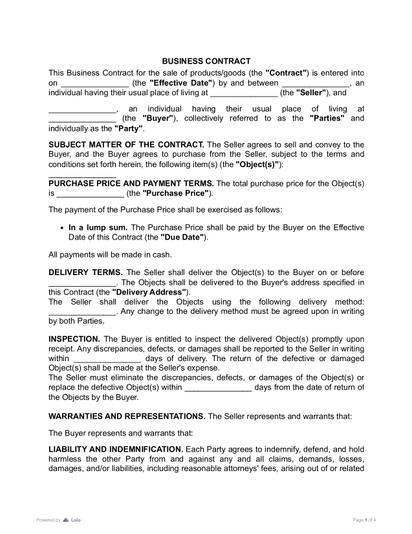
The easiest way to understand what redlines are in a contract is to picture two versions of the same document side by side. Instead of a clean copy, you see which words were removed, which were added, and where a comment was left to explain why. A typical redlined contract includes:
- Text crossed out where removal is proposed
- New wording, usually underlined or in a different color
- Comments explaining the reasoning behind a change
- Formatting edits, such as renumbered sections or updated definitions
- Tracked changes showing who made each edit and when
An original payment clause might read: Payment is due within 30 calendar days after receiving the invoice.
After review, it could come back as: Payment is due within 30 15 calendar days after receiving the invoice.
The old number stays visible until both sides agree on the new one. The same applies whether the clause covers delivery dates, confidentiality, or ownership of finished work.
A redline shows a proposed change. It does not become part of the agreement merely because it appears in the draft. The relevant parties have to accept the change, and the final execution copy should reflect every agreed revision, not just what was proposed along the way.
Most businesses exchange redlined documents electronically now. Microsoft Word's Track Changes feature is still widely used, and many teams also review contracts in platforms that compare versions automatically and keep a record of revisions as negotiations move along.
Why Contract Redlining Is So Important During Negotiations
By the time a contract reaches the negotiation stage, both parties usually agree on the deal itself. Redlining is where the details get settled before those terms become binding, and the details matter more than most owners expect. World Commerce & Contracting, an independent research association, reports that weak contracting practices are associated with an average loss of 8.6% in revenue and cost efficiency, rising to as much as 15% of annual business value in complex or highly regulated sectors.
Even a small edit can make a real difference. For example, if you move a payment deadline from 15 days to 45, it can change your cash flow a lot. Catching these changes now is usually far simpler than sorting out a breach of contract dispute after the agreement is signed.
Redlining also helps keep your negotiations organized. Instead of arguing over an entire document at once, both sides can work through one clause at a time and explain the reasoning behind each change, which often means clearer conversations and better risk management on both sides.
How to Redline a Contract, Step by Step
If you're reviewing a contract for the first time, you may start editing as soon as you notice something you don't like, but that can create more work than necessary. It’s better to understand the agreement first, then make deliberate changes that support your position and keep negotiations moving forward.
The steps below apply whether you're reviewing a client agreement, vendor contract, or service contract.
Step 1. Read the Entire Contract First
Read the agreement from beginning to end before making any edits. Many clauses depend on one another, so changing one section without understanding the rest can create problems elsewhere.
Pay special attention to payment terms, deadlines, and any definitions near the beginning, since those are usually referenced throughout the document. If something is unclear, make a note and keep reading rather than rewriting on the spot.
Step 2. Highlight Clauses That Need Changes
On your second pass, mark the provisions that affect your rights, responsibilities, or financial risk, not the ones you'd simply phrase differently. When deciding how to redline a contract, ask, "Would this clause cause a problem if something went wrong?" If yes, it's worth raising before anyone signs.
Step 3. Suggest Specific Language
Replace vague comments with clear alternatives wherever you can. "Please revise this" gives the other party little to work with; "Payment will be due within 15 calendar days after receiving the invoice" does. If you're unsure how a clause should read, explain the outcome you want rather than guessing at wording.
Step 4. Add Comments Explaining Your Reasoning
A short comment goes a long way, especially when you're asking for more than a minor edit. If you want shorter payment terms, say the project requires upfront costs. If you're narrowing a liability clause, note that the current wording reaches beyond the scope of work.
Keep comments factual and short. That tends to get faster responses than a comment that argues the point.
Step 5. Review Before Sending
Check every proposed edit once more before returning the document. Confirm the changes are consistent, and that you haven't left behind duplicate wording or an outdated comment. If more than one person reviewed the draft, make sure you're working from the latest version.
When contract drafts are scattered across email threads and storage locations, teams can lose track of the latest version or struggle to locate the final agreement. Solid contract lifecycle management and basic version control keep negotiations from getting confusing, especially once several people are marking up the same document.
Before signing, resolve or remove all comments, accept or reject every tracked change, verify cross-references and defined terms, and compare the clean execution copy against the last agreed redline.
Online PDF editing tools can help parties annotate drafts during negotiations, and AI contract review can help identify unusual provisions and summarize changes in longer or unfamiliar agreements. Once the final version is approved, an electronic signature tool can help execute it.
Clauses Worth Reviewing Carefully
Some contract provisions cover routine details, and others decide who gets paid, who owns the work, or who's on the hook if something goes wrong. This is really the core of legal redlining — catching the second category before signatures make it permanent.
Payment terms. Amount, due dates, accepted methods, late fees, and any conditions on release.
Scope of work. What's included, what isn't, and when extra work triggers extra pay.
Intellectual property. Who owns the finished product, and whether you keep any right to reuse it.
Liability limits. How much financial responsibility each side carries if something goes wrong.
Indemnification. When one party has to cover the other's losses or legal costs.
Confidentiality. What stays private, who can access it, and for how long after the deal ends.
Termination rights. How much notice is required, and what happens to unfinished work or unpaid invoices.
Governing law. Which jurisdiction's law governs the contract.
Dispute resolution. Where disputes must be brought, and whether litigation, arbitration, or another process applies.
If a clause doesn't match what you discussed during negotiations, ask about it before signing. Fixing unclear language now is almost always easier than interpreting it later.
Best Practices and Mistakes to Avoid
A few habits separate smooth negotiations from messy ones.
Prioritize the key clauses. Ten minutes spent polishing a sentence that's already okay is ten minutes not spent on a liability clause quietly shifting risk further down the page. Review payment, ownership, liability, and deadlines before worrying about style.
Explain significant changes. A short comment on your reasoning usually gets a faster response than a bare edit with no context attached.
Keep every draft organized, and confirm you're on the latest one. Version control prevents lost edits and duplicate wording from slipping through unnoticed.
Avoid unnecessary formatting changes. Don't let substantive edits get buried inside a reformatted document. If formatting changes substantially, use document-comparison software to confirm no textual changes were missed.
Reread the whole thing before signing (not just the changed sections). A revised clause can affect a section further down the page, and cross-references sometimes shift during editing. Skimming the final draft because you "already reviewed it" is one of the more common ways a bad edit makes it through.
Put agreed changes in the contract. Once the parties agree on a change, incorporate it into the contract or a properly executed amendment rather than leaving the final terms scattered across messages — and follow any amendment procedure the agreement itself specifies.
Don't assume every clause is nonnegotiable. Before signing, propose changes to terms you can't accept, and make sure the final document accurately reflects what the parties actually agreed to. In larger organizations, legal teams review redlined contract terms before approval. Freelancers and small businesses can also benefit from the same habit, even without a lawyer.
Once the parties settle the redlines, they can prepare the final version for signing. Under the federal E-SIGN Act, a signature or contract generally cannot be denied legal effect solely because it is electronic, and state electronic transactions laws provide similar recognition. The parties still need to satisfy the applicable contract formation and execution requirements, and additional rules or exclusions can apply to certain transactions and document types.
A few clauses deserve extra attention for regulatory compliance reasons. Auto-renewal disclosures and data privacy terms in particular have drawn more scrutiny from federal and state regulators in recent years. If a contract touches a regulated part of your business, that's the clause to read twice.
More guides
September 1
7 min read
How to Provide Proof of Employment: Documents and Steps

October 15
How to Start a Staffing Agency: Licensing, Pricing, and Cash Flow

September 10
14 min read
How to Protect Your Small Business from Lawsuits
October 26
10 min read
Who Can Sign a Contract on Behalf of a Company?

August 14
11 min read
Right to Work vs. At Will Employment Explained: What's the Difference?

July 20
4 min read
Addendum vs. Amendment: Change Your Purchase Agreement Properly
One home for your
agreements
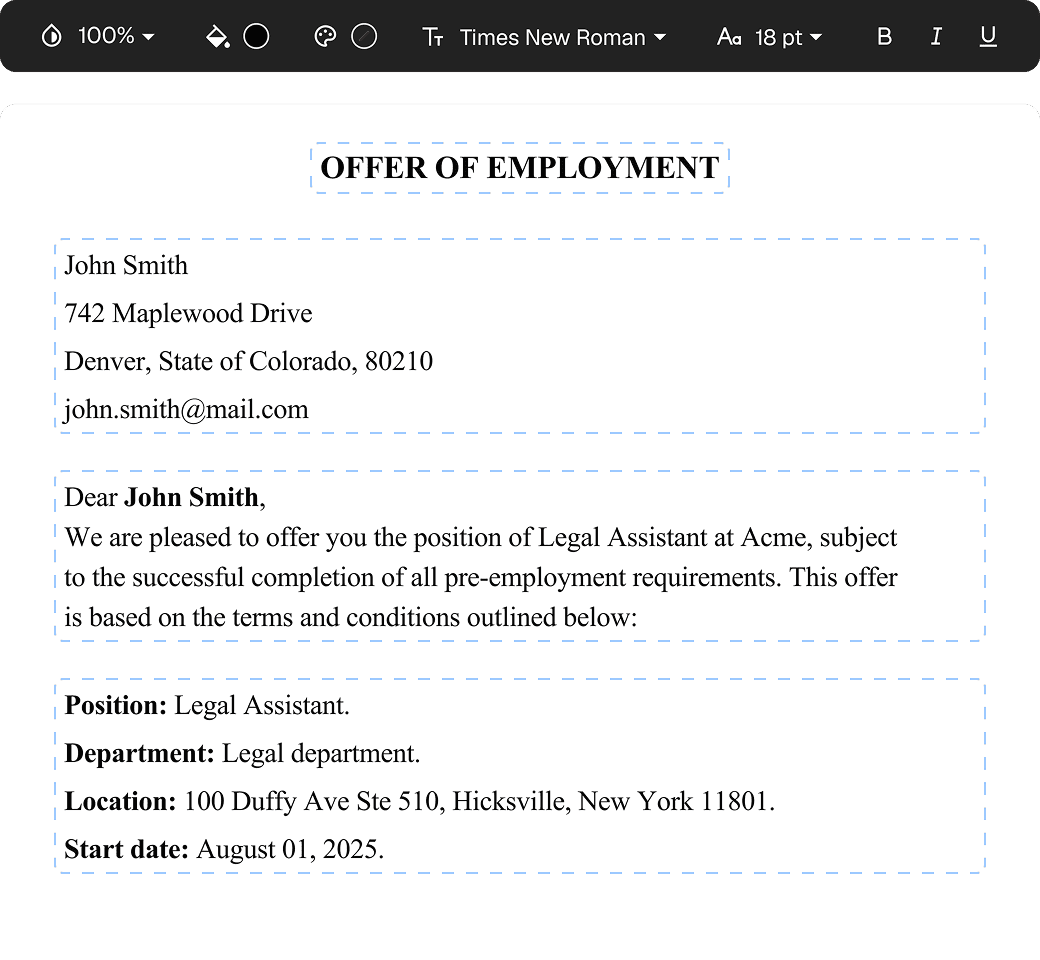
Edit PDFs seamlessly
Tweak agreements before signing or sending for signatures. Update details, add or remove clauses, adjust formatting, and redline changes instantly.
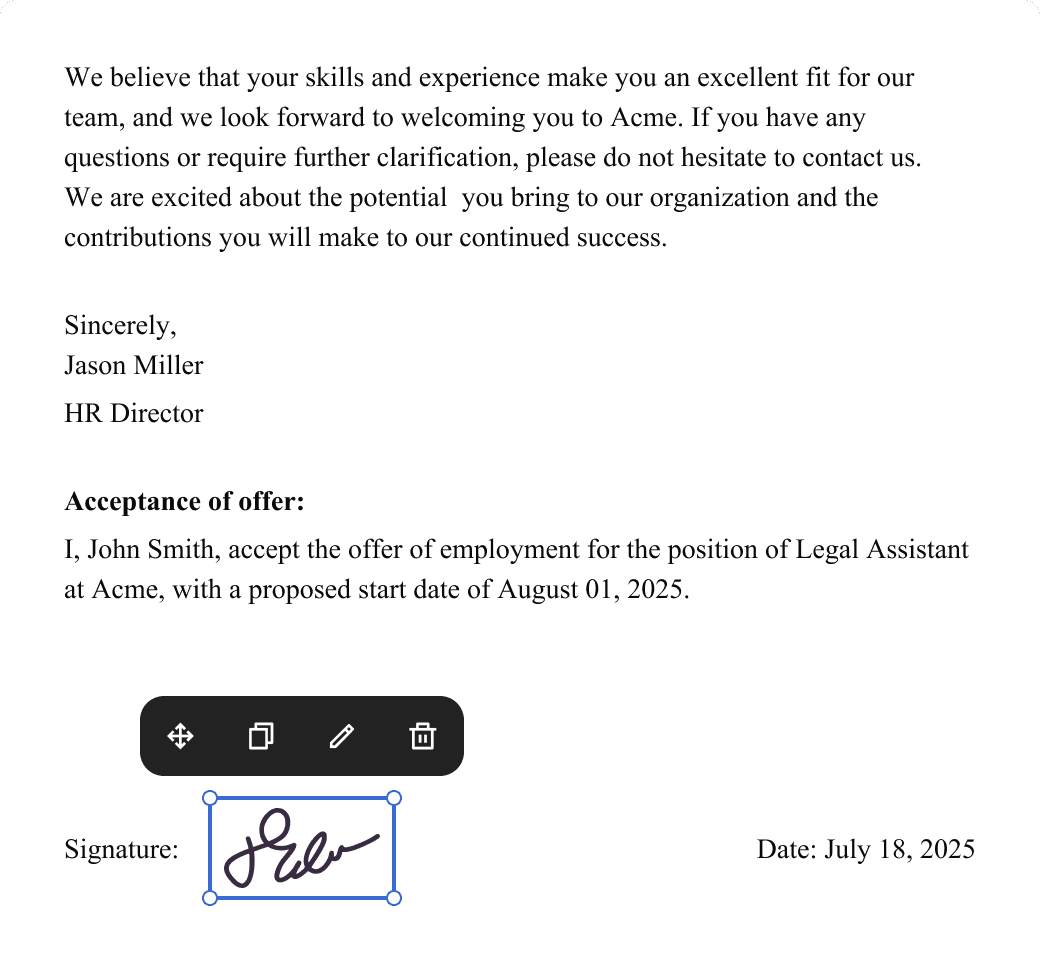
eSign legally and securely
Sign documents and collect legally binding signatures. Invite up to ten people to sign in any order, track the progress, and send reminders.
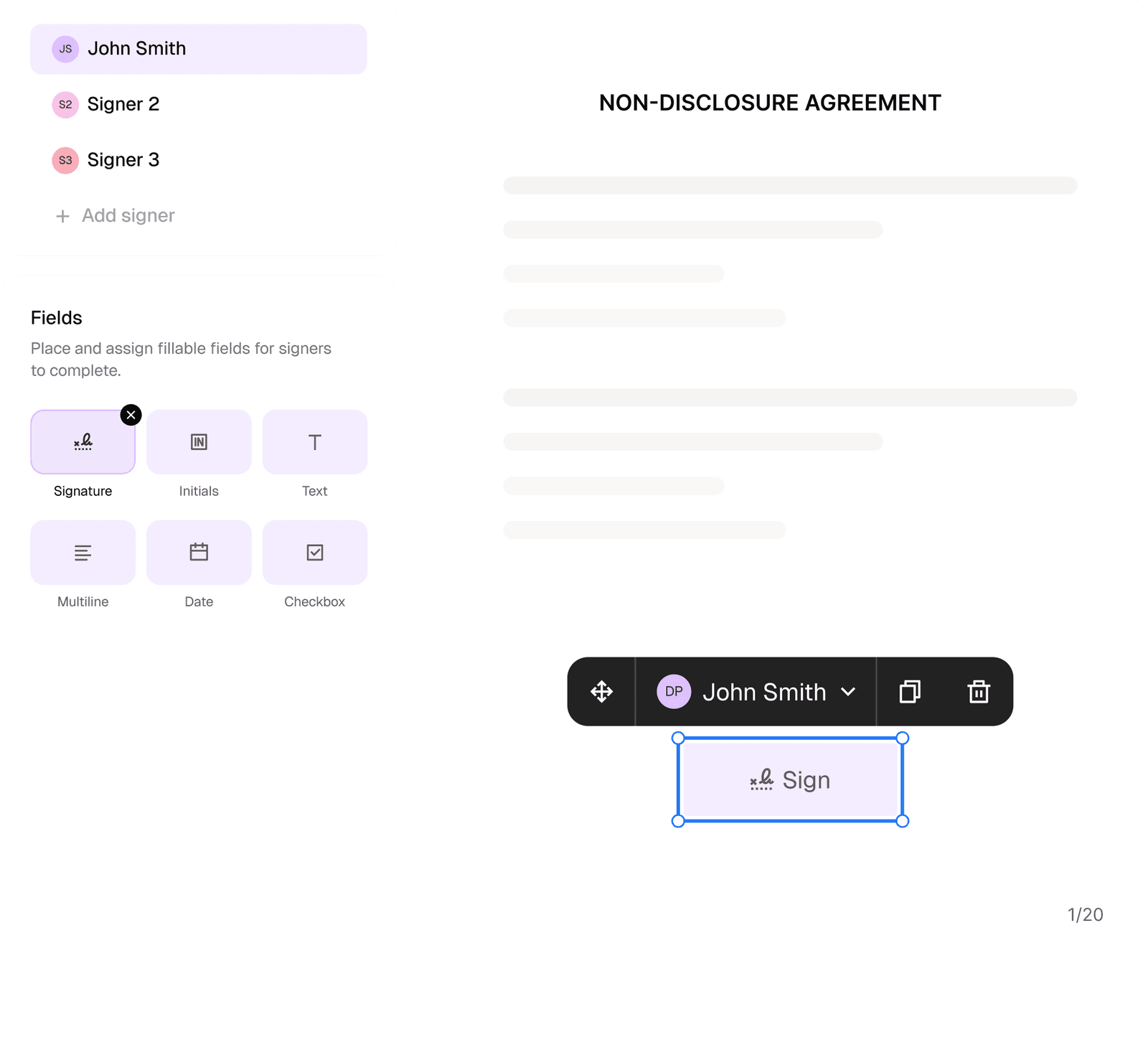
Request legally binding signatures
Invite up to ten people to sign your document in any order. Get a finalized, audit-ready copy without chasing signatures.
Skip the drafting.
Choose from 2,500+ templates
Browse templatesChoose a template
Fill in details
Sign and download