Updated October 16, 2026
7 min read
What Is OCR (Optical Character Recognition)? How It Works & AI Uses
What Is OCR (Optical Character Recognition)? How It Works & AI Uses
- Key takeaways:
- OCR Meaning: What Is a Digital Image and Why Does It Matter?
- How OCR Works: The Image Processing Pipeline
- Types of OCR Technology
- What Affects OCR Accuracy
- Machine Learning and AI OCR vs. Traditional Methods
- Common Uses for OCR in Business
- Working with an OCR-Processed PDF in Loio
- Frequently Asked Questions
Content
Key takeaways:
- OCR stands for optical character recognition, reading character shapes in scanned images and converting them into searchable, editable text.
- The document processing pipeline includes image acquisition, preprocessing, character recognition, and post-processing.
- Scan resolution, lighting, and original condition control accuracy; a 300 DPI clean scan of printed paper documents is the practical baseline.
- AI OCR achieves 98–99%+ accuracy on clean scans and handles varied fonts, tables, and multi-column layouts that template-based systems cannot.
- OCR failures are silent: the engine completes, outputs a file, and transcription errors sit undetected until a search returns nothing.
Two PDF documents sit side by side in your file explorer, looking the same. One lets you highlight and copy text. The other doesn’t, because it’s not really a document at all. It’s a photograph of one. Any software that tries to read it finds nothing there.
OCR technology solves this. Using pattern recognition, it examines the shapes of characters in a scanned image and produces a real text layer from them, turning a picture of words into words themselves.
And there’s a lot of content in this situation. IDC’s Data Age research puts unstructured files, scanned documents among them, at around 80% of enterprise data, the vast majority carrying no readable text.
Read on for a plain-language breakdown of OCR meaning, factors that impact its accuracy, AI OCR advancements, and Loio’s tools that let you process documents further.
OCR Meaning: What Is a Digital Image and Why Does It Matter?
Optical character recognition (OCR) is the technology that reads the character shapes in a digital image (a scan, photograph, or bitmap) and assigns text characters to those shapes. You receive machine-readable text documents that software can index, search, and process, turning a scanned page into a usable digital document rather than a flat image it can only display.
The roots of character recognition can be traced back to the 1920s. Emanuel Goldberg built machines that turned printed text into telegraph code. Commercial OCR scanners arrived in the 1950s and 1960s and were mainly used for banking and postal sorting. Standards groups also designed the OCR-A and OCR-B fonts in a machine-readable format to facilitate scanning. The technology spread quickly in the 1990s as desktop computers became common. Libraries and archives later adopted it, digitizing historical newspapers and other news documents. Thus, print media has become searchable online.
Today, the OCR meaning has expanded beyond single-font text extraction. Modern systems handle handwritten notes, low-quality scans, multi-column layouts, rotated text, and non-Latin scripts. The core purpose is to turn a visual representation of text into data a computer can use. For anyone working with scanned documents, understanding the difference between a scan and an OCR pass is the first practical step.
How OCR Works: The Image Processing Pipeline
Every OCR text recognition system, from a smartphone scanning app to an enterprise document processor, moves through the same 4 stages. The only difference is the accuracy of each stage.
- 1
Image acquisition
Image acquisition is the first step in digital processing. The most common devices used for the task are flatbed and handheld scanners, digital cameras, smartphone cameras, and faxes.
The imaging system captures reflected light from the page surface and converts it into a digital array of pixel values. The quality of the final text largely depends on the accuracy of image acquisition at this stage. If you snap an image of a crumpled document with a regular phone camera, you should not expect impeccable text even if you process it with a top-notch OCR engine later.
Generally, lighting conditions, pixel intensity, and the presence of physical distortions have the most serious influence on the quality of results.
- 2
Image preprocessing
Preprocessing involves contrast correction, noise removal, and image restoration. The dedicated system corrects skew, removes background noise, digital image spots, and speckles, adjusts contrast and pixel intensity, and converts the scan into binary data: black pixels for ink, white for background. Following these advanced methods of digital image processing is crucial as you can remove distortions that would otherwise trigger misreads at the recognition stage.
Some systems also apply image segmentation at this stage, separating text regions from graphics and tables so each zone is handled correctly. Image clarity after preprocessing significantly impacts recognition accuracy.
- 3
Character recognition
Next, the system performs script recognition. It reads the preprocessed image and assigns characters to the patterns it finds. It happens in several ways.
Pattern matching compares each input glyph against a library of stored glyphs for known fonts. Anything outside the library will pose problems. This technique is sometimes called optical word recognition when the system matches whole words rather than individual characters.
Feature extraction means the analysis of structural elements (curves, stroke widths, intersections, loops) and building a probabilistic character match that handles unfamiliar fonts.
Cutting-edge AI OCR tools run on neural networks. This is a type of machine learning that works across different fonts and can handle some image quality issues. Before recognition starts, the system breaks the page into lines, words, and individual characters. Thanks to these computer vision techniques, modern systems can recognize text printed in different document types.
- 4
Post-processing and output
After recognition, post-processing tools catch errors. Spell-checkers flag improbable character sequences, and language-model context analysis confirms what a garbled run of characters most likely represents.
The corrected text is structured into the chosen digital file format. You can opt for a searchable PDF, a DOCX, a JPEG with embedded text, a plain-text file, a text-to-speech format for accessibility tools, or a JSON object with per-word page positions. You can further process the output to extract data and look for specific clauses in a scanned contract, converting visual information into digital data.
Types of OCR Technology
Standard printed-text OCR software handles most business document volume. Various OCR tools address other input categories.
| OCR type | What it reads | Common uses |
|---|---|---|
| Standard OCR | Printed, typed text | Invoices, contracts, forms, books |
| Intelligent character recognition (ICR) | Handwritten text | Application forms, bank checks |
| Optical mark recognition (OMR) | Checkboxes, filled bubbles | Surveys, answer sheets, ballots |
| Intelligent word recognition (IWR) | Complete handwritten words | Postal codes, comb form fields |
ICR for handwriting is a harder problem than standard OCR on printed text. A practical user observation, noted on Reddit, is that a higher-resolution scanner does not fix poor handwriting recognition. The bottleneck is the recognition software’s training data and model capability, not the scanner’s optical resolution.
A $1,000 scanner running a standard OCR engine on forty-year-old pencil cursive produces the same poor output as a $100 scanner. This matters for organizations with large backlogs of paper records. HR records with handwritten fields need a specialist handwriting-recognition service.
What Affects OCR Accuracy
NIST research established that the same OCR program, run on the same documents, produced character error rates from 1% to 74%, with image quality as the sole variable. Three input factors control where a given document falls in that range:
| Factor | Recommended standard | Effect on accuracy |
|---|---|---|
| Scan resolution | 300 DPI standard text; 400–600 DPI small print |
Below 300 DPI spatial resolution, character shapes lose edge detail recognition engines need |
| Color mode | Grayscale for text documents | Color adds noise; image clarity suffers with no recognition benefit for black-on-white printed text |
| Original condition | Clean, flat, high-contrast originals | Speckles, stains, skew, and faded ink each compound through every pipeline stage |
One failure mode that catches users off guard is silent error. OCR does not return an error message when it produces garbled text. It completes, creates a file, and reports success, even though the extracted text data inside may be unusable.
Users managing document archives noted that scans from degraded originals get indexed but rarely surface in search engines. The recognition ran, the file was accepted, and the text was too garbled to match any query. Select and copy a sentence to confirm the text layer is readable before archiving.
Machine Learning and AI OCR vs. Traditional Methods
Traditional OCR, dominant through the early 2000s, matched characters against a fixed font library. Accuracy was high for known fonts and fell sharply on anything outside that library. To add a new font, you had to manually extend the template database.
Machine learning replaced template matching with deep learning and computer vision techniques. A neural network trained on annotated document images generalizes to fonts it has never specifically encountered, tolerates moderate print degradation, and uses surrounding text context to resolve ambiguous characters. The practical difference in real-world performance:
| Traditional OCR | AI OCR | |
|---|---|---|
| Accuracy on clean scans | 50–60% | 98–99%+ |
| Varied fonts | Degrades sharply | Handles without accuracy loss |
| Degraded print | Breaks down quickly | Maintains workable accuracy |
| Non-standard layouts | Unreliable output | Adapts to structural variation |
| Tables and multi-column layouts | Limited capability | Recognized reliably |
| Mixed-content pages | Inconsistent results | Processed via advanced digital methods |
The most important aspect of AI OCR is layout understanding. Older systems extracted text linearly. Newer systems recognize tables as structured grids and multi-column text images as independent text flows, then extract each correctly. This distinction matters for redacting content from scanned multi-column documents. A redaction tool that relies on the text layer needs that layer to correctly map where each content block sits on the page.
Common Uses for OCR in Business
OCR is the intake layer for any workflow that depends on content from paper documents, whether invoices, contracts, or patient records.
Invoice and financial processing. Scanned invoices, receipts, loan documents, and bank statements go through OCR-driven automated data extraction to pull vendor names, invoice numbers, line items, and totals – structured data that feeds directly into accounting systems and other business software. If you process financial records this way, you can reduce manual data entry and prevent costly errors.
Contract and legal document management. Signed paper agreements, court filings, and regulatory submissions are scanned and OCR-processed to create searchable records. Review tools can then locate specific clause language, dates, and party names without requiring a human to read every page.
HR and employee records. Offer letters, onboarding paper forms, and tax documents are OCR-processed so they become searchable digital records across an employee’s full file, rather than staying flat image files.
Identity and credential verification. Passports, driver’s licenses, and ID cards are read by OCR to extract key data (name, number, and expiry date) for automated matching against records.
Working with an OCR-Processed PDF in Loio
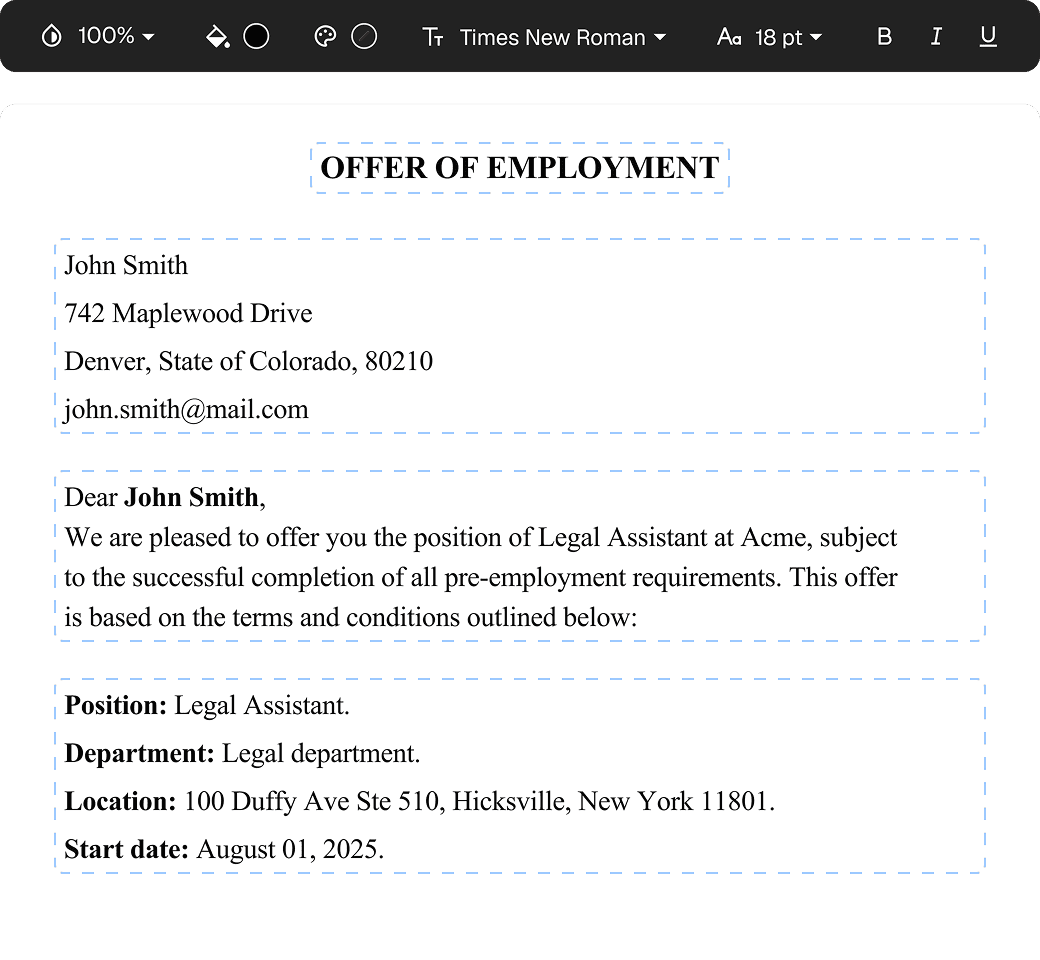
Bring any OCR-processed PDF straight into Loio and manage your files without additional conversion. The Edit PDF tool opens the recognized text layer in the browser so you can add annotations or highlights without launching a separate application.
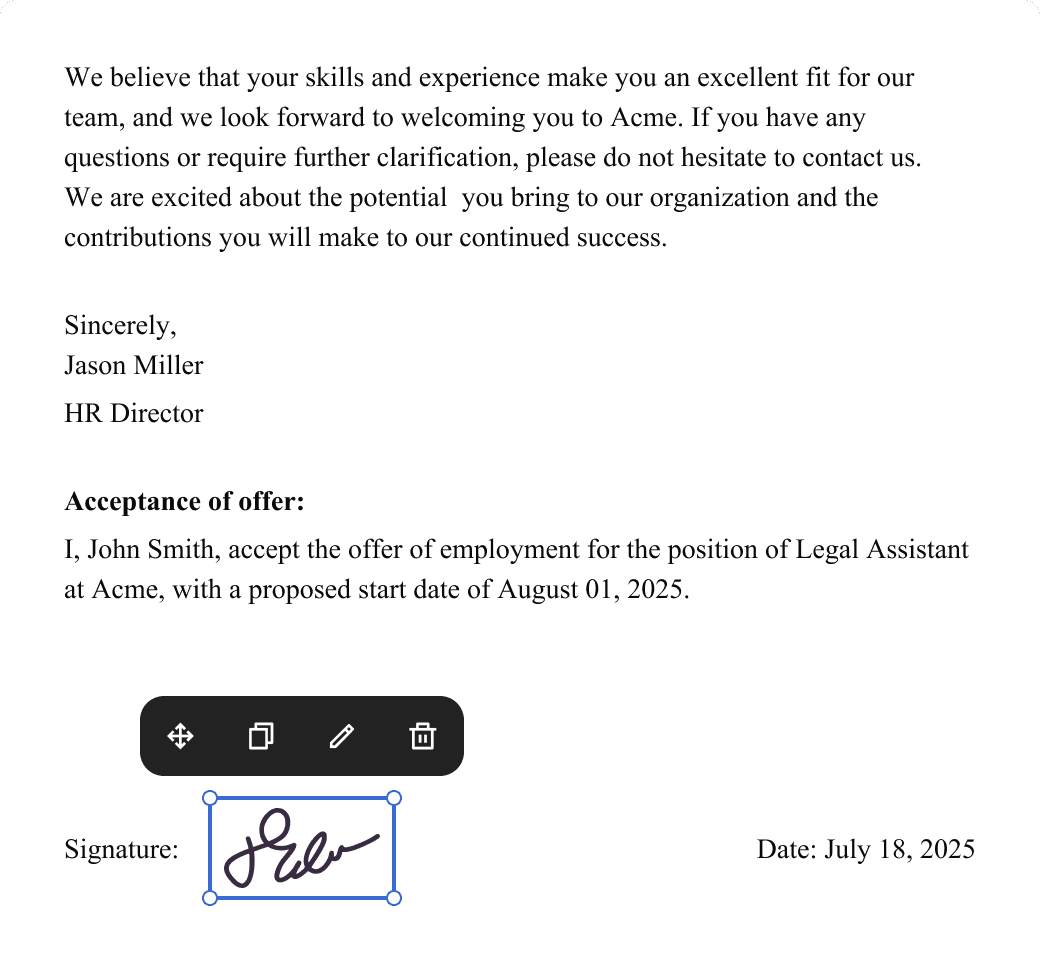
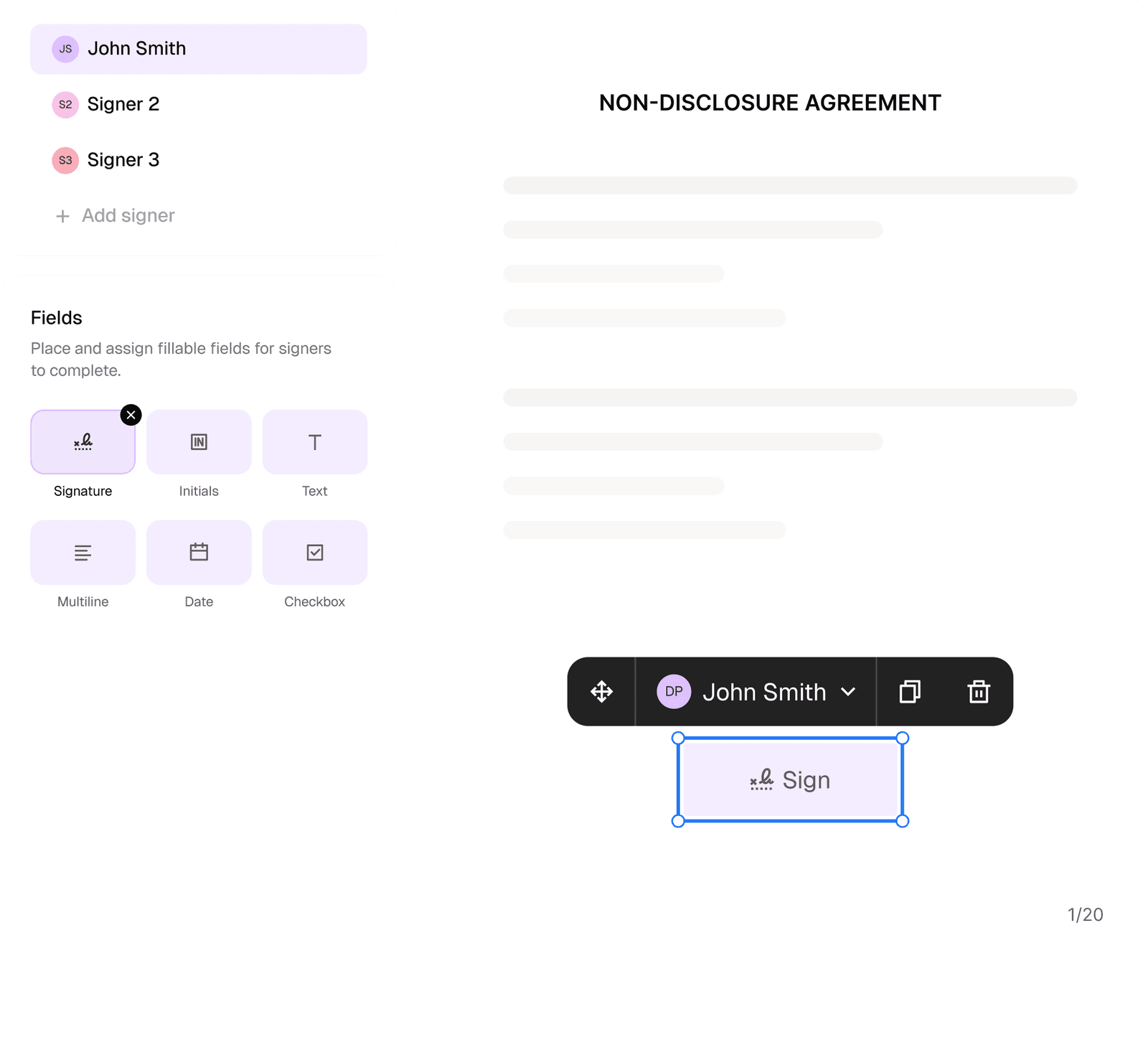
For legal agreements, the gain is most visible in review time. Once OCR produces a text layer, you can use Loio to read through it, eSign the paper, and generate clause summaries to notice any risk areas. Now, you do not have to spend hours annotating a scanned contract by hand, but can review it and act on it in minutes.
Scan at 300 DPI, confirm the text layer is clean with a quick copy test, then bring the PDF into Loio for AI analysis.
Try the document management system for free ›Frequently Asked Questions
What is OCR meaning?
OCR stands for optical character recognition. Any time you select and copy text from a scanned PDF, OCR ran at some point to create the text layer you are selecting.
The technology identifies the visual shape of each character in an image, matches it to a letter, number, or symbol, and outputs machine-readable text. Without OCR, a PDF made from a scanned page is just an image. You can view it, but you cannot search it, copy from it, or process it with any tool that reads text.
What is the difference between OCR and scanning?
Scanning produces an image file, a photograph of the page. OCR is the process that reads the characters in that image and converts them into text data. A scan without OCR gives you an image PDF. It looks like the document but contains no machine-readable content.
Most modern scanning apps combine both steps automatically, but the two processes are separate. You can also run OCR on an image you already have, without rescanning.
How accurate is modern OCR?
AI-based OCR systems can demonstrate almost 99% accuracy if you submit clean scans of printed text with standard fonts. However, accuracy can degrade if your original file has lower resolution or was snapped in poor lighting. Besides, OCR tools can struggle with handwritten paper and those featuring unusual typefaces.
Will my document be intact after OCR processing?
No. OCR embeds a text layer under the existing page image in the PDF. The visual appearance of the document does not change. The original scan remains intact.
The text layer sits behind the image and makes the content selectable and searchable without altering what the document looks like. This matters for legal documents where the signed original must remain visually unchanged. You can use Loio’s AI contract review tool to read this embedded text layer directly, without modifying the document.
More guides
September 1
7 min read
How to Provide Proof of Employment: Documents and Steps
October 16
8 min read
How to Scan a Document to PDF & Convert to Editable Text
October 16
7 min read
How to Redact a PDF Safely: Step-by-Step Data Protection Guide
September 10
14 min read
How to Protect Your Small Business from Lawsuits
October 15
How to Start a Staffing Agency: Licensing, Pricing, and Cash Flow
July 25
12 min read
How to Register a Company in the US: What No One Tells You in 2026
One home for your
agreements
Edit PDFs seamlessly
Tweak agreements before signing or sending for signatures. Update details, add or remove clauses, adjust formatting, and redline changes instantly.
eSign legally and securely
Sign documents and collect legally binding signatures. Invite up to ten people to sign in any order, track the progress, and send reminders.
Request legally binding signatures
Invite up to ten people to sign your document in any order. Get a finalized, audit-ready copy without chasing signatures.
Skip the drafting.
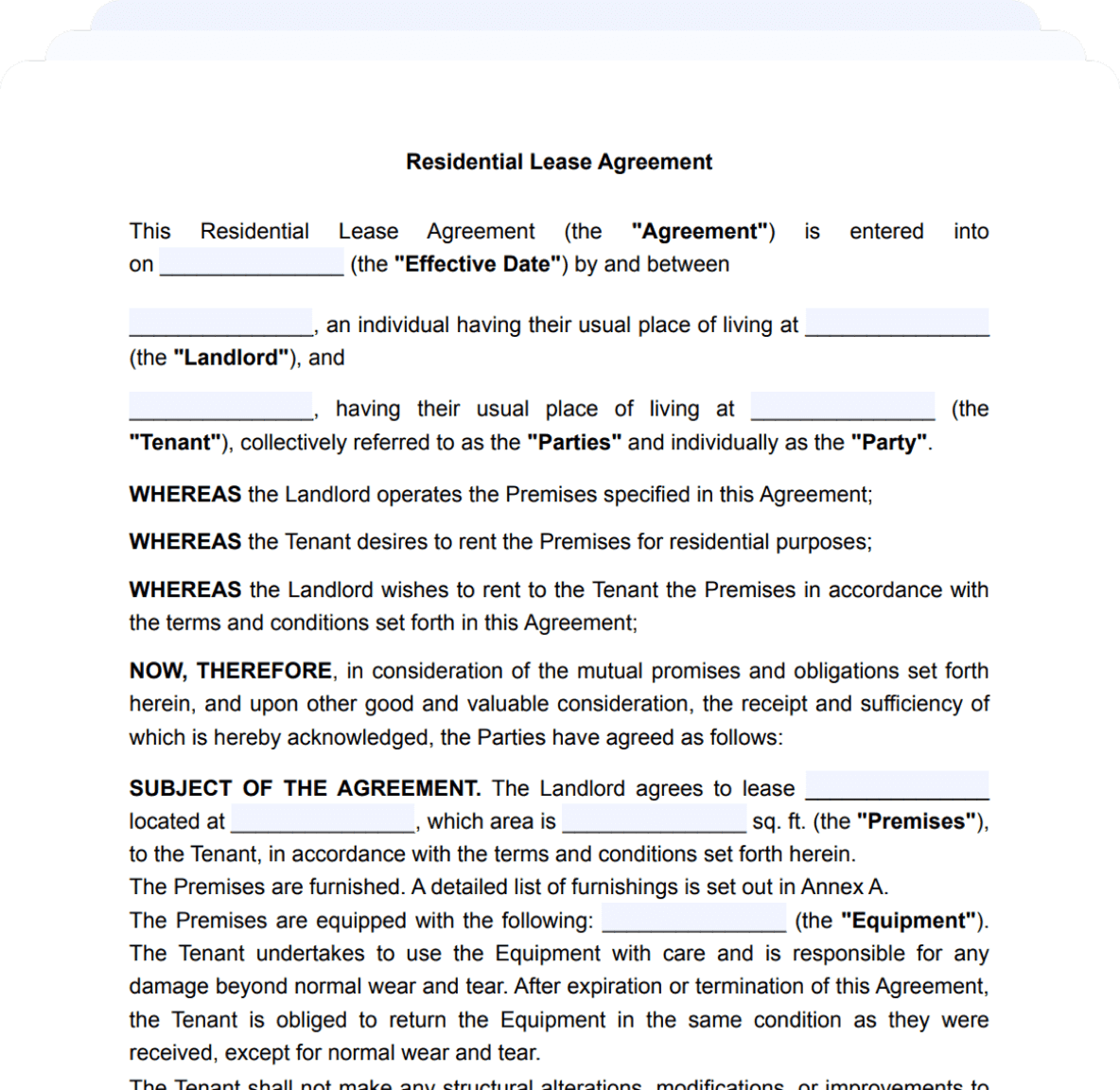
Choose from 2,500+ templates
Browse templatesChoose a template
Fill in details
Sign and download