Updated July 24, 2026
10 min read
Working With Legal Templates: Steps A to Z
Working With Legal Templates: Steps A to Z
Content
We no longer have to line up outside a lawyer’s office whenever we need a lease or standard vendor contract, bill of sale form, or another contract. Now, technology can effectively be used in place of professionals for standard and basic tasks and solutions, such as creating contracts and agreements.
But don’t rush to upload your personal data to ChatGPT or other AI-powered tools. Consider the security — ChatGPT is not yet known for having strong security policies. Additionally, legal regulations differ from state to state, and ChatGPT may not always be able to create the exact legal contract text a person needs. Why use something like ChatGPT when there are already contract builders and agreement generators developed by lawyers from all corners of the United States?
In this guide, we are discussing Loio Templates — what it is, how to use legal forms, how to stay safe when sharing personal data with document builders, how to create a contract using a template, and (most importantly) whether using a document generator can really replace visiting a lawyer.
What Is Loio Templates?
Loio Templates is a collection of 100+ legal document templates for all aspects of life, including business areas, the real estate industry, and personal matters. All templates are created by U.S. lawyers, analyzed to the last word, and fully binding and legitimate in all states.
At Loio, we also take into account that different states may require additional data in certain documents, so the users can search for state law in the appropriate section in template descriptions while filling in the legal template.
Loio’s legal team constantly monitors updates to laws and updates templates as needed. Additionally, we are constantly adding new free and paid templates. If you can’t find the template you need on our website, you can contact us, as our lawyers may be preparing the text of that contract right now.
How Can Loio’s Legal Templates Help Me?
The product of Loio Templates was born out of our desire to simplify the lives of people who do not enjoy reading in fine print and do not want to spend time and money going to a lawyer but still require a legal agreement or contract. Our document library came to life to be accurate, consistent, and accessible to a broad audience.
Legal templates are a must-have for people who deal with documents frequently but do not want to spend money on numerous attorney’s fees. At Loio, we speak with users and attorneys to gather feedback and understand the core reasons people use templates and how to utilize legal template builders so we can make our product even more effective and suitable.
Loio’s team does everything possible to demonstrate that creating legal documents can be easy, fast, and affordable. For our users to feel as comfortable as possible, we don’t just provide a copy with blank spaces to fill in names. We go through each step together, explaining and providing guidance on what needs to be indicated in the document and how to do it best. Think of it as a guide for people in the world of lawyers, laws, and not-so-easy-to-understand legal lingo.
How To Work With Legal Templates on Loio
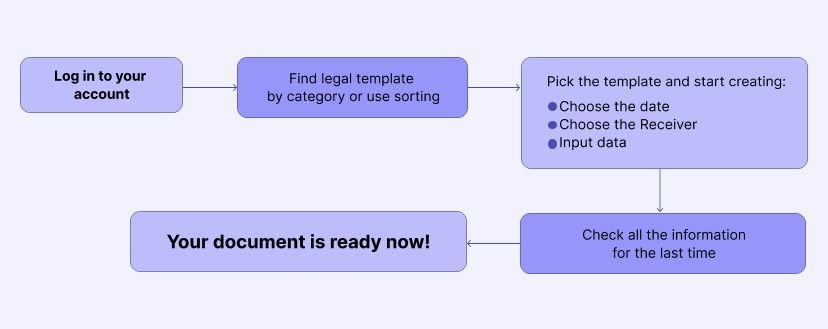
First and foremost, when we created Loio Templates, we prioritized the convenience, productivity, and speed that users can always expect. That’s why we not only give you the PDF file with blanks but also show you where to learn how to fill out a legal form and how to use the legal form afterward. The following steps will take you from a start to a finished document.
1. Log in to your account
Register or access Loio templates to your account to automatically save your document and keep it forever. Your user account is the place where you can see all the templates and documents that you have dealt with and choose a new template to work with.
2. Find the legal template you need
All templates on the website are divided by category or sorted alphabetically. The three main categories are:
Business templates: everything you need to secure your affairs, from photo licensing agreements to letters of recommendation.
Personal templates: documents that cover all private issues, from a bill of sale to a last will and testament.
Real estate templates: documents for landlord/tenant rights and other property needs.
3. Pick the template and start creating
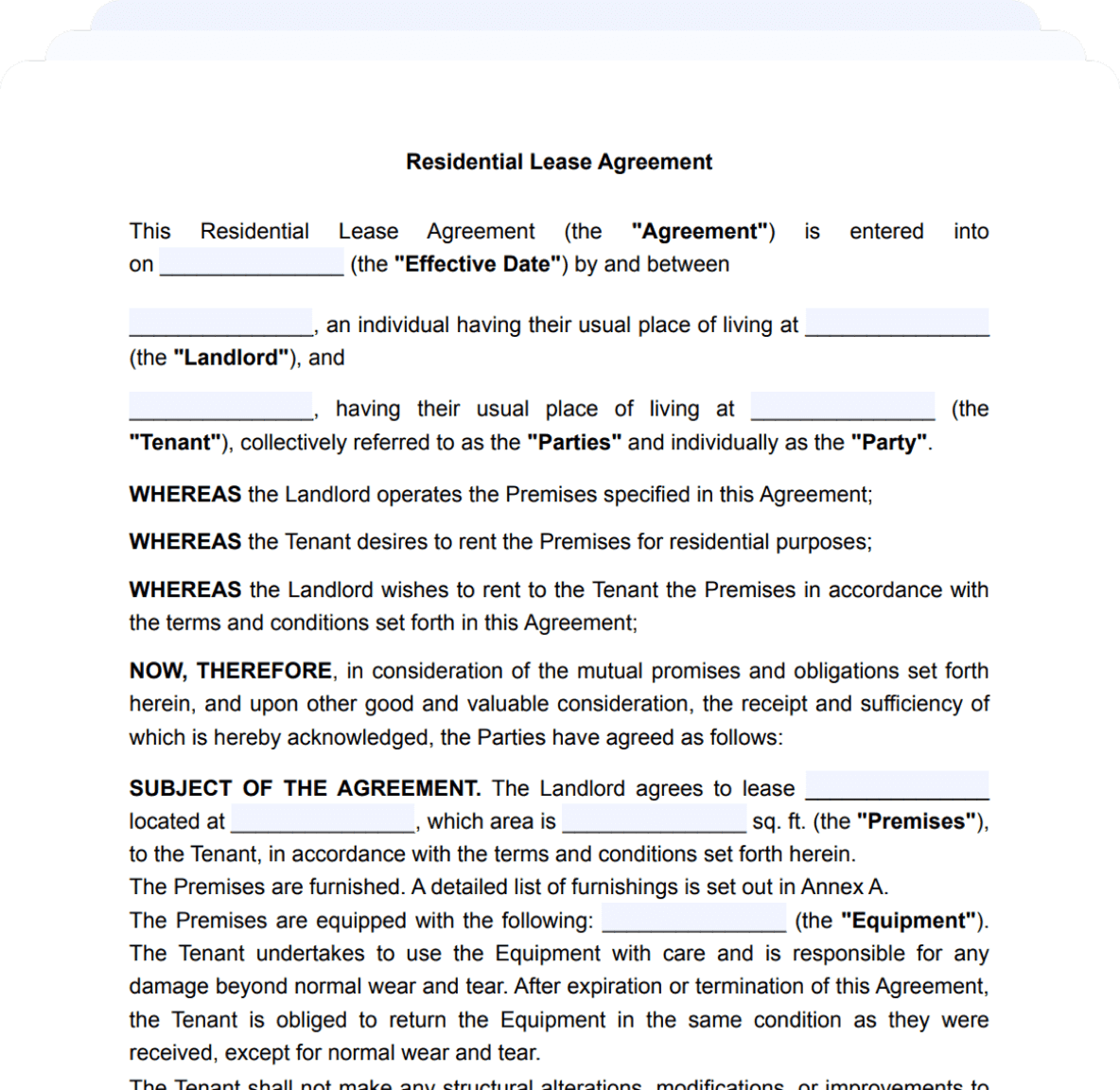
To ensure there is no room for error, even before filling in legal template blanks, you will see the page with instructions on how to work with the template, the document’s content, key terms used in the template, and frequently asked questions about the kind of document. With this wealth of information, mistakes, and misunderstandings will be minimal.
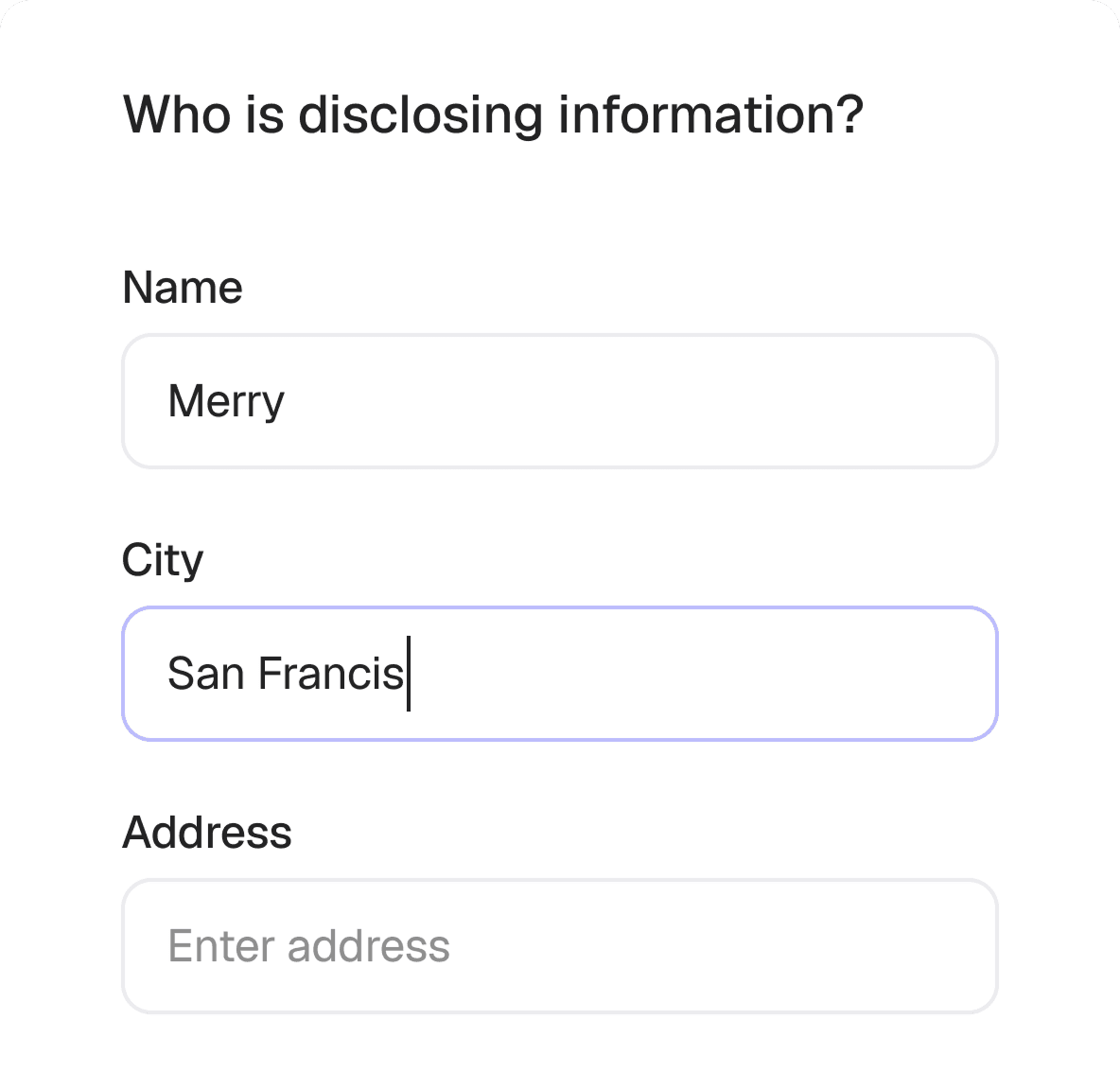
When you choose to fill out a legal template (click “Create & Download”), answer questions to have details automatically inserted into your document. Pay attention to the prompts and advice that appear as you fill out the legal form.
Overall, you will need to fill in the basic data — dates, parties to the agreement, the parties’ personal information, and contact details. The system will ask you to specify your state and so on. If, at any point, you find it challenging to understand what kind of information you need to input, click “Tell me more,” and you’ll see the extended version of the tip describing how to fill in the information.
4. Check all the information one more time
Before downloading the document, reread the entire text and pay special attention to personal data, contact information, and the main terms of the contract. You can always go back to edit the contract if you notice any inaccuracies. Simply pick a contract in the list of your documents and choose “Continue editing.”
Your document is now ready! Now, you can proceed to purchase if required and download the file.
Advantages of Legal Document Automation
While considering the possibilities of Loio Templates, take a moment to consider some bigger issues. Why do we need to automate document creation? After all, lawyers have been doing this manually and have been doing it well. So why should we all use templates now?
Generally speaking, people can still turn to lawyers or law firms if they need to update lease agreements or create a document to sell a car. However, the following are reasons to consider the option of using templates:
- Time — Automated creation saves time compared to manual drafting by lawyers.
- Money — The money spent paying a lawyer for the time he takes making a document could be saved for more complex legal needs.
- Efficiency — You don’t have to spend time on back-and-forth communication with a lawyer when you can just sit down and create a document in 10 minutes.
- Accuracy — The template reduces the risk of making a mistake in the document because lawyers made and reviewed the template.
- Accessibility — Dozens of people can create the same document at the same time using the same template. There is no need to wait for a meeting time with a lawyer.
- Progress — The world is not standing still. Previously, people did not use templates because there were not as many, and they were not as convenient as now.
For any of these six reasons, people should think about using templates and automating document creation. Try to create your first document with Loio Templates. Make a copy yourself and compare this experience with manually beginning a contract with the help of a lawyer.
Benefits of Loio Templates
The primary foundation for building Loio Templates is convenience and speed, but there are more advantages of Loio Templates. Why do people choose Loio Templates?
Fast creation
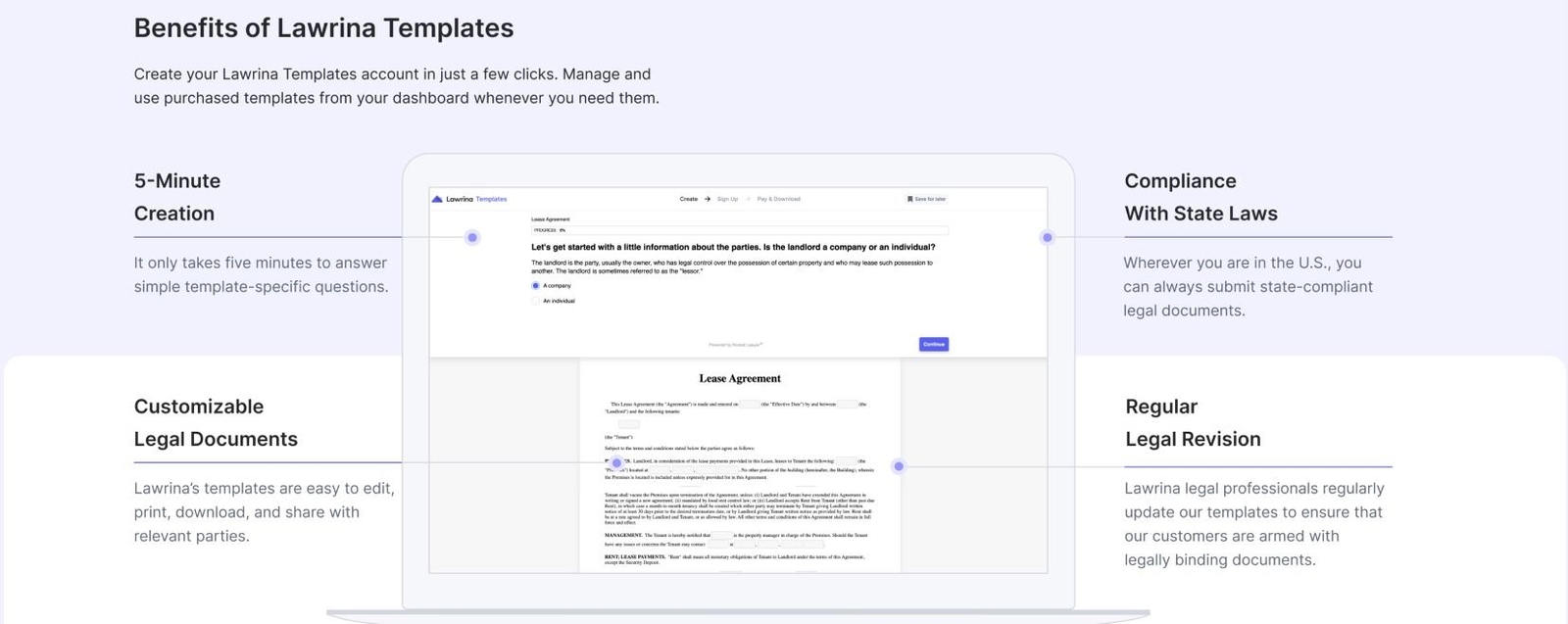
You don’t need to understand legal terms. Search for examples of ready-made templates. You don’t even need to look at the document text — the system will automatically generate questions for you and add your answers to the document text. Just a few questions will take five minutes, and you will get a ready-made document tailored to your unique needs.
Compliance with state requirements
Requirements can vary between states, so our templates must be flexible. No matter which state you are in, Loio Templates lawyers have already ensured that your document will comply with your state’s laws.
Smooth experience
The Templates system will quickly guide you through all the crucial points and help you with general advice if any legal issue is unclear. You can always return to your document to edit, print, download, and share with parties whenever you want.
Legal expertise
Loio’s legal professionals contribute to the creation of all templates. In addition to preparing new documents, they regularly ensure that our templates comply with changes to all state or federal laws.
Conclusion
Loio Templates is not just a collection of paid and free templates. It’s a step towards progress, comfort, and convenience. Simply sitting at home and following the system prompts, you can get a fully legal document in a matter of minutes.
We do not aim to replace lawyers. We do not claim that they are no longer needed for these tasks. Top lawyers from all states thoroughly and carefully review all of our templates, so their work and contributions are invaluable and vital.
Try creating a document with Loio Templates to see how easy and fast you can get the document you need.
FAQ
More guides
September 15
10 min read
Who Can Sign a Contract on Behalf of a Company?
September 15
What Is Contract Redlining?
September 1
7 min read
How to Provide Proof of Employment: Documents and Steps
October 15
How to Start a Staffing Agency: Licensing, Pricing, and Cash Flow
July 20
4 min read
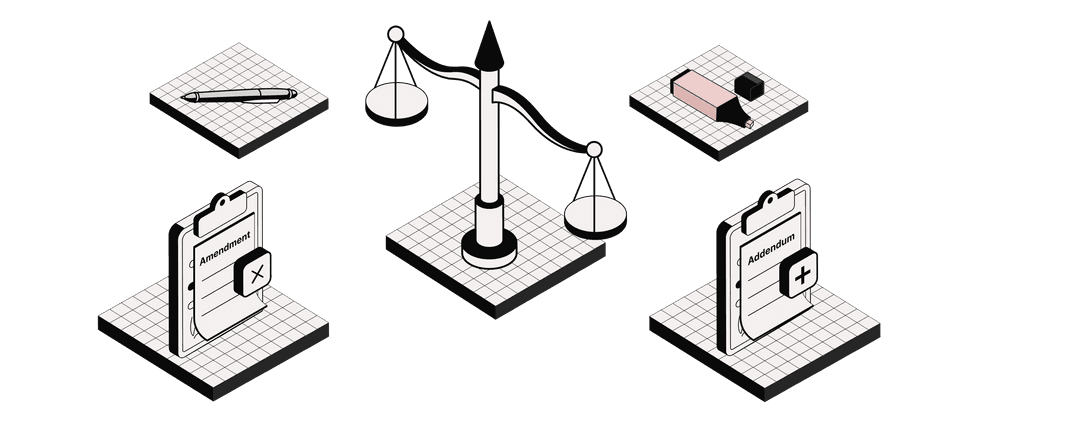
Addendum vs. Amendment: Change Your Purchase Agreement Properly
July 20
What Is an Assignment of Contract? Rights, Duties, and Consent
One home for your
agreements
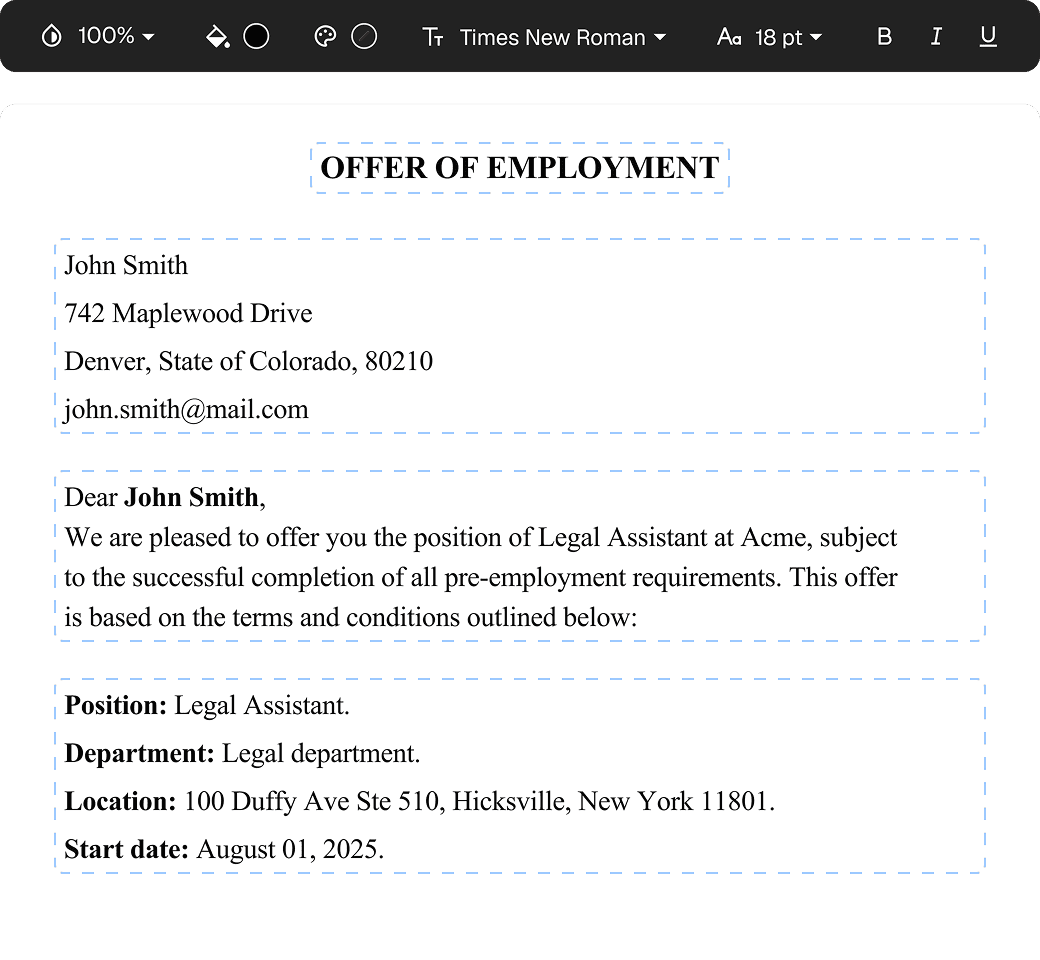
Edit PDFs seamlessly
Tweak agreements before signing or sending for signatures. Update details, add or remove clauses, adjust formatting, and redline changes instantly.
eSign legally and securely
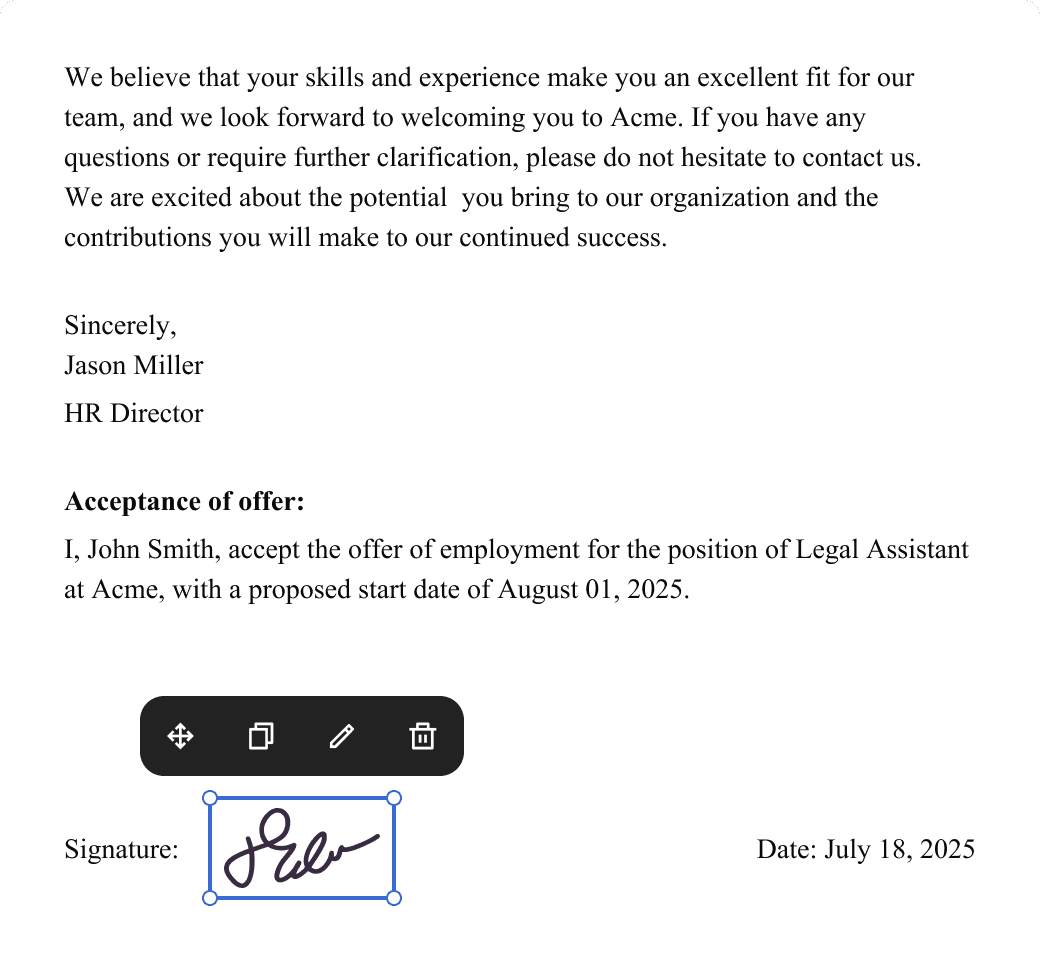
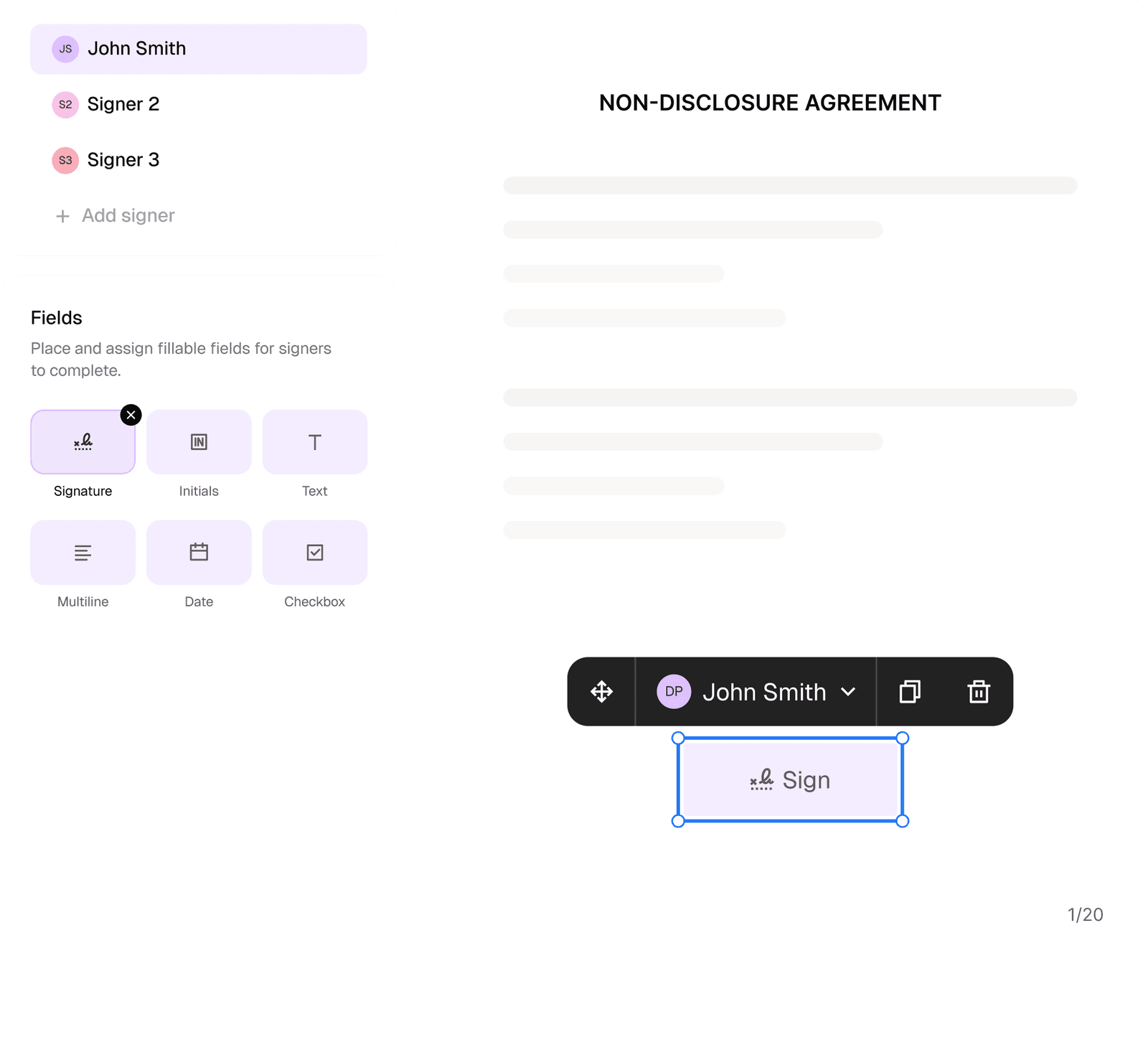
Sign documents and collect legally binding signatures. Invite up to ten people to sign in any order, track the progress, and send reminders.
Request legally binding signatures
Invite up to ten people to sign your document in any order. Get a finalized, audit-ready copy without chasing signatures.
Skip the drafting.
Choose from 2,500+ templates
Browse templatesChoose a template
Fill in details
Sign and download