Updated August 27, 2026
4 min read
Forms W4 vs W2 vs 1099: What’s The Difference?

Forms W4 vs W2 vs 1099: What’s The Difference?
Content
Filling out tax-related documents is a nightmare: figuring out the differences between the forms can take hours, and we often don’t have that much time (or energy). Forms W-4, W-2, and 1099 serve different purposes; once you learn the difference, you can protect your small business from lawsuits or stay clear with the IRS. This comprehensive guide explains each document, who must complete it, and how the information flows to maintain legal and financial accountability.
W2 vs W4 vs 1099: A Quick Introduction
Let’s look at what each of these documents means and how each is used. Knowing the basics is the first step before setting up payroll as an employer or organizing your paperwork as a worker.
Form W-4
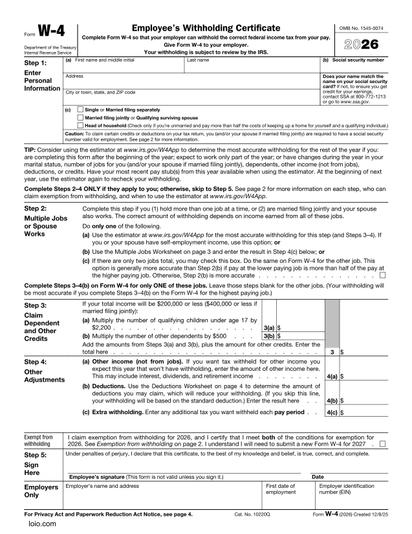
Form W-4 is an Employee Withholding Certificate that an employee completes to inform an employer how much needs to be withheld from each paycheck for federal income taxes. It is collected when a W-2 employee is hired. The employee updates this form whenever they experience life changes (e.g., marriage, having a child, or taking a second job).
Form W-2
Form W-2 is a Wage and Tax Statement generated by the employer to inform the IRS about the employee’s total gross earnings, wages, tips, and any other compensation, and the taxes that the employer withheld during the preceding calendar year. The employer sends the copies to the employee and the SSA, which, in turn, transmits the federal tax information to the IRS.
Form W-9
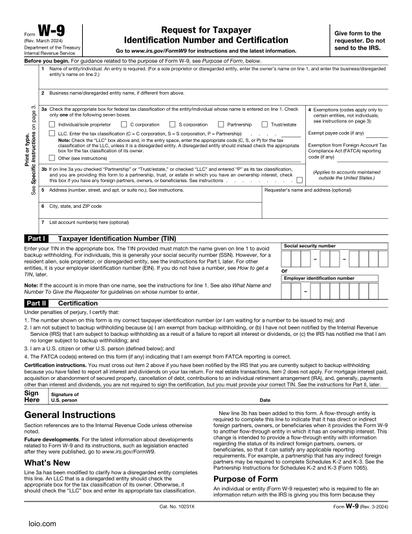
Form W-9, a Request for Taxpayer Identification Number and Certification, is usually provided by the independent contractor or freelancer to the hiring business. This form includes their legal name, business structure, and Employer Identification Number (EIN) or Social Security Number (SSN). They enable reporting and verify important taxpayer data. We introduce this particular form here because it is relevant to the next one.
Form 1099
Form 1099 — or, to be precise, different Forms 1099 — is completed by the business that made payments to independent contractors or freelancers. It reports the total amount paid to a contractor for professional services if that amount exceeded a specific federal threshold during the year. The amount of money considered the threshold depends on the specific Form 1099. The contractor uses the compensation amount stated on this document to calculate their business revenue.
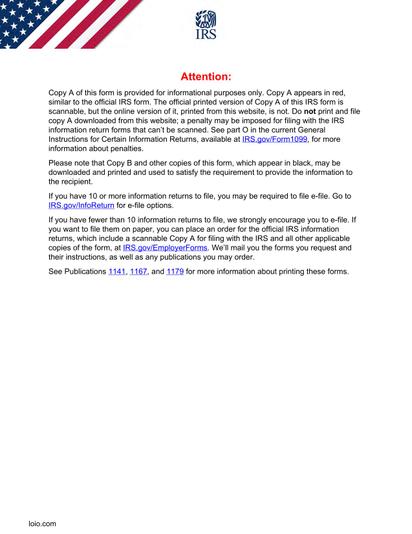
Dealing with multiple documents and forms can get overwhelming. Using a tool like an AI document review makes it possible to understand what each document, particularly contracts and agreements, might suggest, and whether there’s something causing doubt.
Document Completion Timeline
Managing tax forms and worker documentation follows a distinct rhythm throughout the year. Here is a yearly breakdown of your paperwork.
Day 1: Onboarding intake
Before any work begins, companies gather the necessary setup forms based on how a worker is classified:
- 1
A company collects Form W-4 and a Direct Deposit Authorization Form if the worker is an employee.
- 2
A company collects a Form W-9 and a signed Independent Contractor Agreement if the individual is an independent contractor.
Quarterly
Employers must file Form 941 every quarter (Apr 30, Jul 31, Oct 31, and Jan 31) to report and pay federal income taxes, Social Security tax, and Medicare tax withheld from employee check pools. Businesses typically monitor contractor payouts to see if they are approaching the reporting threshold.
January 31st
This is a crucial year-end deadline:
- 1
Companies must distribute Form W-2 to their employees and file it with the SSA.
- 2
At the same time, they have to distribute and file IRS Forms 1099 for any contractor paid over the specific cap during the year.
Many people file tax returns online due to a lower likelihood of errors. Before each document is finally sent, companies can edit it as a PDF to fix any mistakes/typos, or incorrect information.
W-2 versus W-4 and Their Role in Your Employment
These forms are related to a traditional employment model. The process of filing both is relatively easy: an employee completes Form W-4, and using that exact data, the employer issues Form W-2 at the end of the year.
What’s the difference between a W-2 and a W-4?
- 1
Timing
- A W-4 is filled out at the start of employment for the first time.
- A W-2 is sent at the end of the calendar year and must be filed and distributed by January 31st.
- 2
Direction of information
- On Form W-4, the employee provides the information to the employer. Regard it as a set of instructions.
- On Form W-2, it is given by the employer to the employee (and the IRS/SSA). This one acts as a historical record.
- 3
Purpose and legal mechanics
- Form W-4 tells the payroll department exactly how much federal income tax to withhold from each paycheck based on filing status, dependents, and number of jobs.
- Form W-2 officially reports the employee’s total gross wages, tips, and the cumulative federal, state, and local taxes withheld throughout the year.
These documents, while obvious, can make filing your W-2 or W-4 far easier.
- Form 1040. Employees can submit a W-4 form at any time of the year, even after it was first filed during onboarding. Any significant life changes require an individual to update this form. This way, it immediately prevents them from facing an unexpected tax bill when filing their annual Form 1040. Form 1040 is used to file an individual’s annual income tax return.
- Direct Deposit Authorization Form. This banking document helps employers and employees streamline and simplify the payment process. It allows an employer or any payment organization to transfer funds directly to a worker’s bank account. By securing accurate account details up front, this form ensures that the wage information later written on the employee’s year-end Form W-2 matches actual payments received.
- Form 941. It is used by the employer to track and reconcile taxes throughout the year. The withholding amounts dictated by the employees’ W-4 forms are reported quarterly on Form 941. The sum of those four quarters must match the total taxes reported on the employees’ year-end W-2 forms.
W9 vs 1099 and Their Use When You’re Self-Employed
While W-2 and W-4 are used in the traditional employment sector, Form 1099 becomes relevant for gig workers, specialized freelancers, or outside vendors (or companies that work with them). When it comes to tax rules for independent contractors, this document becomes indispensable. Form 1099 is directly related to W-9: an independent contractor provides a completed Form W-9 and receives Form 1099.
How and when are W-9 and 1099 used?
Timing
- Form W-9 is filled out by an independent contractor before a business sends any payment. It is a critical step during contractor onboarding that provides the actual information necessary for a professional relationship to exist.
- Form 1099 is completed after the tax year ends (for reporting), with a strict deadline to file and send this document to the contractor by January 31st.
Direction of information
- For a W-9, information flows from the contractor to the business. It remains securely in the company’s internal accounting files and isn’t shared with anyone else.
- For a 1099, it is usually given by a business to the contractor and directly to the IRS.
Purpose & legal mechanics
- A business requests Form W-9 before paying a contractor because it reliably provides all the critical information to make the payment possible. Knowledge of the SSN and EIN proves that the contractor is legally authorized to accept payments and that the money transfer can occur without issue.
- A Form 1099 serves as official proof of the payouts. It reports non-employee compensation to the IRS so the government can ensure that the self-employed individuals pay their fair share in taxes.
Just like managing the employer-employee financial relationship, these documents are helpful for both independent contractors and businesses that pay them, since they relate to both 1099 and W-9.
- Independent Contractor Agreement or Freelance Contract. Both of these agreements serve the same goal: they establish a formal professional relationship between a business and an independent contractor or freelancer. Once signed in person or with an eSigning instrument, these can help businesses avoid worker misclassification. The moment one of these documents is in place, it explains why the business needs a Form W-9 instead of a W-4 and why it won’t withhold taxes from an individual’s payouts.
- 1040 Schedule C. Self-employed professionals rely on it to file their individual taxes. Contractors report the gross revenue shown in Box 1 of their 1099 forms directly on Schedule C. Then, they subtract their business deductions to calculate their net profit, which helps them determine their self-employment tax obligations.
1099 vs W9 vs W2: Direct Comparisons
Let’s make a quick comparison of the documents to get a clearer view.
W-4 vs. 1099
Tax withholding. An employee who completes a W-4 asks their employer to automatically withhold federal income tax, Social Security, and Medicare from each paycheck. In contrast, a 1099 shows that the business paid its taxes in accordance with the federal and state laws. The worker receives their gross payout and is entirely responsible for handling their own self-employment taxes.
W-9 vs. W-2
Worker type. While Form W-2 is an annual wage statement for a regular employee, Form W-9 is completed to collect data from a self-employed individual or business entity.
Data use. Businesses gather data from a W-9 but issue a W-2 to the government.
Sometimes, a worker can receive both a W-9 Form and a W-2. This happens if the person performs two separate types of professional services: as a worker and a business.
For example, an individual can work as a professional digital artist for a company and receive a salary from their employer. But they also provide art marketing services as a separate one-person LLC. The same company pays them as a business entity for these services. In this case, both a W-9 and a W-2 are used, though for entirely separate activities.

More guides
September 1
7 min read
How to Provide Proof of Employment: Documents and Steps

August 14
11 min read
Right to Work vs. At Will Employment Explained: What's the Difference?

July 24
19 min read
Pay Transparency Laws by State: The 2026 Tracker

September 10
14 min read
How to Protect Your Small Business from Lawsuits

September 15
What Is Contract Redlining?

September 11
6 min read
Employment Contract Mistakes Small Business Owners Often Make
One home for your
agreements
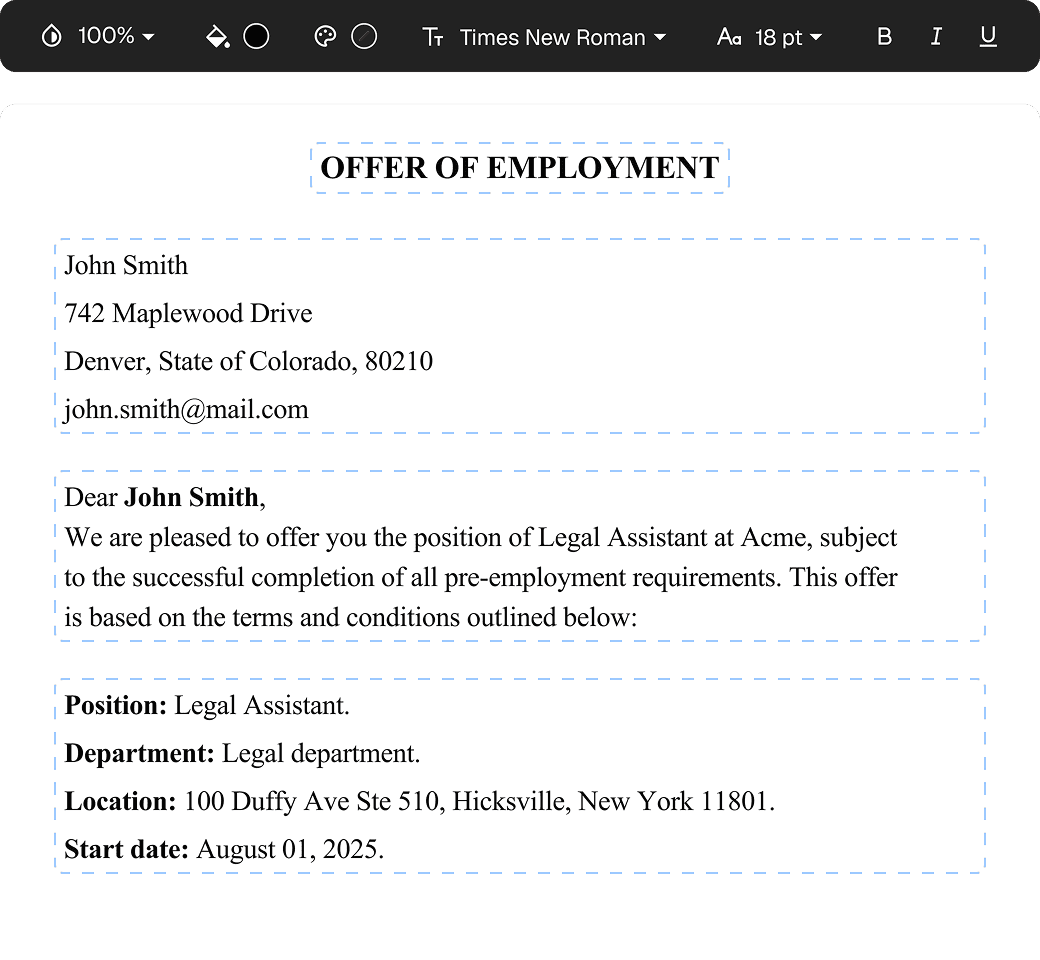
Edit PDFs seamlessly
Tweak agreements before signing or sending for signatures. Update details, add or remove clauses, adjust formatting, and redline changes instantly.
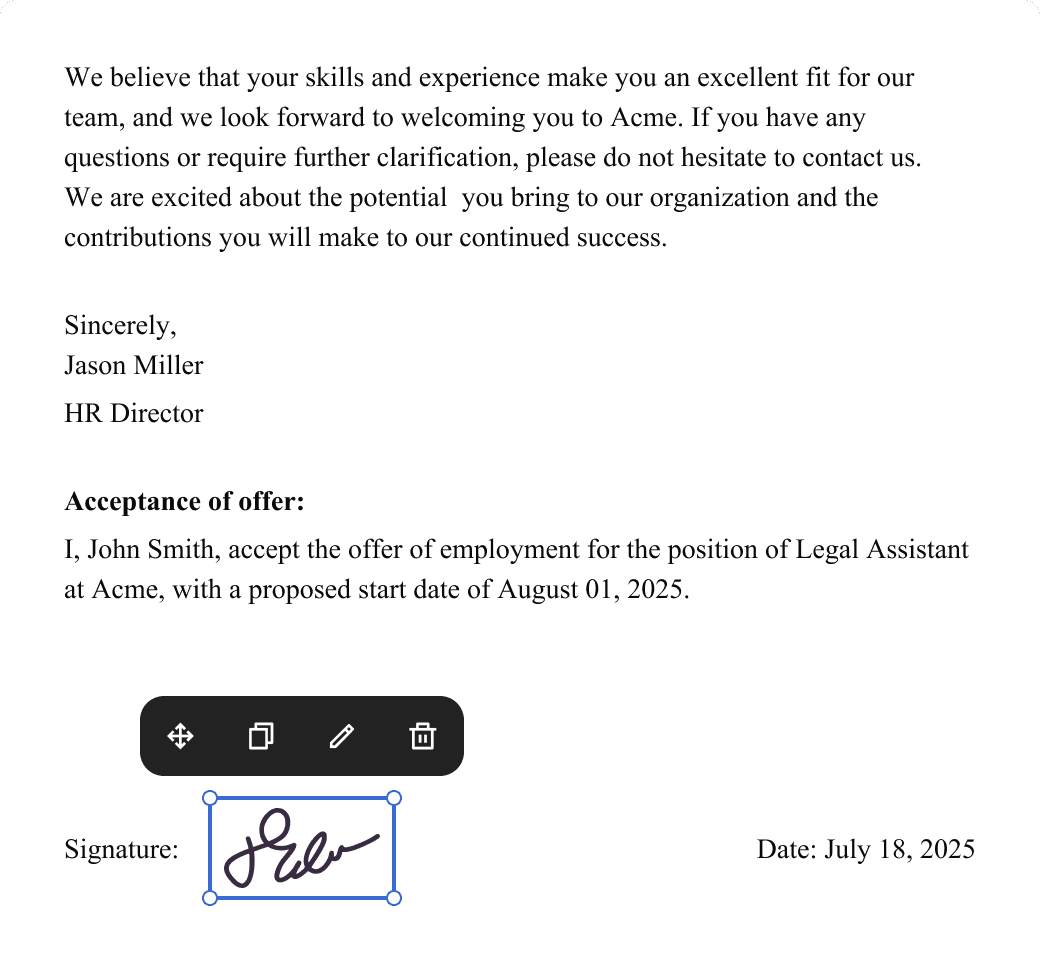
eSign legally and securely
Sign documents and collect legally binding signatures. Invite up to ten people to sign in any order, track the progress, and send reminders.
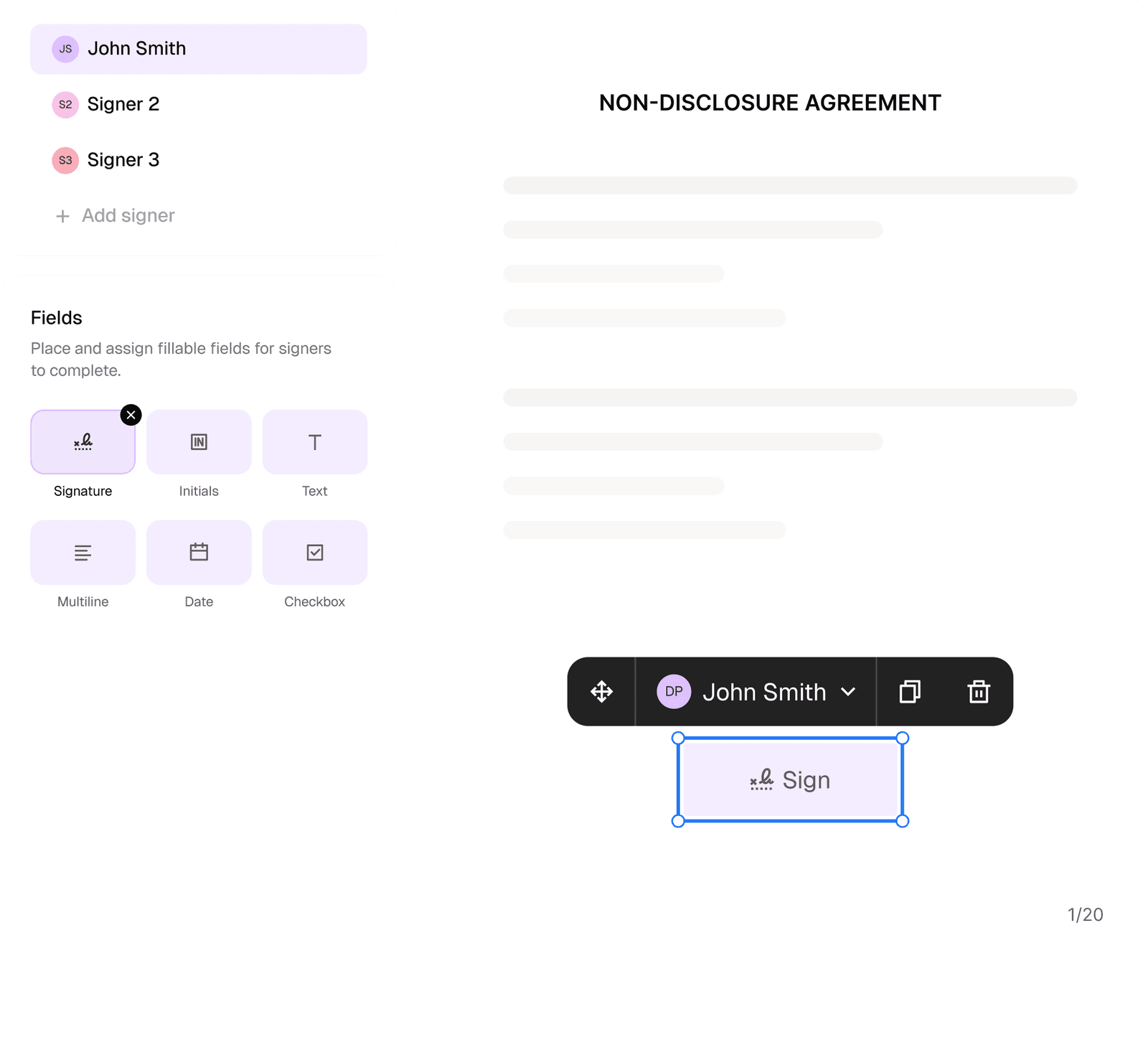
Request legally binding signatures
Invite up to ten people to sign your document in any order. Get a finalized, audit-ready copy without chasing signatures.
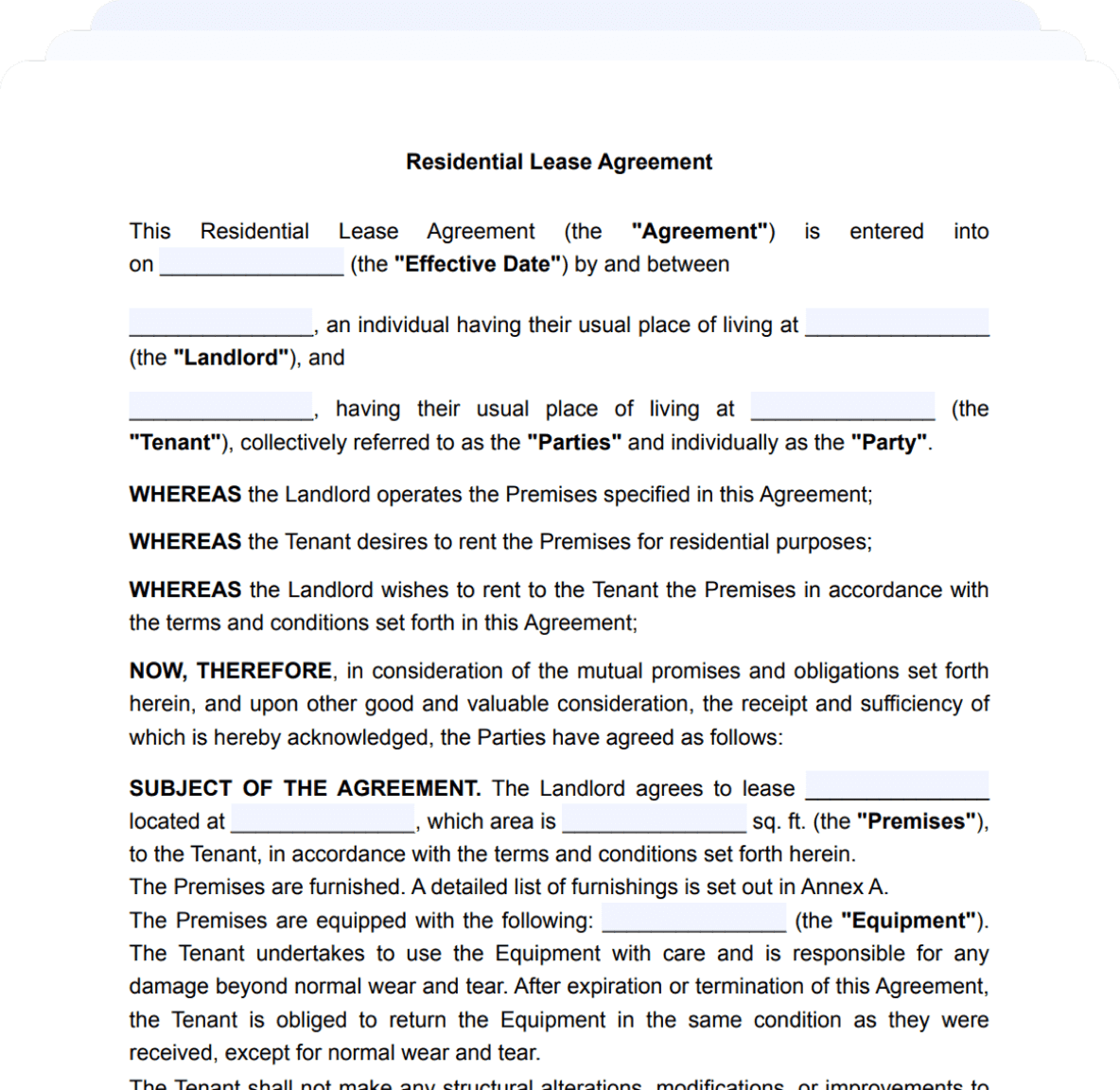
Skip the drafting.
Choose from 2,500+ templates
Browse templatesChoose a template
Fill in details
Sign and download